
AnyRec Mac Video Enhancer 1.0.6
Screenshots
Click to enlarge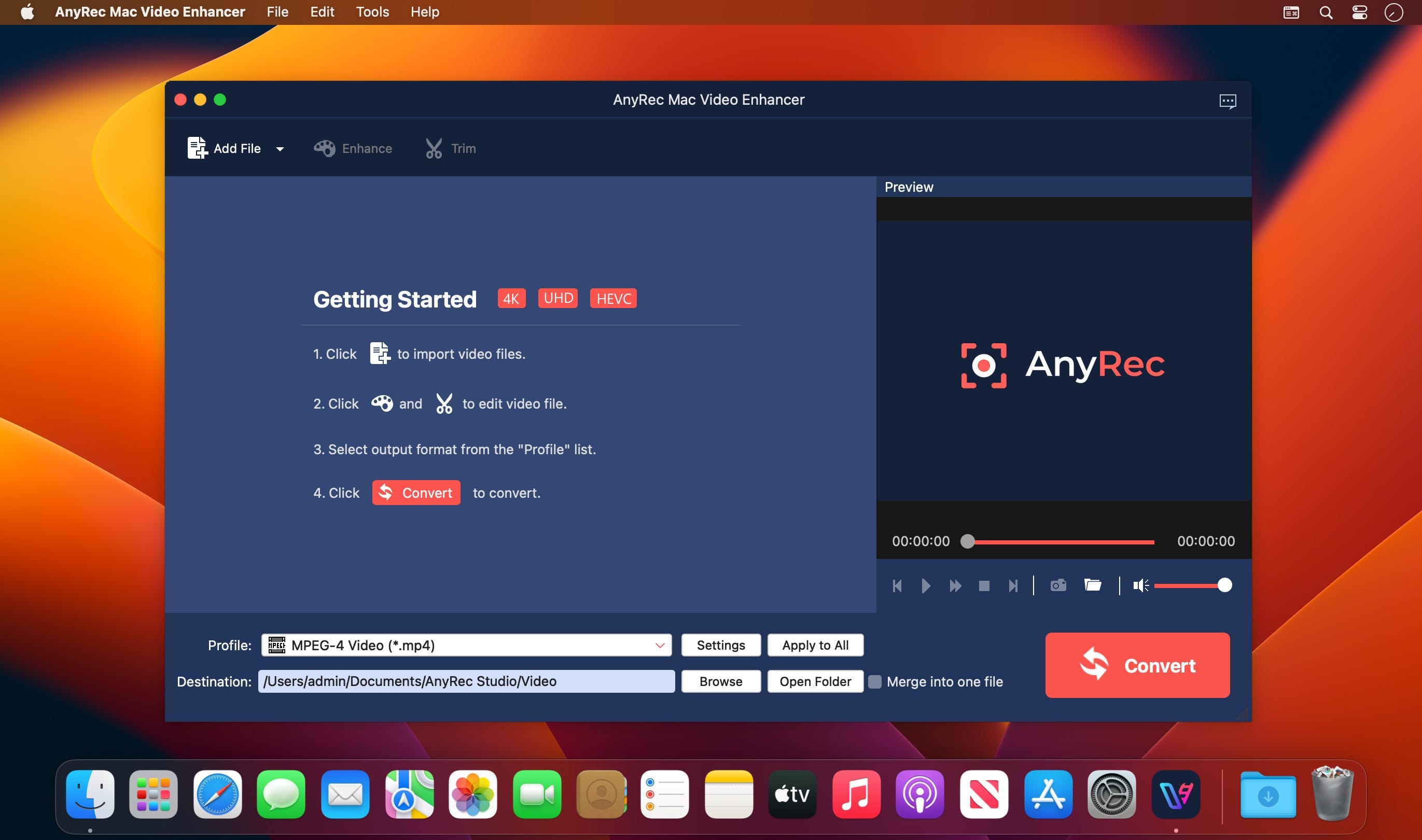

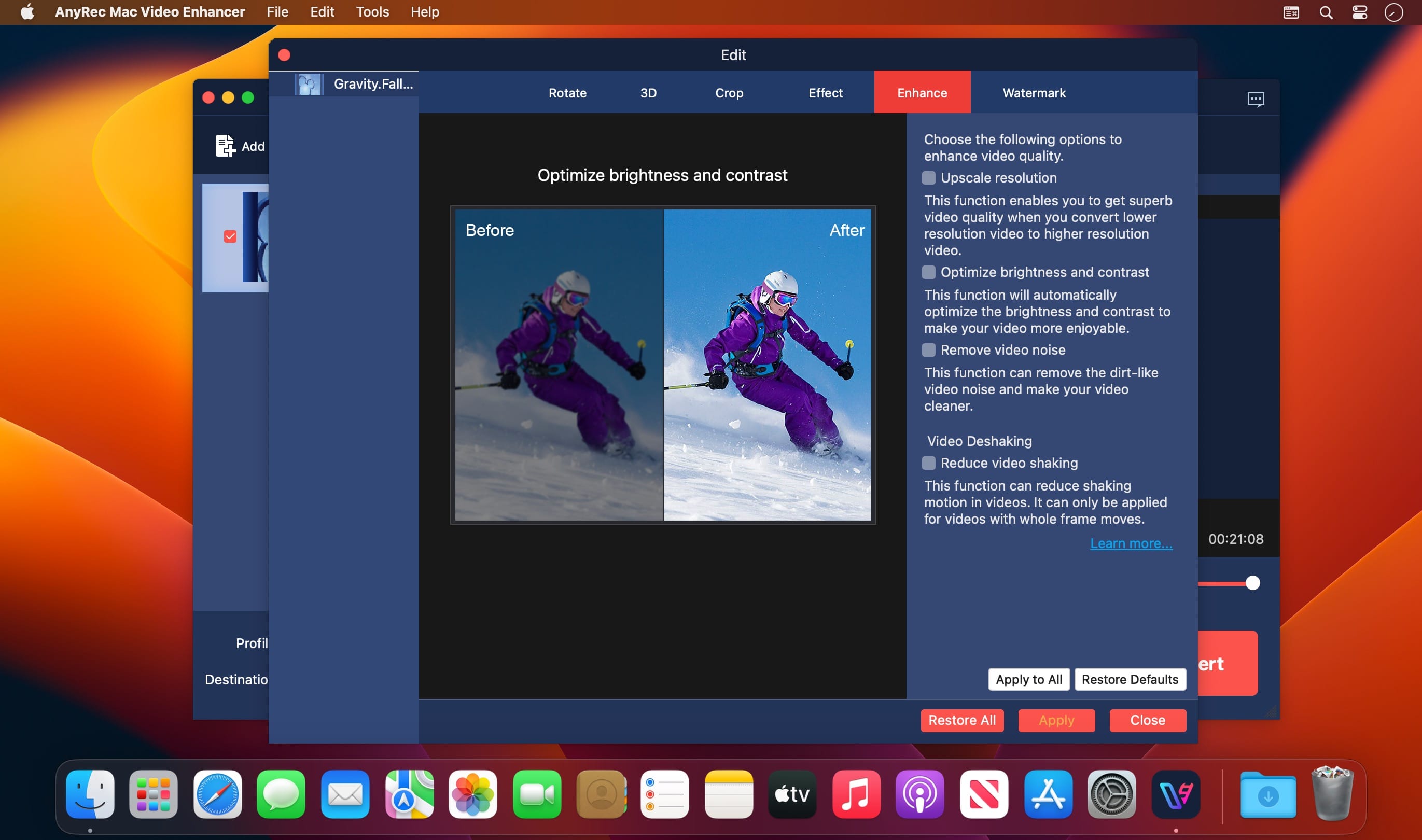
AnyRec Video Enhancer is your first solution to improve video quality with a few clicks. You can upscale resolution, optimize brightness and contrast, remove video noise, and reduce video shaking to make your video look better. Also, there is a good video editor for you.
Upscale Resolution
You can upscale video resolution in one click, including 720p to 1080p, 1080p to 4K, etc. The entire video upscaling process is easy. You can enhance any video quality from any era by yourself.
Better Brightness & Contrast
If you want to lighten up a video quality, you can use AnyRec Video Enhancer. Here you can change video brightness, contrast, and other effects for better viewing. Also, this is a good way to fix a blurry video.
Remove Video Noise
Don’t forget to use the noise reduction tool to make your video look more professional. Here you can remove not only on-screen dirt-like spots, but also other background noise, such as car voice, chatting, wind wuthering, etc.
Reduce Video Shaking
It is easy to stabilize shaky video footage. AnyRec Video Enhancer provides an advanced anti-shaky technology. You can reduce camera shake and remove unwanted blurriness smartly. So you can get a smoother and cleaner video.
Explore More Editing Tools during Video Enhancement:
- Trim and Merge
Remove unwanted video clips with a video trimmer. Moreover, you can merge custom video clips together. - Rotate and Flip
You can rotate a video by 90 degrees, 180 degrees, or 270 degrees. Also, you can clip a video horizontally or vertically. - Crop Video
By cropping a video, you can remove black edges, reduce video file size and make this video suit any screen successfully. - Add Watermark
You can add a watermark, logo, branding, and more to your video. The program also allows users to customize the position and size. - 2D to 3D
Here you can add 3D effects to any video with full 3D experience through a pair of 3D glasses. There are also many 2D to 3D settings for you. - More Effects
You can apply other filters and effects to make a good video. For starters, those beginner-friendly video enhancing tools are good to use.
Version 1.2.5:
- Release notes were unavailable when this listing was updated.
Comments
No comments yet. Be the first.