
Expressions 1.3.10
Expressions regex app for pattern editing, syntax highlighting, and clean workflows

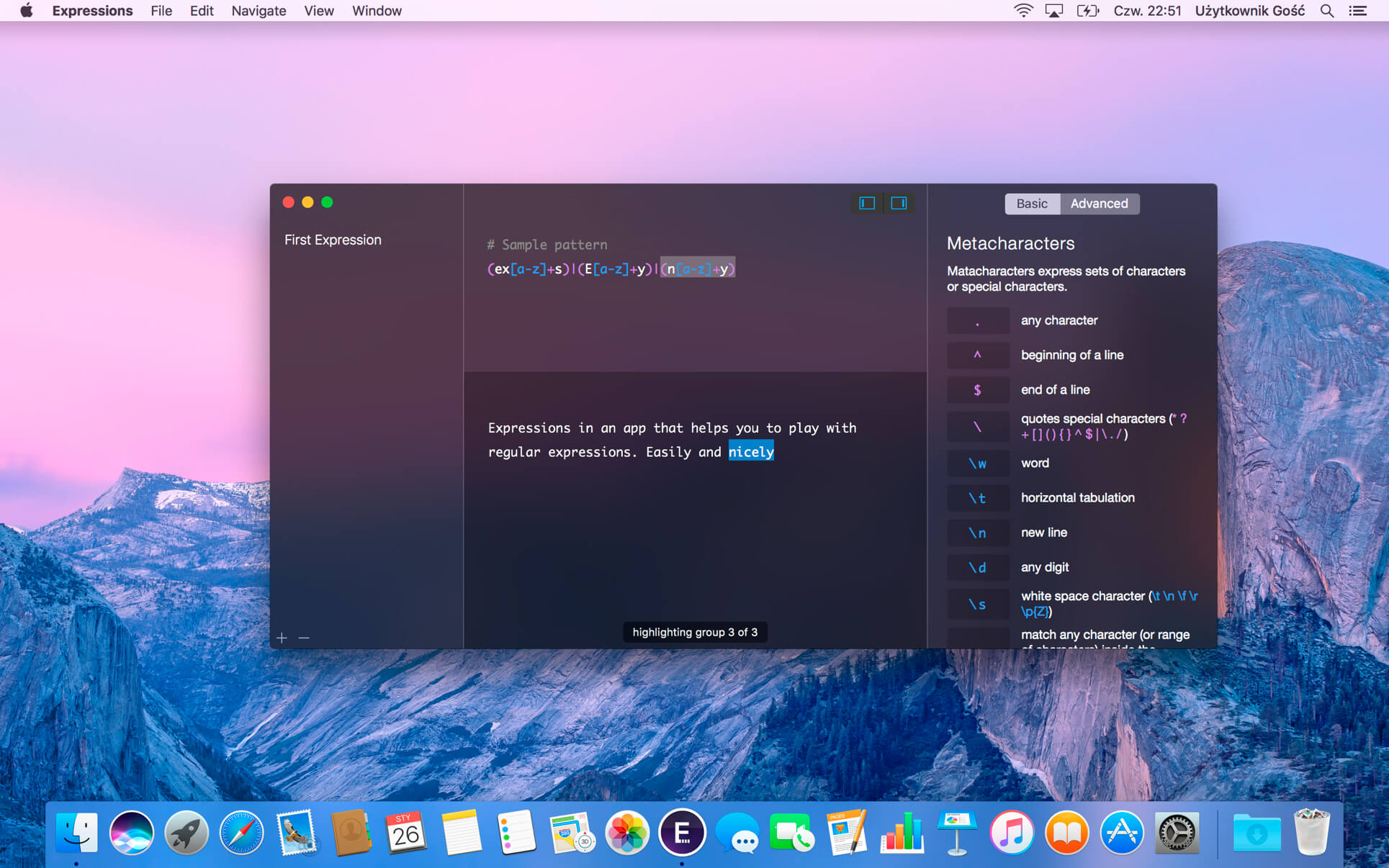
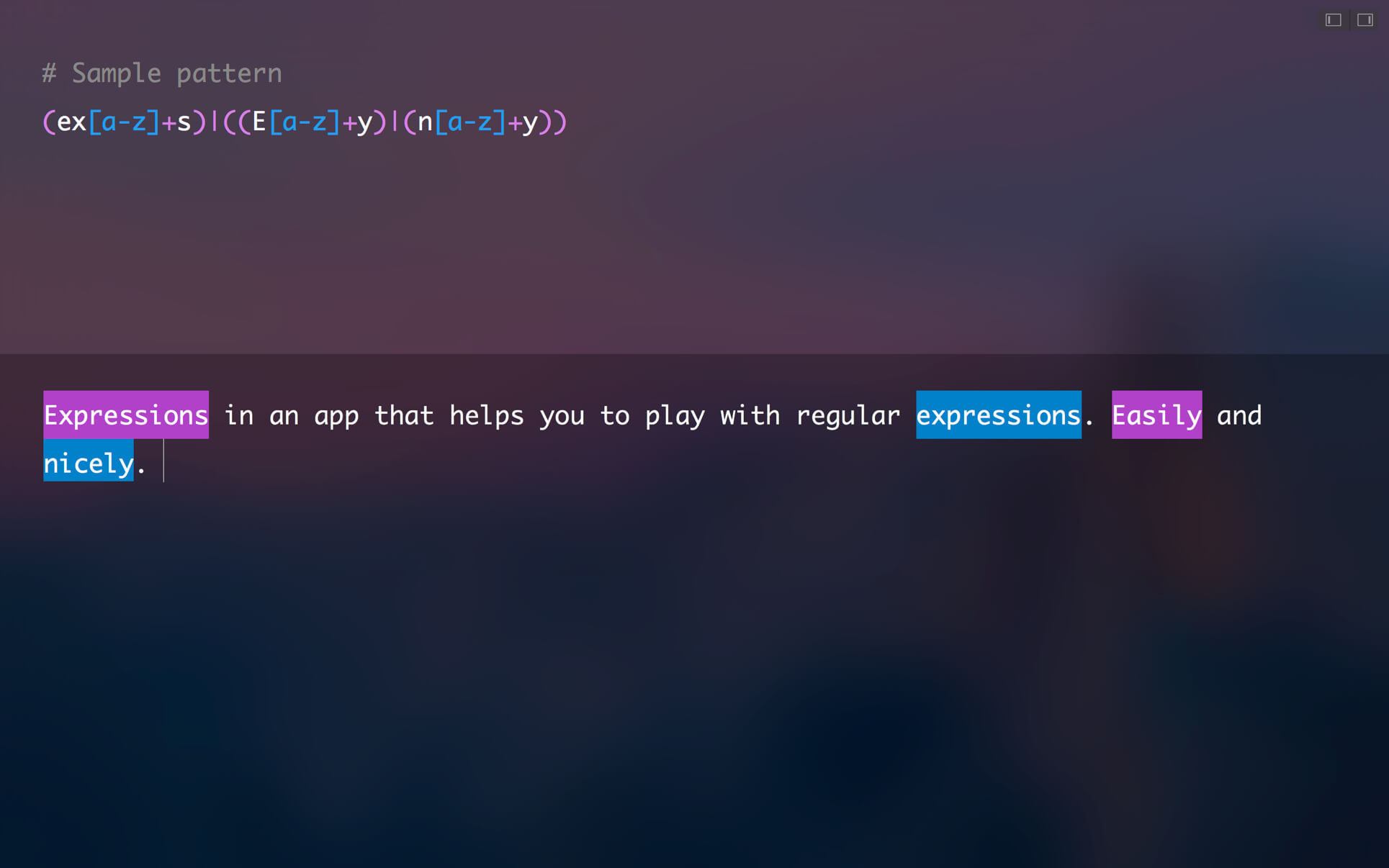
Expressions is an app to play with regular expressions. Easily and nicely.
Totally minimalistic, non–distractive user interface. Dark and light mode. Pattern syntax highlighting. Beautiful full screen view. Pattern and text group highlighting.
Expressions supports switching between pattern groups by pressing cmd+shift { and cmd+shift+}. Copying pattern can be escaped, so you can paste it directly into your code. And the other way round, of course (see Edit menu.) Thanks to "Allow whitespaces and comments" option, you can break pattern into parts which makes editing much simpler (see Preferences.)
Version 1.3.10
Bug Fixes
- Fixed toolbar buttons to show or hide sidebars. In some cases, they frozen the app.
Frequently asked questions
How do I install the app?
Mount the image, drag the app into the "Applications" folder and launch it. If the system blocks the launch, allow it in "System Settings → Privacy & Security".
The app is damaged or won't launch
Reinstalling from a fresh image usually helps. Make sure your macOS version matches the one listed in the compatibility specs.
How do I update?
Download the new version from the site and install it over the current one — your settings will be preserved.
The download link doesn't work
Try a mirror or a download manager. For large files the browser often drops the connection.
How do I completely remove the app?
Use an uninstaller utility — it cleans up the service files that remain after moving the app to the trash.




Choose a download source
Expressions 1.3.10 · 4.91 MB
Previous versions
Expressions 1.3.10
Previous versions are available to registered users.