
Entity Pro 1.5
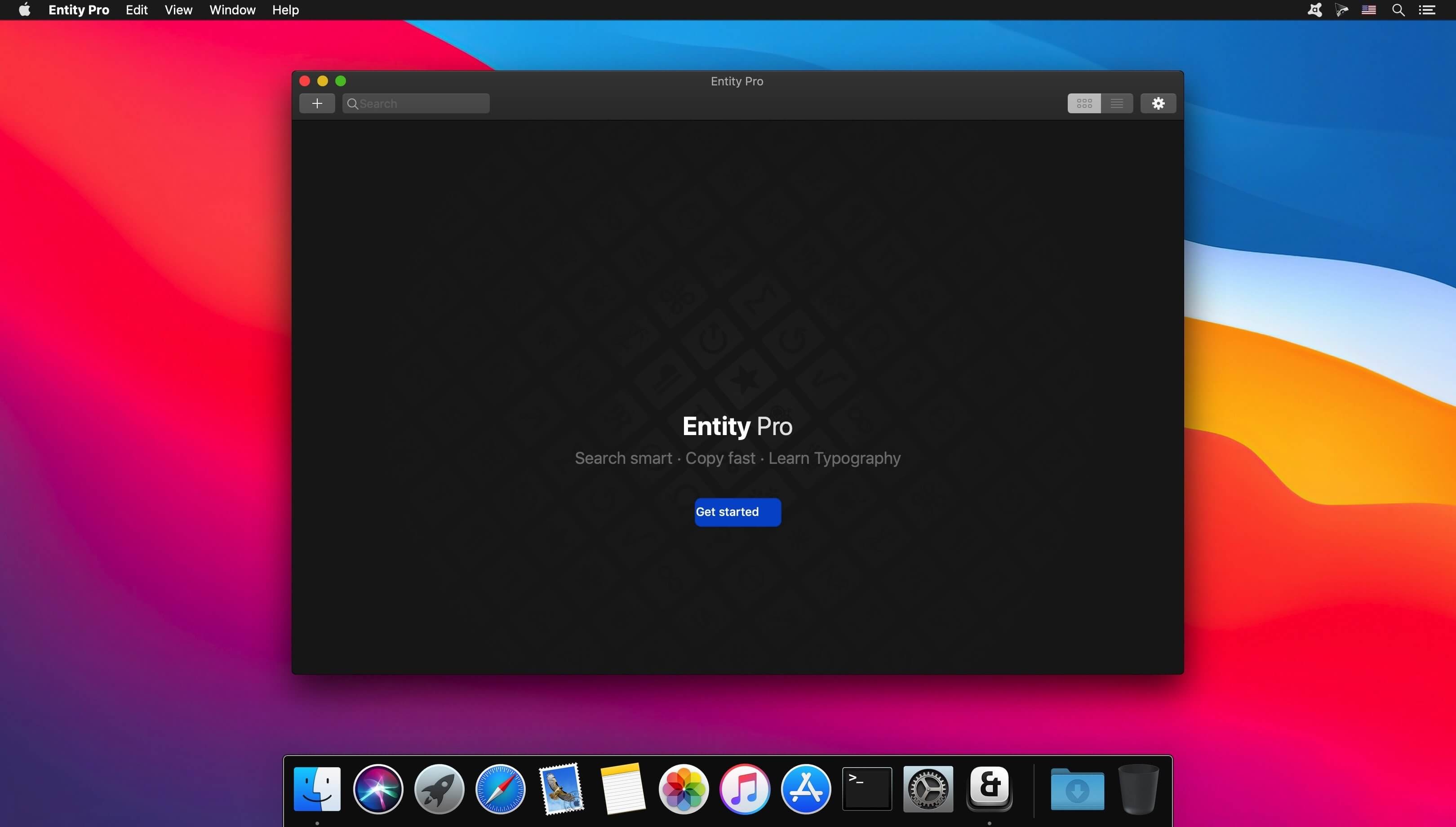
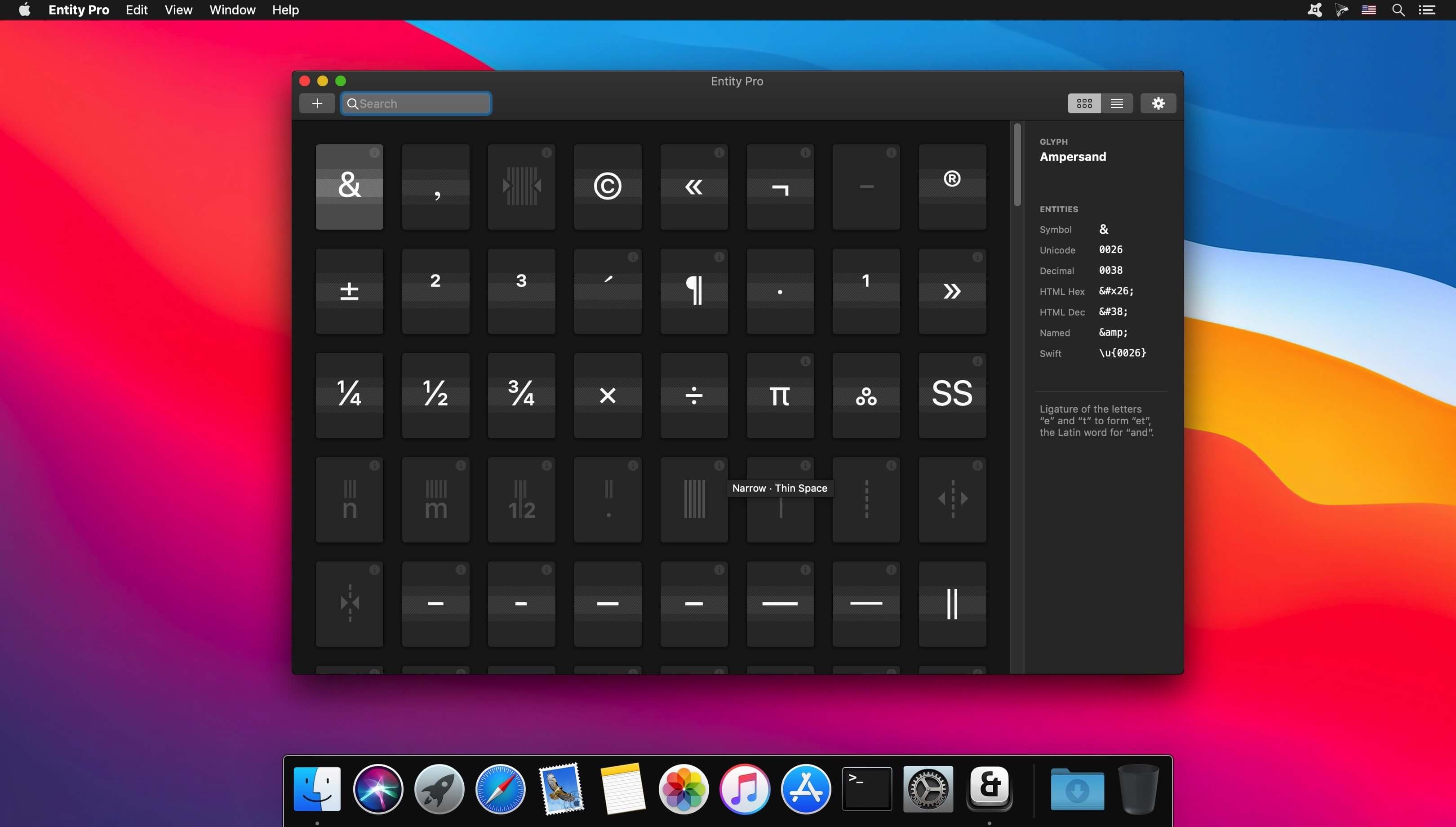
Entity Pro is the ultimate Unicode and Emoji Finder for macOS. Search smart, copy fast and learn digital typography.
Features
- Smart & fast search engine
- Finds Unicodes, Hex, Decimal, HTML and Swift entities
- Helpful typography advice: Learn how to use your glyphs right
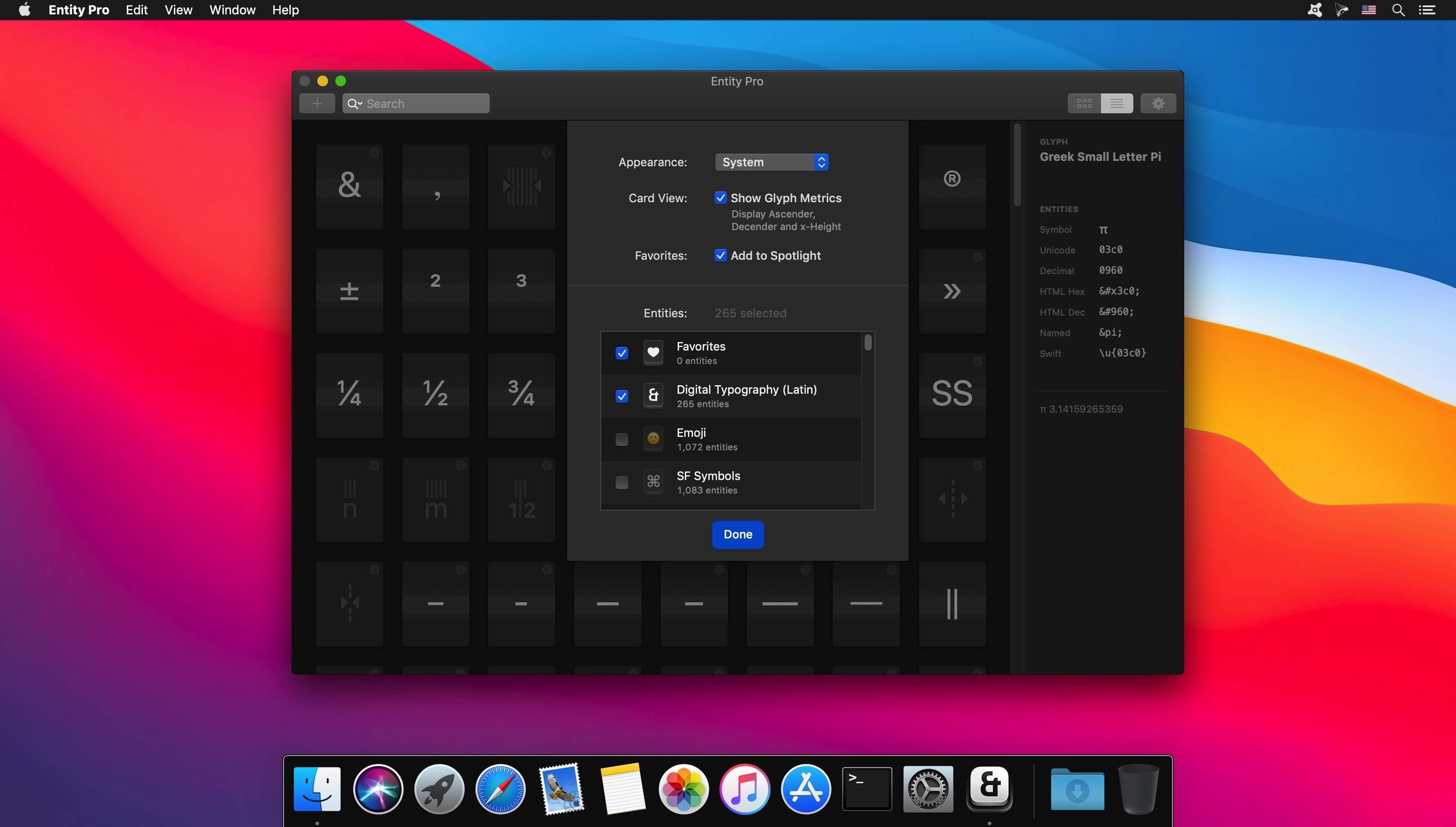
- Curated: Choose from over one hundred glyph collections
- Detail View: Inspect glyph metrics like ascender, descender and x-heights
- Collect your favourite characters
- Spotlight extension: Find your favourites super fast through macOS Spotlight
- Touchbar support for MacBook Pros
- Quick access to your frequently used characters
- Brilliant in dark and light
- Works 100 % offline
Explore new glyphs by browsing through Entity Pros beautiful Card or List View—or use its powerful search to find Unicodes, Hex, Decimals, named HTML and Swift entities. On-point advice teaches you on how to use your glyphs in a typographically appropriate way.
Tailored for designer, developer, authors and digital creators.
Version 1.5
- This update contains improvements and minor bug fixes.
Frequently asked questions
How do I install the app?
Mount the image, drag the app into the "Applications" folder and launch it. If the system blocks the launch, allow it in "System Settings → Privacy & Security".
The app is damaged or won't launch
Reinstalling from a fresh image usually helps. Make sure your macOS version matches the one listed in the compatibility specs.
How do I update?
Download the new version from the site and install it over the current one — your settings will be preserved.
The download link doesn't work
Try a mirror or a download manager. For large files the browser often drops the connection.
How do I completely remove the app?
Use an uninstaller utility — it cleans up the service files that remain after moving the app to the trash.




Choose a download source
Entity Pro 1.5 · 6.46 MB