
Sticky 2.4
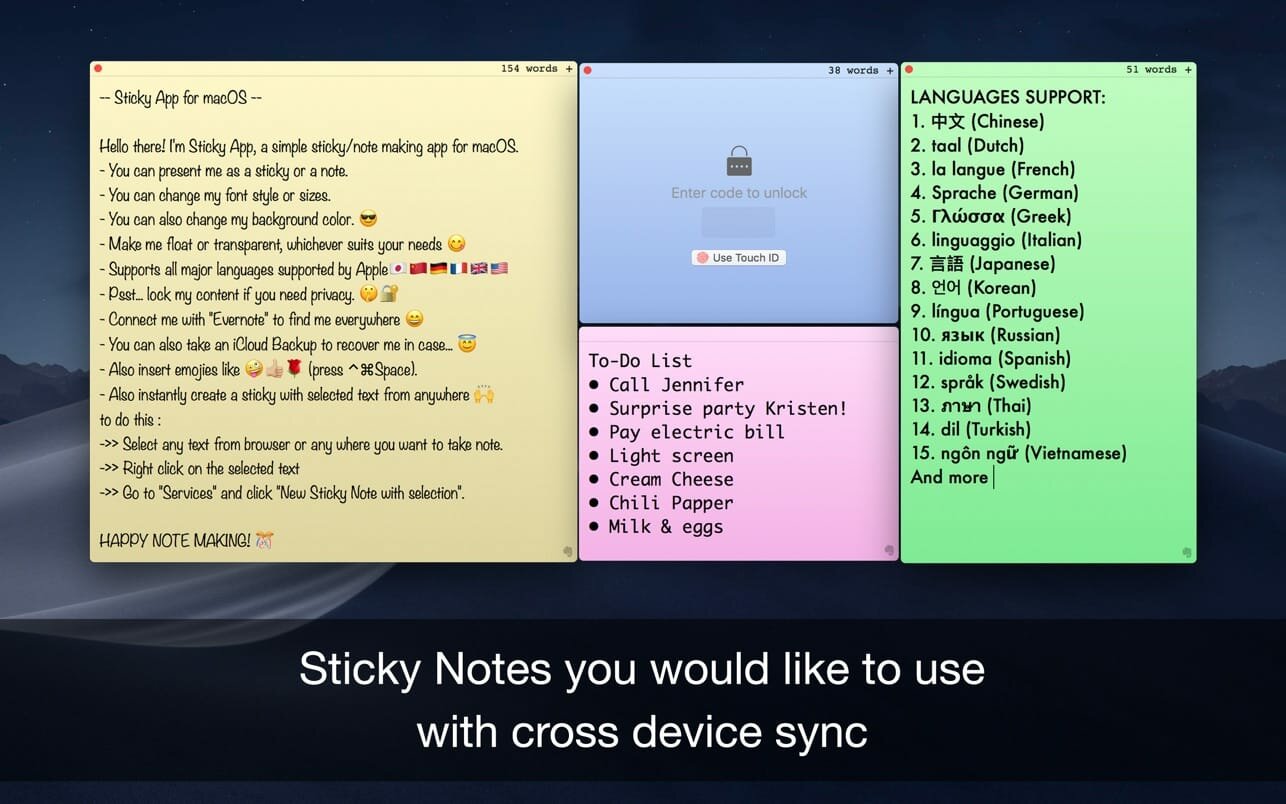
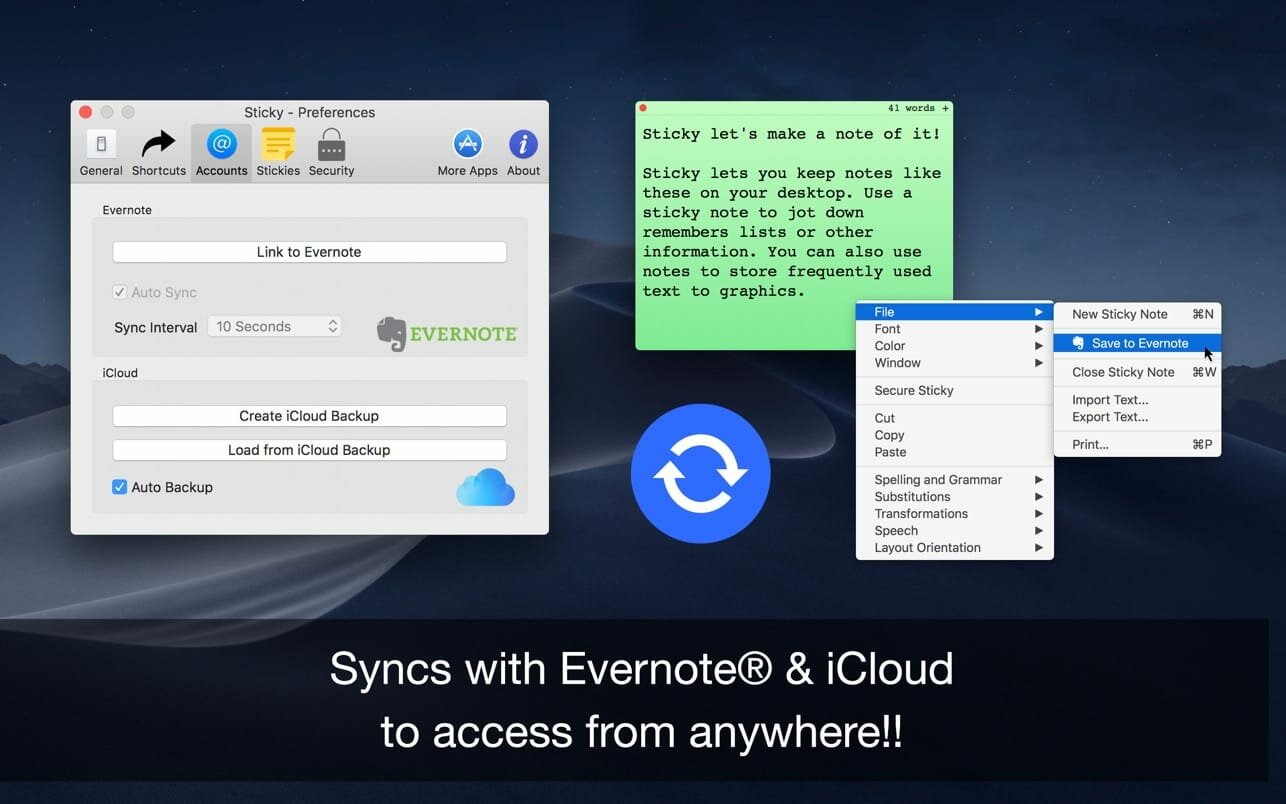
The Sticky Notes app uses your Evernote & iCloud space and to sync notes between Evernote account. It cannot access your private files only those created by itself. Import & Export notes online with one click, with easy & customizable sticky notes in different colors, feel free to move and resize your notes independently.
Supports multiple languages with text to speech recognition and can lock individual sticky notes with touch ID unlock. Sticky Notes use Official Evernote API to sync the sticky notes from and to Evernote account.
- Sticky notes as always you wanted to be.
- Sync with Evernote & iCloud across the devices
- Auto Arrange on desktop.
Welcome to Sticky Notes!
A word about permissions: The Sticky Notes app uses your Evernote and iCloud space to sync notes between Evernote accounts. It cannot access your private files only those created by itself.
Features:
- Sticky Notes! (..Sherlock!)
- Syncs with Evernote®.
- Optional, custom synchronisation via iCloud
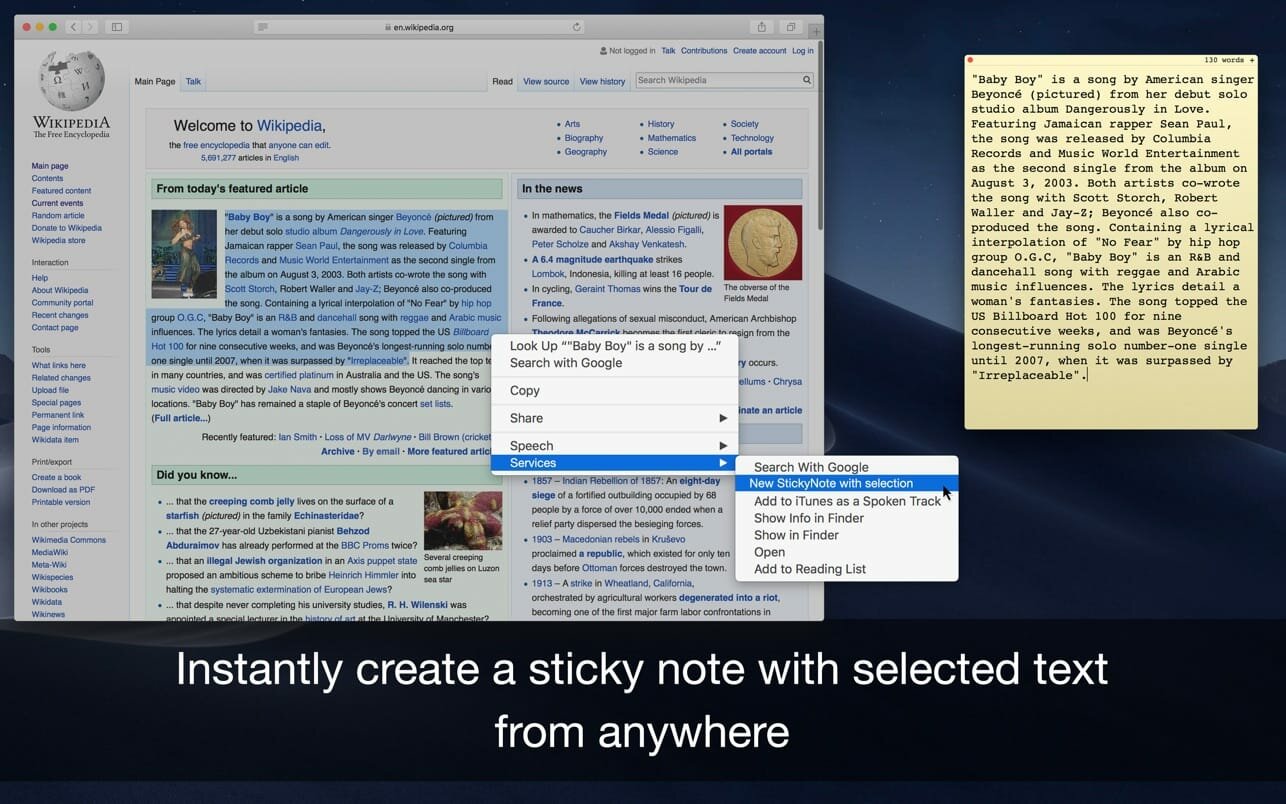
- Import and export notes online with one click.
- Feel free to move and resize your notes independently.
- Pin note / Always on top
- Choose the colour of your note.
- Set the best font for you.
- Leisten Text to Speech recognition.
- Close the note if you don't need it at the moment and simply click Sticky Notes icon to open it again and more.
Version 2.3
- Improved stability and faster note syncing
- Better support for macOS Sonoma
- Added new color themes for better organization
- Minor UI tweaks and bug fixes
Frequently asked questions
How do I install the app?
Mount the image, drag the app into the "Applications" folder and launch it. If the system blocks the launch, allow it in "System Settings → Privacy & Security".
The app is damaged or won't launch
Reinstalling from a fresh image usually helps. Make sure your macOS version matches the one listed in the compatibility specs.
How do I update?
Download the new version from the site and install it over the current one — your settings will be preserved.
The download link doesn't work
Try a mirror or a download manager. For large files the browser often drops the connection.
How do I completely remove the app?
Use an uninstaller utility — it cleans up the service files that remain after moving the app to the trash.





Choose a download source
Sticky 2.4 · 6.9 MB