
CVS 2.30
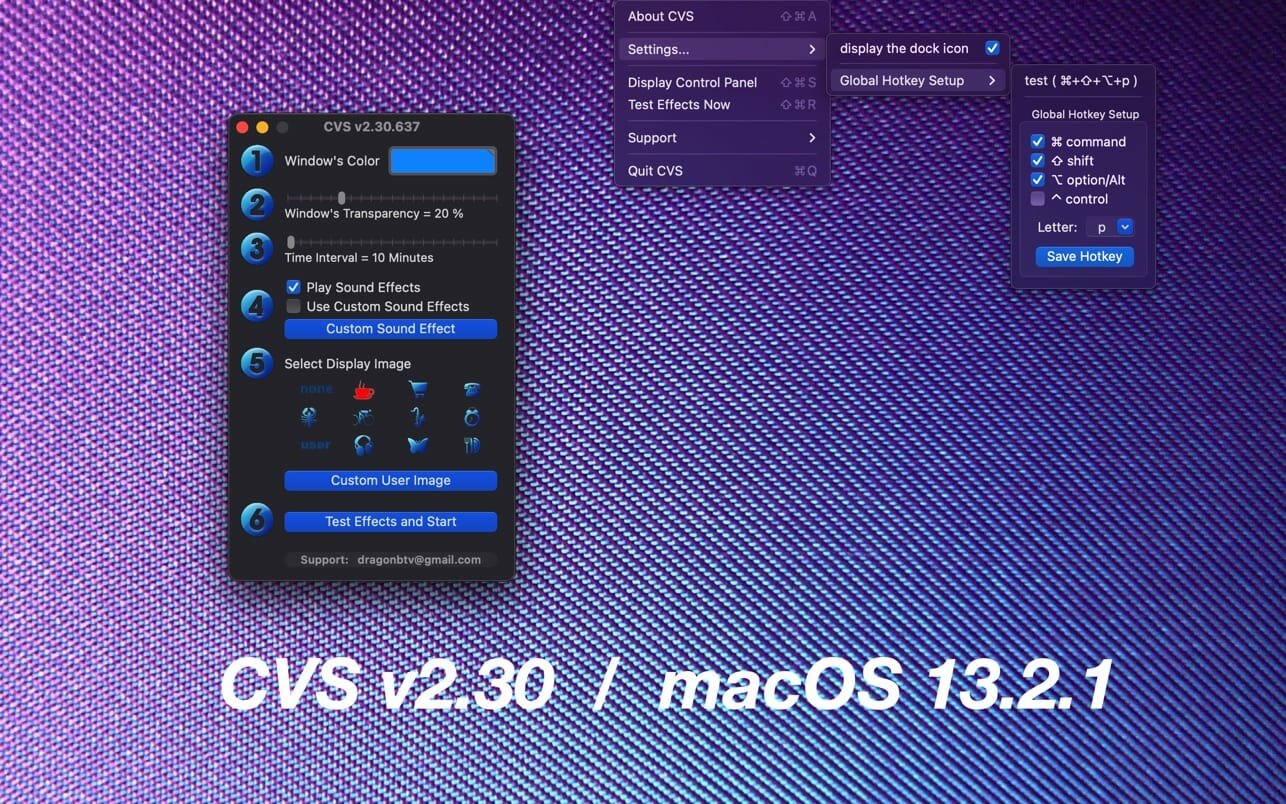
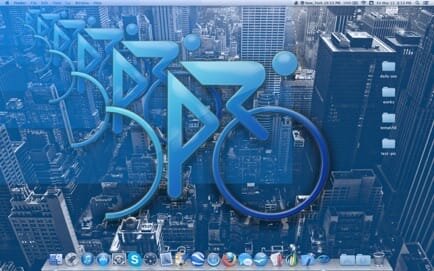
With more and more hours spent working on a computer, we know your eyes have taken a toll. But did you know that a 20-20-20 exercise (take a break every 20 minutes and focus your eyes on an object 20 feet away for 20 seconds) can do wonders towards preserving your eyesight and relieve your tired and sore eyeballs?
The relief effect is immediate and obvious. To experience the feeling, please try our introductory-level app iRestFREE which was released years ago.
Features
- "20-20-20 exercise" guaranteed to make your eyes feel more relaxed despite long hours staring at a screen! The technique is further improved by adding an eyeball rotation exercise as well.
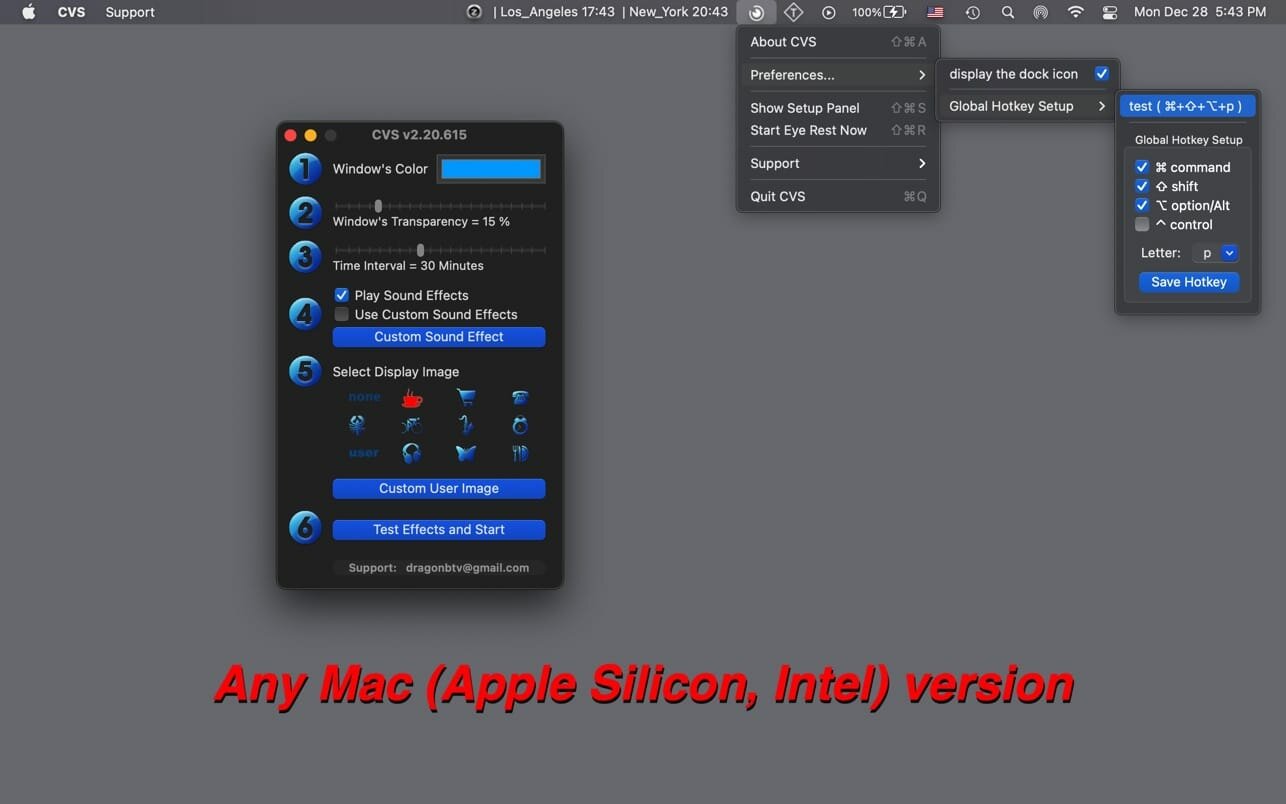
- Customize your own eye exercise schedule! while 20-minute intervals for exercises are recommended, the app supports everything from 10 to 60 minutes.
- Customizable sound effect accompany the exercise or be switched off according to your liking.
- App window's color and transparency can be freely changed
- 11 preset display images for maximum focusing of your vision
- And more as follow
Version v2.30
- All deprecated code rewritten
- status menu bar icon not only matches macOS dark mode but also the wallpaper light/dark setting
- bug fixed: custom color can be saved correctly
- menu titles updated
- More by dragonBTV menu updated
Frequently asked questions
How do I install the app?
Mount the image, drag the app into the "Applications" folder and launch it. If the system blocks the launch, allow it in "System Settings → Privacy & Security".
The app is damaged or won't launch
Reinstalling from a fresh image usually helps. Make sure your macOS version matches the one listed in the compatibility specs.
How do I update?
Download the new version from the site and install it over the current one — your settings will be preserved.
The download link doesn't work
Try a mirror or a download manager. For large files the browser often drops the connection.
How do I completely remove the app?
Use an uninstaller utility — it cleans up the service files that remain after moving the app to the trash.

Choose a download source
CVS 2.30 · 4.92 MB