

wordCount 2.56
Screenshots
Click to enlarge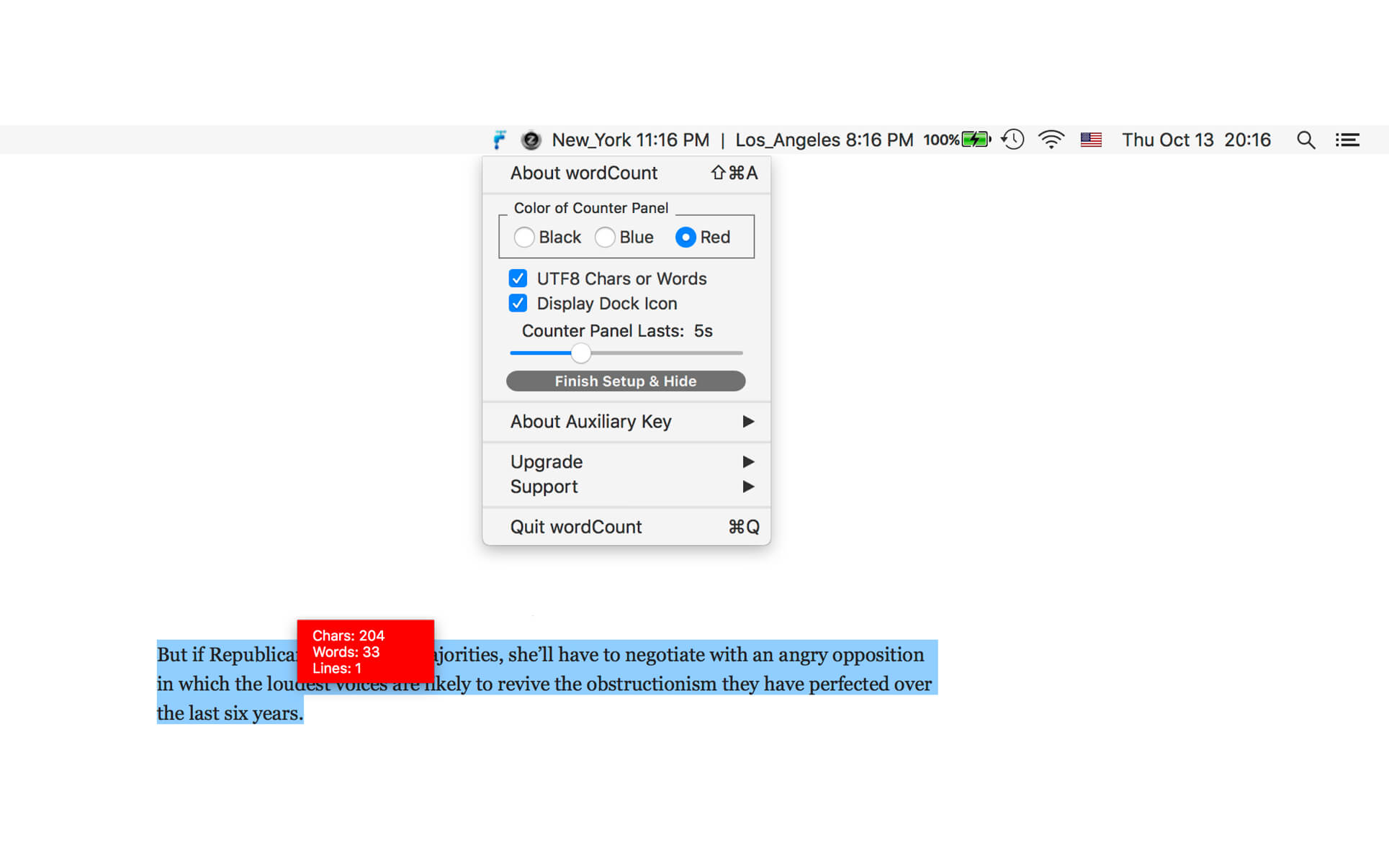
Count and display the number of characters, words, lines and UTF8 characters in anything you select at anywhere with this elegant app! (attention: setting interface located in status menu bar)
Still counting words by hand? Still copy-pasting into Microsoft Word just to get the word count? No offense, but you need something less clumsy and more convenient, like a specialized app that can count characters and words without you having to leave your browser or email client.
wordCount is exactly what you need! A simple, easy-to-use app for whatever you might be doing. Just highlight a selection, a delicate window will pop up and give you the character and word counts. It's that easy!
Not only can this app count Western alphabets (Latin and Cyrillic), it can even count UTF-8 foreign characters, such as Chinese, Korean or Arabic. With customizable controls, you would enjoy the come and go of the little counter window.
Version v2.56
- user notification updated, all deprecated code rewritten
- turn on notification alert added
- status menu bar icon changed
- dark mode supported
- new version release note added
- status menu bar icon not only matches macOS dark mode but also the wallpaper light/dark setting
- display control panel added to dock menu and main menu
- More by dragonBTV menu updated
Comments
No comments yet. Be the first.