Master of Typing 3 - Practice 3.17.4
Master of Typing 3 is an effective TOUCH typing course for mastering fast typing technique using all your 10 FINGERS simultaneously.
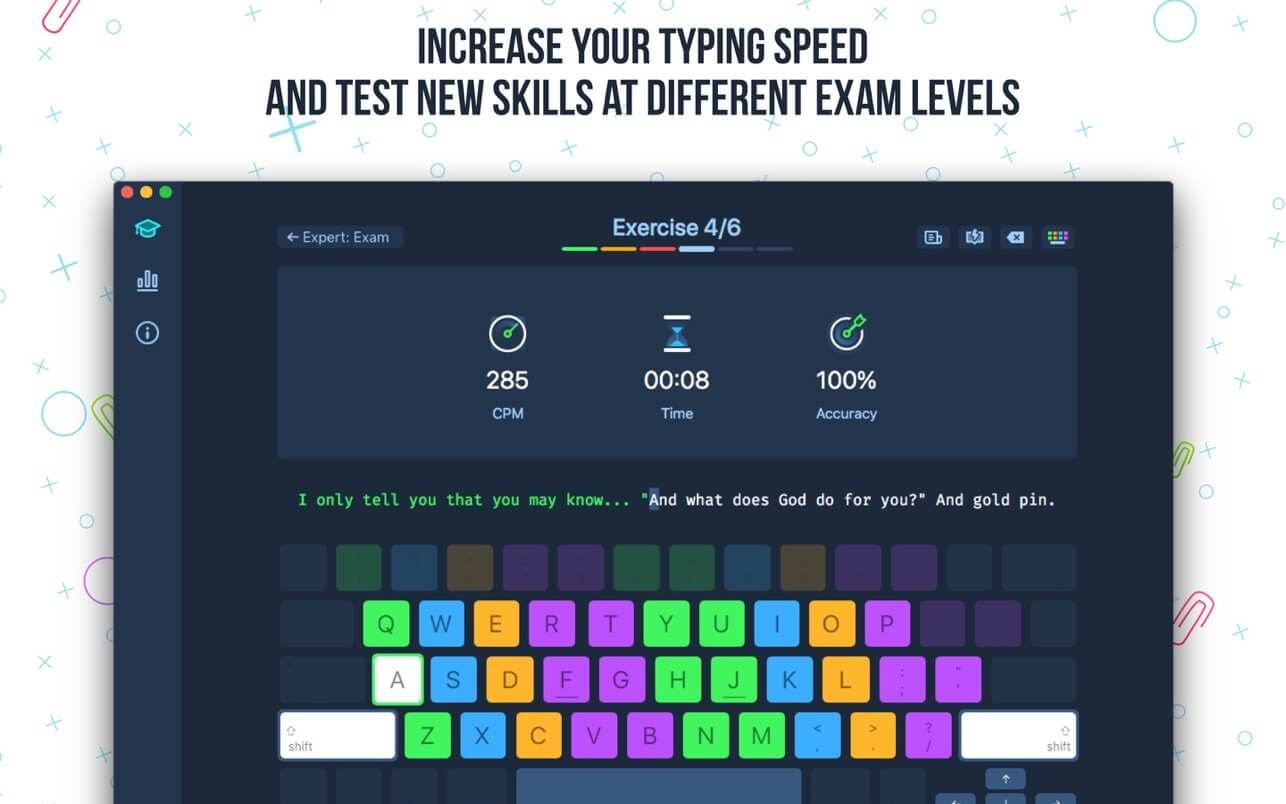
INCREASE YOUR TYPING SPEED
- Variety of exercises: letters & special characters, words & phrases.
- Click Settings (bottom left corner).
- Please, make sure that Auto Difficulty is OFF.
- Select a difficulty level, and then a lesson.
- Select a lesson section using left / right arrow keys.
Auto Difficulty settings:
- Click Settings (bottom left corner).
- Select auto-difficulty to move to the next lesson automatically if you do an exercise successfully.
- Deselect auto-difficulty and select a lesson if you want to exercise letters of this lesson only.
CHECK NEW SKILLS
- Multiple levels of exams.
- Accurate statistics results:
- Best & average speed,
- Best & average accuracy.
- Tips system
ENJOY BENEFITS:
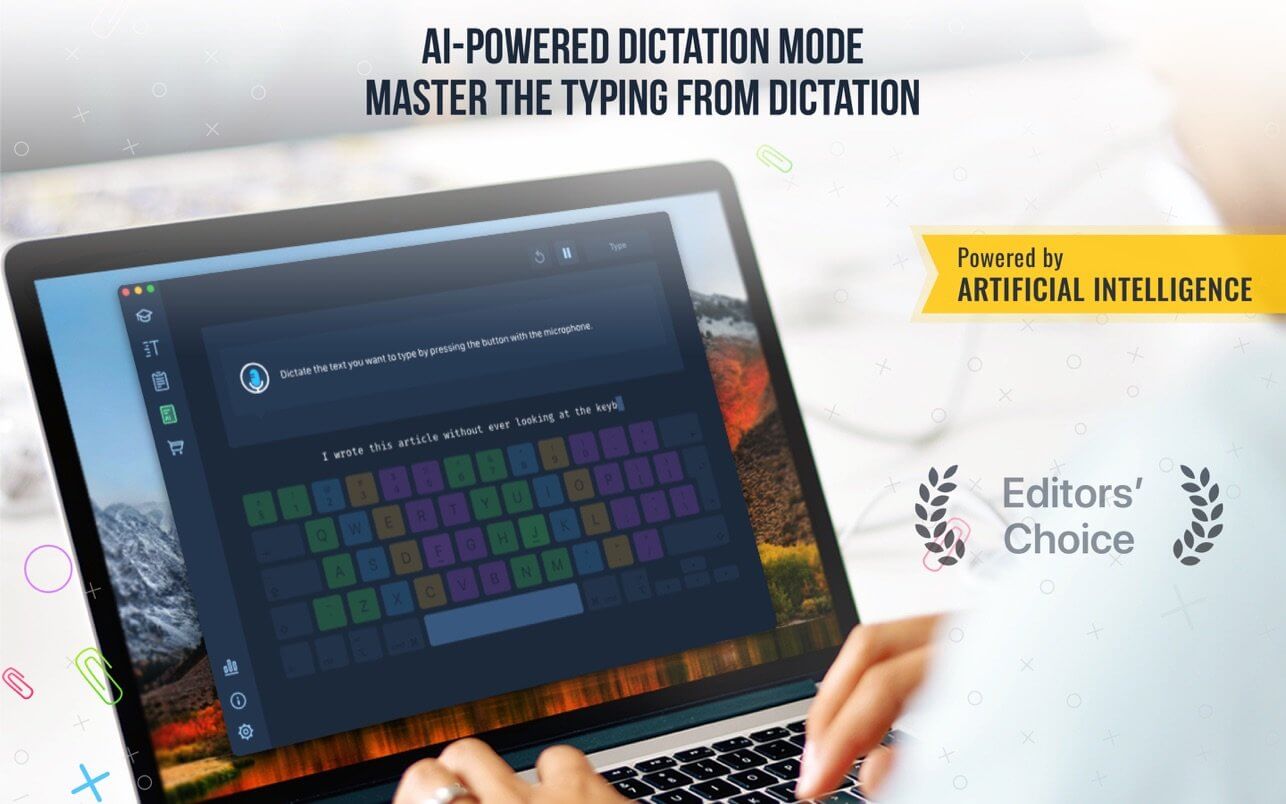
- AI-powered dictation mode
Dictate the text and then type it OR select the suggested text and type it at dictation
- Smart timer - stops when you click outside the app window.
So, you can come back to the exercise and continue doing it at any time.
- 3 themes: Light, Dark and East - choose the most universally convenient theme that fits your needs.
- Swipe and hotkeys for quickly switching between windows.
- Colored keyboard's scheme to memorize finger positions.
- Ideal for self-study at any time.
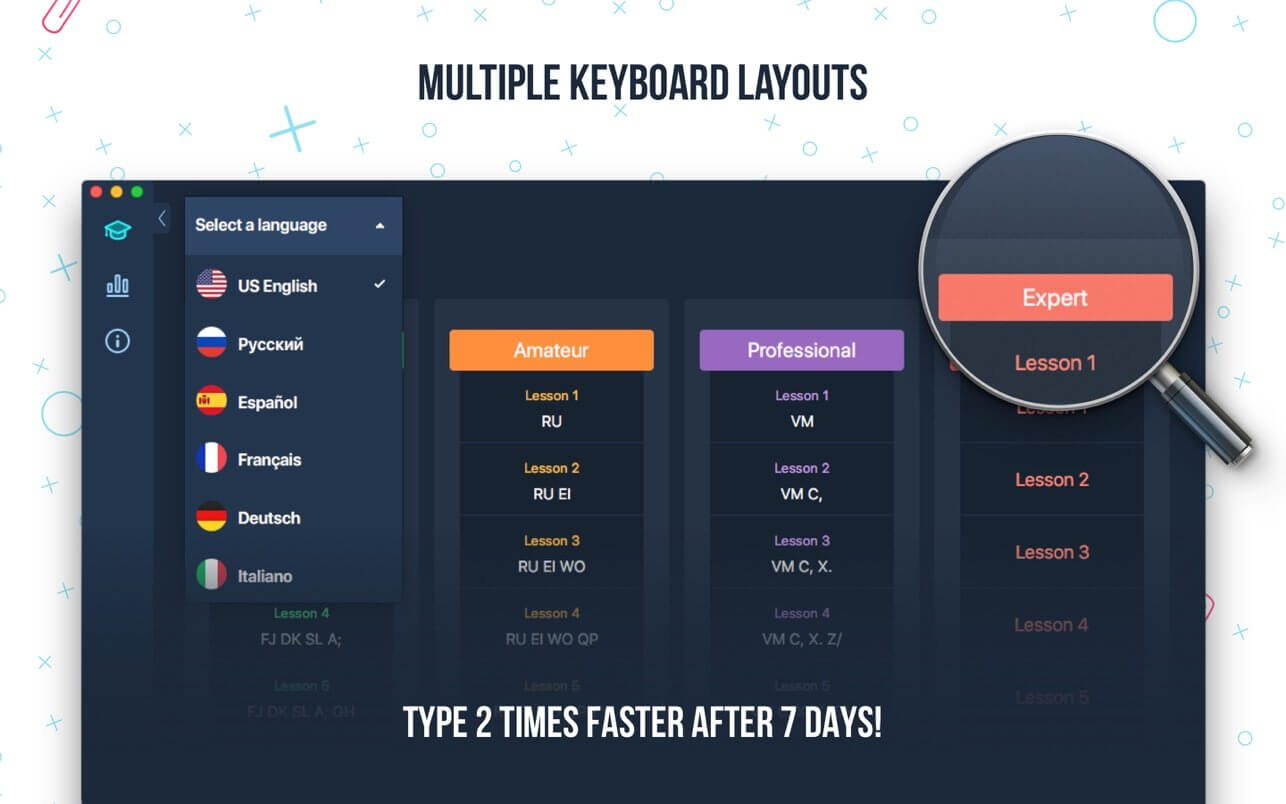
TYPE IN DIFFERENT LANGUAGES:
- English (QWERTY),
- Russian (ЙЦУКЕН),
- Spanish
- French (AZERTY),
- German (QWERTZ),
- Italian.
Version 3.17.4
- Good news! Your app will now occupy less storage space on your device. We've made a minor change to reduce the download size of our app.
Frequently asked questions
How do I install the app?
Mount the image, drag the app into the "Applications" folder and launch it. If the system blocks the launch, allow it in "System Settings → Privacy & Security".
The app is damaged or won't launch
Reinstalling from a fresh image usually helps. Make sure your macOS version matches the one listed in the compatibility specs.
How do I update?
Download the new version from the site and install it over the current one — your settings will be preserved.
The download link doesn't work
Try a mirror or a download manager. For large files the browser often drops the connection.
How do I completely remove the app?
Use an uninstaller utility — it cleans up the service files that remain after moving the app to the trash.



Choose a download source
Master of Typing 3 - Practice 3.17.4 · 228.43 MB
Previous versions
Master of Typing 3 - Practice 3.17.4
Previous versions are available to registered users.