
ZoneClock 3.65
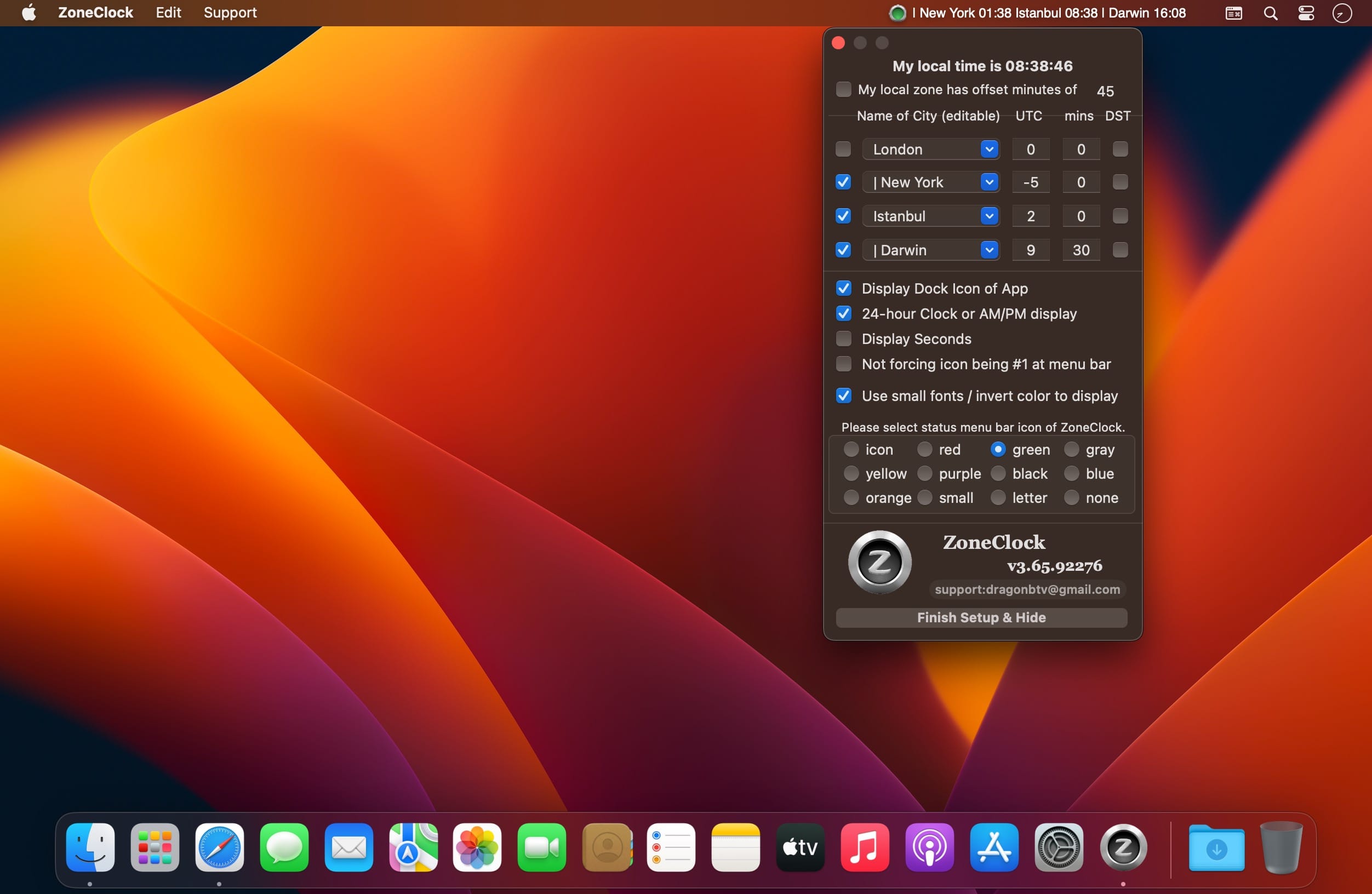
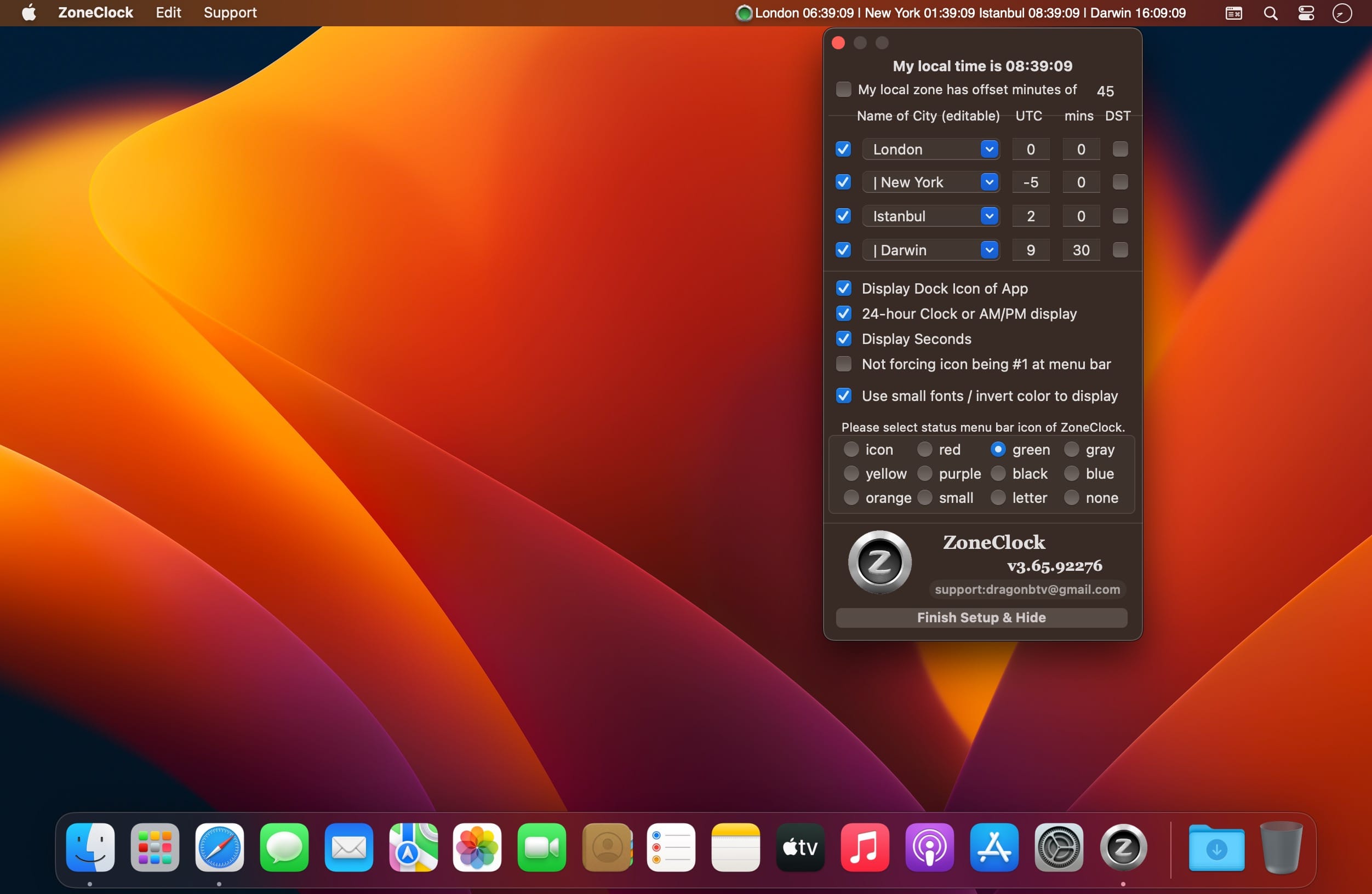
ZoneClock is a tiny but powerful world-time clock. It conveniently docks on the top system menu bar, so it's both visible and unobtrusive. Easy to use and 100% customizable, ZoneClock is ideal for the needs of everyone.
- ZoneClock can display times from up to four different time zones simultaneously.
- You can name these clocks however you wish, even with foreign and special characters!
- All these setup operations are incredibly simple, and the menu can be accessed with a click of the mouse.
Features
- Fully customizable
- Displays up to 4 time zones
- Toggles between 12- and 24-hour clocks
- The clock can display seconds
- Auto open at Login (automatically launch at startup)
Version v3.65
- user notification updated, all deprecated code rewritten
- status menu bar icon not only matches macOS dark mode but also the wallpaper light/dark setting
- display setting panel added to dock menu and main menu
- setting panel become more compact
- display style fully editable, color emoji supported
- bug fixed: local offset minutes input not quitting focus
- More by dragonBTV menu updated
Frequently asked questions
How do I install the app?
Mount the image, drag the app into the "Applications" folder and launch it. If the system blocks the launch, allow it in "System Settings → Privacy & Security".
The app is damaged or won't launch
Reinstalling from a fresh image usually helps. Make sure your macOS version matches the one listed in the compatibility specs.
How do I update?
Download the new version from the site and install it over the current one — your settings will be preserved.
The download link doesn't work
Try a mirror or a download manager. For large files the browser often drops the connection.
How do I completely remove the app?
Use an uninstaller utility — it cleans up the service files that remain after moving the app to the trash.
Choose a download source
ZoneClock 3.65 · 2.39 MB