Geekbench 4.4.1
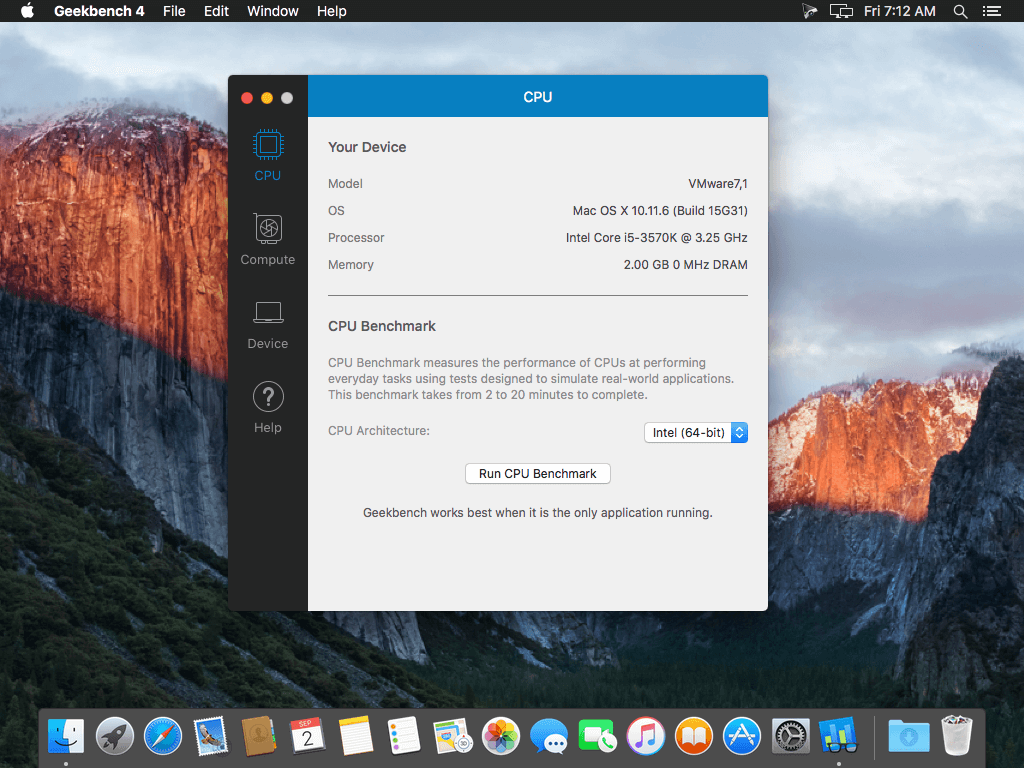
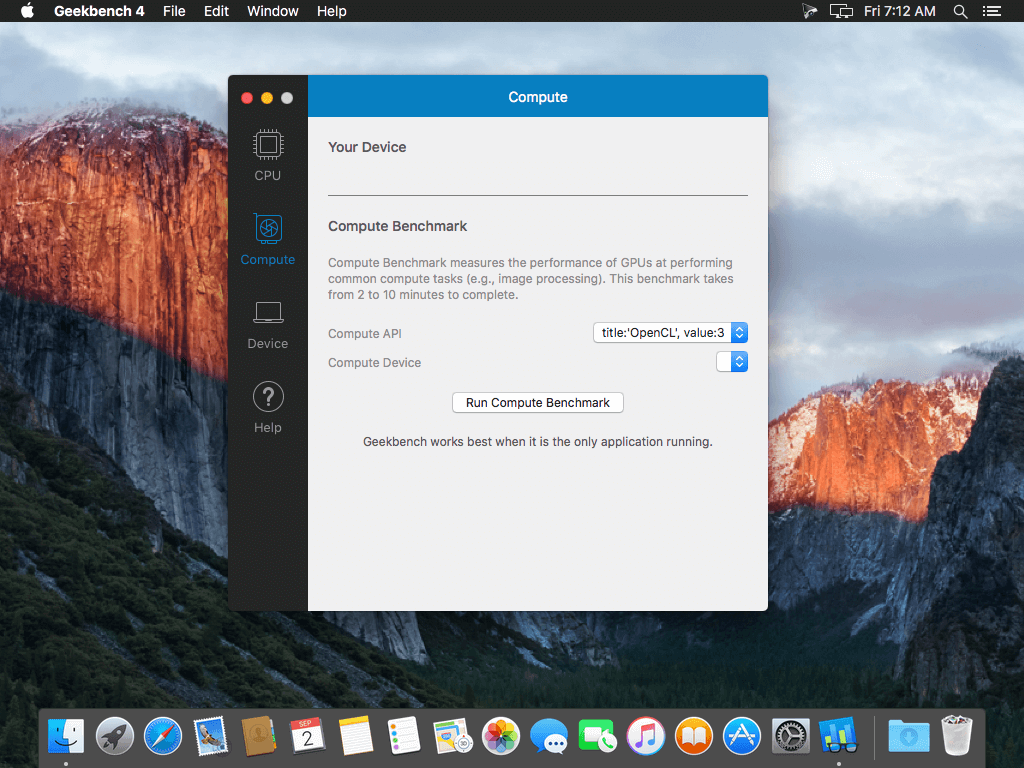
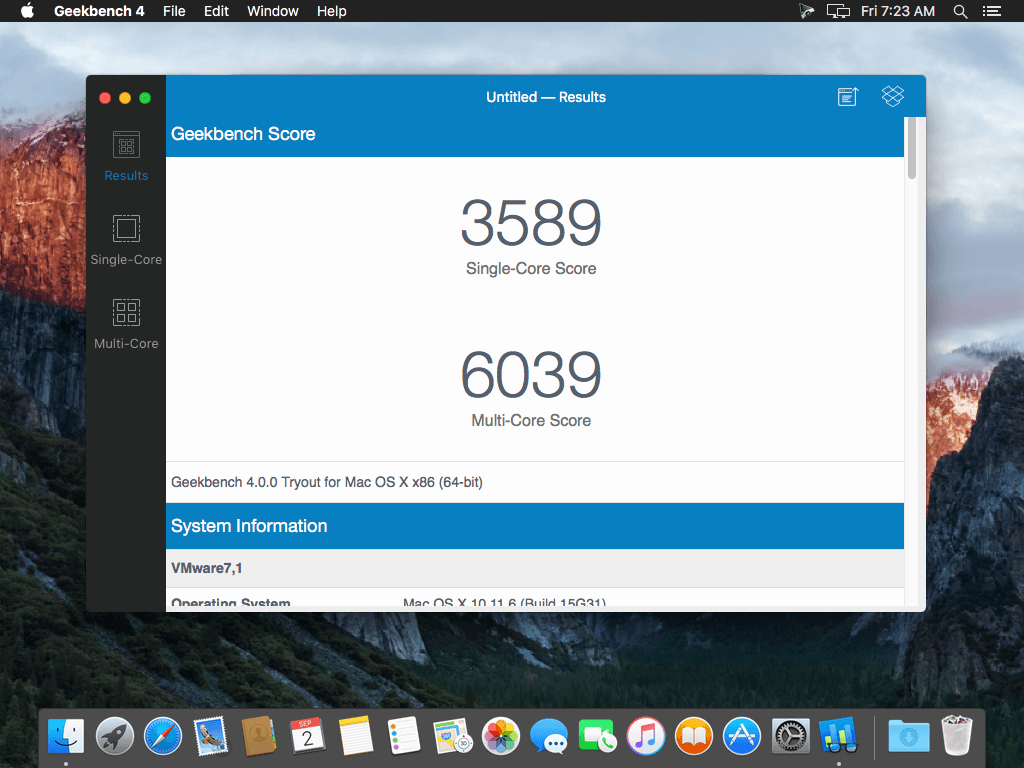
Geekbench provides a comprehensive set of benchmarks engineered to quickly and accurately measure processor and memory performance. Designed to make benchmarks easy to run and easy to understand, Geekbench takes the guesswork out of producing robust and reliable benchmark results.
CPU Benchmark
Each CPU workload models a real-world task or application, ensuring meaningful results. These tests are complex, avoiding simple problems with straightforward memory-access patterns, and push the limits of your system.
Compute Benchmark
Measure the compute performance of your GPU with the new Compute Benchmark. From image processing to computer vision to number crunching, Geekbench 4 tests your GPU using relevant and complex challenges.
Cross-Platform
Designed from the ground-up for cross-platform comparisons, Geekbench 4 allows you to compare system performance across devices, processor architectures, and operating systems. Geekbench 4 supports Android, iOS, macOS, Windows, and Linux.
Version 4.4.1:
- Update comparison results to include the latest Android, iOS devices
Frequently asked questions
How do I install the app?
Mount the image, drag the app into the "Applications" folder and launch it. If the system blocks the launch, allow it in "System Settings → Privacy & Security".
The app is damaged or won't launch
Reinstalling from a fresh image usually helps. Make sure your macOS version matches the one listed in the compatibility specs.
How do I update?
Download the new version from the site and install it over the current one — your settings will be preserved.
The download link doesn't work
Try a mirror or a download manager. For large files the browser often drops the connection.
How do I completely remove the app?
Use an uninstaller utility — it cleans up the service files that remain after moving the app to the trash.
VersionGeekbench 4.4.1
DeveloperPrimate Labs Inc.
CompatibilityOS X 10.11.4 or later, 64-bit processor
LanguageEnglish
IncludesK'ed by TNT



Information
Visitors in the group Guests cannot leave comments on this publication.
Choose a download source
Geekbench 4.4.1 · 78.16 MB
Previous versions
Geekbench 4.4.1
Previous versions are available to registered users.