Compute Manager 1.0.2
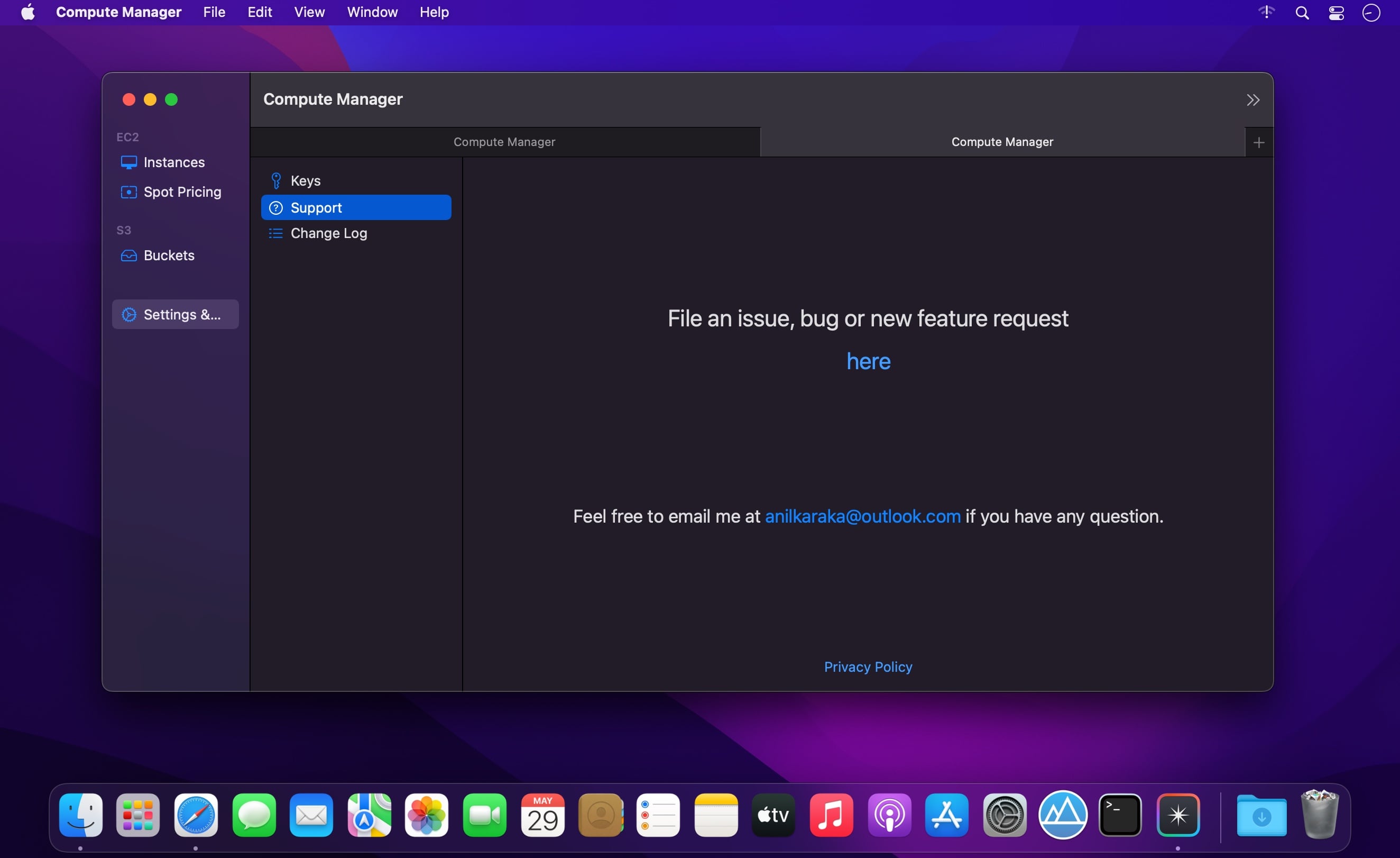
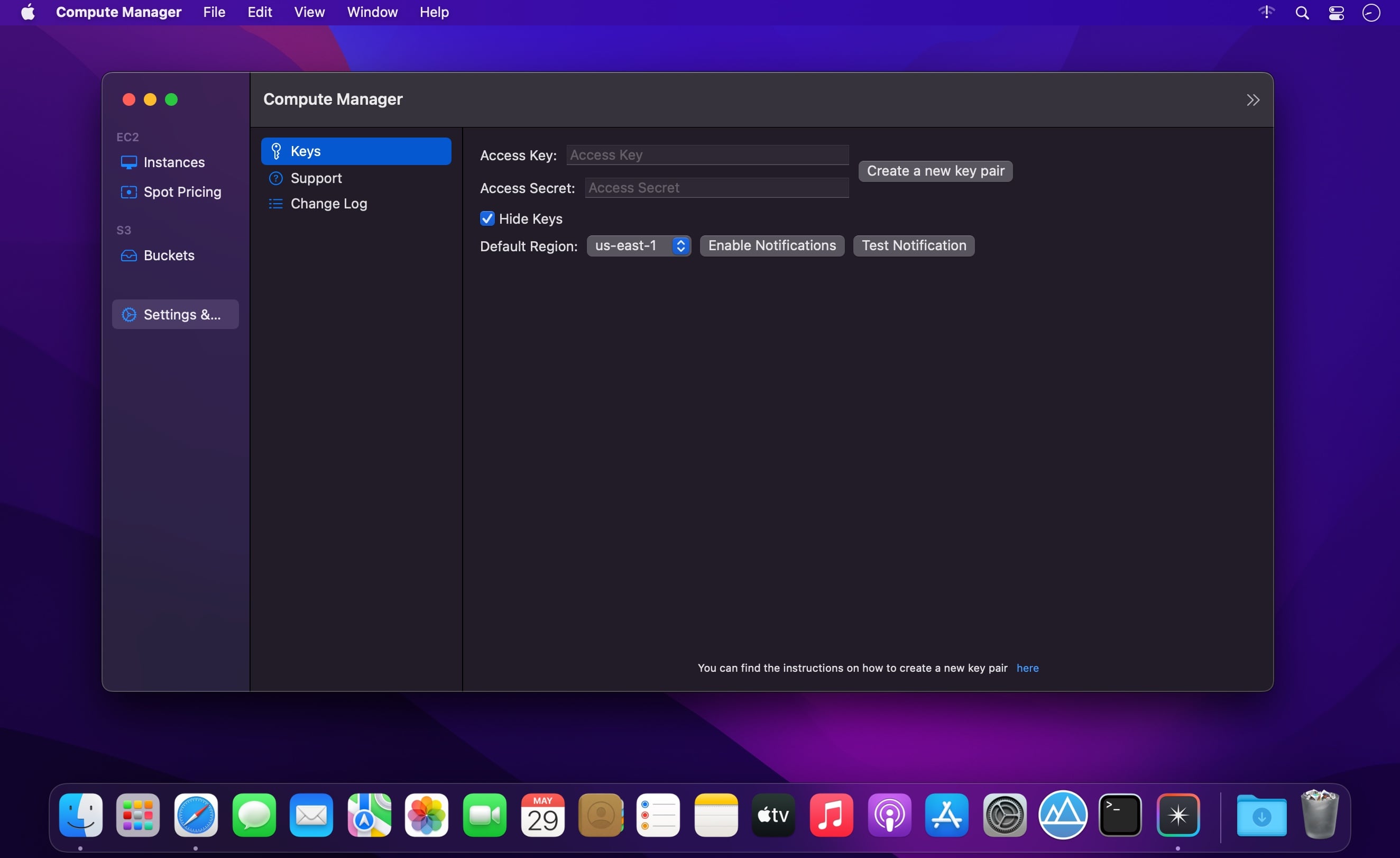
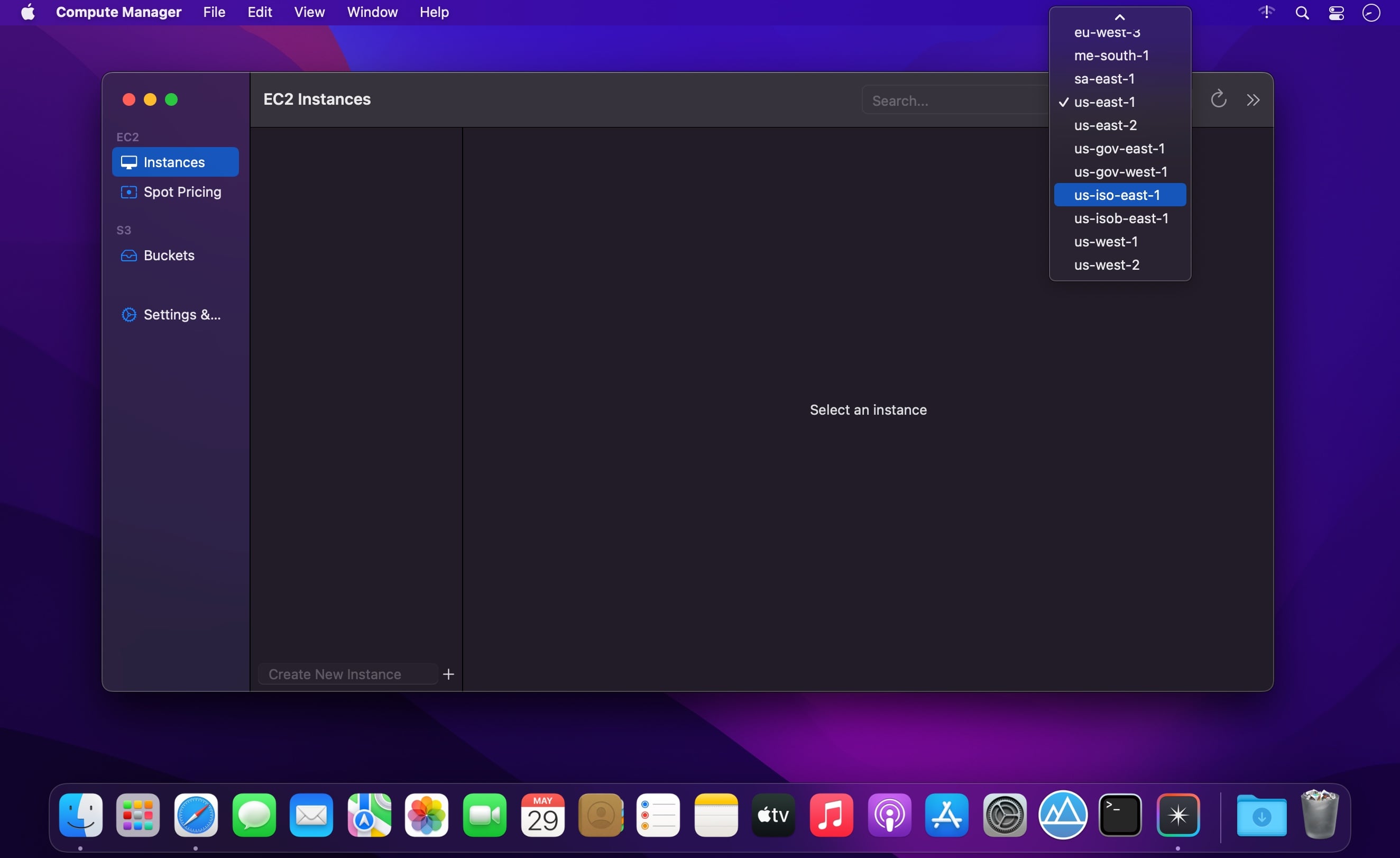
Optimise your AWS costs by knowing exact costs no matter the status, type and attachments of an instance. S3 object browser and a drag drop UI to upload files to S3.
Features
- EC2 Browser.
- Know exactly how much your instance costs you no matter its state, type, instance lifecycle including the EBS costs of the volumes attached including storage, iops, threshold costs.
- Start, stop, terminate any instance from the app. Makes it easy to copy
- Browse instance types and their current spot prices.
- S3 object browser.
- Easily download/delete any object by right clicking on the object.
- Drag/drop UI to upload local files to S3.
- Supports most of the regions
- Perform most common EC2/S3 console tasks just from your app.
Version 1.0.2
Minor Bug Fixes:
- fix App crashing when instances have no iops information.
- Properly build S3 url when there are spaces in object name
Frequently asked questions
How do I install the app?
Mount the image, drag the app into the "Applications" folder and launch it. If the system blocks the launch, allow it in "System Settings → Privacy & Security".
The app is damaged or won't launch
Reinstalling from a fresh image usually helps. Make sure your macOS version matches the one listed in the compatibility specs.
How do I update?
Download the new version from the site and install it over the current one — your settings will be preserved.
The download link doesn't work
Try a mirror or a download manager. For large files the browser often drops the connection.
How do I completely remove the app?
Use an uninstaller utility — it cleans up the service files that remain after moving the app to the trash.





Choose a download source
Compute Manager 1.0.2 · 14.19 MB