Benchmark AI - System Monitor 1.1.2
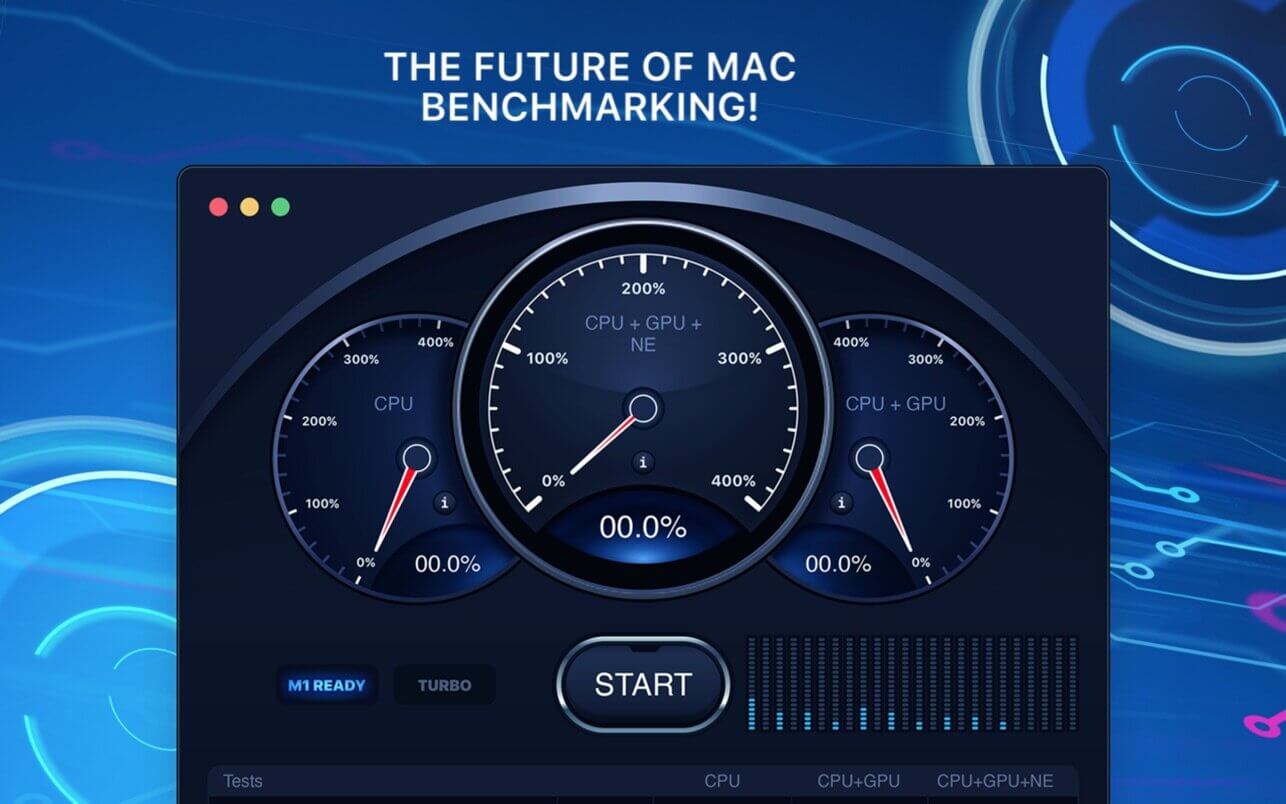
Autumn 2020 marked a significant breakthrough for Apple, as the company released its first-ever custom chip for a computer. With an outstanding performance and efficiency, the powerful M1 chip has truly become a giant leap not only for Apple but for the whole computer industry, and a breath of fresh air for Mac users.
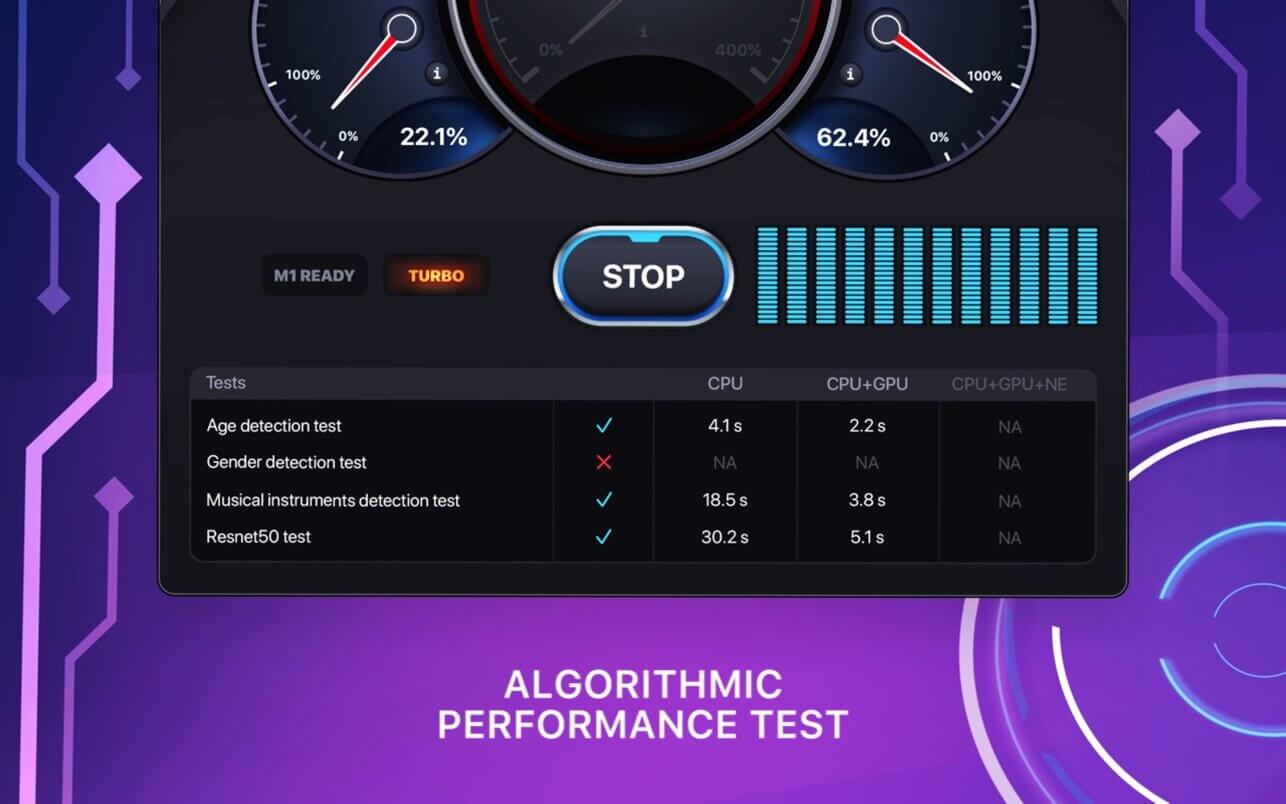
We specifically designed the Test the Future app, so that you can easily compare your Mac with the brand-new M1-based devices and evaluate its stability and power efficiency.
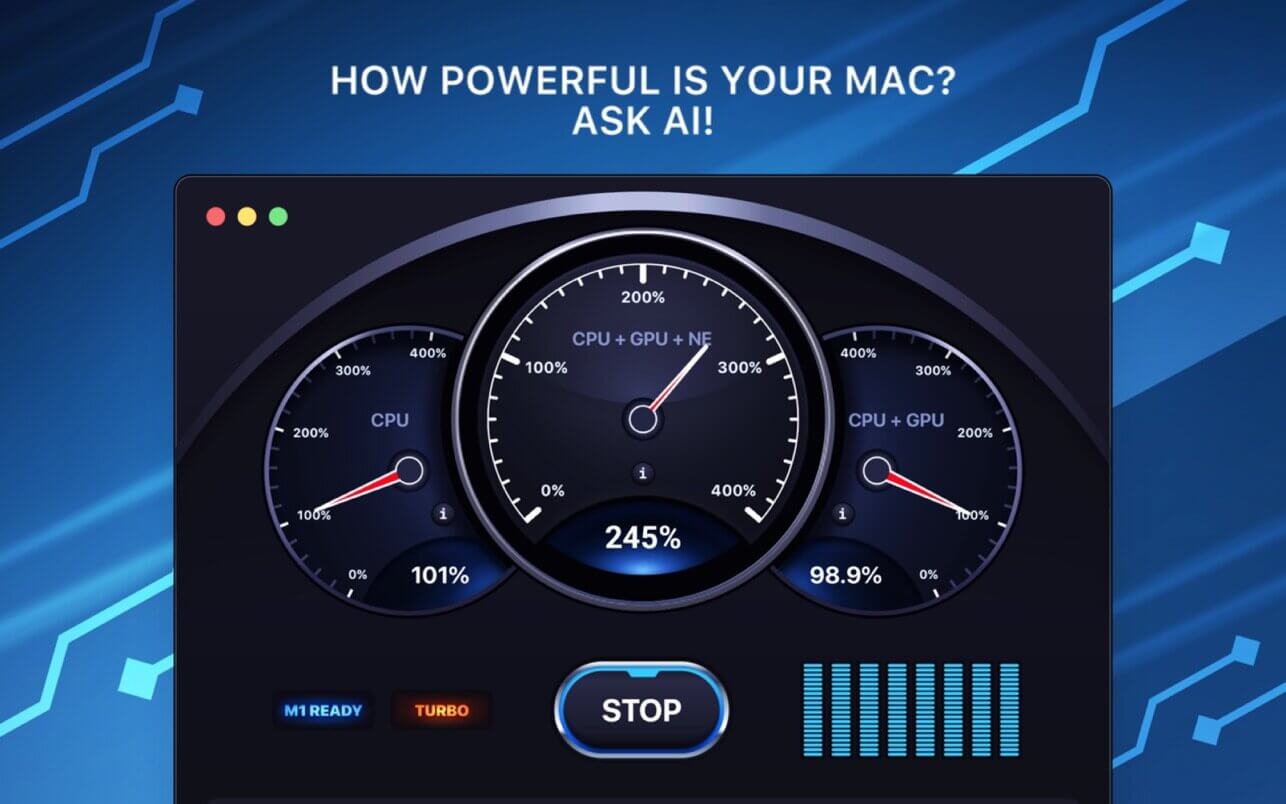
As the benchmark, we took the configurations that a Mac with the new M1 chip can achieve, and we offer you to test and compare your system performance with the help of our application.
If you already have a device with the new M1 chip, the application will help you to ascertain how capable and powerful your machine is.
Version 1.1.2
In this new version we have:
- ixed commonly reported bugs
- made general improvements to make your experience better
Frequently asked questions
How do I install the app?
Mount the image, drag the app into the "Applications" folder and launch it. If the system blocks the launch, allow it in "System Settings → Privacy & Security".
The app is damaged or won't launch
Reinstalling from a fresh image usually helps. Make sure your macOS version matches the one listed in the compatibility specs.
How do I update?
Download the new version from the site and install it over the current one — your settings will be preserved.
The download link doesn't work
Try a mirror or a download manager. For large files the browser often drops the connection.
How do I completely remove the app?
Use an uninstaller utility — it cleans up the service files that remain after moving the app to the trash.
Choose a download source
Benchmark AI - System Monitor 1.1.2 · 191.45 MB