
KeyTrails 1.2.5
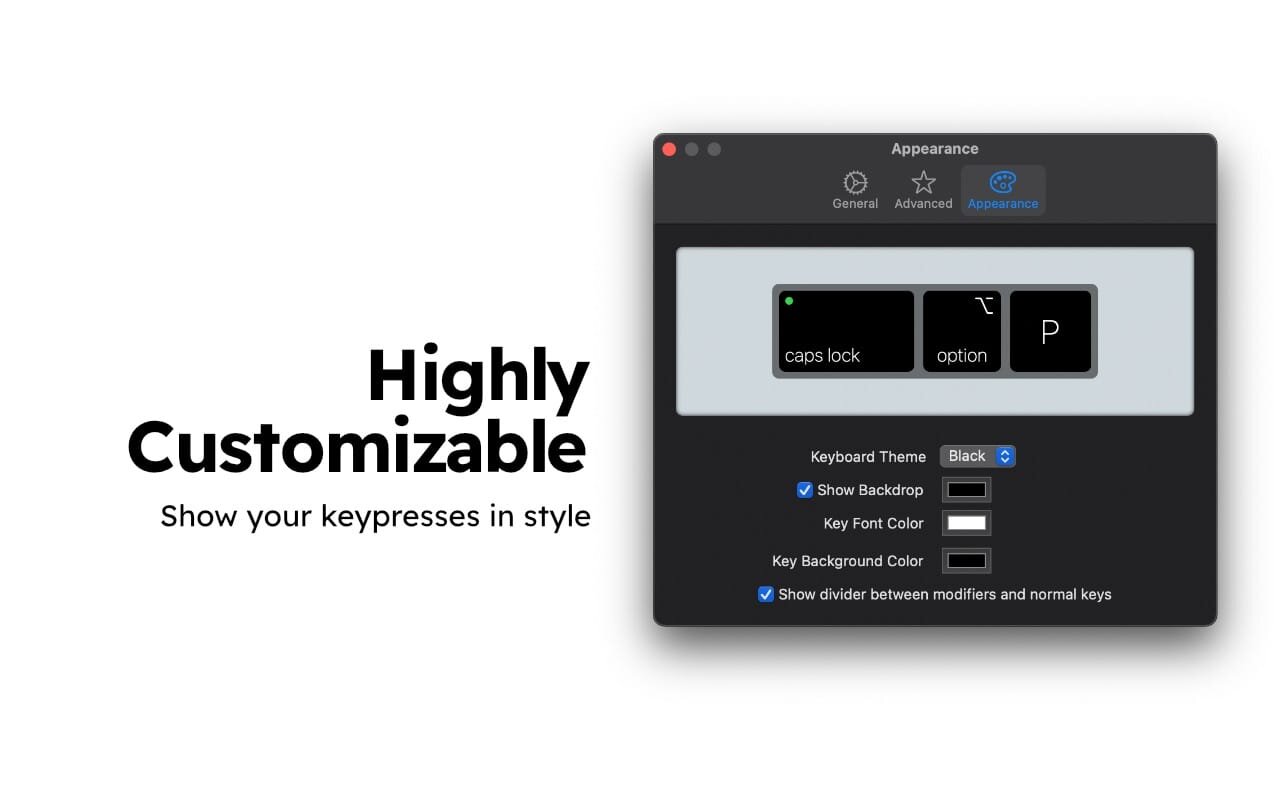
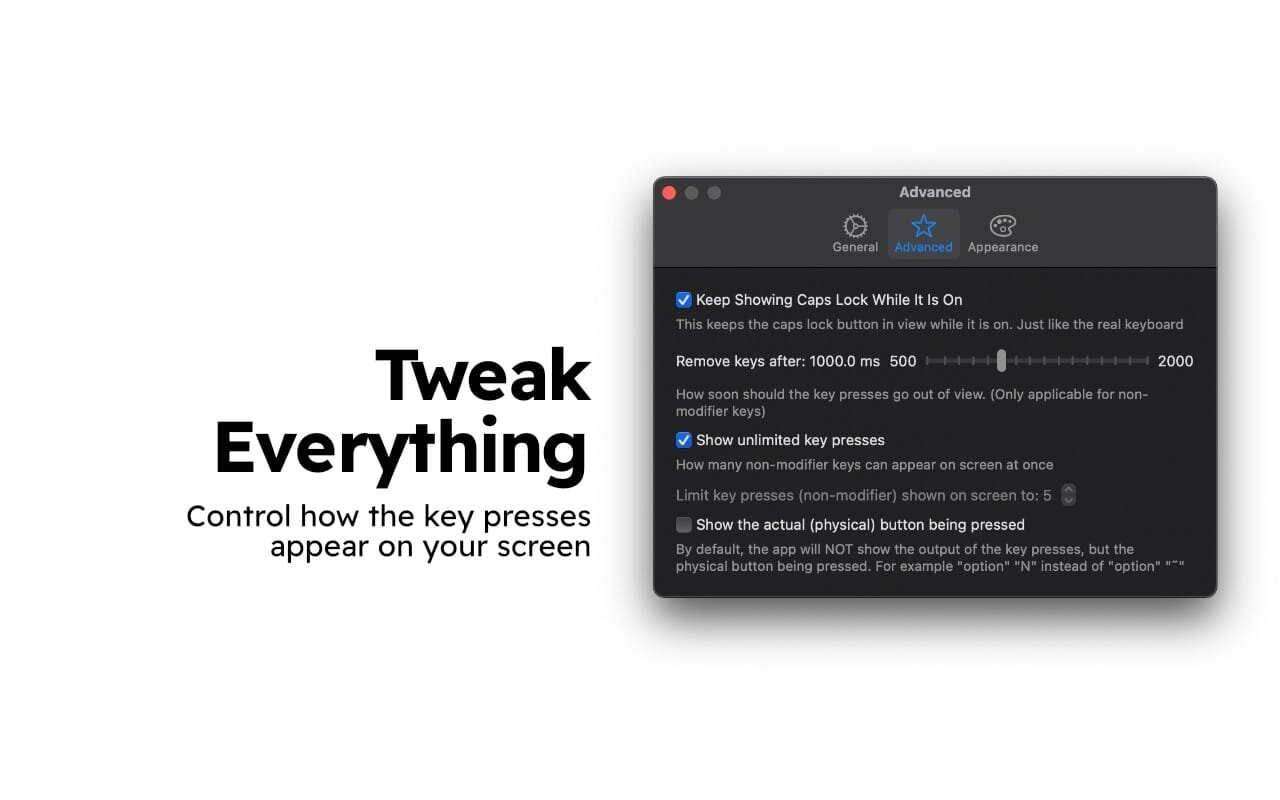
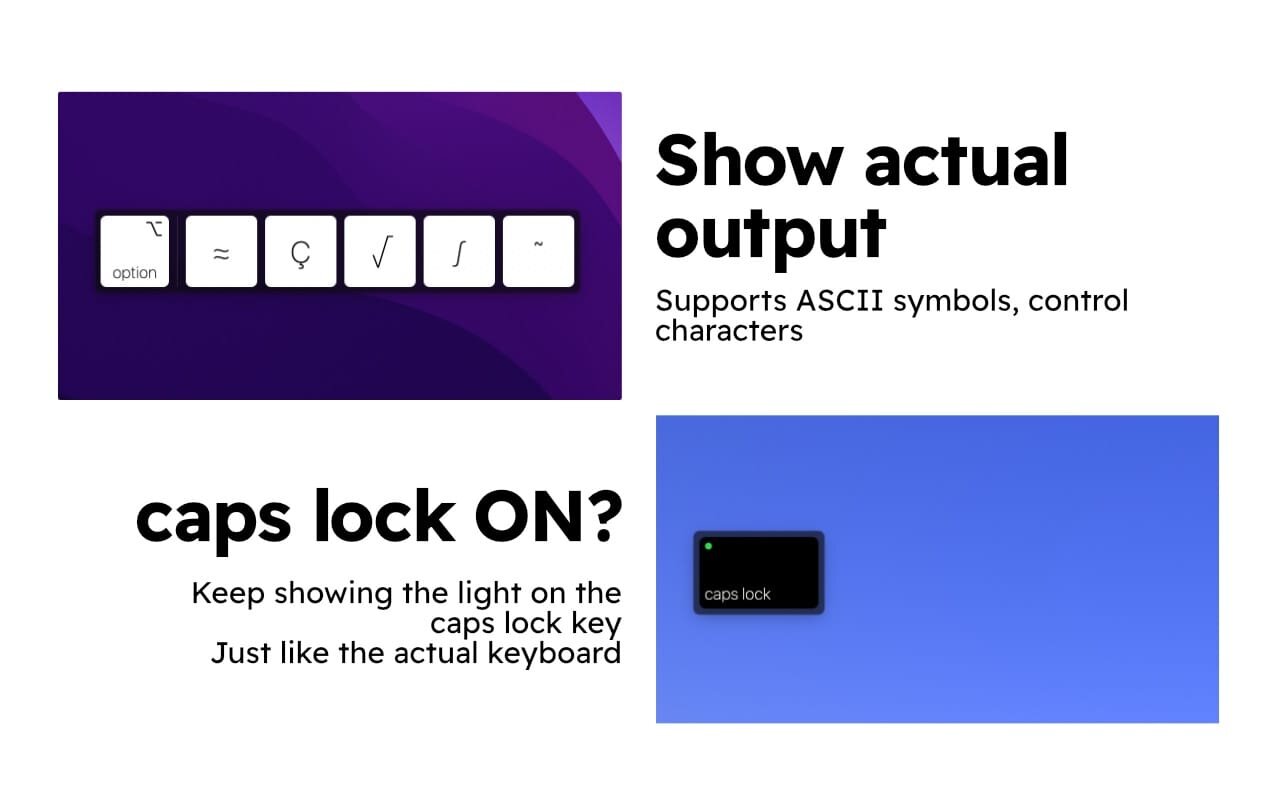
KeyTrails helps you present your keyboard input on your screen. Whether you are making a tutorial video, streaming your gaming session, or giving a business presentation, KeyTrails makes your content just a bit catchier.
KeyTrails offers:
- Presentation: visualize your keystrokes in style.
- Customization: personalize the look of keys.
- Familiarity: the keys look and feel just like your physical device.
- Control: limit the number of keys and their lifetime on screen.
- Secure: privacy-focused, no data collection whatsoever.
- Similarity: show the actual character as your output (optional).
- Placement: position the window anywhere, on any screen.
- Clicks: show your mouse clicks as well (optionally).
- Native: universal binary - supports both Intel and M1/M2 devices.
- And many more...
KeyTrails does not collect any data. KeyTrails will never show any input inside secure fields like passwords. The data never leaves your device. You are encouraged to block KeyTrails with any firewall software for added peace of mind.
This is the first release of KeyTrails, if you face any bugs or have any feature requests, feel free to contact me: [email protected].
Coming soon:
- Custom animation control.
- Smaller key options.
- Quick pause.
- and other exciting features.
P.S. The manual window positioning is still experimental. So it might behave erroneously. If it doesn't work for you, please try again with the caps lock key shown on the screen or contact me.
Version 1.2.5
- This update fixes the wrong mouse button display!
- Now right mouse click will be right.
Frequently asked questions
How do I install the app?
Mount the image, drag the app into the "Applications" folder and launch it. If the system blocks the launch, allow it in "System Settings → Privacy & Security".
The app is damaged or won't launch
Reinstalling from a fresh image usually helps. Make sure your macOS version matches the one listed in the compatibility specs.
How do I update?
Download the new version from the site and install it over the current one — your settings will be preserved.
The download link doesn't work
Try a mirror or a download manager. For large files the browser often drops the connection.
How do I completely remove the app?
Use an uninstaller utility — it cleans up the service files that remain after moving the app to the trash.




Choose a download source
KeyTrails 1.2.5 · 3.37 MB