
MultiTime 1.3.0
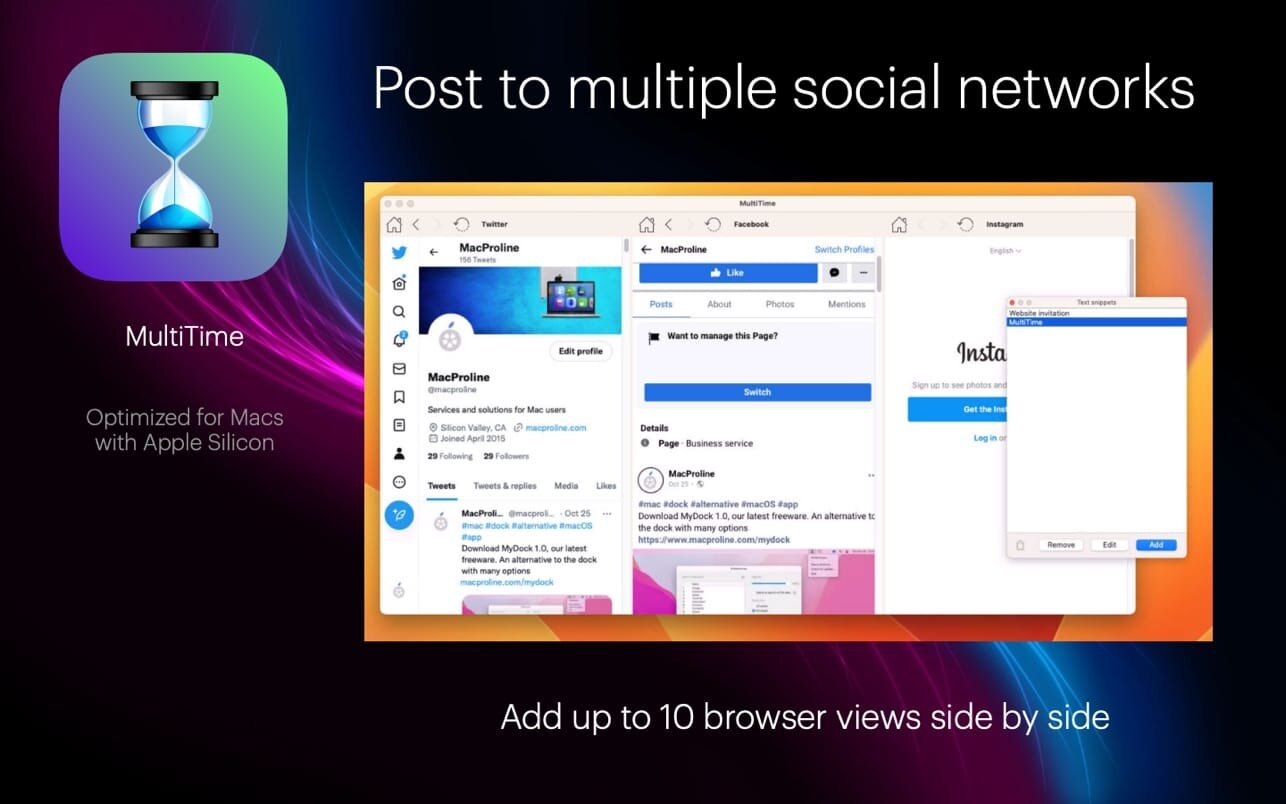
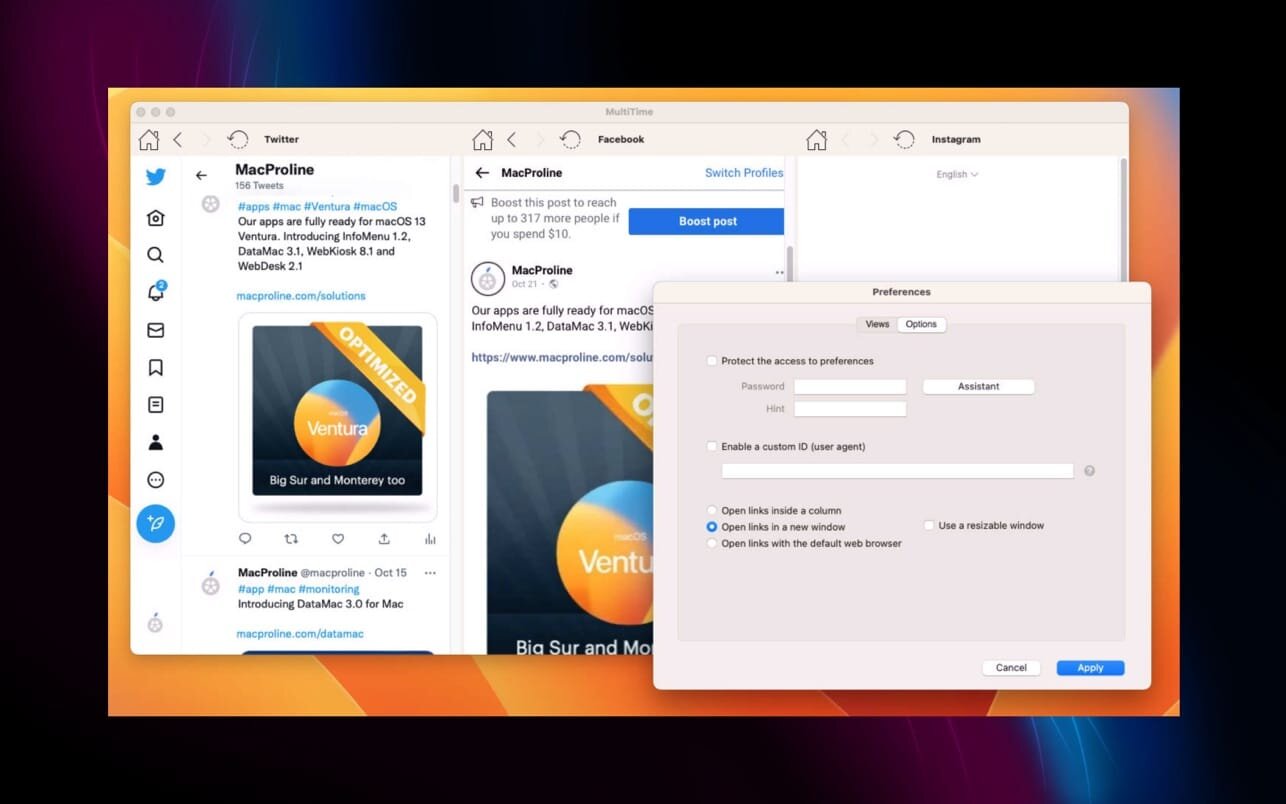
With MultiTime, you can post on multiple social networks or browse the timeline of multiple social networks at the same time.
The biggest strength of MultiTime: simplicity and reliability.
Our solution is optimized for social networks but you can use it with any website.
You can manage unlimited text snippets (most frequently used text sentences)
You can manage unlimited image assets (most frequently used images)
You can crop any image (tool available in the File menu).
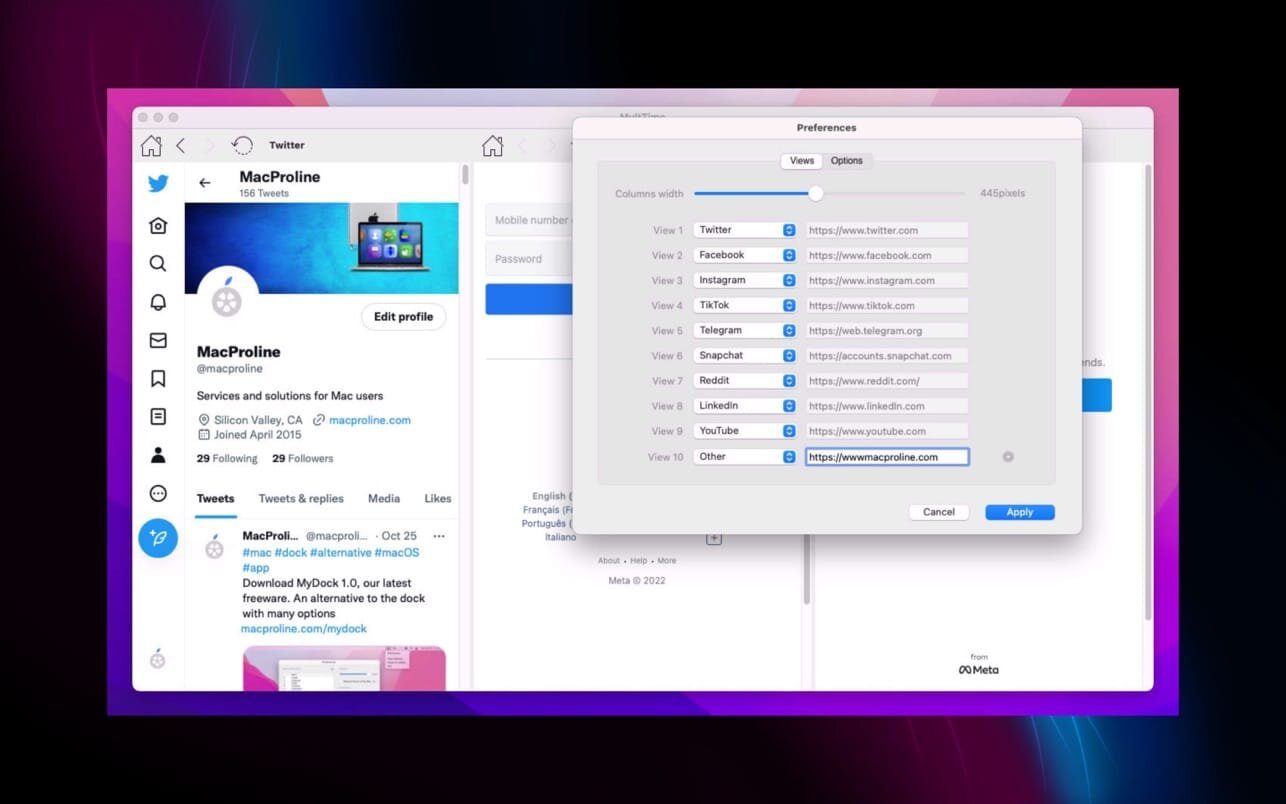
You can control the width of columns in preferences.
Supported networks by default
- TikTok
- Telegram
- Snapchat
- YouTube
- Discord
- Slack
You can add more social networks or even any website.
Version 1.3.0
- Support of websites or social networks not using https and websites or social networks using old TLS 1.1 version
- Possibility to send feature requests, bug reports or testimonials from the Application menu
- Improved performance and reliability
Frequently asked questions
How do I install the app?
Mount the image, drag the app into the "Applications" folder and launch it. If the system blocks the launch, allow it in "System Settings → Privacy & Security".
The app is damaged or won't launch
Reinstalling from a fresh image usually helps. Make sure your macOS version matches the one listed in the compatibility specs.
How do I update?
Download the new version from the site and install it over the current one — your settings will be preserved.
The download link doesn't work
Try a mirror or a download manager. For large files the browser often drops the connection.
How do I completely remove the app?
Use an uninstaller utility — it cleans up the service files that remain after moving the app to the trash.





Choose a download source
MultiTime 1.3.0 · 23.09 MB