Fix My iPhone 2.5.5
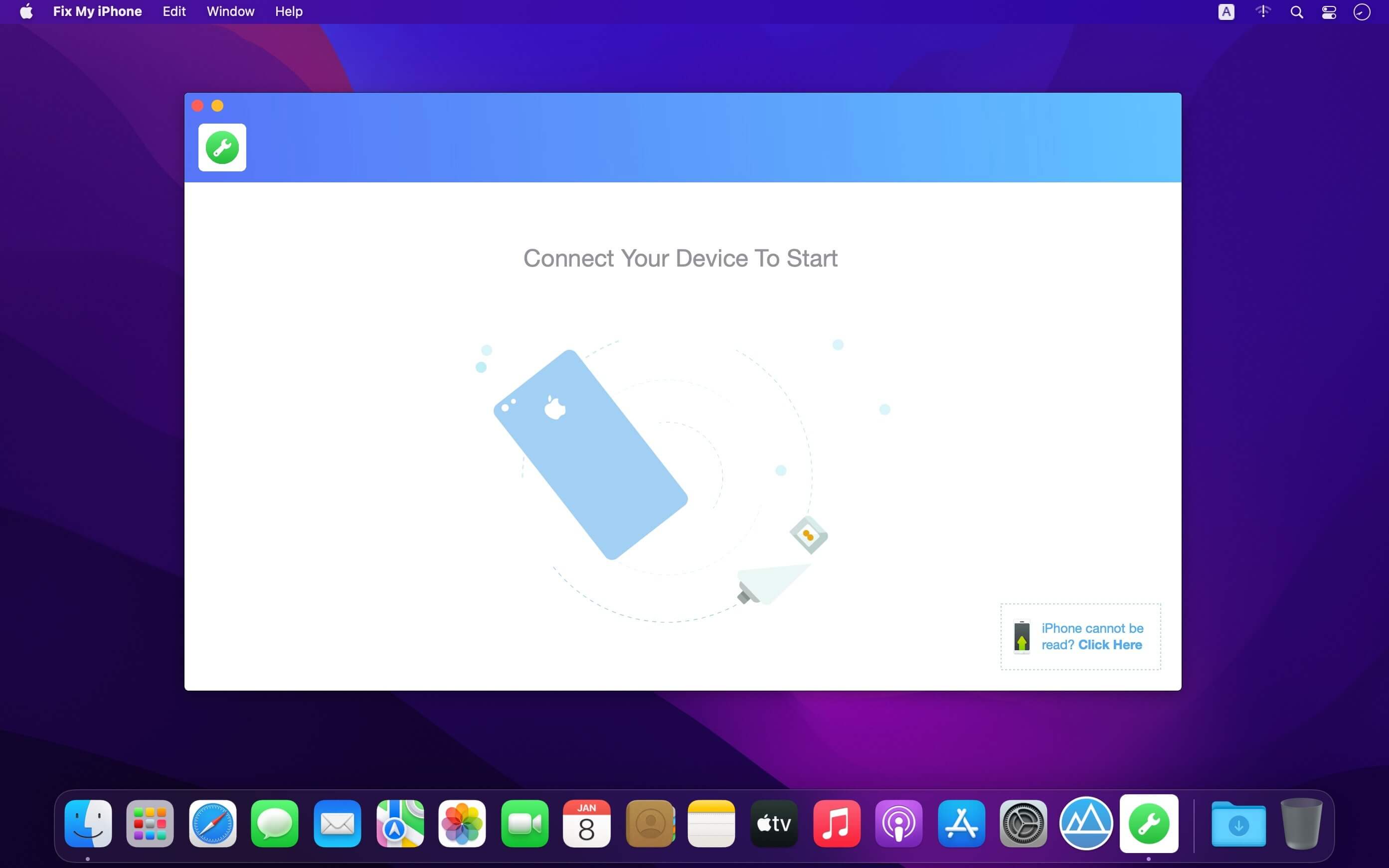
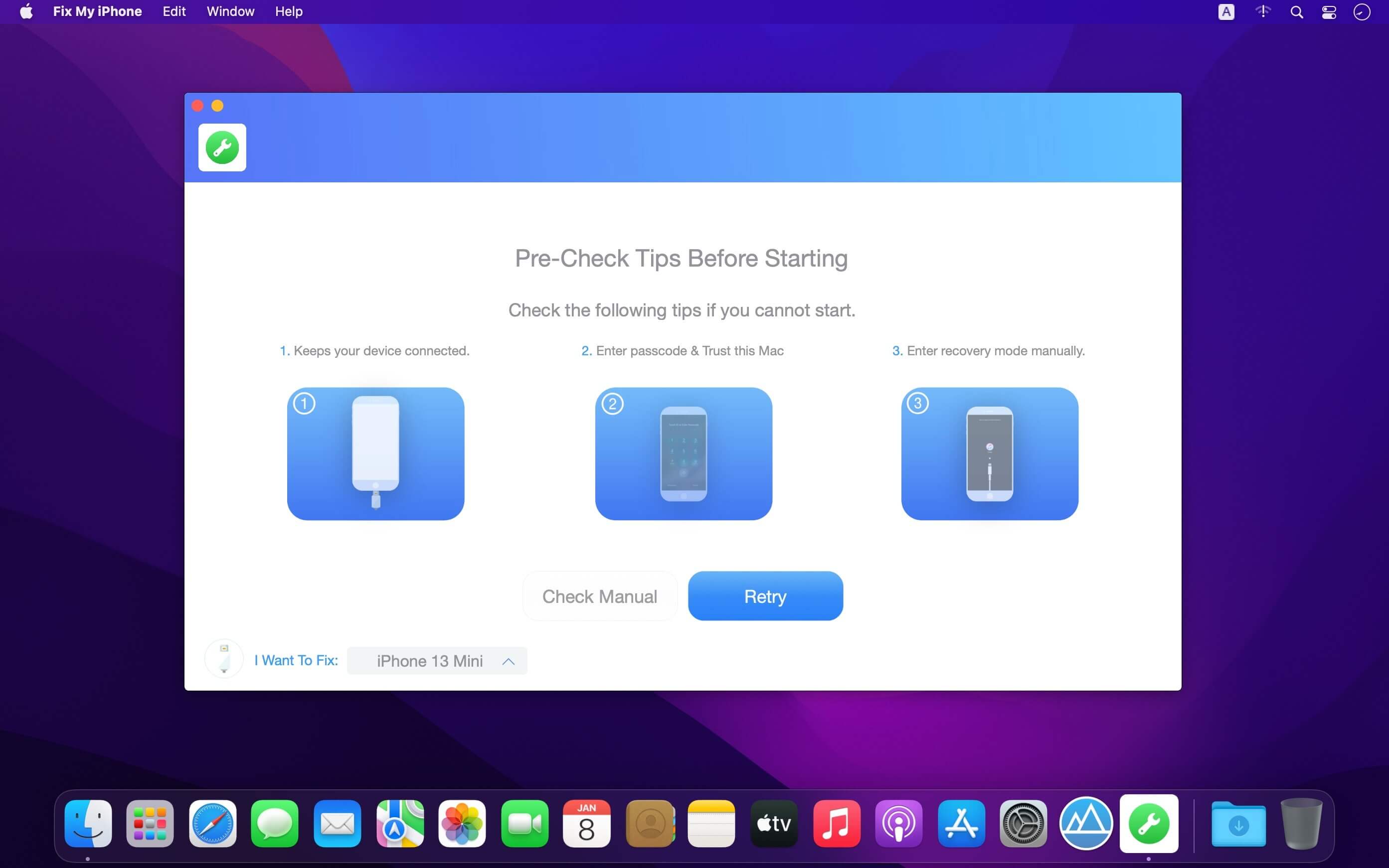
Fix My iPhone is iOS System Recovery tool. Fixes your iPhone Stuck on Apple logo, Black Screen, Frozen Screen, iTunes Update/Restore Errors and more than 50+ iOS 15 upgrade failures. This macOS desktop app offers a quick and instant solution to fix your iOS system issues without losing your iOS data, no matter your device is in recovery mode, white Apple logo, black screen, looping on start.
Version 2.5.5
- Updates: official site does not provide any info about changes in this version
Frequently asked questions
How do I install the app?
Mount the image, drag the app into the "Applications" folder and launch it. If the system blocks the launch, allow it in "System Settings → Privacy & Security".
The app is damaged or won't launch
Reinstalling from a fresh image usually helps. Make sure your macOS version matches the one listed in the compatibility specs.
How do I update?
Download the new version from the site and install it over the current one — your settings will be preserved.
The download link doesn't work
Try a mirror or a download manager. For large files the browser often drops the connection.
How do I completely remove the app?
Use an uninstaller utility — it cleans up the service files that remain after moving the app to the trash.




Choose a download source
Fix My iPhone 2.5.5 · 16.03 MB
Previous versions
Fix My iPhone 2.5.5
Previous versions are available to registered users.