Nuke 8 Essential Training
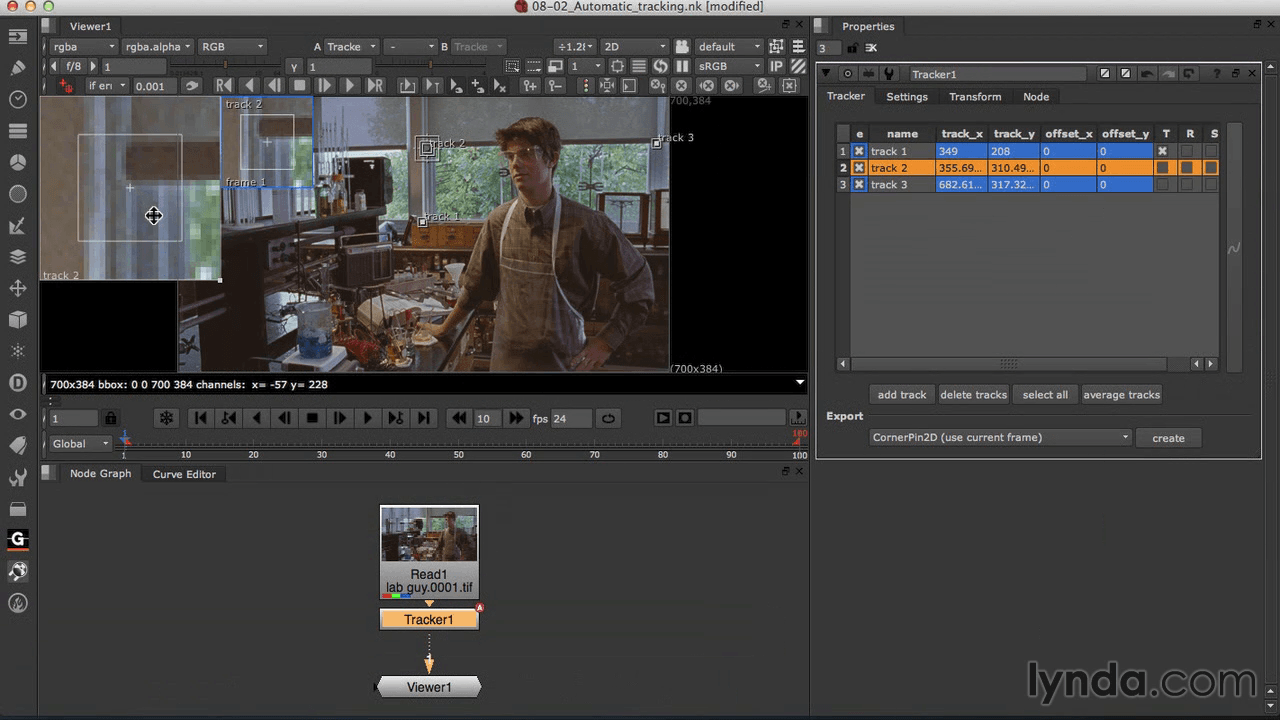
Visual effects dominate at the box office, and Nuke is the compositing software that is used at high-end studios to create those mind-blowing effects. In this comprehensive course, digital compositing pioneer and Nuke authority Steve Wright introduces this complex and powerful tool to visual effects artists new to Nuke. Starting with an introduction to the unique node-based interface and progressing through techniques like color correction, keying, rotoscoping, and tracking, this course covers Nuke from top to bottom.
Topics include:
- Navigating the timeline, nodes, and Curve Editor
- Working with channels
- Merging images
- Color correcting
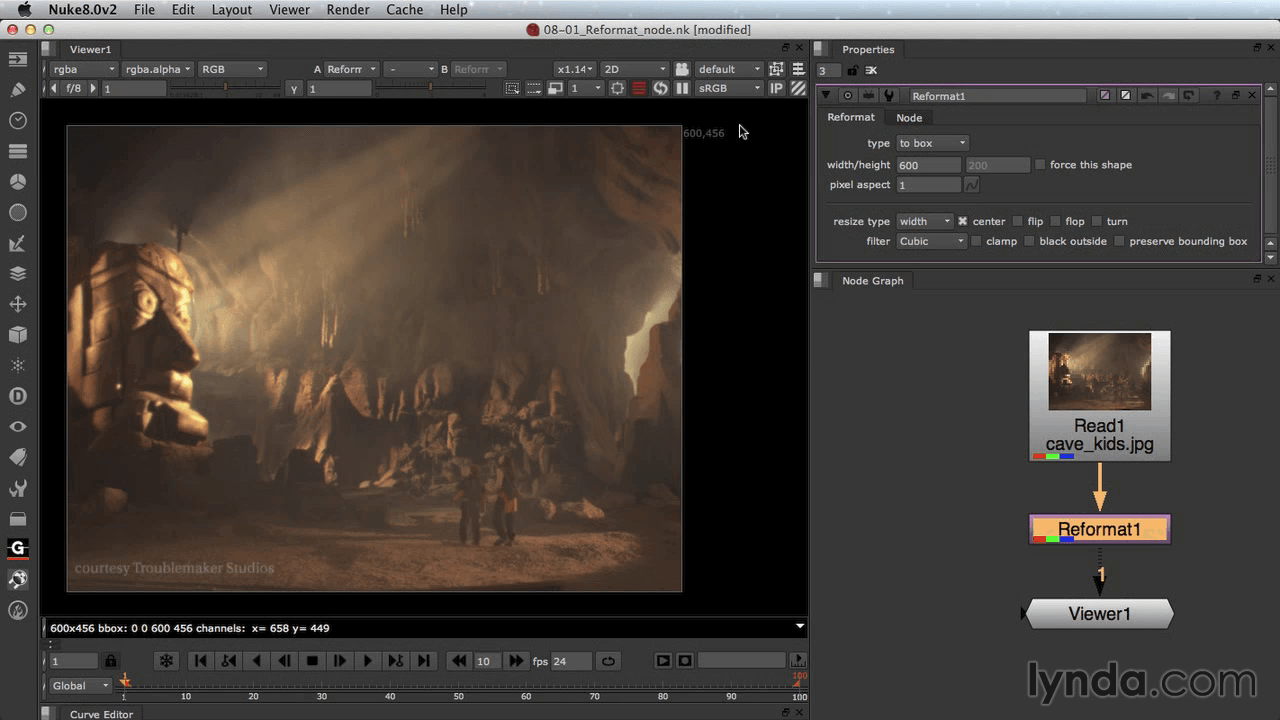
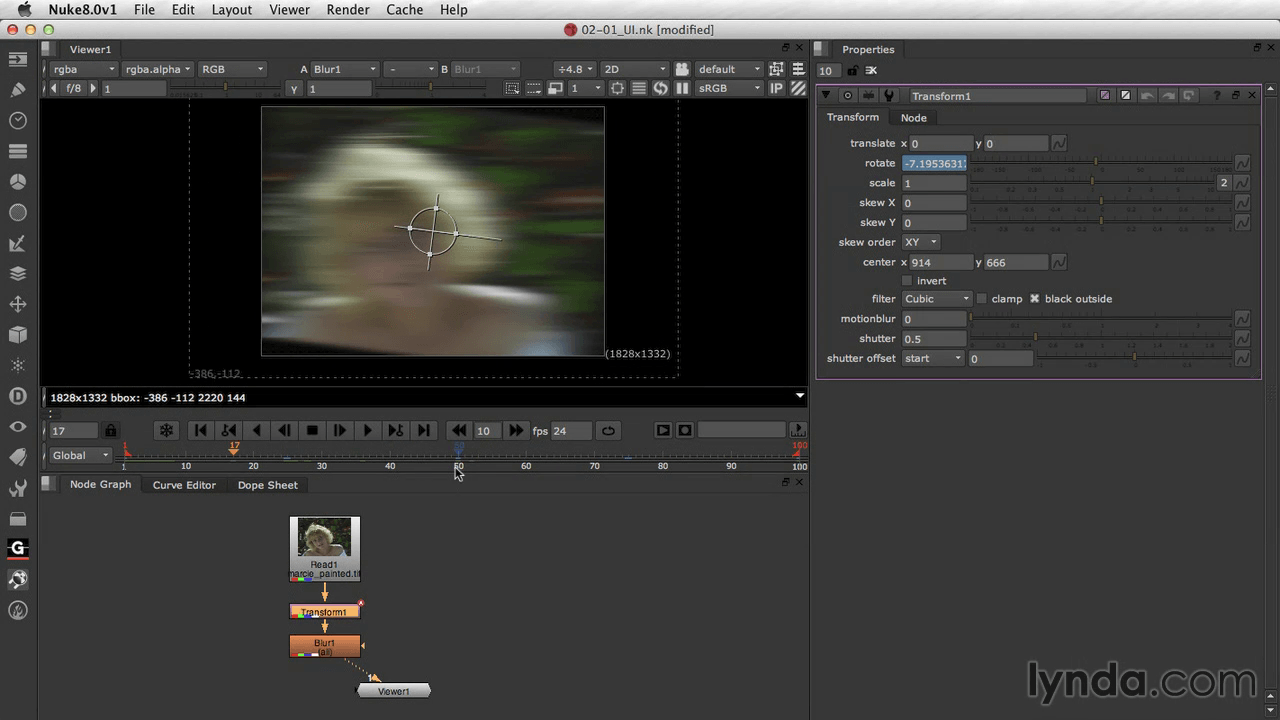
- Transforming and reformatting images
- Rotoscoping
- Keying and compositing
- Warping and morphing footage
- Compositing in 3D
Screenshots
Frequently asked questions
How do I install the app?
Mount the image, drag the app into the "Applications" folder and launch it. If the system blocks the launch, allow it in "System Settings → Privacy & Security".
The app is damaged or won't launch
Reinstalling from a fresh image usually helps. Make sure your macOS version matches the one listed in the compatibility specs.
How do I update?
Download the new version from the site and install it over the current one — your settings will be preserved.
The download link doesn't work
Try a mirror or a download manager. For large files the browser often drops the connection.
How do I completely remove the app?
Use an uninstaller utility — it cleans up the service files that remain after moving the app to the trash.
Information
Users of Guests are not allowed to comment this publication.
Choose a download source
Nuke 8 Essential Training · 1.99 GB