
Convusic 1.17
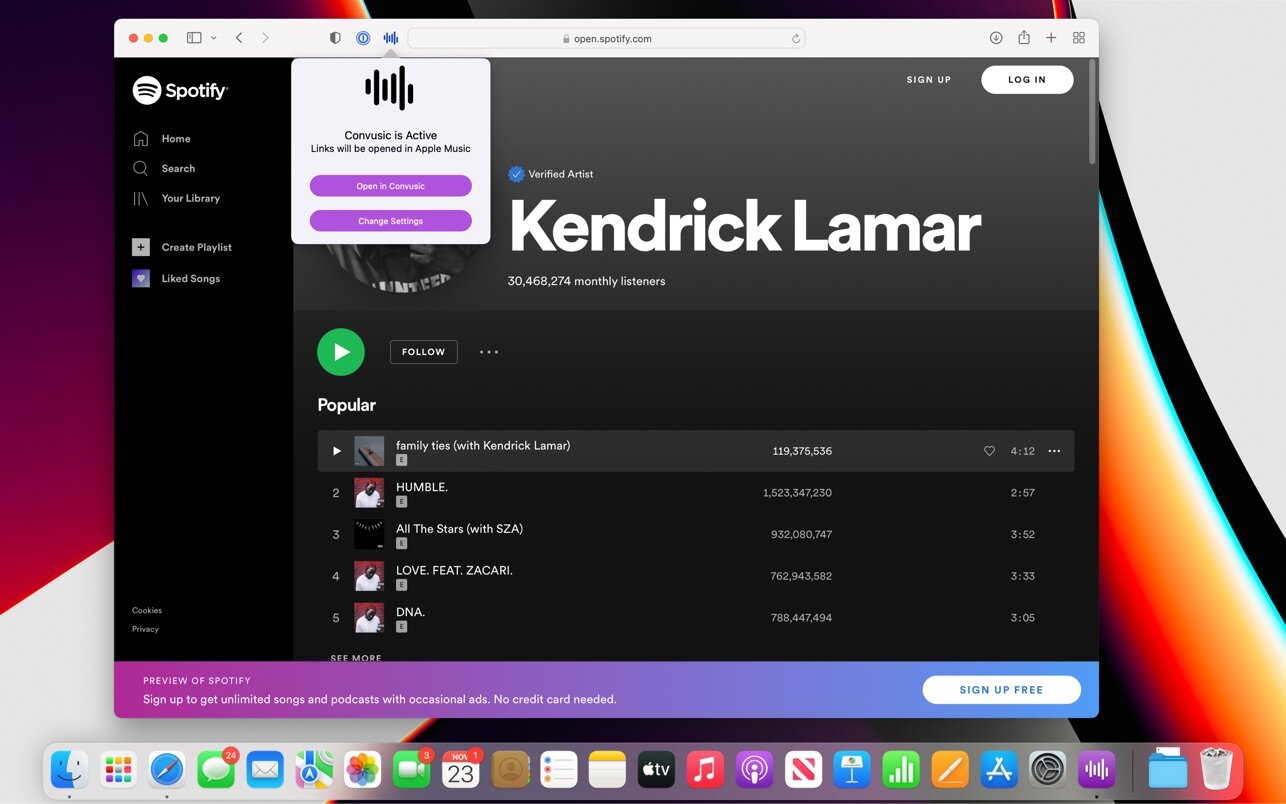
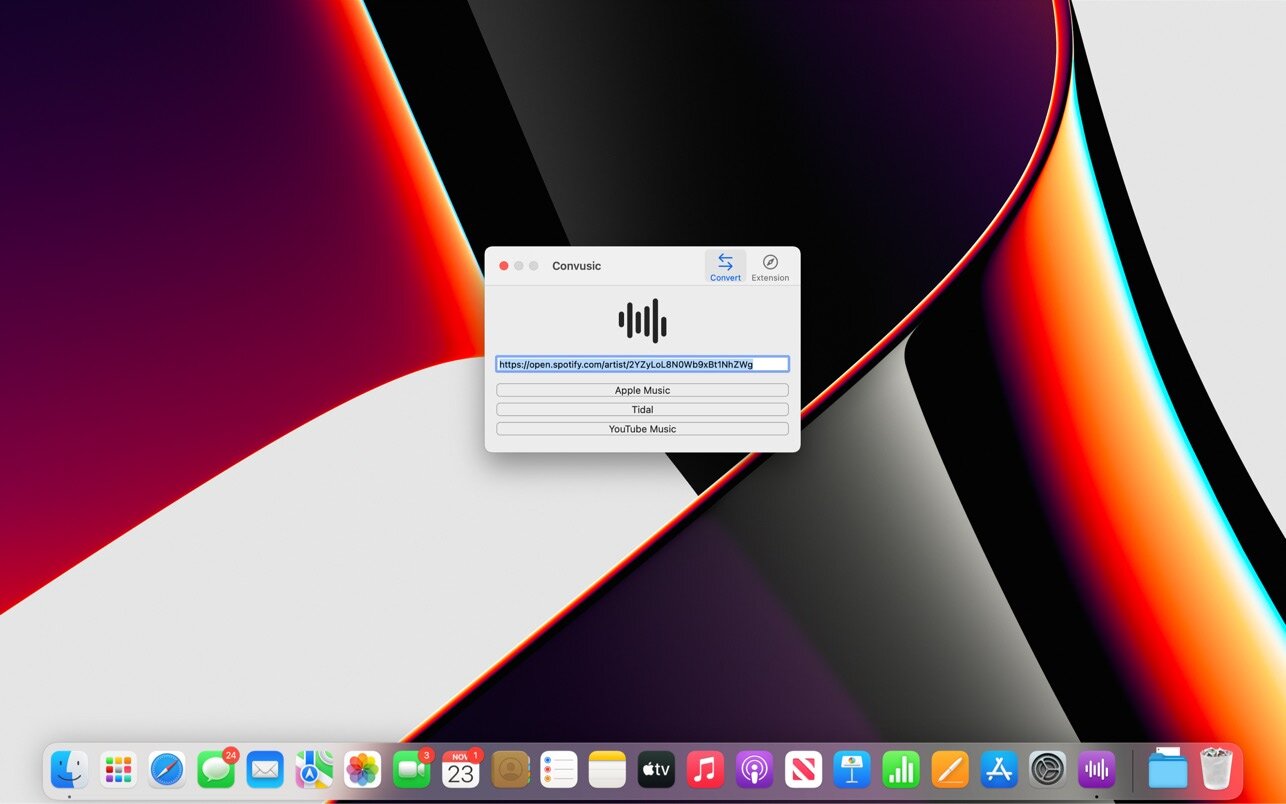

Convusic lets you automatically open links from Apple Music, Amazon Music, Deezer, Pandora, Spotify, Tidal, and YouTube Music in any other music app without lifting a finger.
After you download Convusic & configure it with your preferred music service, links from any other music service will open in your preferred app automatically. When you receive music links from friends & family who use other music services, those links will open in your app of choice. No extra work required — set it up once and forget about it!
You can access Convusic automatically using the included Safari Extension, or by copying and pasting music links into the app.
Convusic supports iCloud Syncing, iCloud Handoff, Dark Mode, and is integrated deeply with your device. You can use Convusic on your iPhone, iPad, or Mac.
Version 1.17
- Bugfixes
Frequently asked questions
How do I install the app?
Mount the image, drag the app into the "Applications" folder and launch it. If the system blocks the launch, allow it in "System Settings → Privacy & Security".
The app is damaged or won't launch
Reinstalling from a fresh image usually helps. Make sure your macOS version matches the one listed in the compatibility specs.
How do I update?
Download the new version from the site and install it over the current one — your settings will be preserved.
The download link doesn't work
Try a mirror or a download manager. For large files the browser often drops the connection.
How do I completely remove the app?
Use an uninstaller utility — it cleans up the service files that remain after moving the app to the trash.




Choose a download source
Convusic 1.17 · 3.27 MB