
Audio Companion 1.5.3
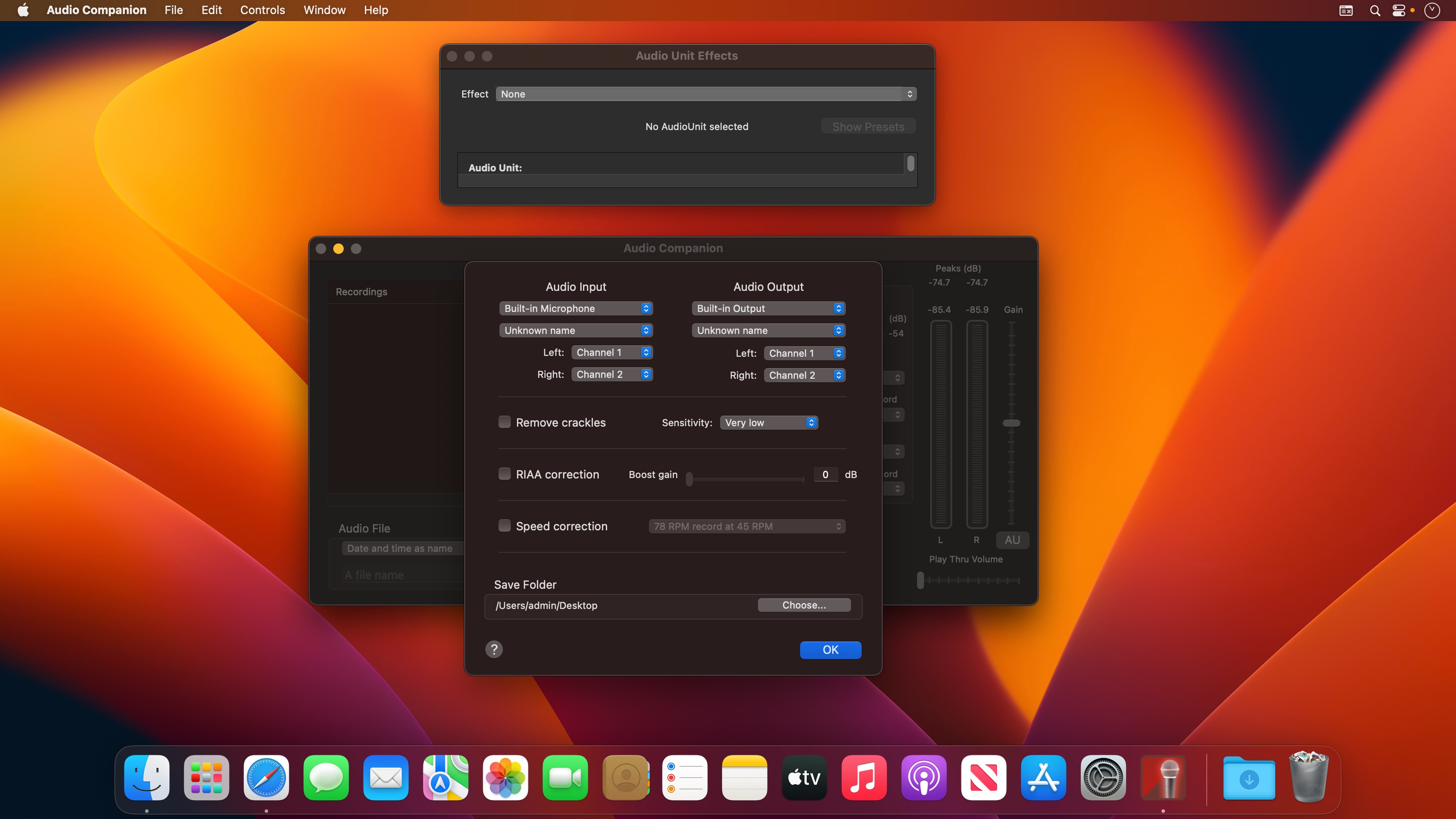
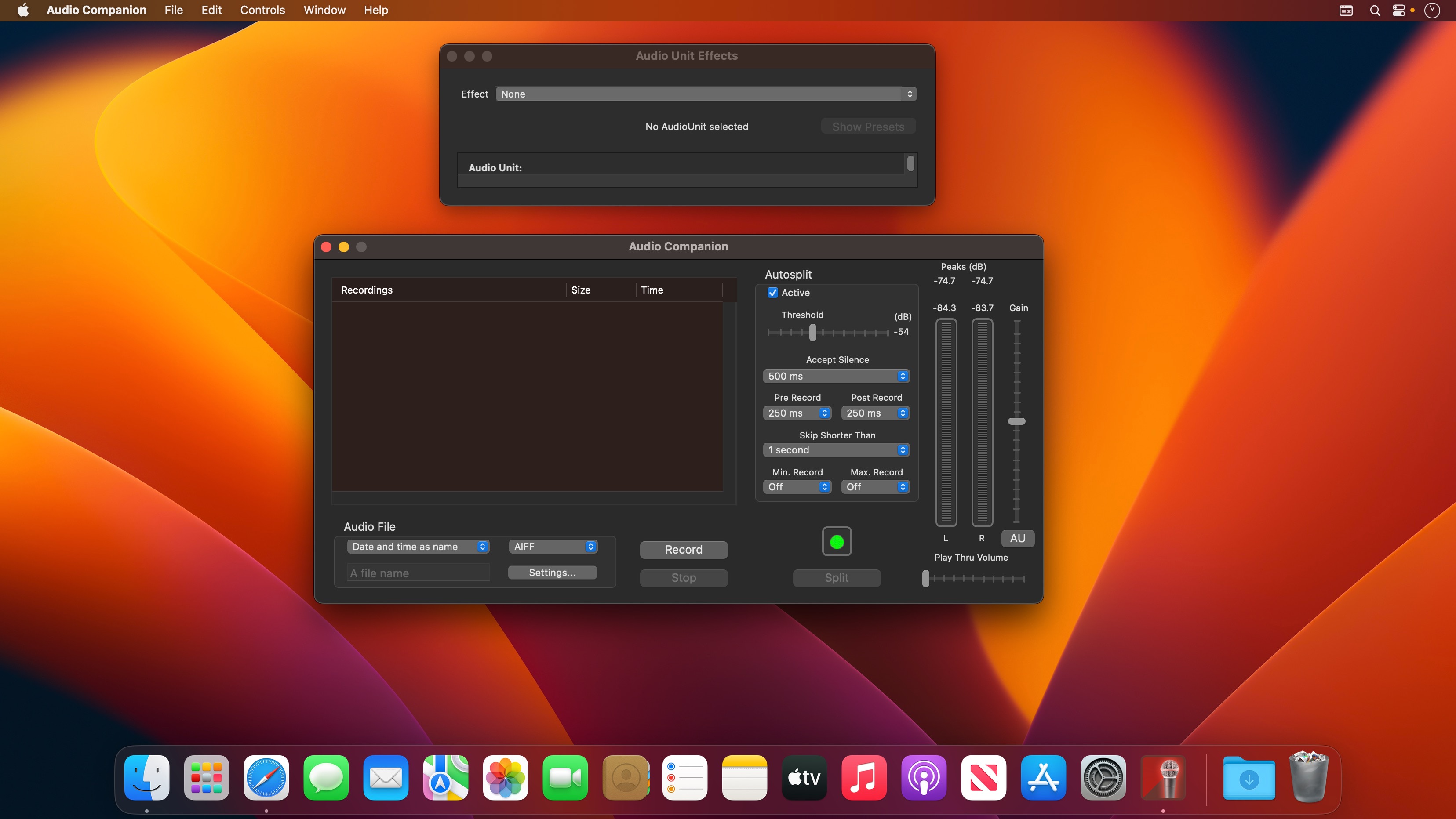
Audio Companion is a sound recorder allowing you to record music via the built in sound input or any sound input device connected to your computer.
It will either act as a normal audio recorder or as a recorder that automatically split each song into separate files.
The files may be saved as ordinary AIFF files (ready for burning an Audio CD) or saved as AAC/m4a or Apple Lossless (ALAC) files. You may also save the files as MP3 files.
Access to AudioUnit effects that ships with Mac OS X as well as any third party AudioUnit effect.
Advanced filtering function for removing clicks and crackles when recording old vinyl records.
RIAA correction for direct connection of a turntable. Speed correction - record your old 78 records at 45 RPM.
Version 1.5.3
- Bug fix - App would crash when running on macOS 13 (Ventura)
Frequently asked questions
How do I install the app?
Mount the image, drag the app into the "Applications" folder and launch it. If the system blocks the launch, allow it in "System Settings → Privacy & Security".
The app is damaged or won't launch
Reinstalling from a fresh image usually helps. Make sure your macOS version matches the one listed in the compatibility specs.
How do I update?
Download the new version from the site and install it over the current one — your settings will be preserved.
The download link doesn't work
Try a mirror or a download manager. For large files the browser often drops the connection.
How do I completely remove the app?
Use an uninstaller utility — it cleans up the service files that remain after moving the app to the trash.


Choose a download source
Audio Companion 1.5.3 · 3.2 MB