

MagiPlayer 1.1.0
Screenshots
Click to enlarge

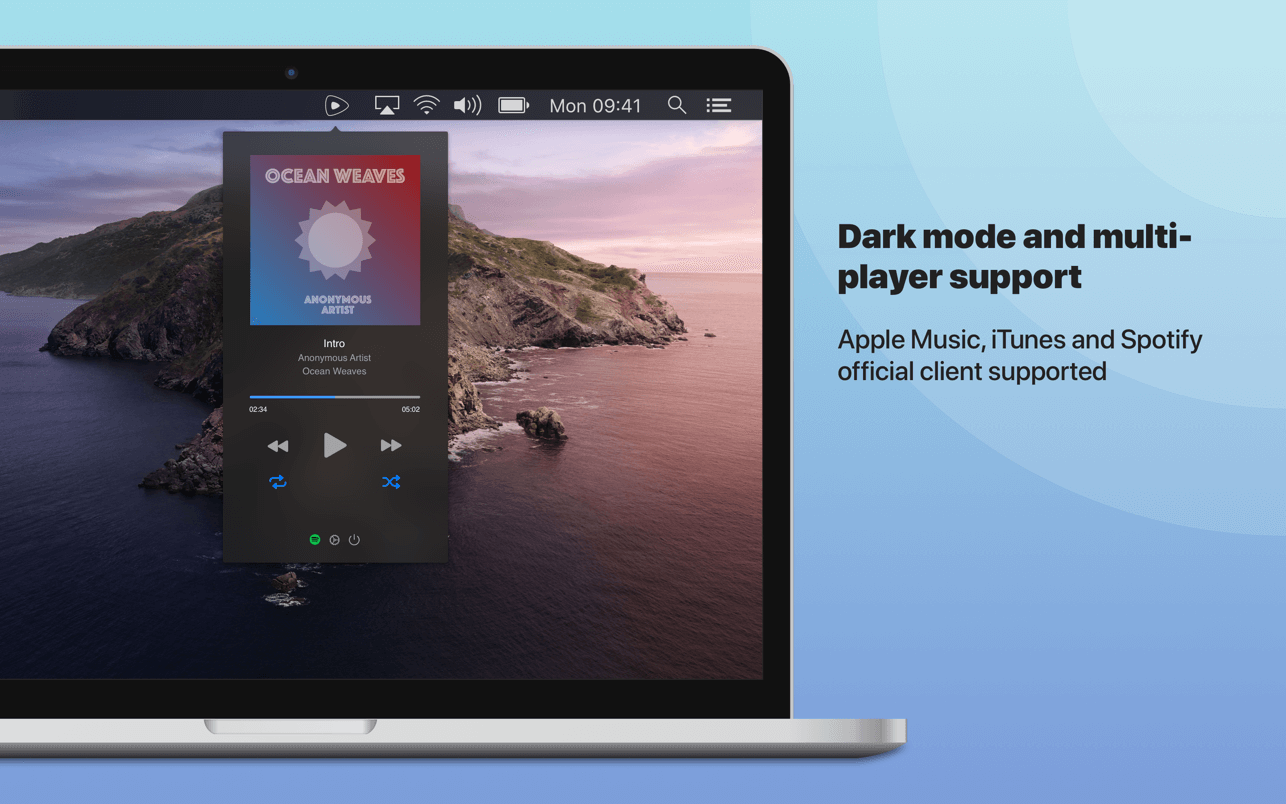
A status bar icon that will revolutionize the way you control the playback of your preferred music player*
- Single click to play/pause - Double click to skip to next track
- Right click to open mini player
From the application preferences you can also enable a different operation mode to simple open the mini player on icon click.
MagiPlayer supports Apple Music, iTunes and the official client of Spotify**. You can choose which player you want be controlled by MagiPlayer from the app’s preferences, you can also choose an automatic mode to allow MagiPlayer to automatically pick the currently running player.
A notification center today widget is also included, so you can control your preferred player also from the notification center. Widget available up to macOS 10.15 Catalina.
* You should enable this behaviour from the app preferences, change the "Mode" option to "magic"
** You should install the official Spotify client from its website
Version 1.1.0
- Support for single repeat when used to control iTunes/Music app
Comments
No comments yet. Be the first.