
Faviconer 1.1.2
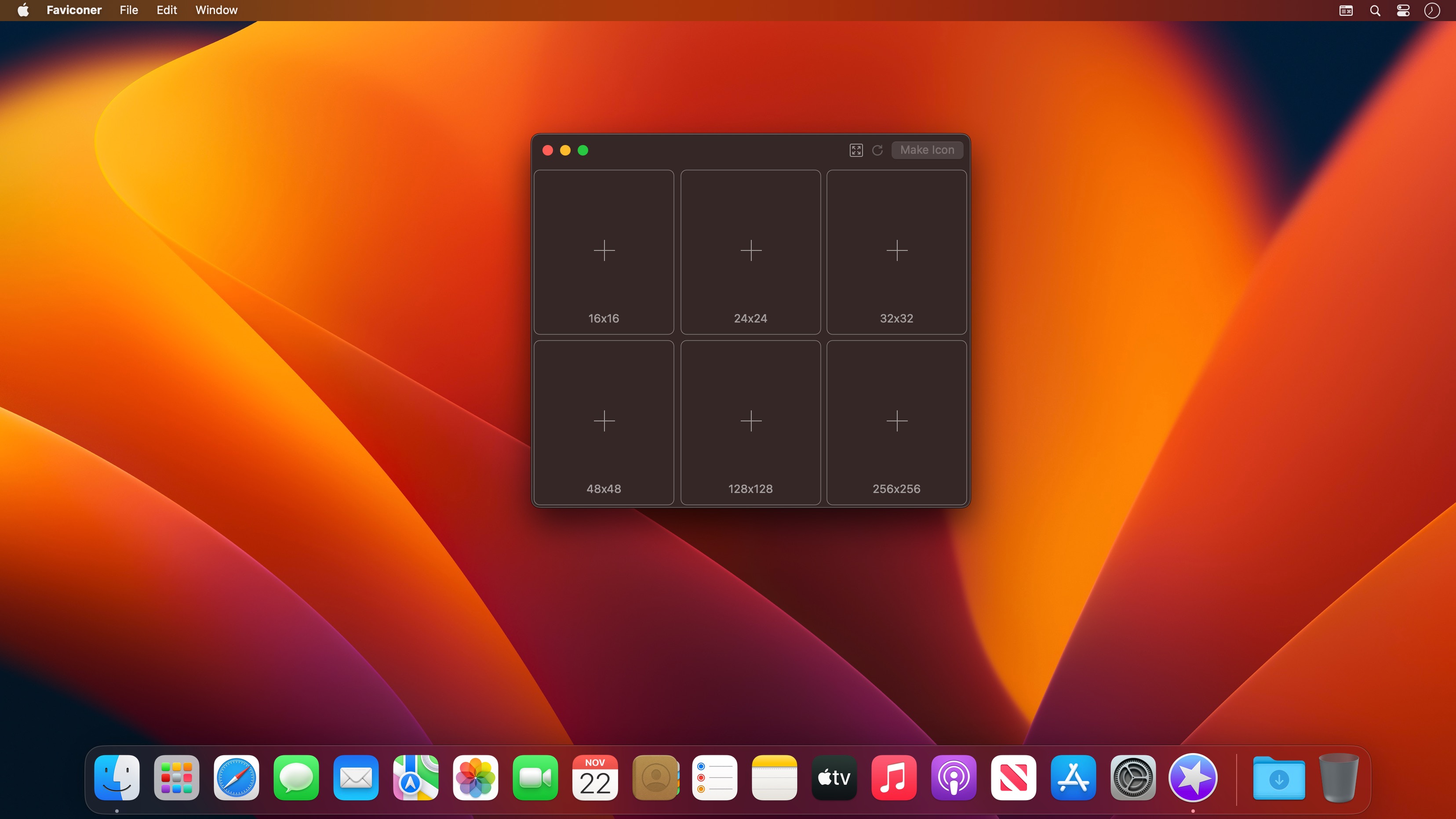

Faviconer creates a favicon for a website (the site icon you see in browser's favorites and next to the page title). It is simple and intuitive. Select source images, click a button, and the favicon is ready! Creating favicons never was so easy.
Faviconer supports most of commonly used image formats: .psd, .ai, .png, .tiff, .gif, .jpg, .icns and many others.
Version 1.1.2
- Minor fixes
- Ukrainian and German localizations
Frequently asked questions
How do I install the app?
Mount the image, drag the app into the "Applications" folder and launch it. If the system blocks the launch, allow it in "System Settings → Privacy & Security".
The app is damaged or won't launch
Reinstalling from a fresh image usually helps. Make sure your macOS version matches the one listed in the compatibility specs.
How do I update?
Download the new version from the site and install it over the current one — your settings will be preserved.
The download link doesn't work
Try a mirror or a download manager. For large files the browser often drops the connection.
How do I completely remove the app?
Use an uninstaller utility — it cleans up the service files that remain after moving the app to the trash.



Choose a download source
Faviconer 1.1.2 · 2.05 MB