MDB ACCDB Viewer 2.3.1
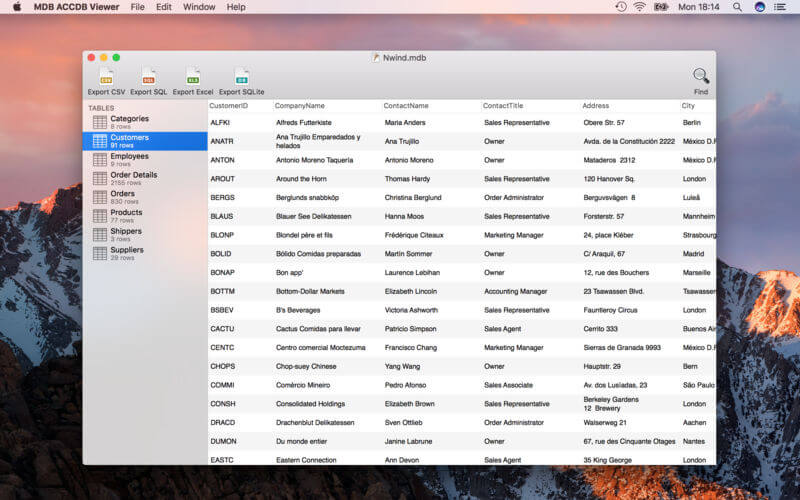
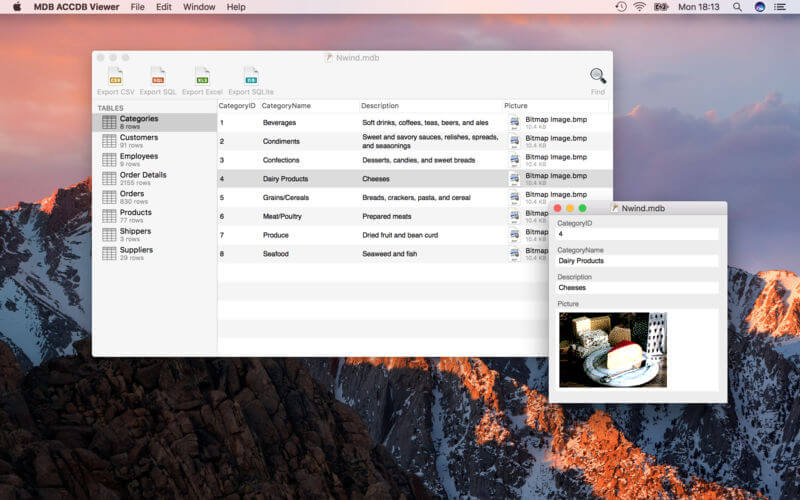
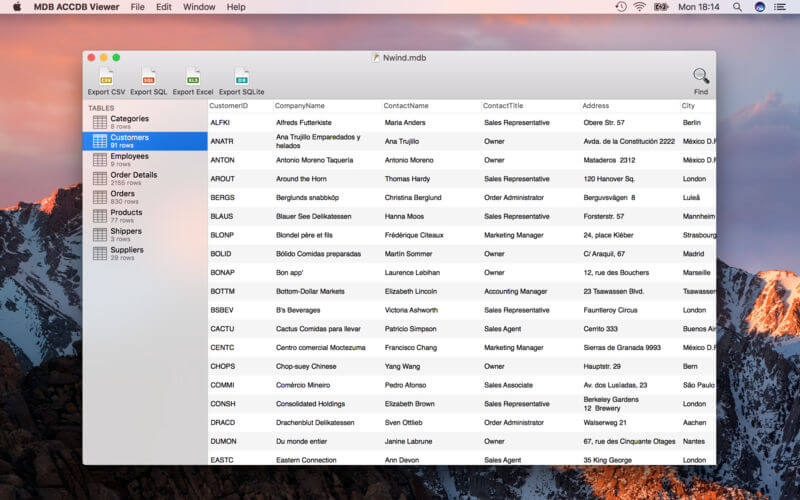
MDB/ACCDB Viewer lets you open Microsoft Access databases on your Mac -- regardless of whether they are in the olderMDB or the newer ACCDB format. A convenient search function lets you find what you are looking for. Double-clicking rows brings up a record window, perfect for reading long text or inspecting images.
MDB Viewer plays nice with others: export your database as Excel files, as CSV files, convert it to SQLite, or create SQL dumps. Because all apps have their unique intricacies, the documentation includes detailed instructions for transferring your data to Filemaker, Bento, Excel, Numbers, Open Office, MySQL, PostgreSQL, SQLite and Address Book.
While MDB Viewer shows all the data stored in the database, it can not display forms or queries, and it can not modify databases.
Version 2.3.1
- Fixed a bug when reading tables with very many columns
Frequently asked questions
How do I install the app?
Mount the image, drag the app into the "Applications" folder and launch it. If the system blocks the launch, allow it in "System Settings → Privacy & Security".
The app is damaged or won't launch
Reinstalling from a fresh image usually helps. Make sure your macOS version matches the one listed in the compatibility specs.
How do I update?
Download the new version from the site and install it over the current one — your settings will be preserved.
The download link doesn't work
Try a mirror or a download manager. For large files the browser often drops the connection.
How do I completely remove the app?
Use an uninstaller utility — it cleans up the service files that remain after moving the app to the trash.





Choose a download source
MDB ACCDB Viewer 2.3.1