Video Editor Enhancer v1.0.71

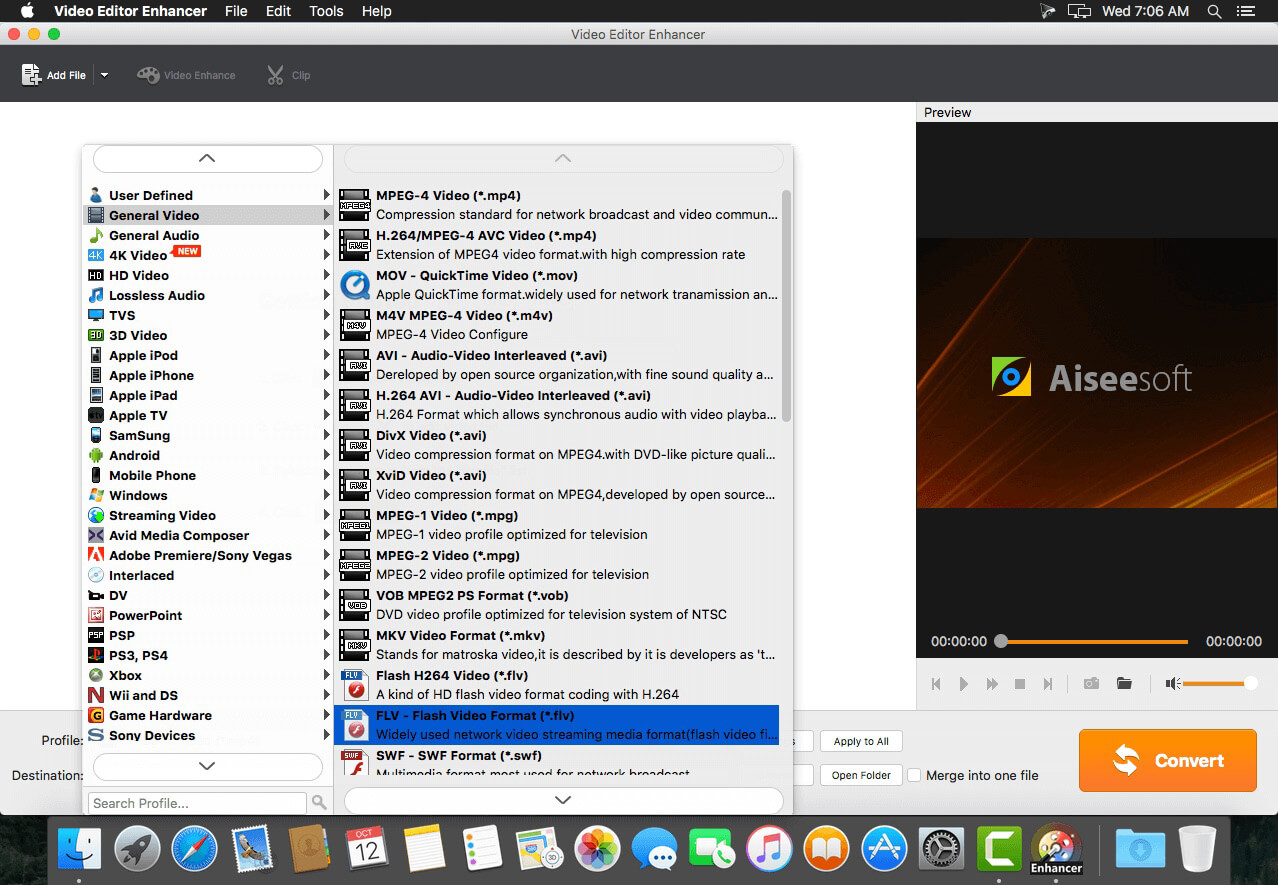
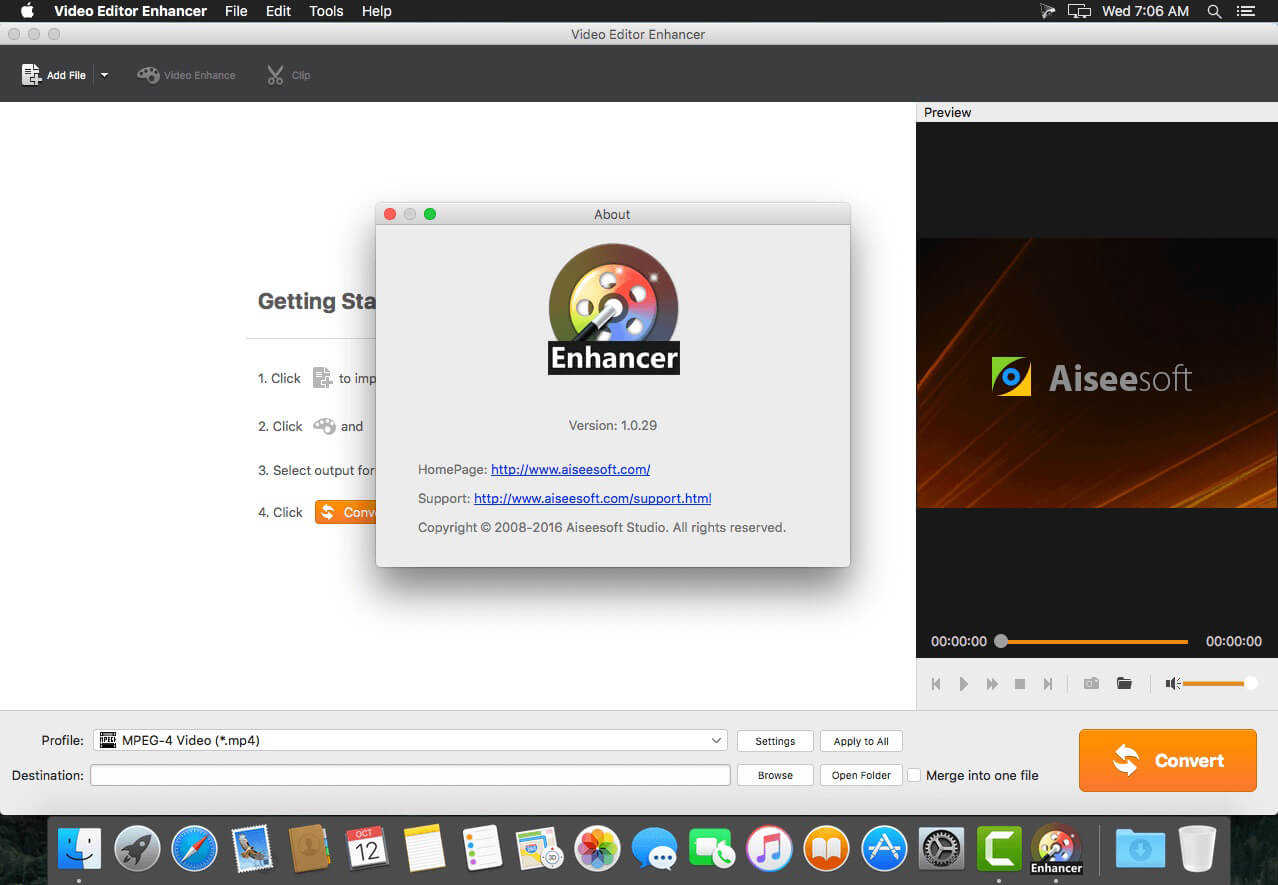
Video Editor Enhancer does everything to supply you a visual feast by improving video quality better and better. It is the best video editing software to edit your video, enhance the video quality and the viewing experience. It is capable of increasing video resolution, automatically adjusting video brightness and contrast ratio, and removing video noise. More importantly, it can stabilize shaky videos.
- Upscale video resolution - a farewell to grainy video
Video Editor Enhancer enables you to increase the resolution of a video freely. It can make a normal video, even a relatively low resolution video filmed by your iPhone, to a HD 1080p or 4K movie. With this application, you can convert any grainy video to a video with higher resolution. - Adjust video brightness and contrast automatically
This best video editing and enhancing software is smart enough to automatically optimize video brightness and contrast ratio. A proper brightness and contrast ration are not only good for video displaying, but also beneficial to your eyes. - Remove video noises – Video Noise Sweeper
With splendid video enhancement technology, you can get rid of background noises from video that’s recorded by your smart phone. Video Enhancer has the ability of removing annoyed noises in video and giving you a neat video. - Merge or split video – Video Transformer
Just like a Transformer, this video editor app can freely merge two or more video segments into one and also can split a long video into several clips. It enables you to create your own video by cutting, trimming, and merging your recorded video segments. - Turn shaky video into smooth one – Shaky Video Stabilizer
Capture some important moments with your iPhone? These shaky videos made you dizzy? Deleted them? Wait! Video Editor Enhancer is designed to smooth out the shakiness from video captured from portable devices, such as iPhone, iPad, camcorder, or digital camera, etc.
Version 1.0.71
- Better video quality and image effect
- Edit video as you like
Frequently asked questions
How do I install the app?
Mount the image, drag the app into the "Applications" folder and launch it. If the system blocks the launch, allow it in "System Settings → Privacy & Security".
The app is damaged or won't launch
Reinstalling from a fresh image usually helps. Make sure your macOS version matches the one listed in the compatibility specs.
How do I update?
Download the new version from the site and install it over the current one — your settings will be preserved.
The download link doesn't work
Try a mirror or a download manager. For large files the browser often drops the connection.
How do I completely remove the app?
Use an uninstaller utility — it cleans up the service files that remain after moving the app to the trash.
VersionVideo Editor Enhancer v1.0.71
DeveloperRayShare Co., Ltd © 2016 Aiseesoft
CompatibilityOS X 10.5 or later
LanguageEnglish
IncludesK'ed by TNT





Information
Visitors in the group Guests cannot leave comments on this publication.
Choose a download source
Video Editor Enhancer v1.0.71 · 48.57 MB