
ImageEnlarger 1.20
Screenshots
Click to enlarge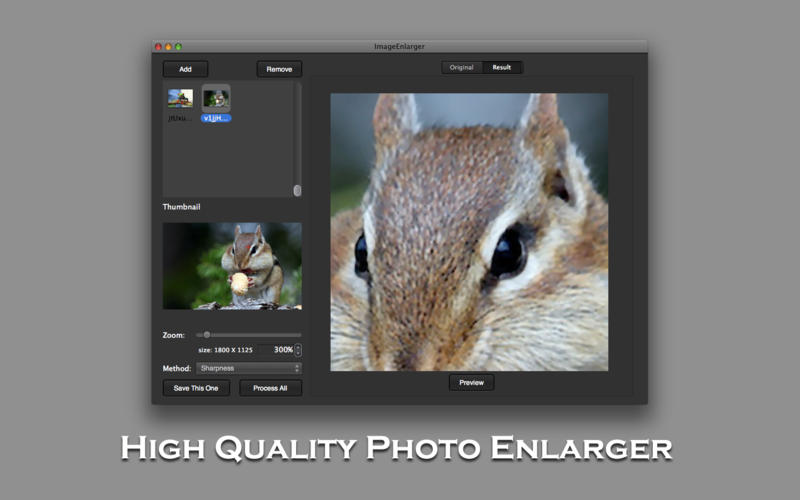
Are you still confused the image is not clear after enlarge?
Are you still complaining that it takes too long time to enlarge lots of photos?
Now I will highly recommend you a suitable and effective image enlarger app to help you solve these annoyances. This software will not affect image's original clearity no matter the image was enlarged how many times. More important, you will enjoy its features and advantages as below:
Features and Advantages
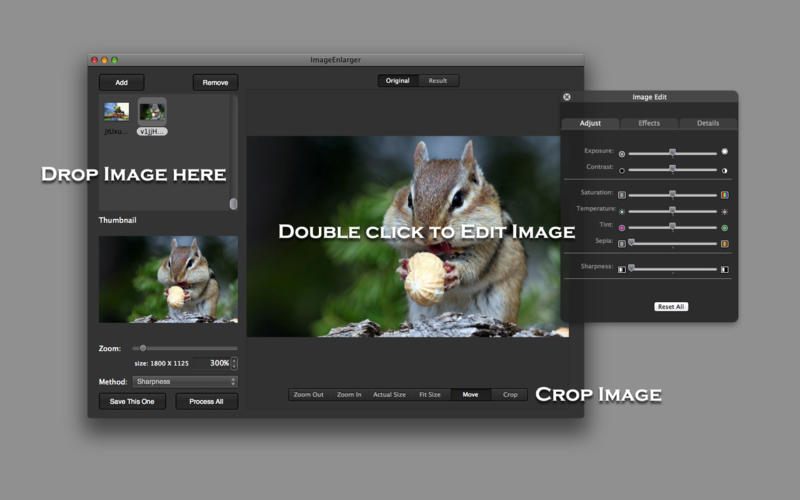
- You can edit and crop of the original pictures.
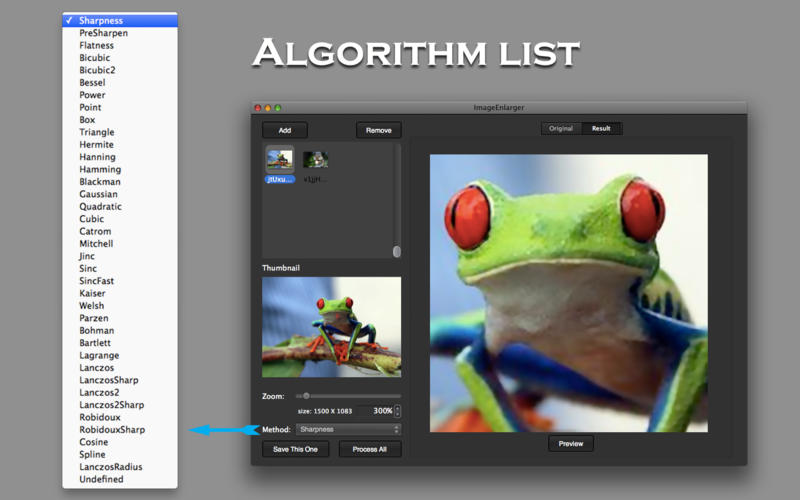
- More than 30 types of algorithms, with this funtion you can preview & compare and find the best effect picture. Moreover, part of algorithms you can define Parameter.
- It supports input and output more than 30 types of image formats, so it means supporting most of the popular and universal image format. Such as JPG, PNG, BMP, TIFF, GIF, ICO, ICNS, SGI, 8BPS, BMPf, FPix, GIFf, PDF, PICT, PNGf, PNTG, TPIC, 3FR, ARW, BMP, CR2, CRW, CUR, DCR, DNG, EFX, EPI, EPS, EPSF, EPSI, ERF, EXR, FAX, FFF, FPIX, FPX, G3s, HDR, JFAX, JFIF, JFX, JP2, JPE, JPEG, JPF, JPS, MAC, MOS, MPO, MRW, NEF, NRW, ORF, PCT, PEF, PIC, PICT, PNT, PNTG, PSs, PSD, QTI, QTIF, RAF, RAW, RGB, RW2, RWL, SR2, SRF, SRW, TARGA, TGA, TIF, XBM, etc.
- When enlarge image you can still get smooth and clear pictures.
- You can enjoy batch process to save your time.
- The procedure is quite easy, almost One click it will be done.
- Support X50 times enlargement, (Note: The maximum enlarge image sizes depends on many factors of your computer.)
Version 1.20
- Support drop & drop images and folders.
Comments
No comments yet. Be the first.
Information
Visitors in the group Guests cannot leave comments on this publication.