SizeMyPics 1.8.1
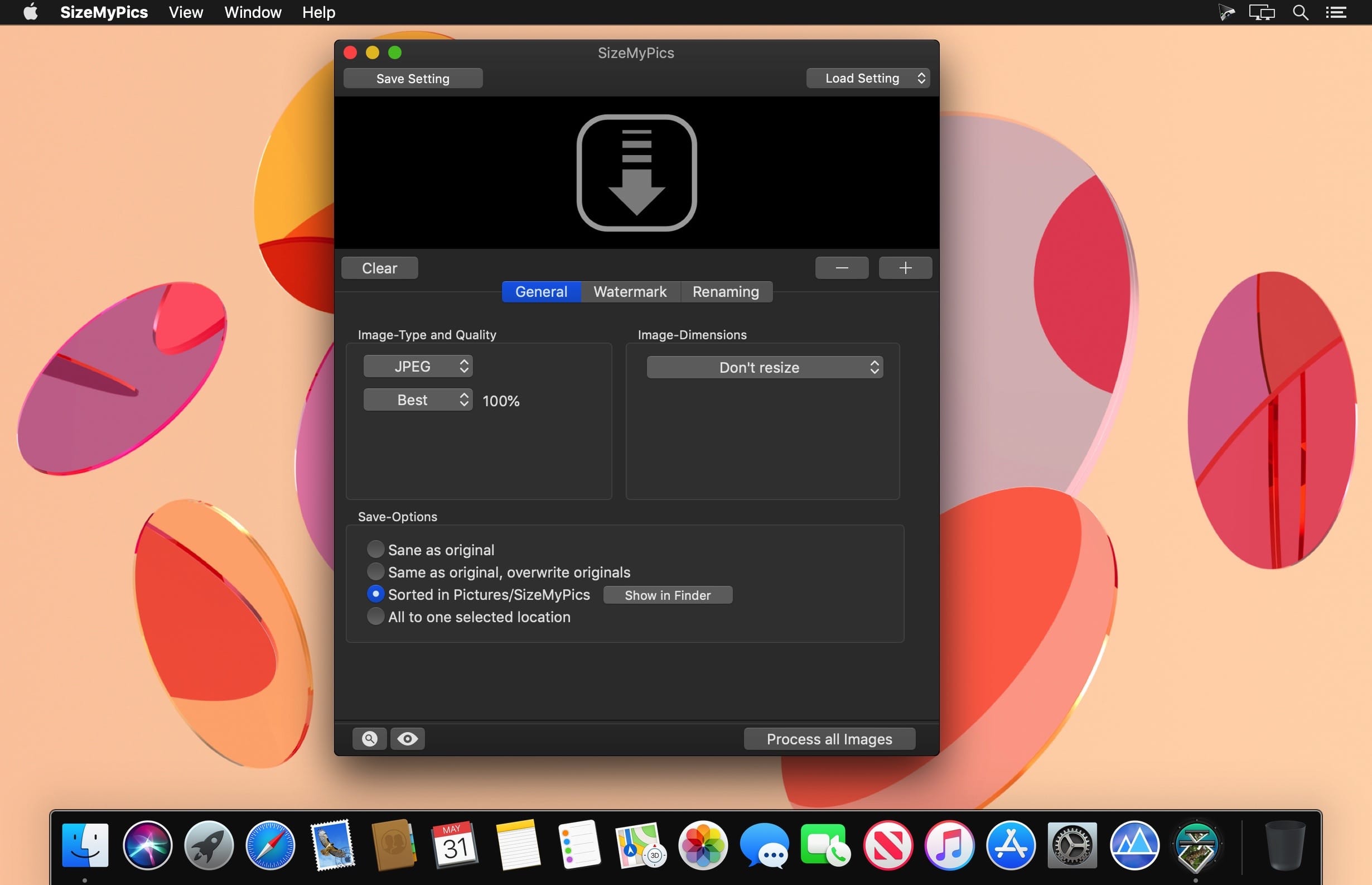
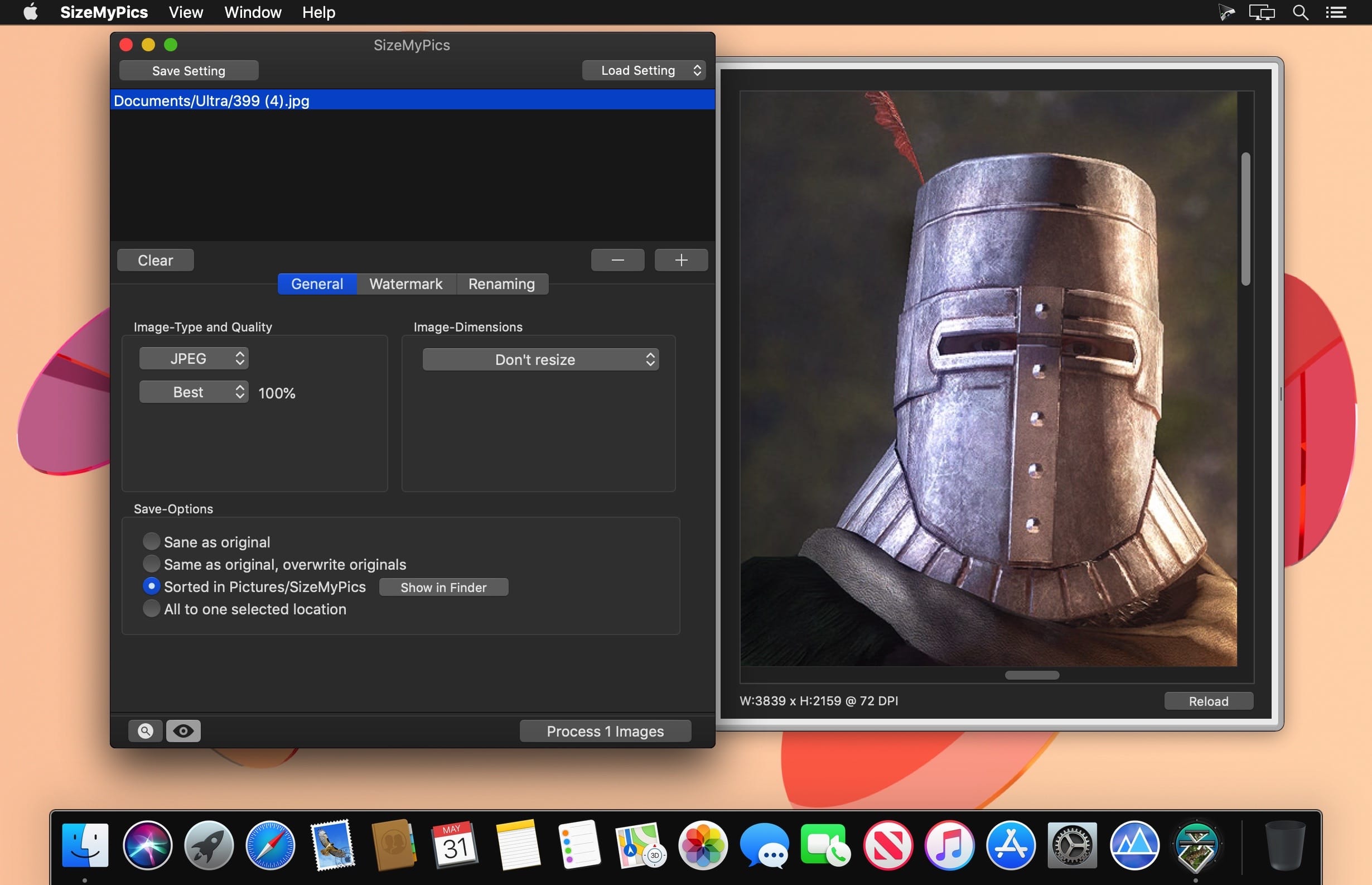
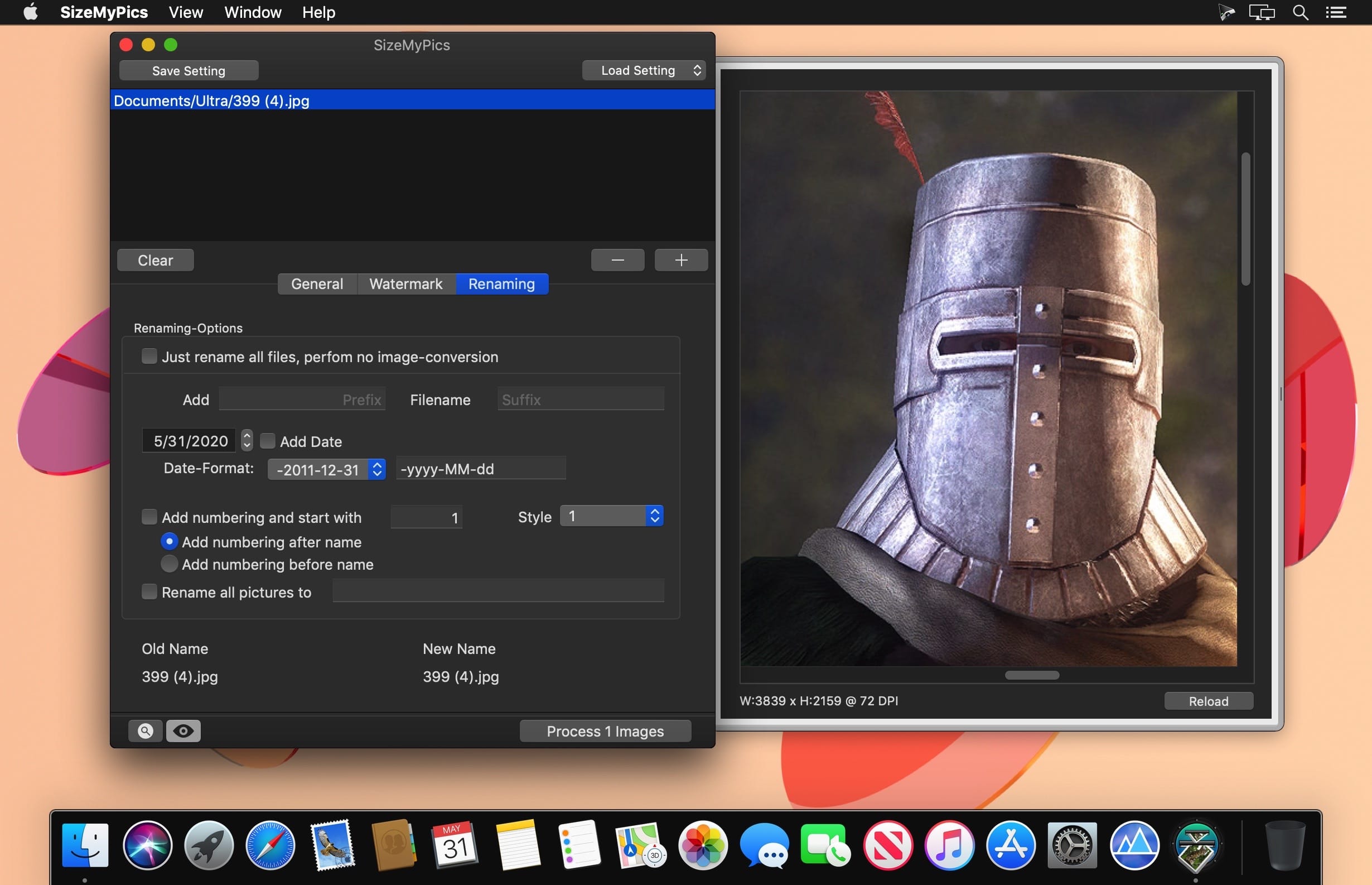
SizeMyPics can support you in converting a lot of pictures to another format and size in a convenience way. Read all about the features SizeMyPics has to offer and how it can make your work easier.
SizeMyPics can export your images to following formats:
- JPG, GIF, PNG (Without Alpha-Channel), TIF, BMP and PSD
- Additionally several compression-types for JPG-files are available.Next to a selection of predefined values, an option to set an individual percental value is also available.
Following options to manipulate the image-dimension are available:
- shrink to fit defined dimensions by respecting aspect ratio
- enlarge to fit defined dimensions by respecting aspect ratio
- shrink or enlarge to fit defined dimensions by respecting aspect ratio
- shrink to exact defined dimensions ignoring any aspect ratio
- enlarge to exact defined dimensions ignoring any aspect ratio
- shrink or enlarge to exact defined dimensions ignoring any aspect ratio
- adjust to height respecting aspect ratio
- adjust to width respecting aspect ratio
- crop to fit the exact defined dimensions
- crop to height
- crop to width
- adjust height, crop width and pad with color if necessary
- adjust to width, crop height and pad with color if necessary
- proportional resizing to defined percent-values
- change DPI-resolution
Version 1.8.1:
Note:
- SizeMyPics now requires at least macOS 10.13
Changes:
- New app icon to comply with the macOS26 app icon shape
Improvements:
- Various internal adjustments and changes to improve compatibility with newer macOS versions
- Various minor adjustments to the user interface
Frequently asked questions
How do I install the app?
Mount the image, drag the app into the "Applications" folder and launch it. If the system blocks the launch, allow it in "System Settings → Privacy & Security".
The app is damaged or won't launch
Reinstalling from a fresh image usually helps. Make sure your macOS version matches the one listed in the compatibility specs.
How do I update?
Download the new version from the site and install it over the current one — your settings will be preserved.
The download link doesn't work
Try a mirror or a download manager. For large files the browser often drops the connection.
How do I completely remove the app?
Use an uninstaller utility — it cleans up the service files that remain after moving the app to the trash.

Choose a download source
SizeMyPics 1.8.1 · 5.97 MB
Previous versions
SizeMyPics 1.8.1
Previous versions are available to registered users.