
Tile Photos FX - Split & Print 4.1
Screenshots
Click to enlarge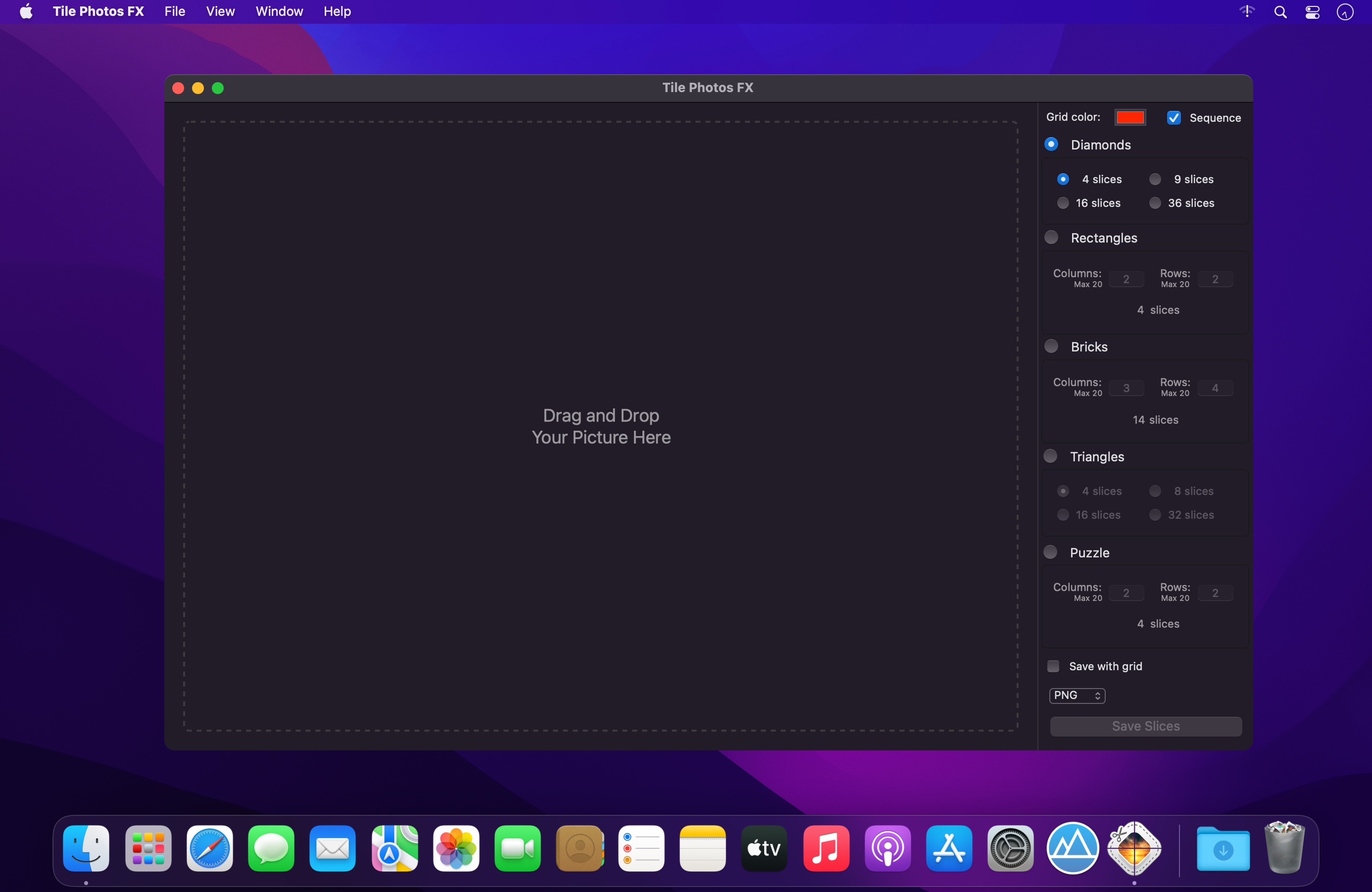
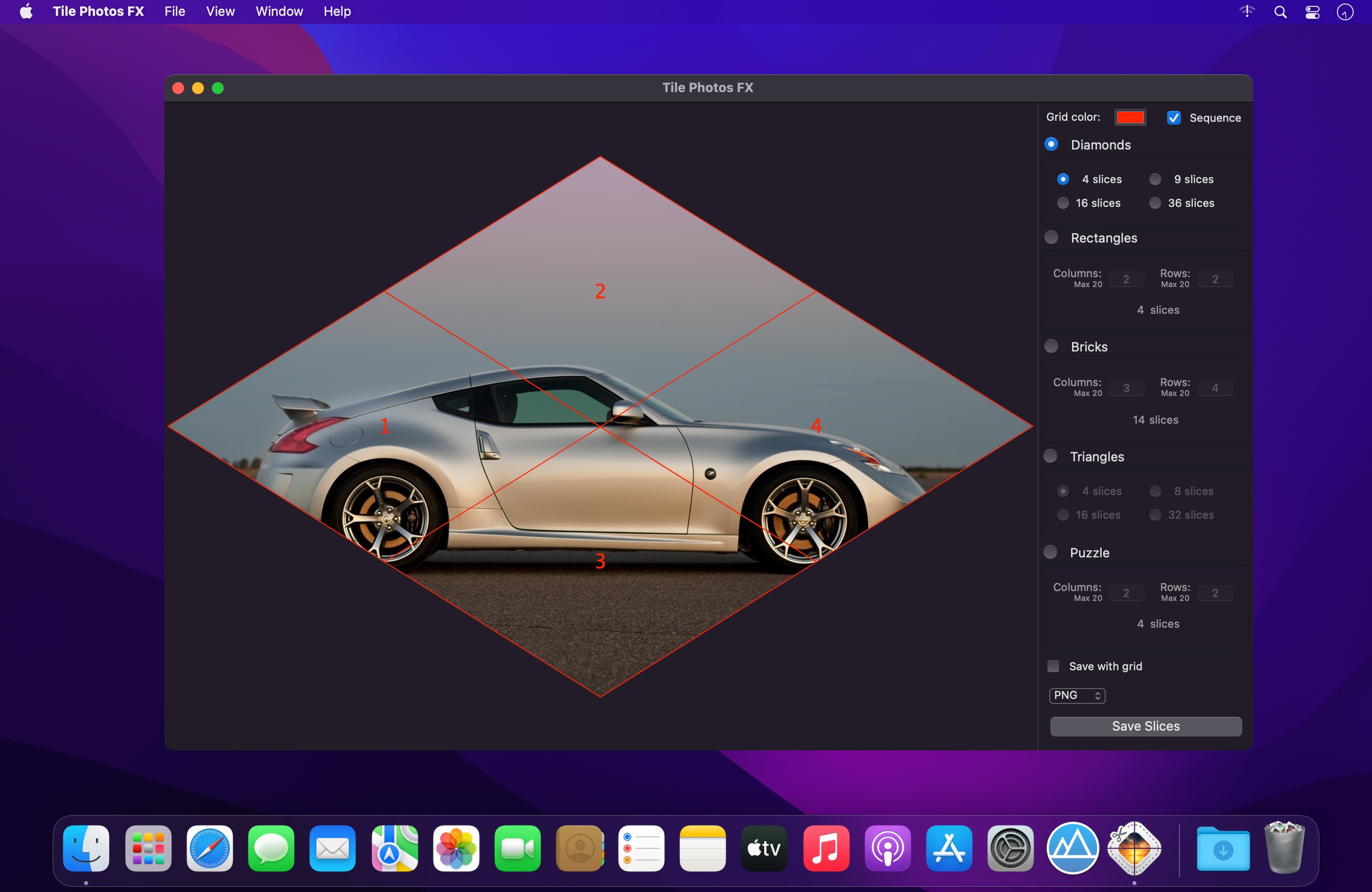
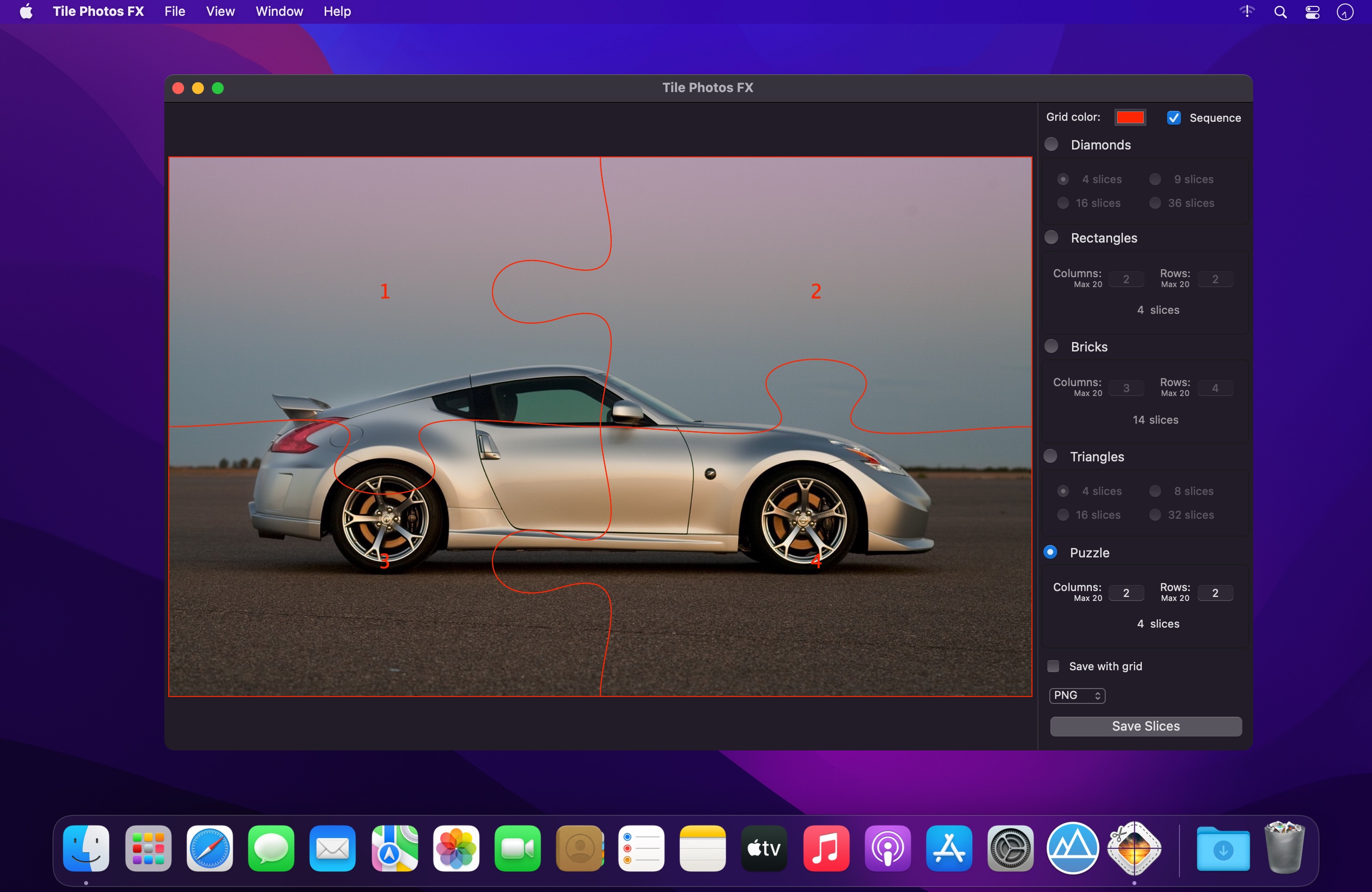
Tile Photos FX allows you to slice your images into smaller pieces of various shapes.
- Make your own puzzle from any image.
- Slice images into rectangular, triangular, diamond, brick-layout shapes and puzzle.
- Split huge photos or posters and print them in the original size even on your home printer.
- Print sliced images with dotted cutting lines and cut them by hand.
- Make and print bookmarks for a book with simple stripes.
- Decorate your envelopes with the triangles.
Tile Photos FX simplifies the process of slicing your images and helps to incorporate slices into web pages, Keynote presentations, Pages documents and other projects. Slicing is also particularly useful for webpage layouts that include such elements as buttons, logos, menu elements and other objects. Pieces of a large picture incorporated into a website load much faster than the whole image.
Tile Photos FX will help you to split huge photos, posters, charts or maps into several slices and print them in the original size even on your home printer. Advertisers, designers and photographers will highly appreciate the possibility to print individual slices of a huge photo or poster.
The application also provides an additional option to print sliced pictures with dotted lines, so you could cut them by hand. Manually sliced pictures provide some great material for photo collages and other graphic work on paper or canvas.
Version 4.1
- Stability improvements.
Comments
No comments yet. Be the first.