Split Lab 1.5
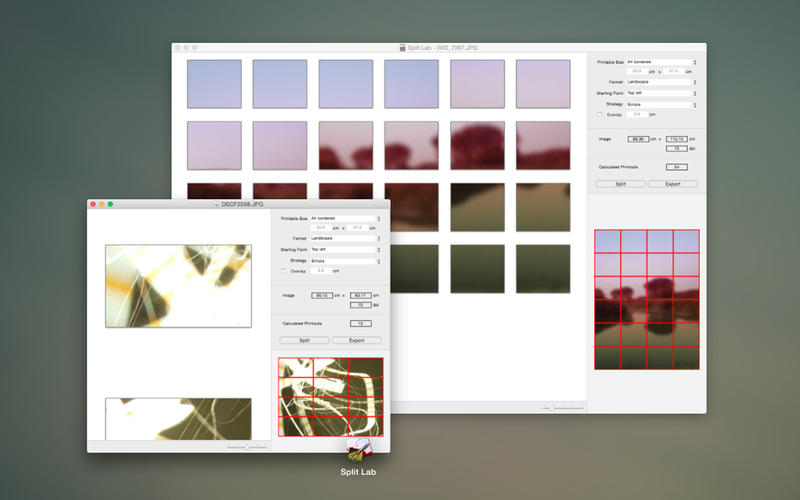
Split Lab is a professional image splitting tool. It creates pieces from PNG, TIFF and JPG images at any size and resolution.
Split Lab is for all creatives, artists and designers, who need to create high quality splits from artwork for print, digital or for experimenting with content formats.
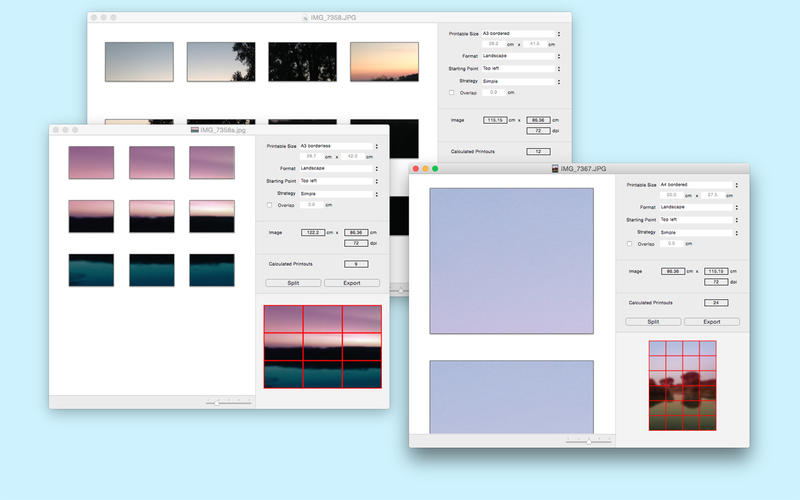
Split Lab comes with multiple template formats, split strategies and customizable settings. It helps you prepare content for print and creating large tile sets (even more than 5000 tiles are possible).
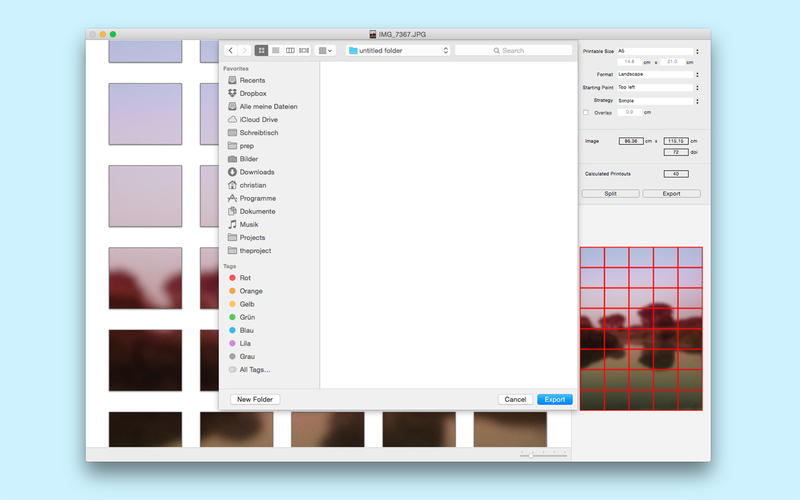
With Split Lab, you start with a fixed target size (e.g. A4 borderless) and splitting strategy. Based on that, Split will calculate the number of images and perform the splitting for you images. You can save them out and process them with any image manipulation tools (e.g. Preview).
WHAT’S NEW
Version 1.5
- The latest version improves usability and fixes two smaller bugs with the calculation of splits.
SCREENSHOTS
Frequently asked questions
How do I install the app?
Mount the image, drag the app into the "Applications" folder and launch it. If the system blocks the launch, allow it in "System Settings → Privacy & Security".
The app is damaged or won't launch
Reinstalling from a fresh image usually helps. Make sure your macOS version matches the one listed in the compatibility specs.
How do I update?
Download the new version from the site and install it over the current one — your settings will be preserved.
The download link doesn't work
Try a mirror or a download manager. For large files the browser often drops the connection.
How do I completely remove the app?
Use an uninstaller utility — it cleans up the service files that remain after moving the app to the trash.
VersionSplit Lab 1.5
DeveloperPengsquare UG
CompatibilityOS X 10.10 or later, 64-bit processor
LanguageEnglish
IncludesPre-K'ed


Information
Visitors in the group Guests cannot leave comments on this publication.
Choose a download source
Split Lab 1.5 · 3.76 MB