
Backtrack - Record Past Audio 1.6.2
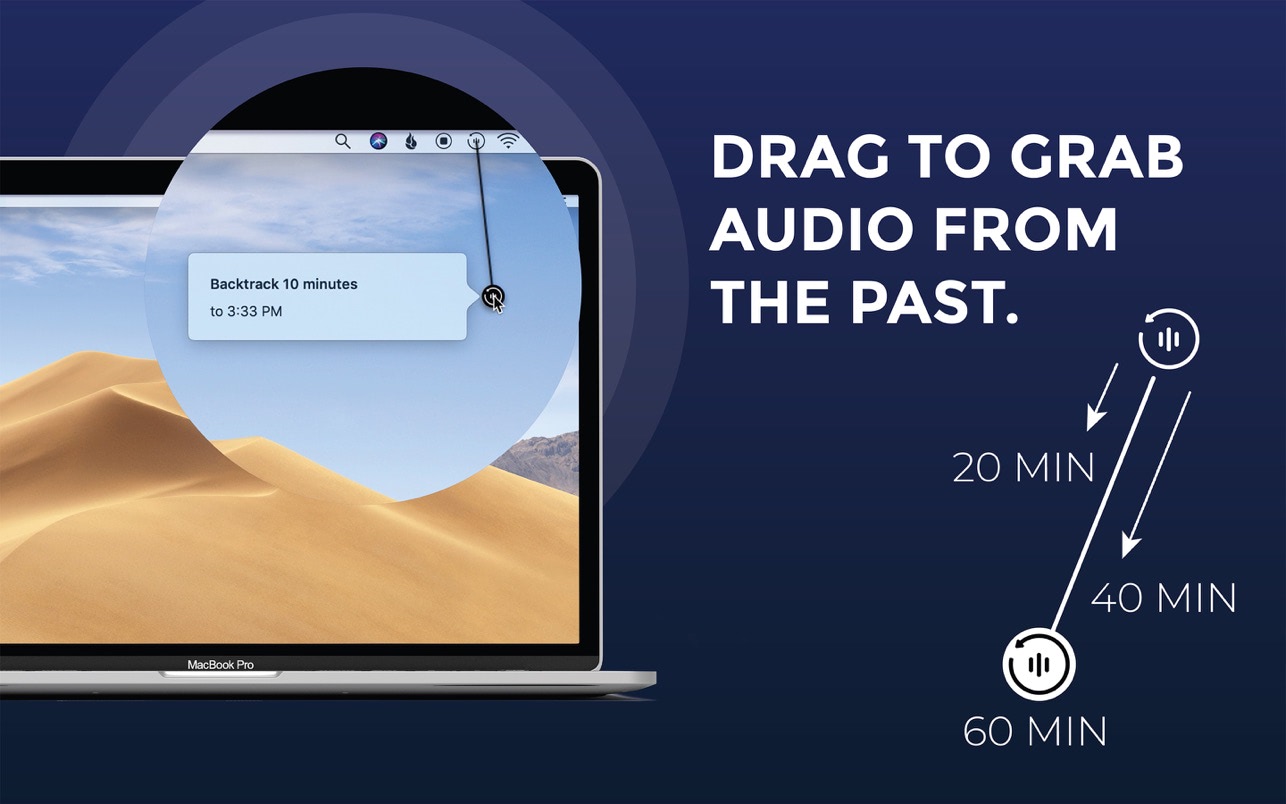
Backtrack lets you record all those conversations, calls, and brainstorming sessions that you forgot to click the record button for.
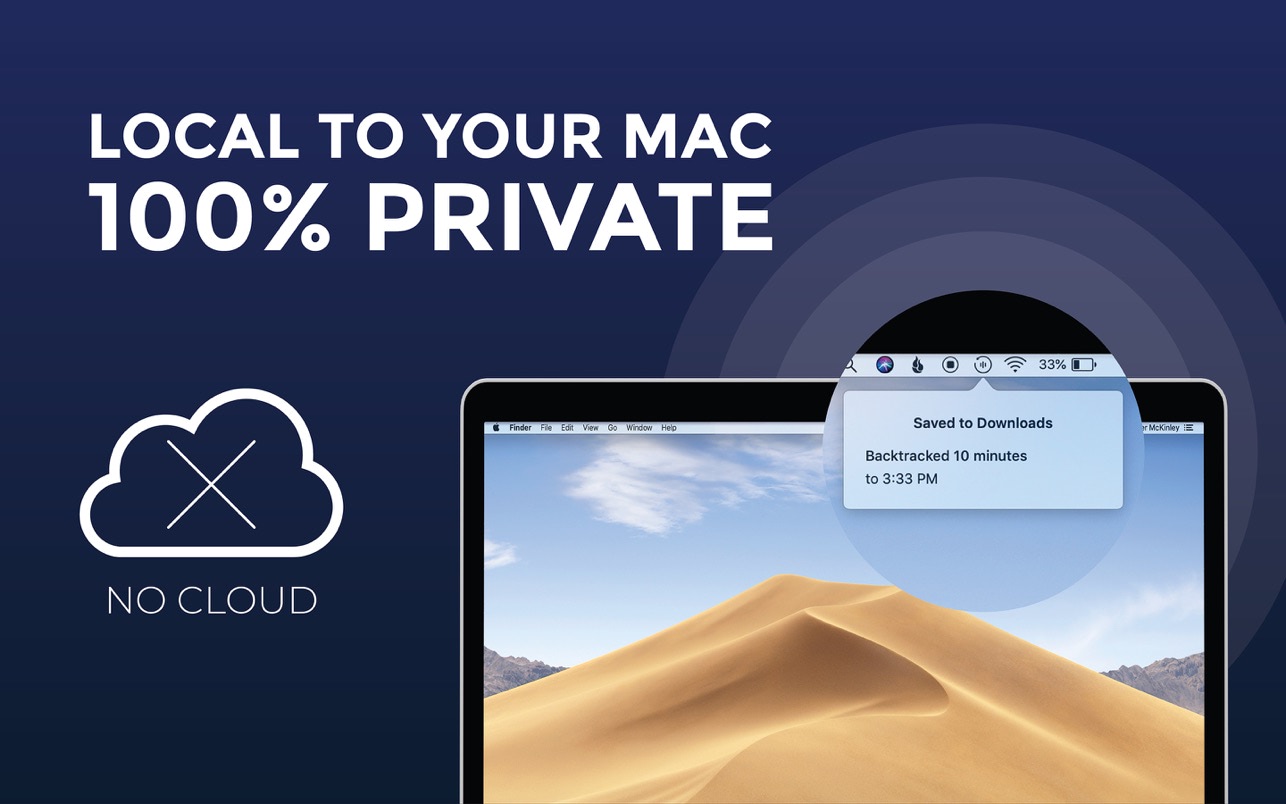
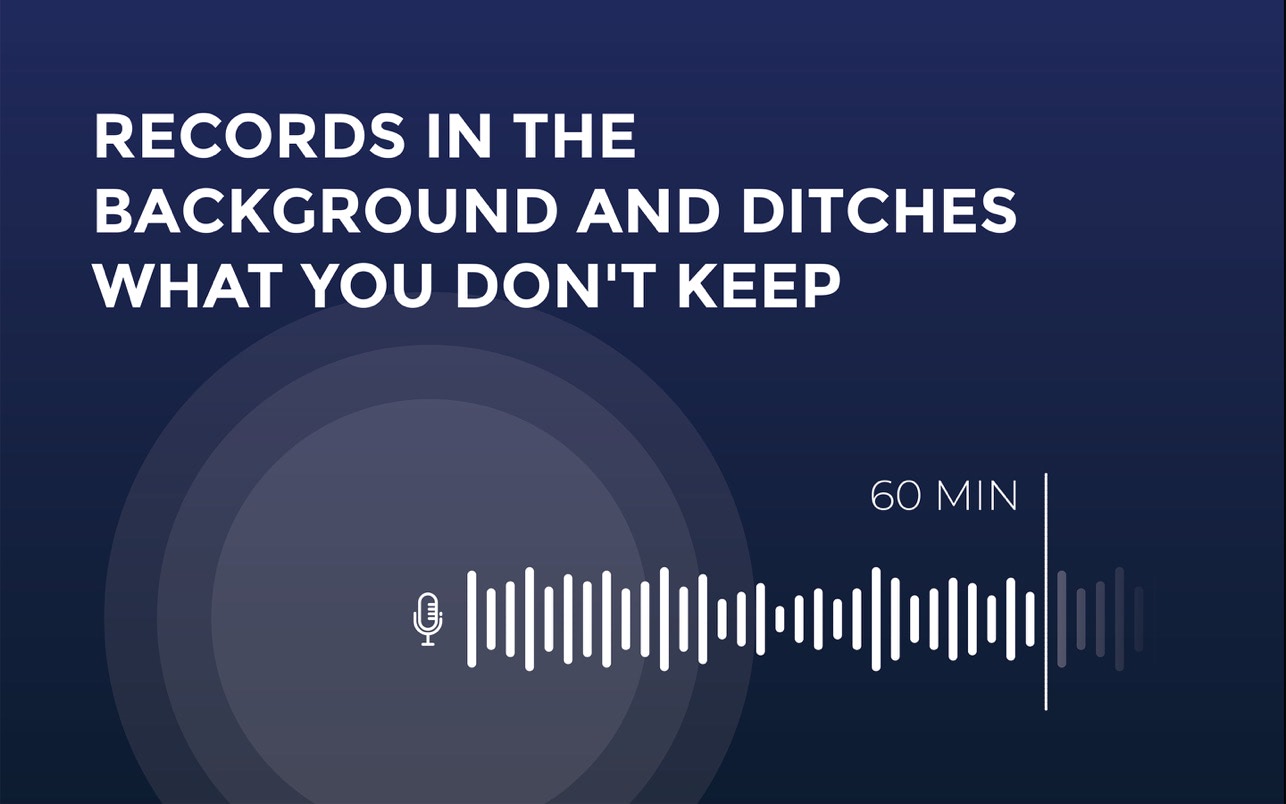
Backtrack is always recording, and over-writes a 60 minute window of audio over and over throughout the day, locally on your Mac. As soon as something happens that you realize you should have recorded, just drag the icon down to the time you need to backtrack to, and the app will save an audio file to your desktop.
Backtrack is a menubar app. To access settings or quit the app, use the dropdown from the menubar.
Version 1.6
- Support for MacBook M1
- New onboarding
Frequently asked questions
How do I install the app?
Mount the image, drag the app into the "Applications" folder and launch it. If the system blocks the launch, allow it in "System Settings → Privacy & Security".
The app is damaged or won't launch
Reinstalling from a fresh image usually helps. Make sure your macOS version matches the one listed in the compatibility specs.
How do I update?
Download the new version from the site and install it over the current one — your settings will be preserved.
The download link doesn't work
Try a mirror or a download manager. For large files the browser often drops the connection.
How do I completely remove the app?
Use an uninstaller utility — it cleans up the service files that remain after moving the app to the trash.

Choose a download source
Backtrack - Record Past Audio 1.6.2 · 6.6 MB