NCH SoundTap 8.00
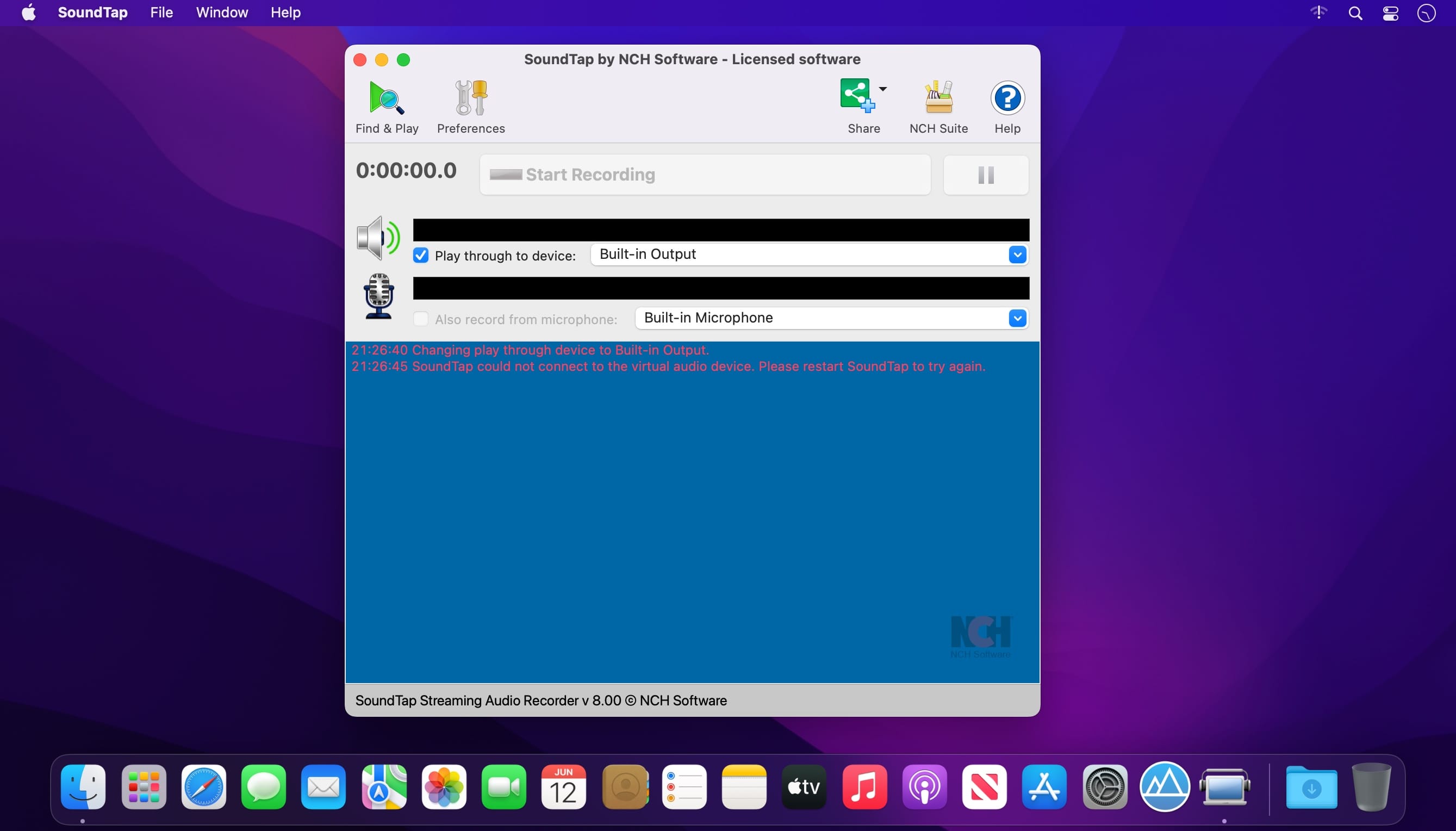
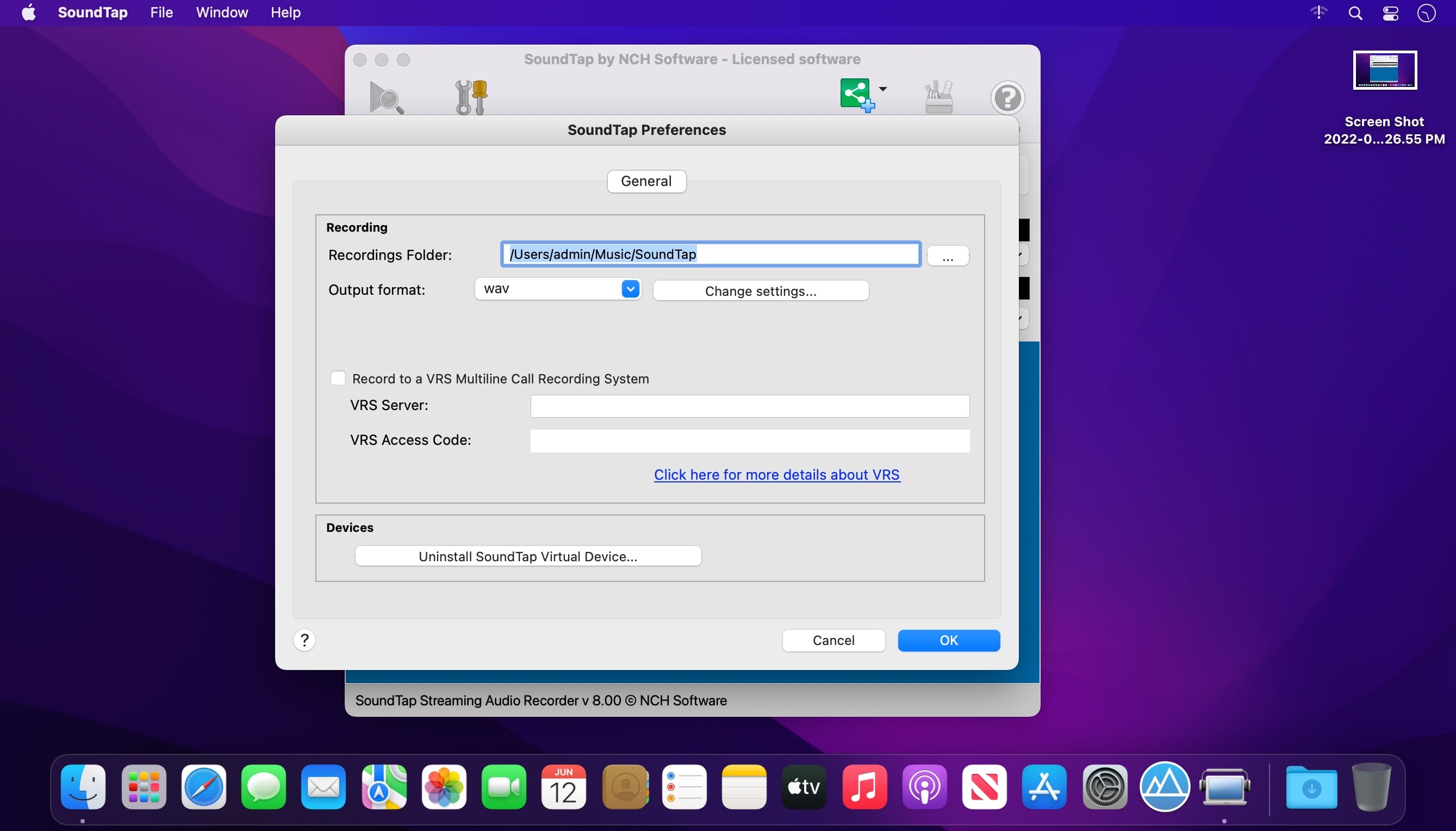
SoundTap is streaming audio capture software which will convert any audio playing through your computer to mp3 or wav files. Streaming audio is recorded by a special kernel driver to preserve digital audio quality. The high definition audio files can be saved and played back on any device.
Streaming Audio Recording Applications
- Record internet radio webcasts. Radio stations are required to log and archive all broadcasts under FCC regulations.
- Save streaming audio broadcasts. If you are using BroadWave to broadcast your band, SoundTap can record and archive the broadcasts.
- Record streaming audio conferences. SoundTap works perfectly to record conferences, podcasts and webinars hosted on your computer.*
- Convert audio from uncommon formats to wav or mp3. e.g., Convert a voice recording in ds2 format to mp3 using a ds2 player and SoundTap.
- Record VoIP phone calls made with Skype. This is often done in businesses or call centers for quality assurance.
Version 8.00:
- Release notes were unavailable when this listing was updated.
Frequently asked questions
How do I install the app?
Mount the image, drag the app into the "Applications" folder and launch it. If the system blocks the launch, allow it in "System Settings → Privacy & Security".
The app is damaged or won't launch
Reinstalling from a fresh image usually helps. Make sure your macOS version matches the one listed in the compatibility specs.
How do I update?
Download the new version from the site and install it over the current one — your settings will be preserved.
The download link doesn't work
Try a mirror or a download manager. For large files the browser often drops the connection.
How do I completely remove the app?
Use an uninstaller utility — it cleans up the service files that remain after moving the app to the trash.

Choose a download source
NCH SoundTap 8.00 · 4.13 MB