
Batch Exif Editor Pro 1.1

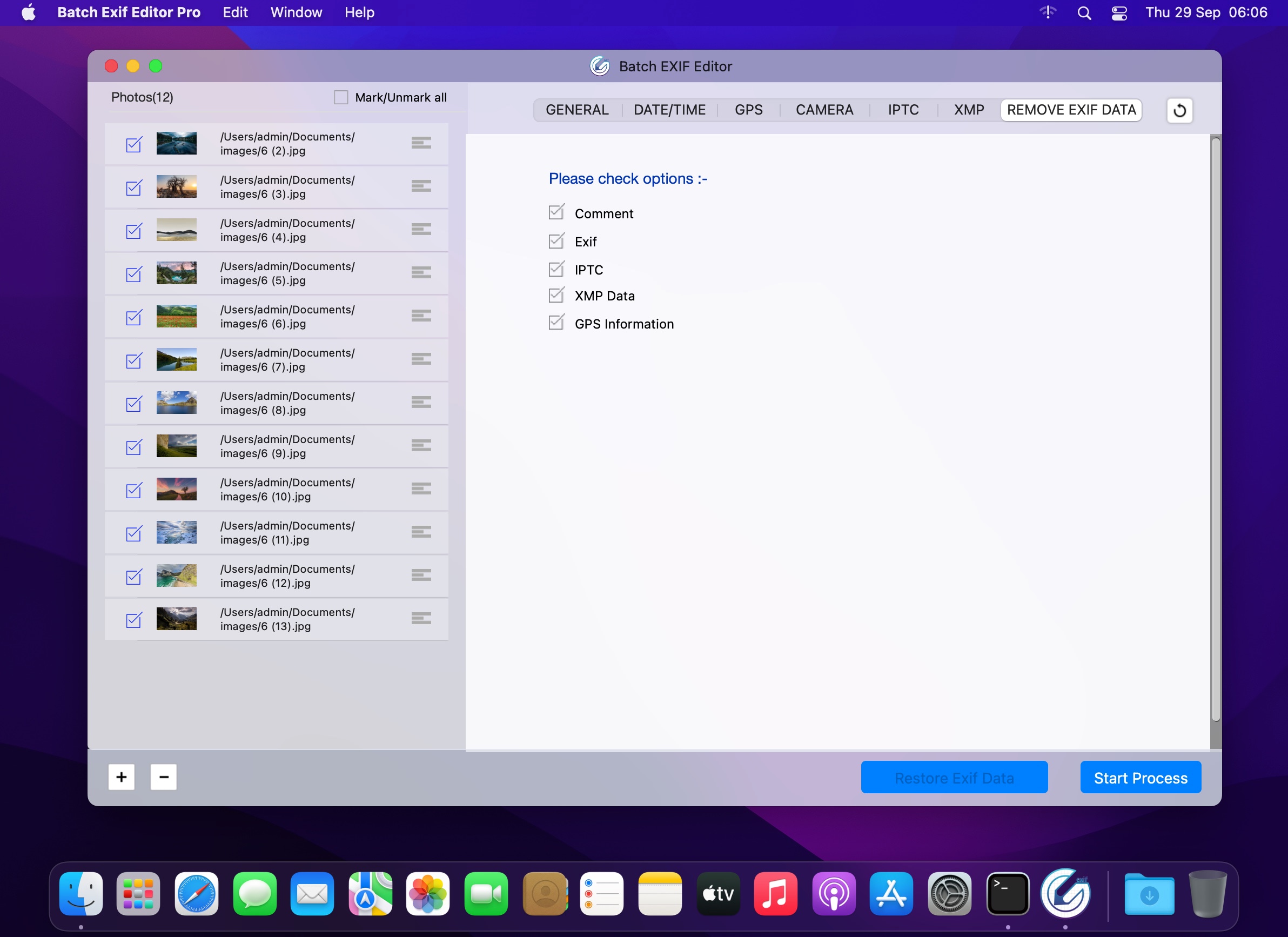
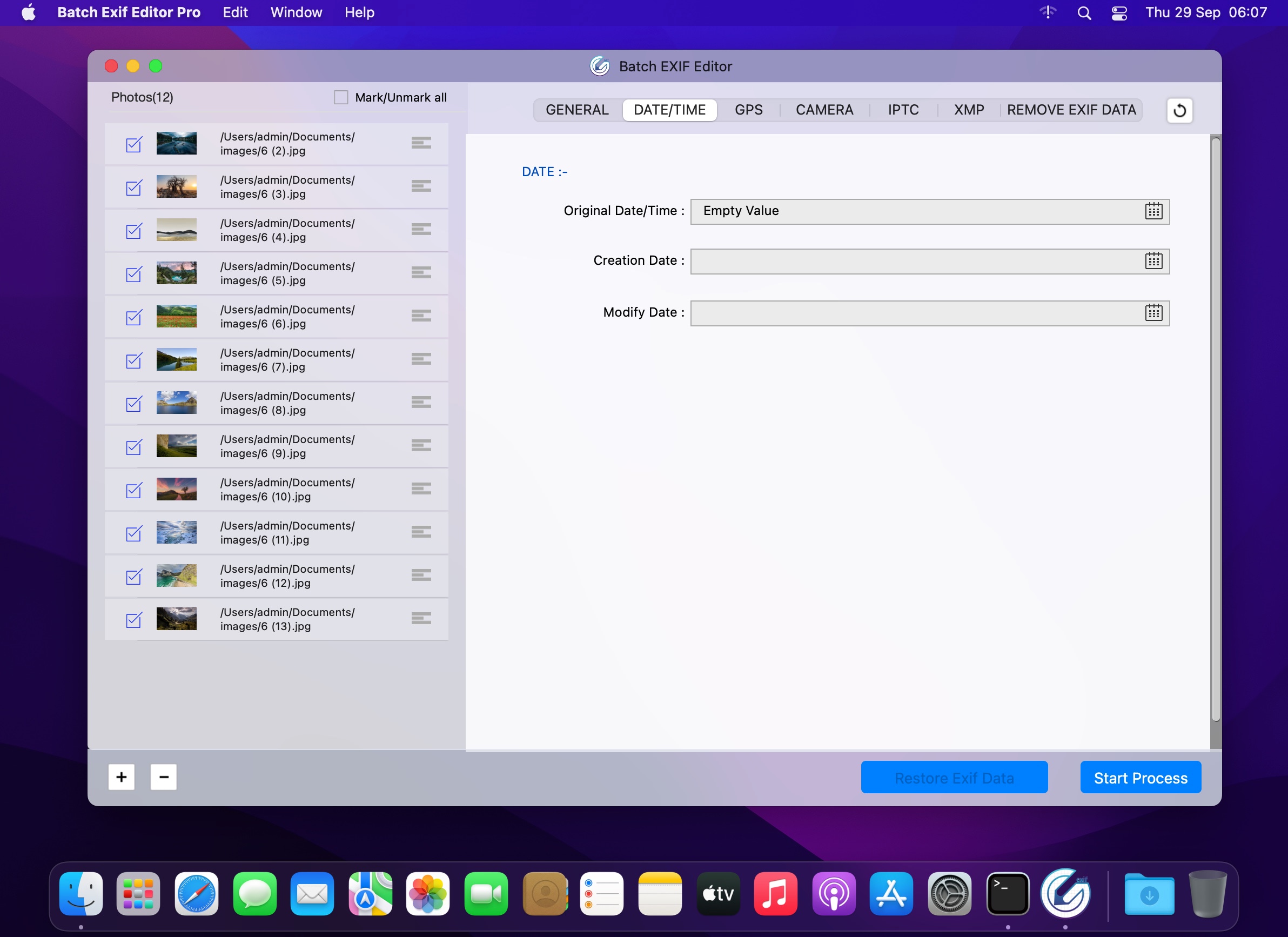
Batch Exif Editor allows you to view, modify and remove the Exif data of hundreds of photos in single click.
It has been designed to be extremely user friendly and in my opinion is one of the best batch image editing tools available.
You can also change the location of picture to anywhere. In this case, Photo Exif Editor acts as Photo location changer, GPS photo viewer, Photo place editor or Photo date-time changer. Or to remove/strip all Exif tags inside the photos. In this case, Photo Exif Editor acts as Exif remover, or Photo data stripper.
Version 1.1
- Bug fixes and improvements.
Frequently asked questions
How do I install the app?
Mount the image, drag the app into the "Applications" folder and launch it. If the system blocks the launch, allow it in "System Settings → Privacy & Security".
The app is damaged or won't launch
Reinstalling from a fresh image usually helps. Make sure your macOS version matches the one listed in the compatibility specs.
How do I update?
Download the new version from the site and install it over the current one — your settings will be preserved.
The download link doesn't work
Try a mirror or a download manager. For large files the browser often drops the connection.
How do I completely remove the app?
Use an uninstaller utility — it cleans up the service files that remain after moving the app to the trash.



Choose a download source
Batch Exif Editor Pro 1.1 · 10.51 MB