ExifEditor 1.2.7
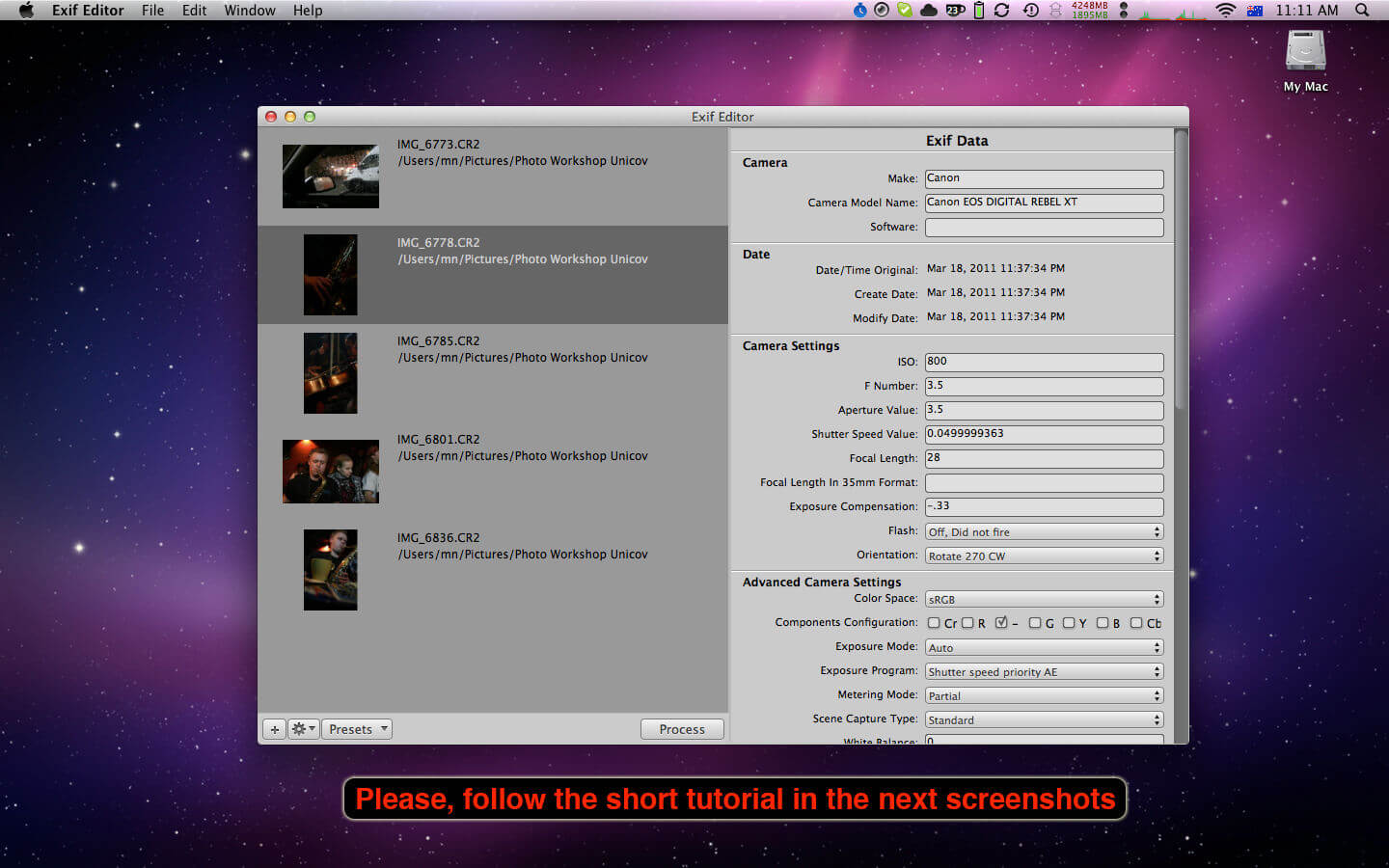
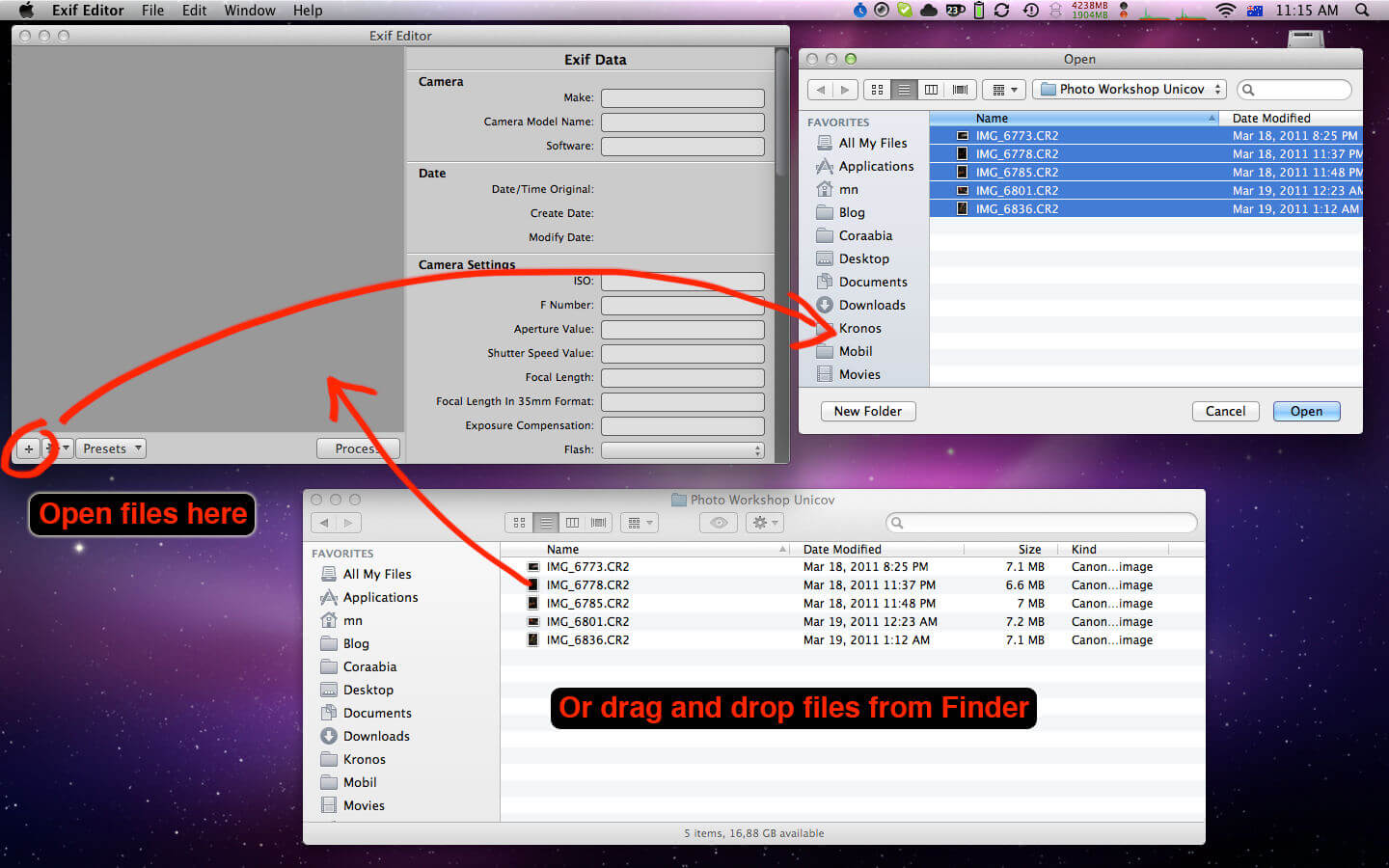
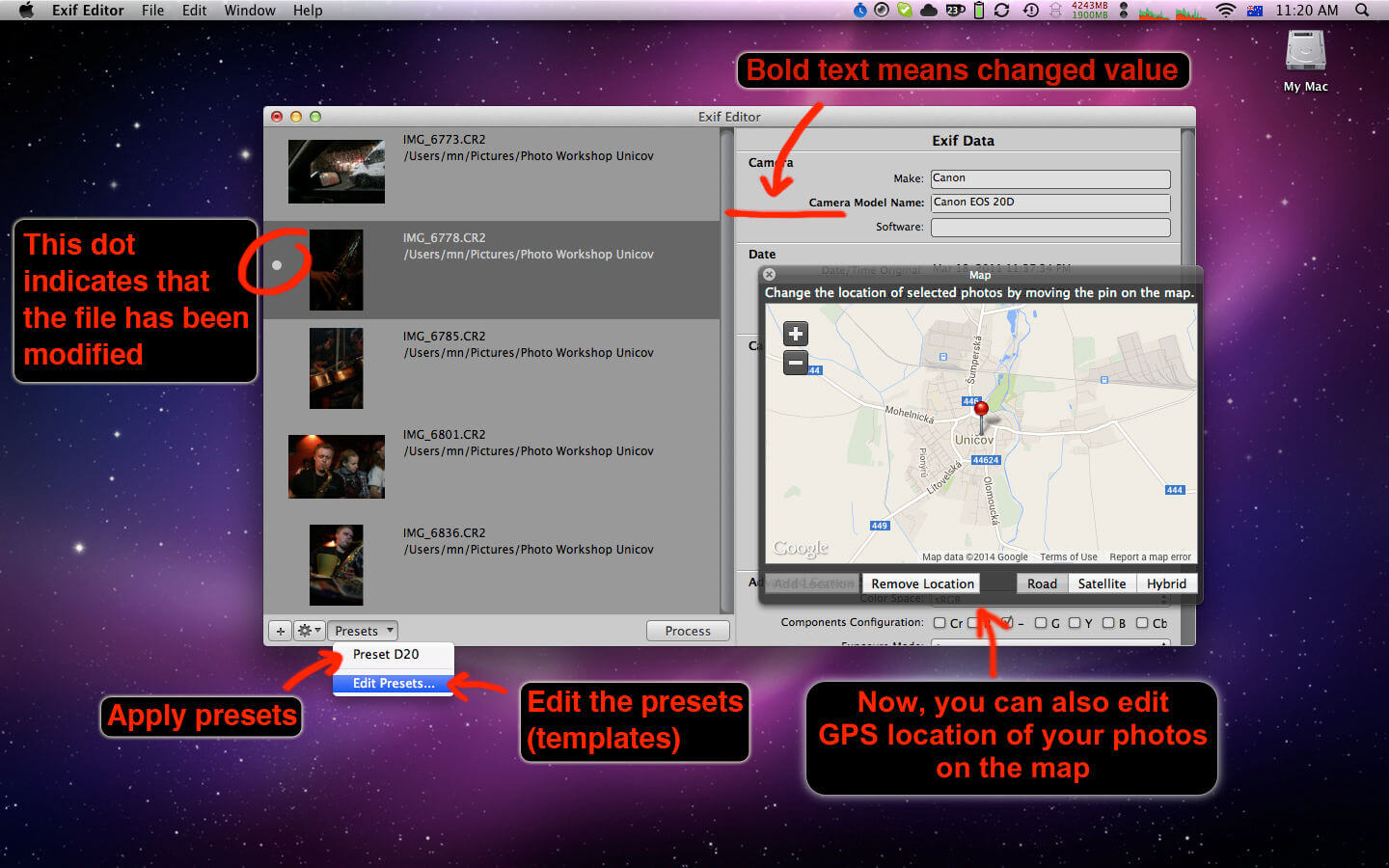
Exif Editor is your preferred program to edit image EXIF and IPTC metadata on the Mac.
The easiest and the simplest way.
A very brief introduction of the program
Typical problems that the program solves
- Modifying author’s name and copyright
- Changing location of the photo you shot
- Correcting time the photo was shot
- Viewing and editing camera settings
- Removing camera, author or software information
- Adding information about scanned analog photos
Basic features
- Manage and modify metadata directly inside your photos.
- Supports subset of EXIF and IPTC metadata standards.
- Edit or remove the data.
Version 1.2.7
- Updated exiftool
- Bug fixes
Frequently asked questions
How do I install the app?
Mount the image, drag the app into the "Applications" folder and launch it. If the system blocks the launch, allow it in "System Settings → Privacy & Security".
The app is damaged or won't launch
Reinstalling from a fresh image usually helps. Make sure your macOS version matches the one listed in the compatibility specs.
How do I update?
Download the new version from the site and install it over the current one — your settings will be preserved.
The download link doesn't work
Try a mirror or a download manager. For large files the browser often drops the connection.
How do I completely remove the app?
Use an uninstaller utility — it cleans up the service files that remain after moving the app to the trash.



Choose a download source
ExifEditor 1.2.7 · 11.89 MB