
TextSniper 1.13.0
Instantly grab text locked in images, PDFs, and videos
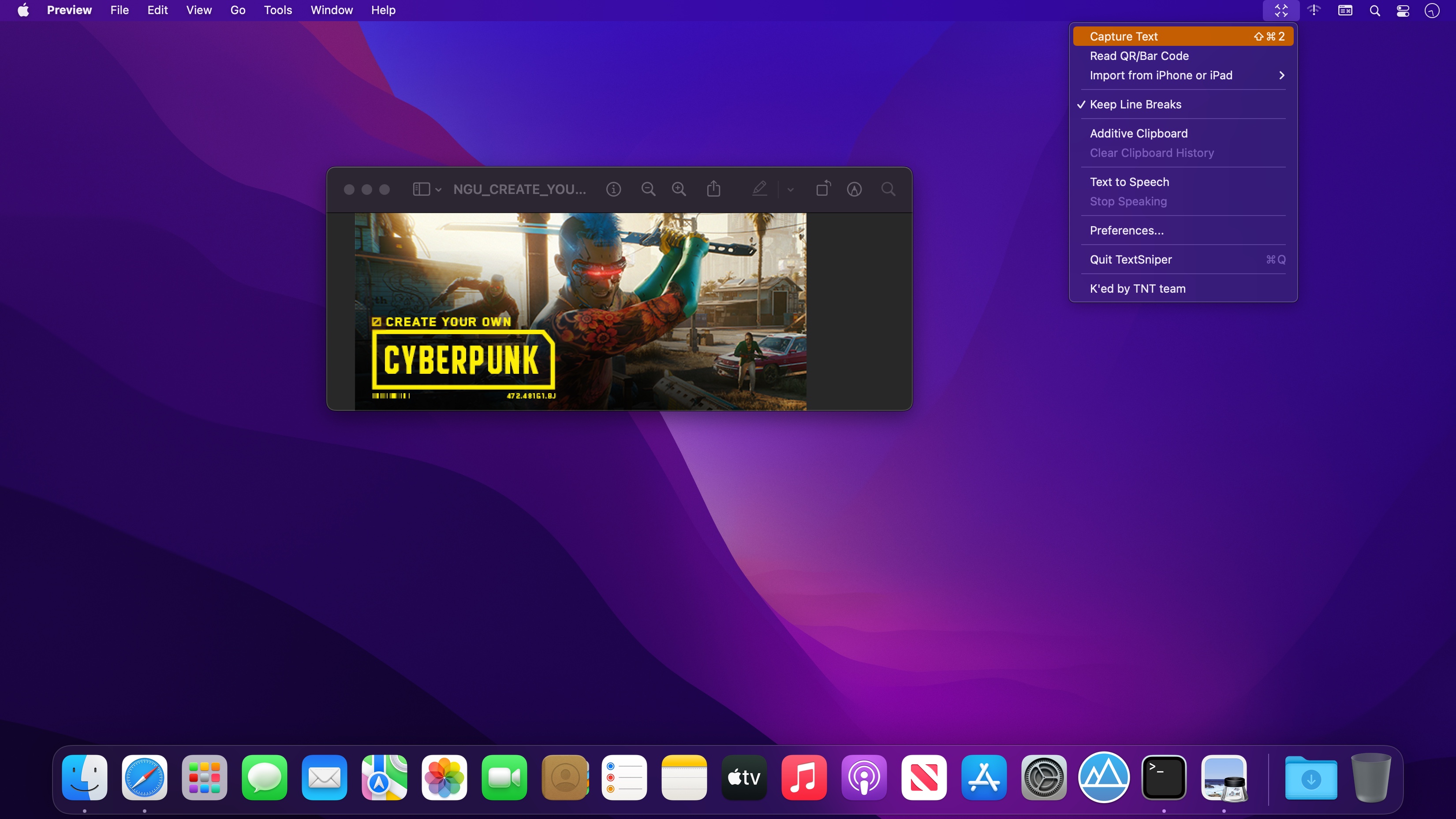

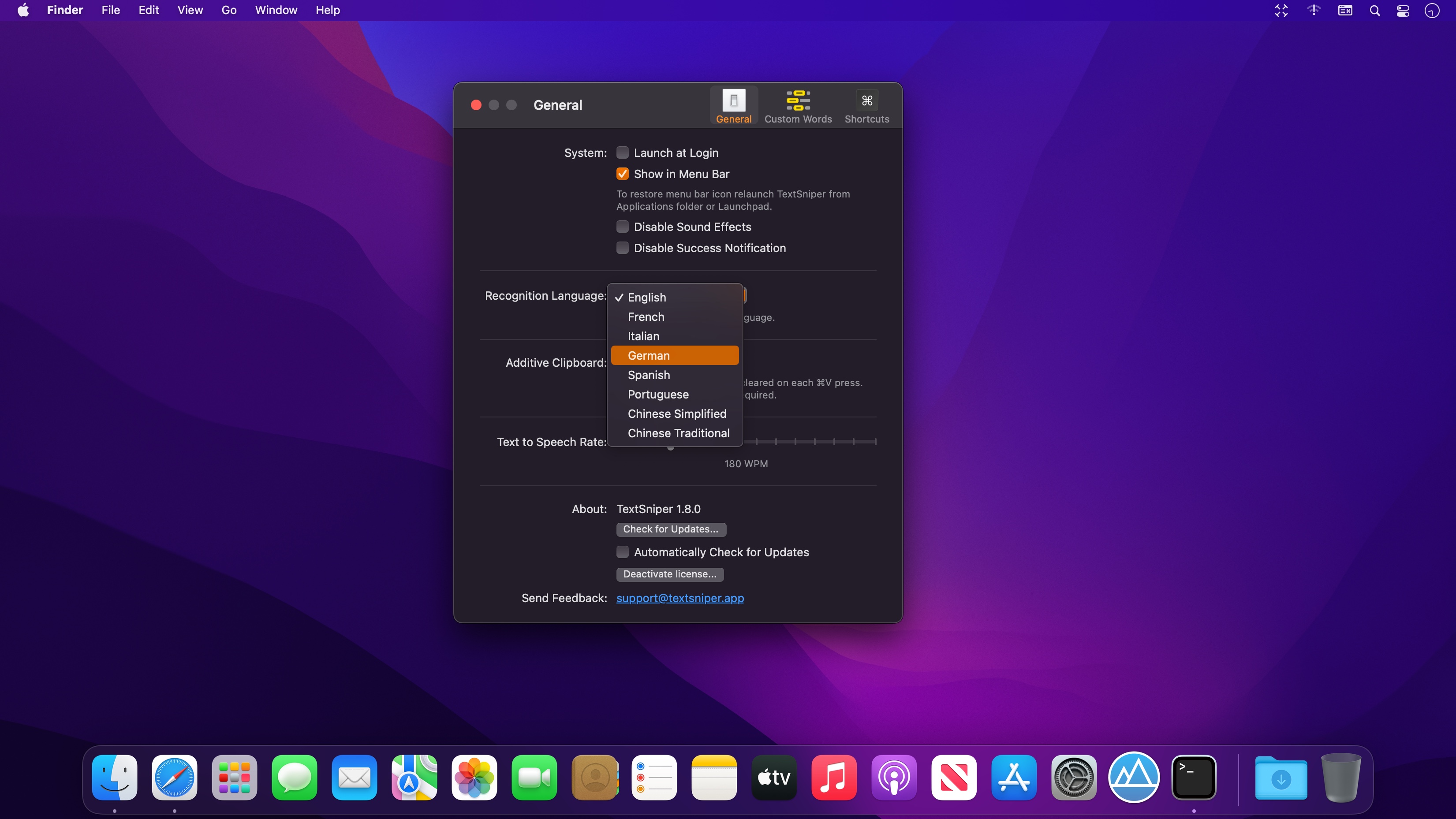
TextSniper is a lightweight optical character recognition utility that turns non-editable text on your Mac's screen into text you can paste and edit. You select an area much like taking a screenshot, and the recognized text is ready for your editor or notes app. Recognition runs on-device without collecting user data, making it a practical choice for home and business users who value privacy.
Features
- On-device OCR — recognizes text without an internet connection
- Instant recognition anywhere — capture text from any app, game, video, PDF, or image on screen
- Over 25 languages — available languages depend on your macOS version, from English only on Catalina to 26 languages on Tahoe, including vertical Chinese, Japanese, and Korean text
- Clipboard output — recognized text is saved to the clipboard so you can paste it anywhere
- High accuracy — reads even tiny text on low-quality images
- Custom keyboard shortcuts — assign shortcuts to different extraction options
- Text-to-speech — have TextSniper read the recognized text aloud
- iPhone and iPad camera capture — capture text with your device camera and transfer it to your Mac instantly
- QR code and barcode scanning — read codes directly on your Mac
- macOS Tahoe and Apple Silicon support — fully compatible with macOS Tahoe and optimized for M1–M4 chips
Version 1.13.0
- Full macOS 27 Golden Gate support.
- New recognition languages: Finnish, Hindi, and Marathi (macOS 27 Golden Gate required).
- Fixed a bug affecting keyboard shortcuts.
- Other minor fixes and stability improvements.
Frequently asked questions
How do I install the app?
Mount the image, drag the app into the "Applications" folder and launch it. If the system blocks the launch, allow it in "System Settings → Privacy & Security".
The app is damaged or won't launch
Reinstalling from a fresh image usually helps. Make sure your macOS version matches the one listed in the compatibility specs.
How do I update?
Download the new version from the site and install it over the current one — your settings will be preserved.
The download link doesn't work
Try a mirror or a download manager. For large files the browser often drops the connection.
How do I completely remove the app?
Use an uninstaller utility — it cleans up the service files that remain after moving the app to the trash.



Choose a download source
TextSniper 1.13.0 · 7.08 MB
Previous versions
TextSniper 1.13.0
Previous versions are available to registered users.