Enolsoft PDF to Word with OCR 6.8.0
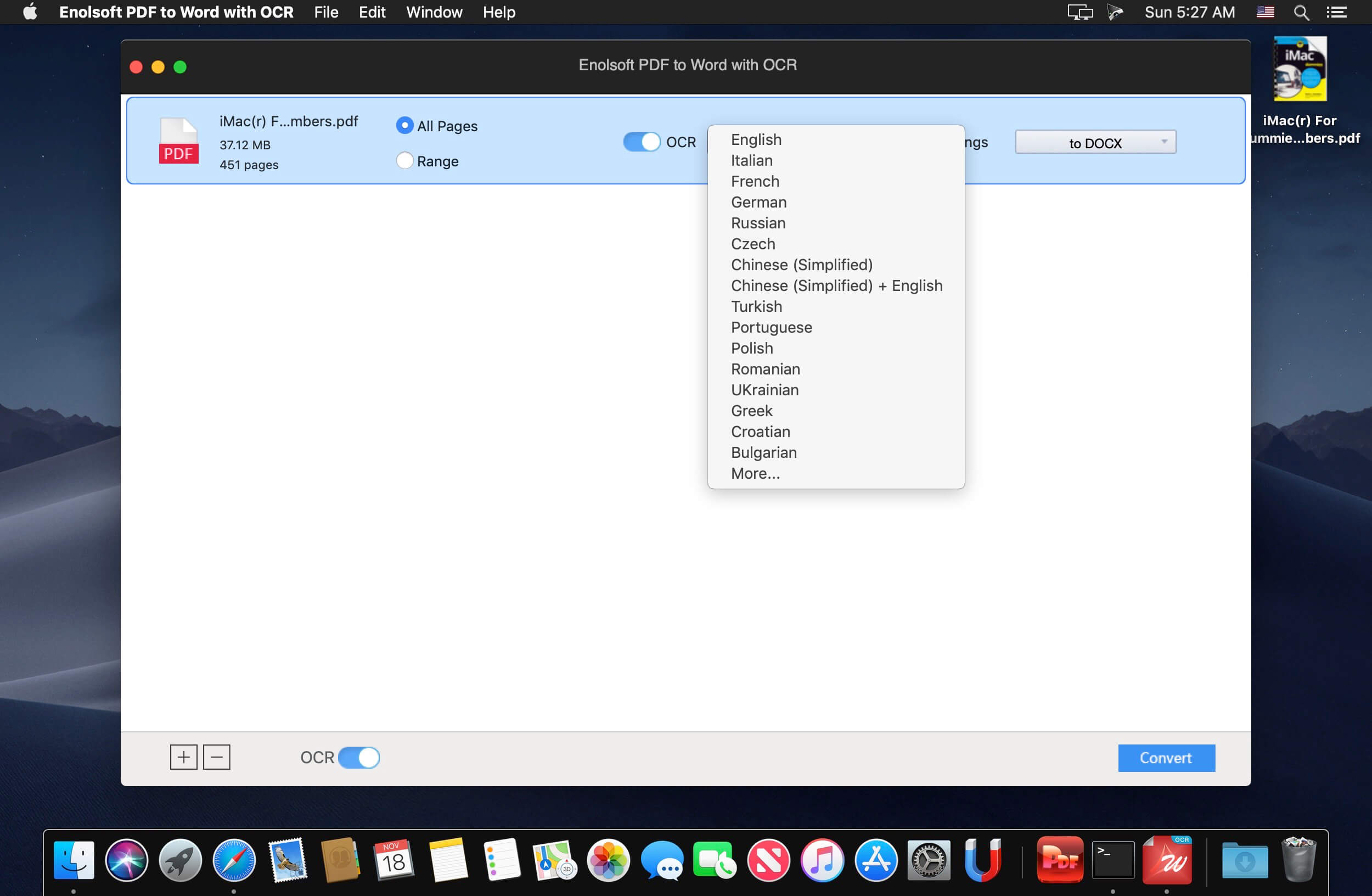
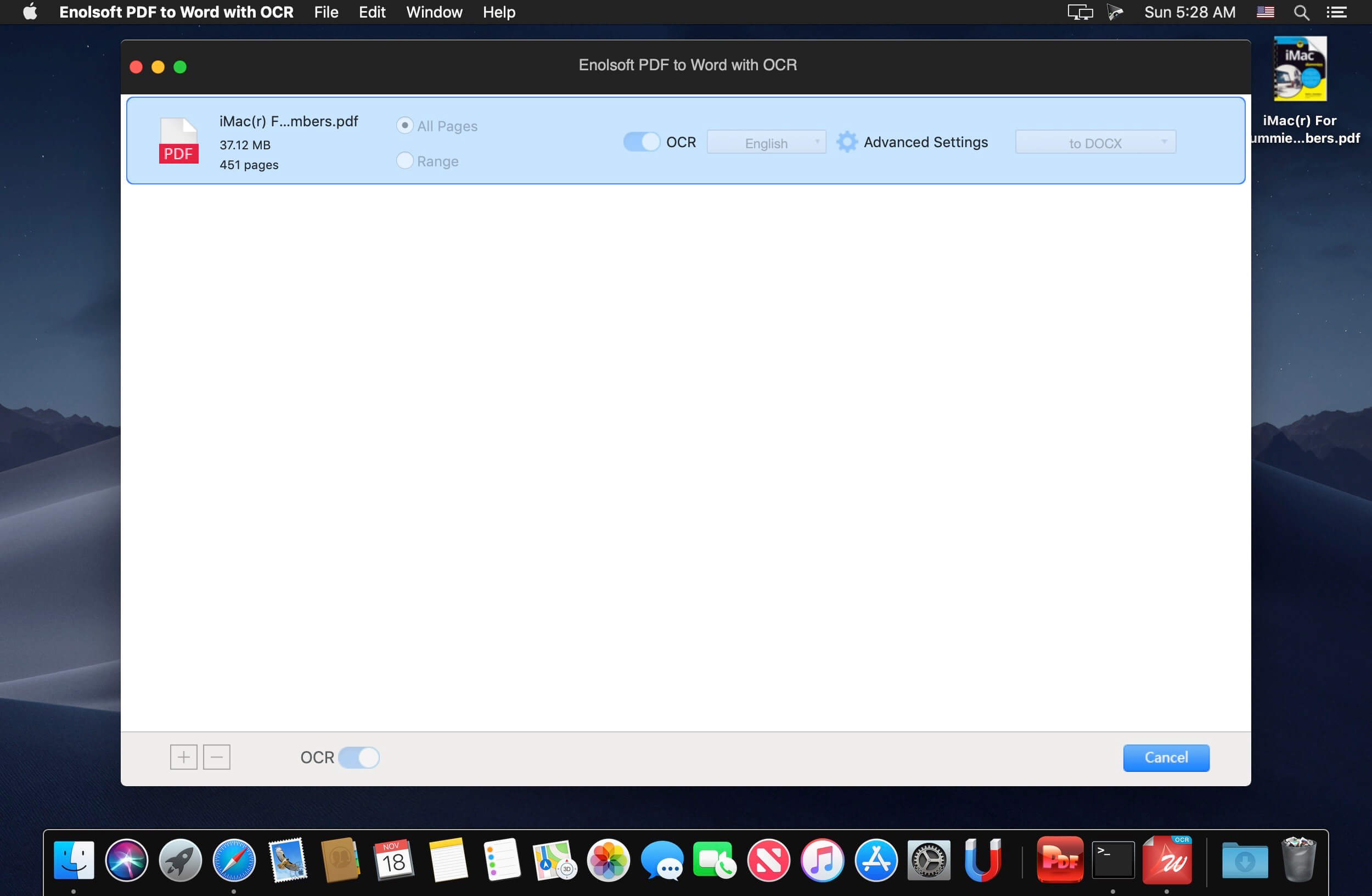
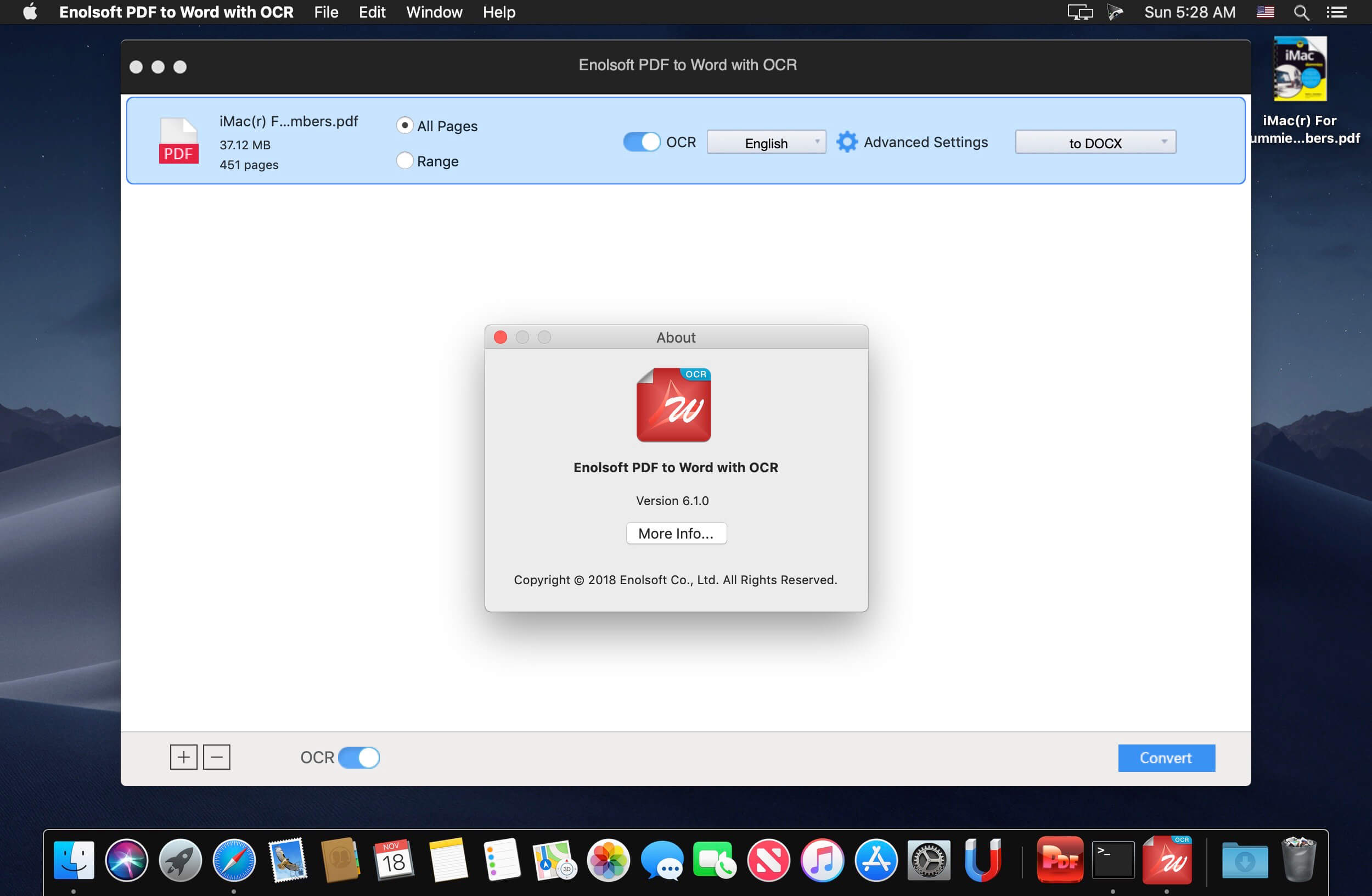
Easily Convert PDF to Editable DOC/DOCX Files. Besides native PDFs, PDF to Word with OCR applies Optical Character Recognition to accurately identify text in scanned PDF or images then convert them to Word quickly.
Enolsoft PDF Converter with OCR (Optical Character Recognition) for Mac can accurately recognize the text, images, and table in the PDFs to assure to keep the original layout. Quickly deal with all files from your boss, partners or colleagues.
- Native/Searchable PDF
- Scanned/Non-searchable PDF
- PDFs with restrictions password
- Images (JPG, PNG, GIF, BMP, TIFF)
Frequently asked questions
How do I install the app?
Mount the image, drag the app into the "Applications" folder and launch it. If the system blocks the launch, allow it in "System Settings → Privacy & Security".
The app is damaged or won't launch
Reinstalling from a fresh image usually helps. Make sure your macOS version matches the one listed in the compatibility specs.
How do I update?
Download the new version from the site and install it over the current one — your settings will be preserved.
The download link doesn't work
Try a mirror or a download manager. For large files the browser often drops the connection.
How do I completely remove the app?
Use an uninstaller utility — it cleans up the service files that remain after moving the app to the trash.
VersionEnolsoft PDF to Word with OCR 6.8.0
DeveloperEnolsoft
CompatibilityOS X 10.10 or later, 64-bit processor
LanguageEnglish
IncludesK'ed by TNT
Information
Visitors in the group Guests cannot leave comments on this publication.
Choose a download source
Enolsoft PDF to Word with OCR 6.8.0 · 360.6 MB