
Folder 1.0.7
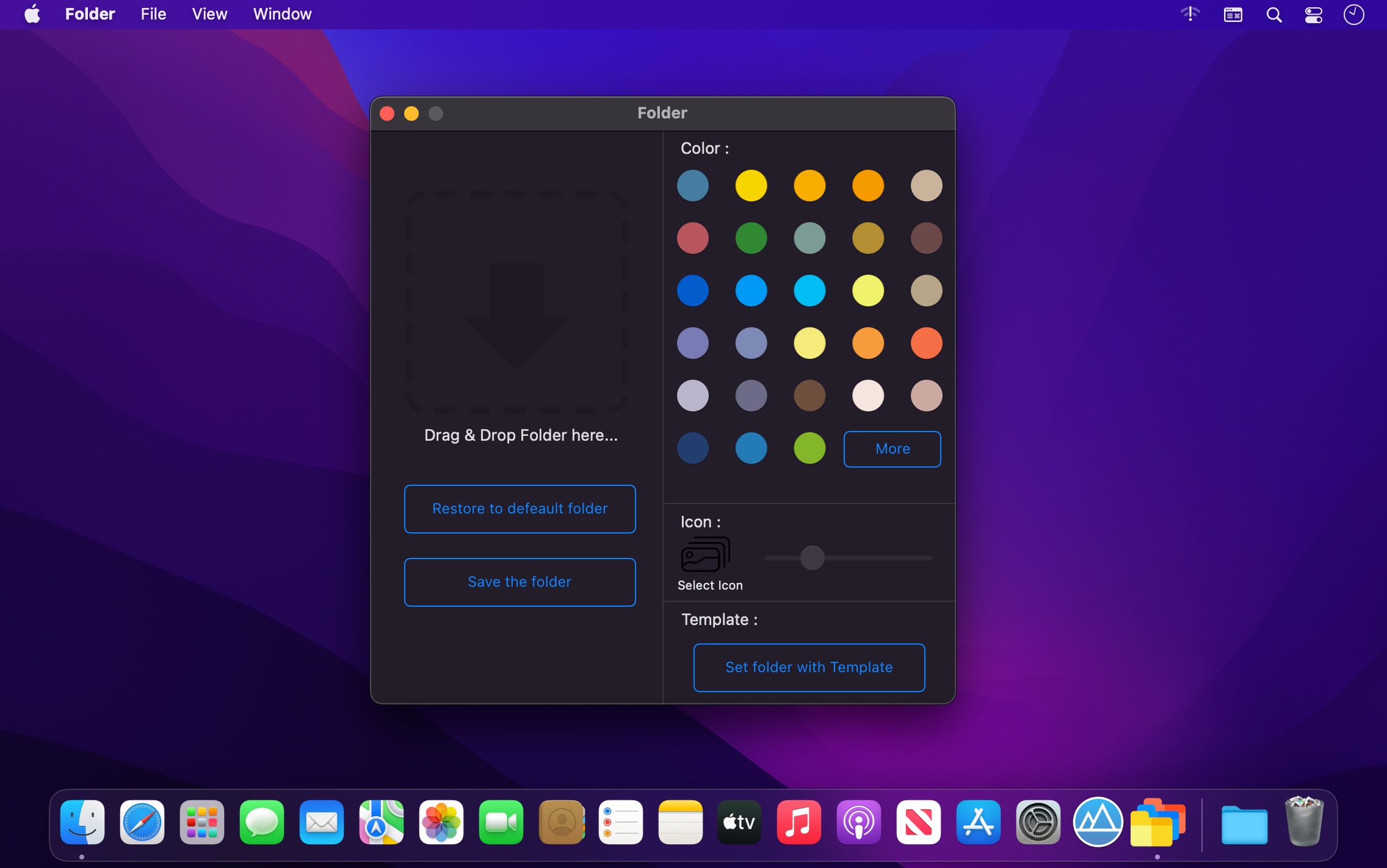
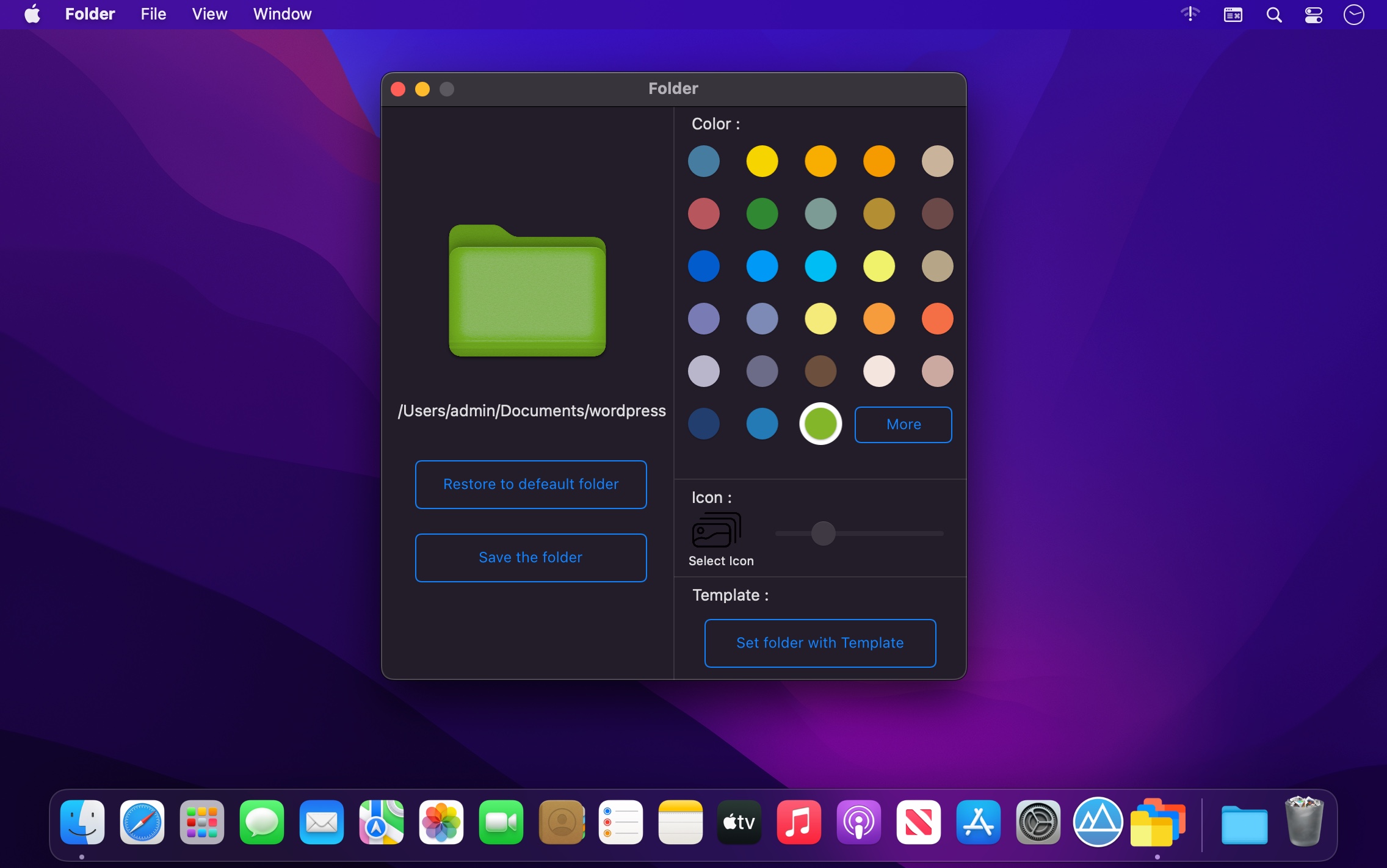
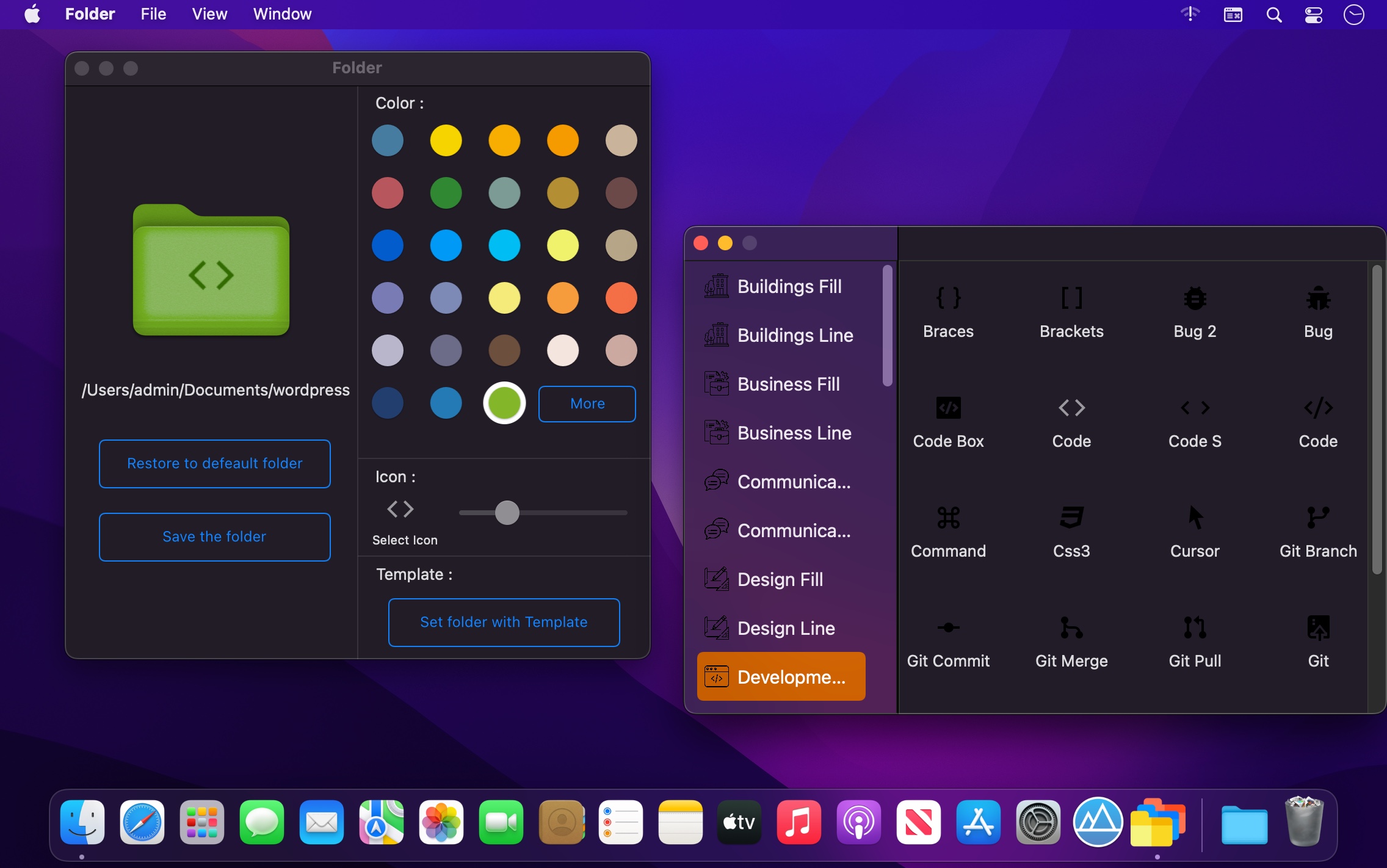
Folder is your small assistant, an ardent fighter for your convenience and comfort in any kind of computer work. Use Folder to change your folder’s icon. New folder icon makes the documents have a high priority, and which of them have a normal or low priority. It is easy to see which operations have been finished completely, which are partly done and which haven't been started yet.
How many folders do you have on your computer? Scores of them? Hundreds? Thousands? Are all of them are alike: default folder, default folder, default folder, default folder... It's so easy to be confused with such a routine!
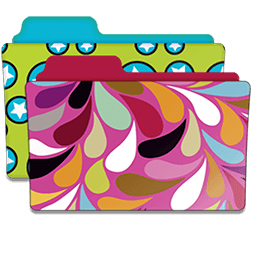
By allowing you to change the folder icons, Folder will help you to cope with the standard folder .Changing a folder icon is now a piece of cake. Folder is for anyone who wants to make working with a computer more convenient.
Folder help you in
- Change a folder icon
- Change a folder's entire color any time you like! Your choice!
- This app contains many Icons. Add your favorite icons with new folder. It's easy!
- We have many templates to help you make a new folder.
Version 1.0.7
- Add new feature : You can browse the folders to tint now.
Frequently asked questions
How do I install the app?
Mount the image, drag the app into the "Applications" folder and launch it. If the system blocks the launch, allow it in "System Settings → Privacy & Security".
The app is damaged or won't launch
Reinstalling from a fresh image usually helps. Make sure your macOS version matches the one listed in the compatibility specs.
How do I update?
Download the new version from the site and install it over the current one — your settings will be preserved.
The download link doesn't work
Try a mirror or a download manager. For large files the browser often drops the connection.
How do I completely remove the app?
Use an uninstaller utility — it cleans up the service files that remain after moving the app to the trash.


Choose a download source
Folder 1.0.7 · 26.68 MB