
Disk Clean Pro 6.4
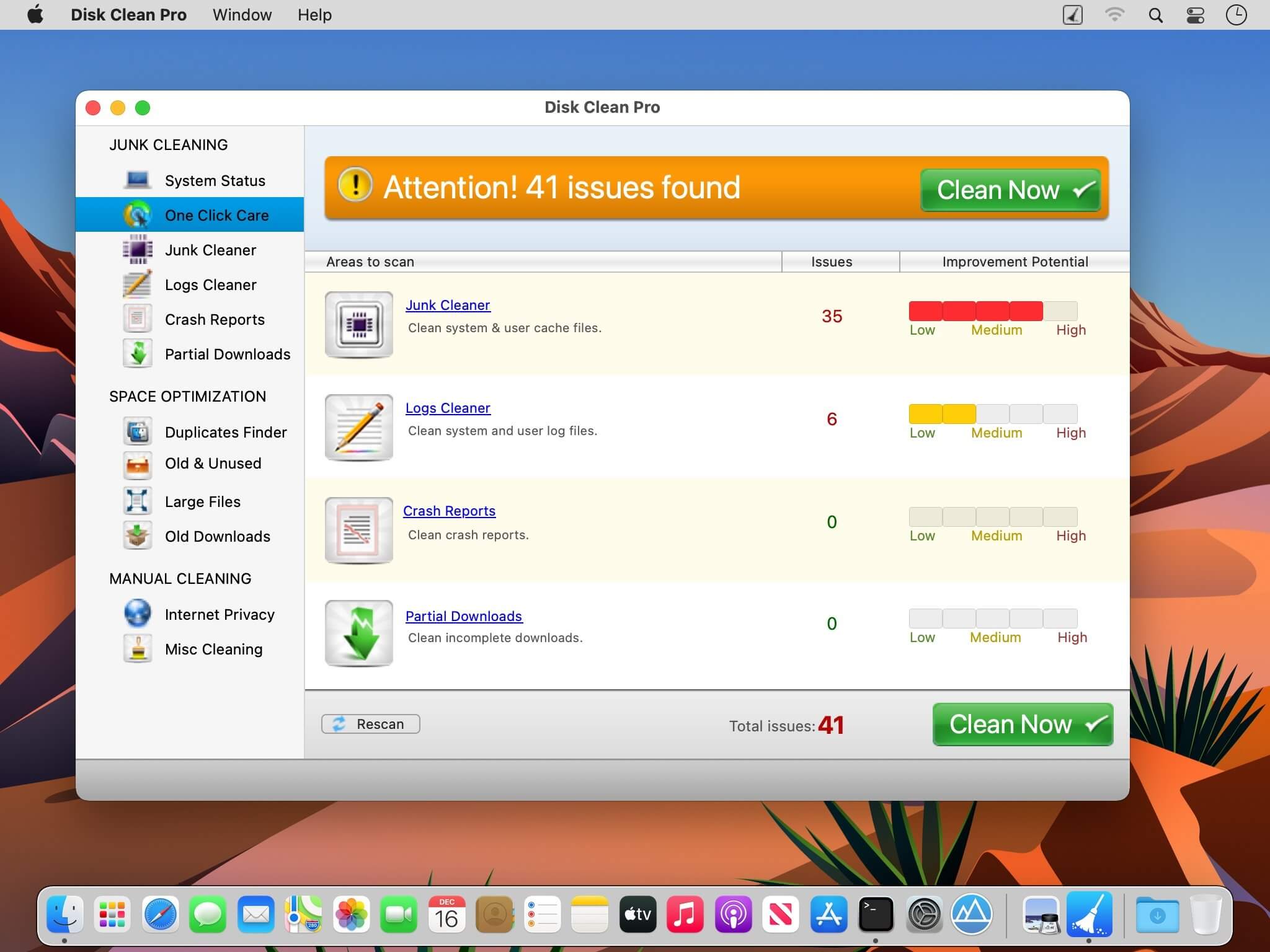
Disk Clean Pro helps you remove junk from your Mac.
It cleans your Mac safely and securely without risking your important data.
With 4 special tools to clean junk, Disk Clean Pro allows you to store more data by freeing-up storage space!
- One-Click Cleaning – Just a single click for complete Junk and un-needed data cleanup
- Junk Cleaner – Clean redundant files and data.
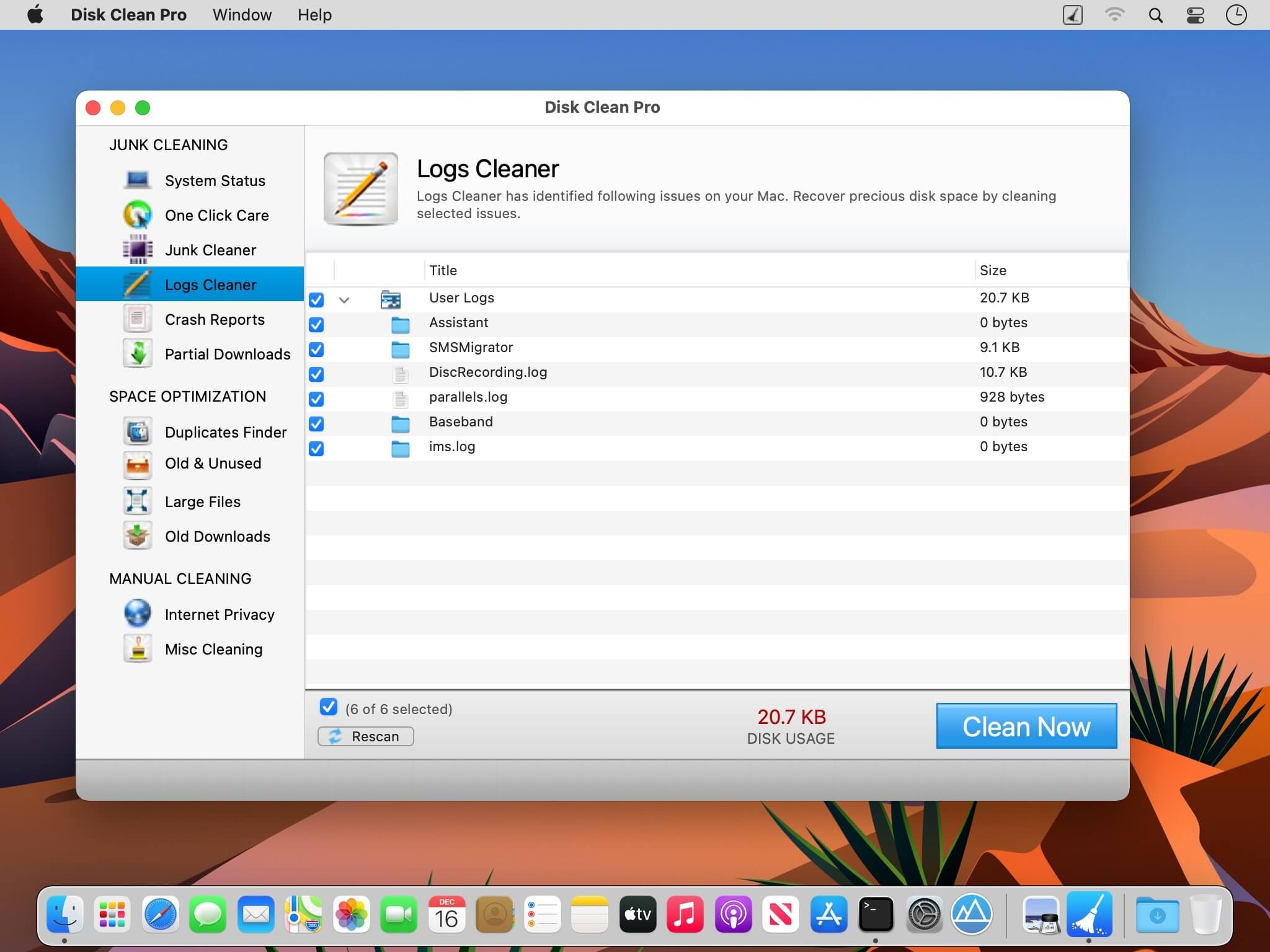
- Logs Cleaner – Remove unnecessary log files
- Crash Reports – Cleans unneeded reports to recover storage space
- Partial Downloads – Remove incomplete downloaded files
- Disk Clean Pro is having some useful tools that can be used to optimize the storage space and make the most of the precious disk drive.
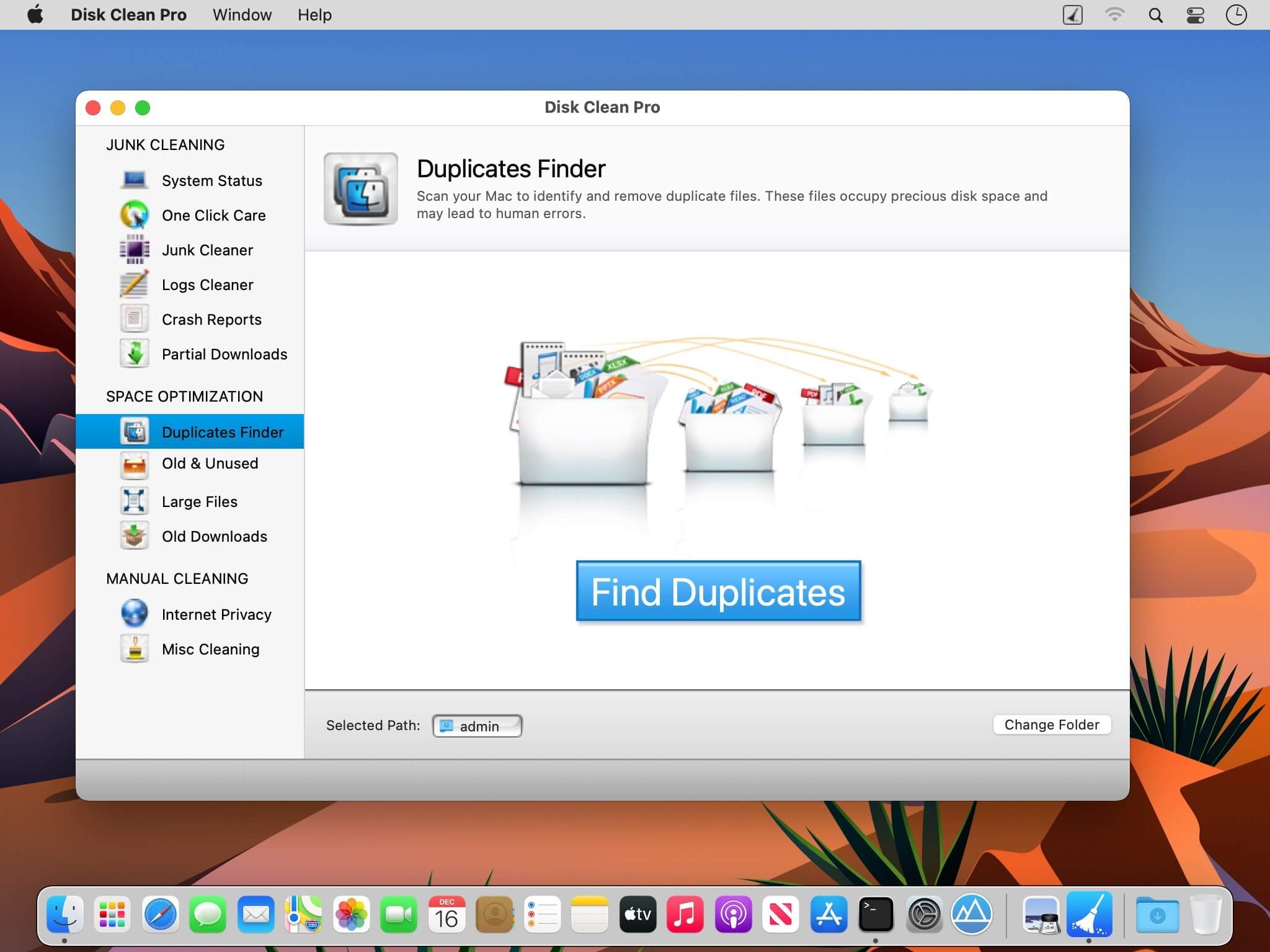
- Duplicate Finder - Removing duplicate makes file indexing, search and access faster
- Old & Unused Files – Removal of redundant data frees up storage on your Mac
- Large Files – Identifies files that impact usage of disk space the most
- Old Downloads – Newer versions can be downloaded again when needed
- There are 2 more great tools which are there in Disk Clean Pro.
- Internet Privacy Protector – Remove traces of internet browsing history
- Misc. Cleaning – Cleans files from trash, old backups and mail downloads
Version 6.4
- Minor Bug Fixes
- Scan Engine Improvements
Frequently asked questions
How do I install the app?
Mount the image, drag the app into the "Applications" folder and launch it. If the system blocks the launch, allow it in "System Settings → Privacy & Security".
The app is damaged or won't launch
Reinstalling from a fresh image usually helps. Make sure your macOS version matches the one listed in the compatibility specs.
How do I update?
Download the new version from the site and install it over the current one — your settings will be preserved.
The download link doesn't work
Try a mirror or a download manager. For large files the browser often drops the connection.
How do I completely remove the app?
Use an uninstaller utility — it cleans up the service files that remain after moving the app to the trash.





Choose a download source
Disk Clean Pro 6.4 · 5.6 MB