
mcPlanner 4.1.2
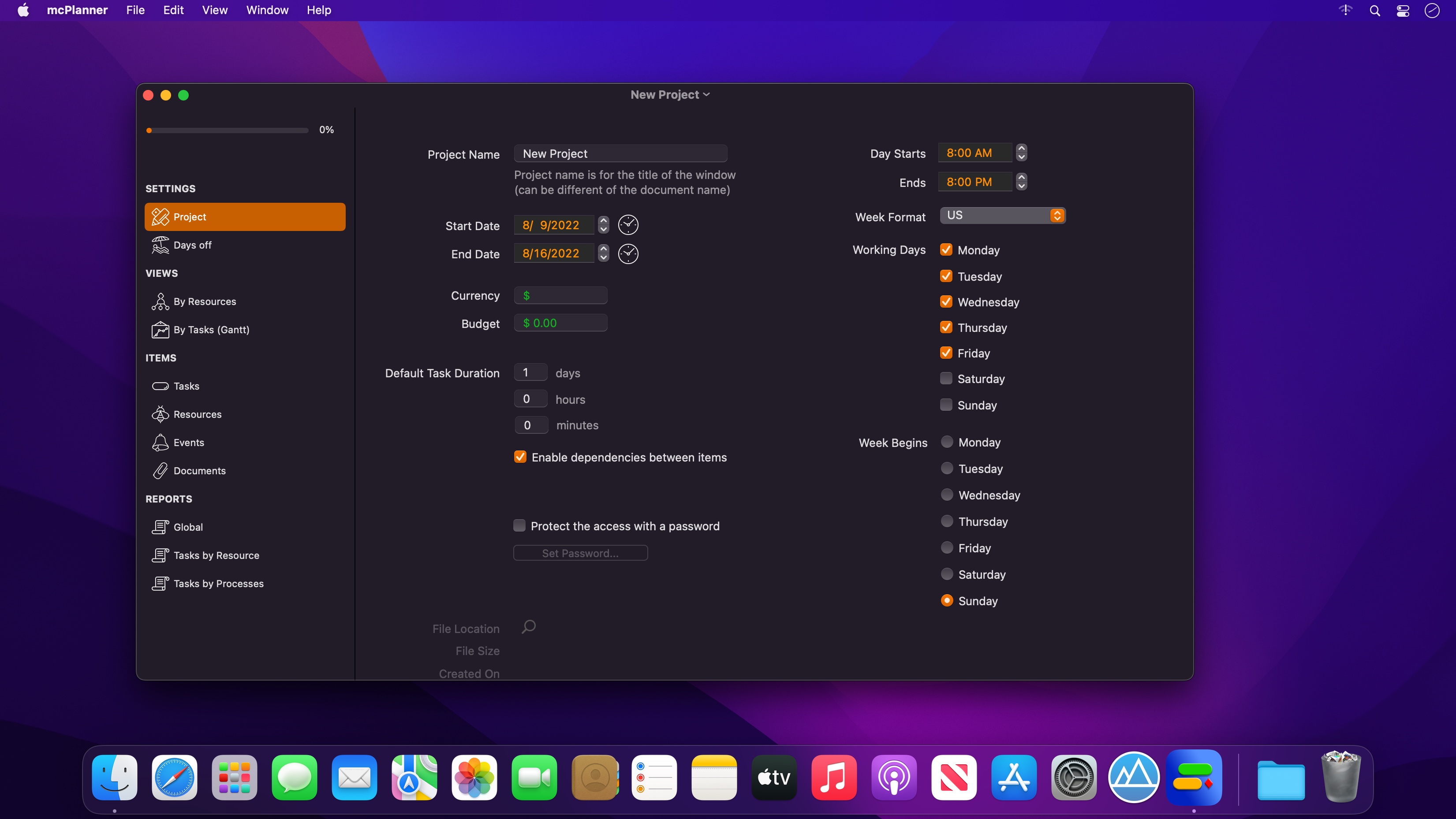
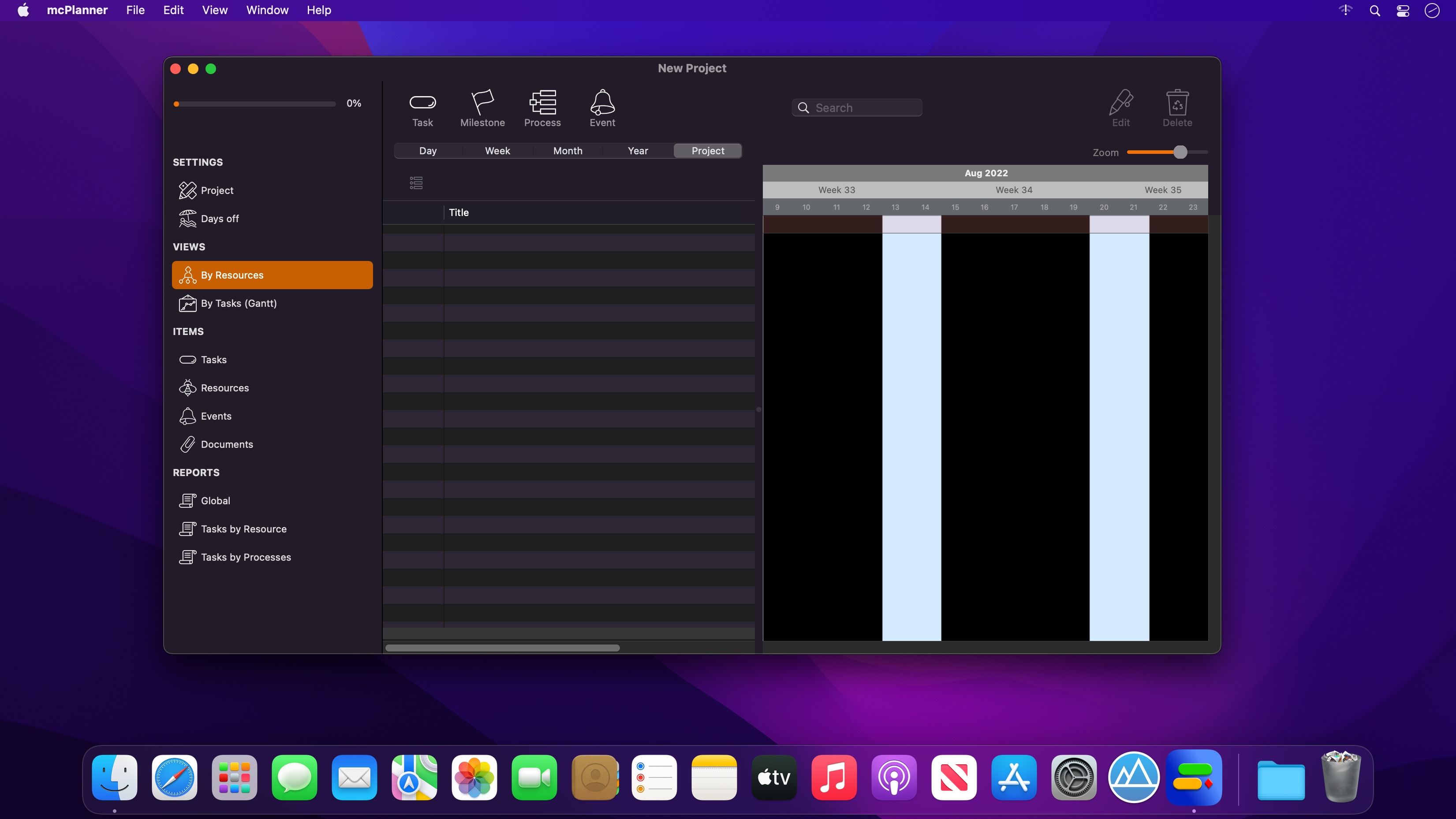
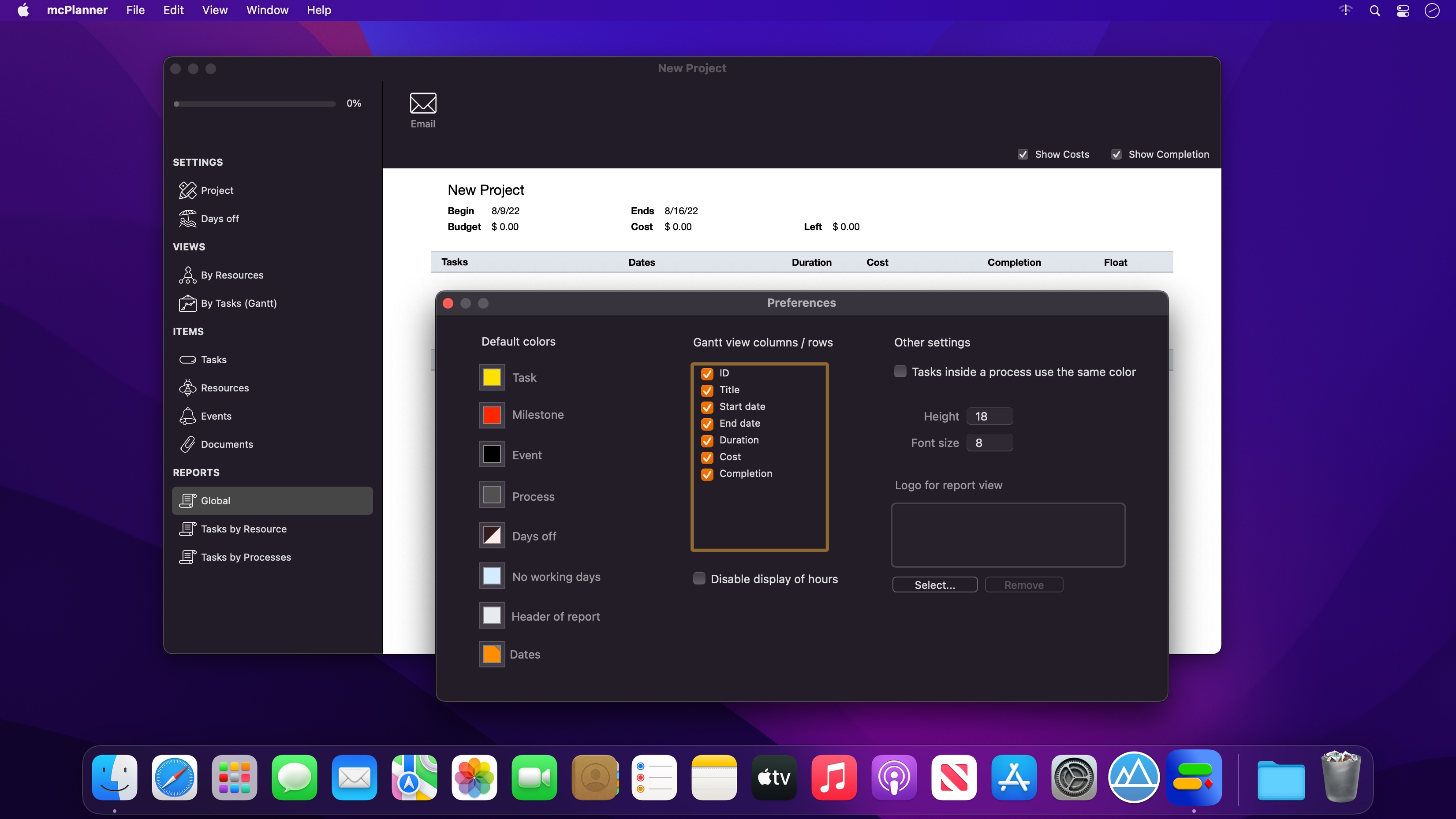
Easy project management with Gantt charts. Designed for Mac. You can create Gantt charts without scratching your head. Our product shines thanks to its ease of use and simplicity. We focus our attention on the features that the majority of project managers actually use.
In addition, the generated charts are both beautiful and visually appealing. An image is always worth more than words.
Main features
- Create beautiful Gantt charts in minutes
- Create tasks and subtasks with multiple options
- Setup milestones to record major stepping stones
- Manage and quickly assign resources
- Create smart dependencies between tasks
- Compatible with MS Project XML format
- Quickly share a project in PDF format
- Display and share reports
Frequently asked questions
How do I install the app?
Mount the image, drag the app into the "Applications" folder and launch it. If the system blocks the launch, allow it in "System Settings → Privacy & Security".
The app is damaged or won't launch
Reinstalling from a fresh image usually helps. Make sure your macOS version matches the one listed in the compatibility specs.
How do I update?
Download the new version from the site and install it over the current one — your settings will be preserved.
The download link doesn't work
Try a mirror or a download manager. For large files the browser often drops the connection.
How do I completely remove the app?
Use an uninstaller utility — it cleans up the service files that remain after moving the app to the trash.





Choose a download source
mcPlanner 4.1.2 · 15.48 MB