
PopDo 2022.1.45

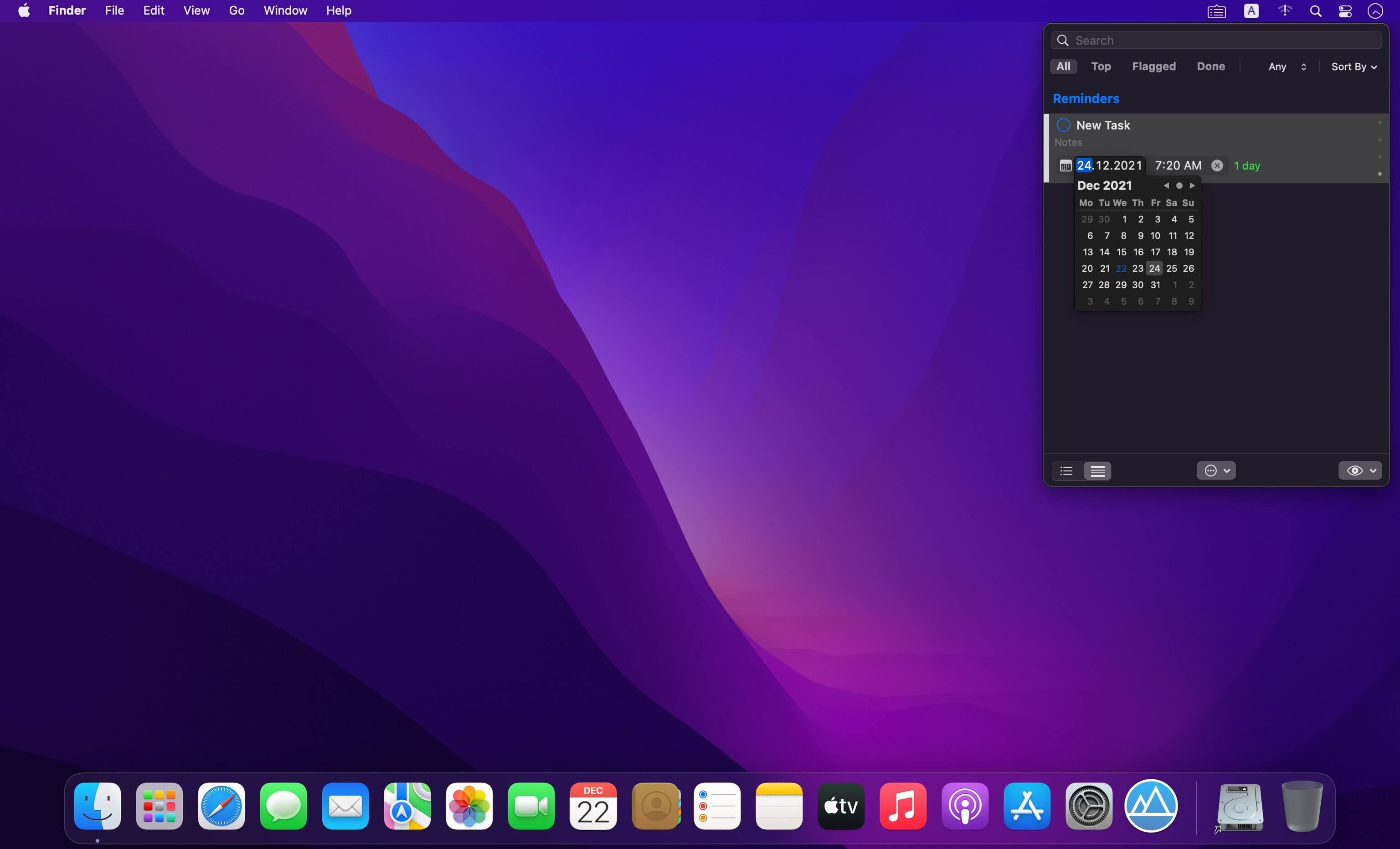
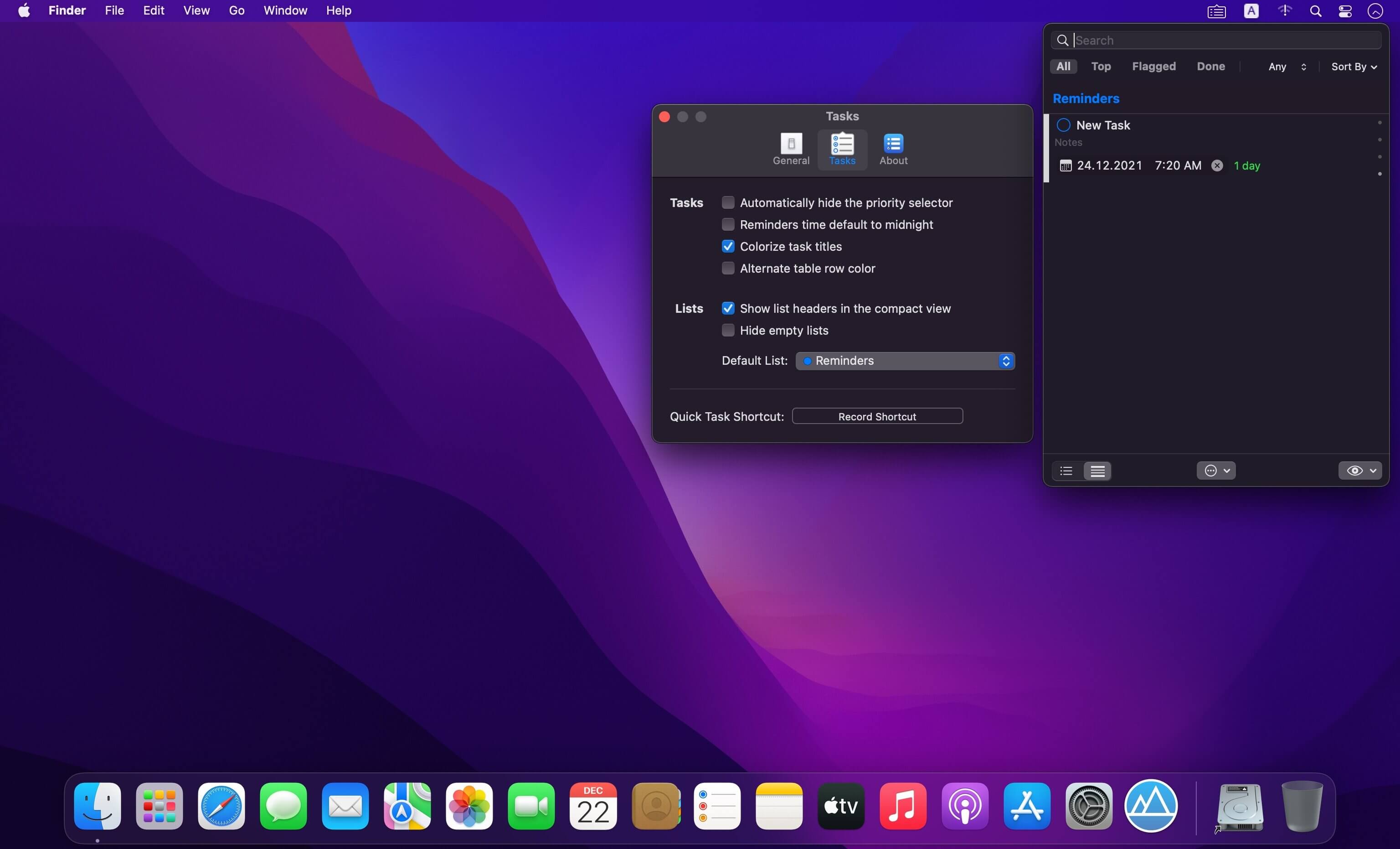
PopDo is a convenient task list for the Mac menu bar, showing all your to-do items in a single view. It sports searching, filtering and sorting for quickly getting to the task you are looking for.
FEATURES
- Integration with Reminders.
- Synchronization with iCloud.
- Full mode and compact mode.
- List and task custom colors.
- Color based priority indicator.
- Easy access to task by searching, filtering and sorting.
- Reminder alarms with natural language extraction of dates from task titles.
- Quick Task window like “Spotlight Search” to easily create new tasks without leaving the keyboard.
Version 1.45
- Fixed an issue where systems with non-gregorian calendar would fail to add reminder dates.
Frequently asked questions
How do I install the app?
Mount the image, drag the app into the "Applications" folder and launch it. If the system blocks the launch, allow it in "System Settings → Privacy & Security".
The app is damaged or won't launch
Reinstalling from a fresh image usually helps. Make sure your macOS version matches the one listed in the compatibility specs.
How do I update?
Download the new version from the site and install it over the current one — your settings will be preserved.
The download link doesn't work
Try a mirror or a download manager. For large files the browser often drops the connection.
How do I completely remove the app?
Use an uninstaller utility — it cleans up the service files that remain after moving the app to the trash.



Choose a download source
PopDo 2022.1.45 · 9.4 MB
Previous versions
PopDo 2022.1.45
Previous versions are available to registered users.