Project Office X Pro 1.1.14
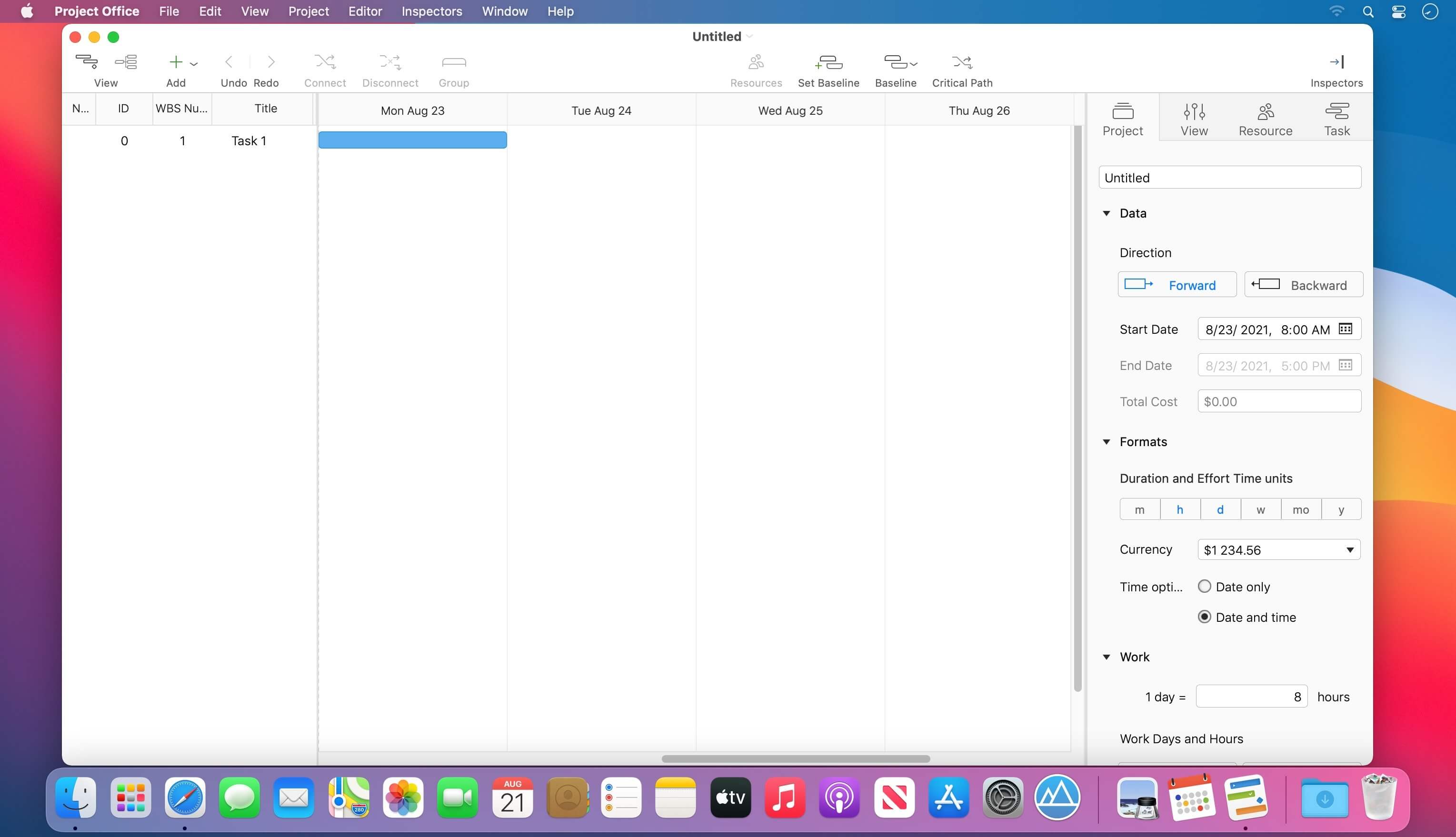
Project Office is a full-featured project management app.
Designed to help you manage, create and monitor your projects. Use tasks, milestones, groups, connections and a lot of other features, for better work organization.
Project Office has peculiarities like Gantt charts, schedules, summaries, and milestones to let you manage all of your activities.
Project Office helps you in managing both simple and complex projects without any complexity.
Features:
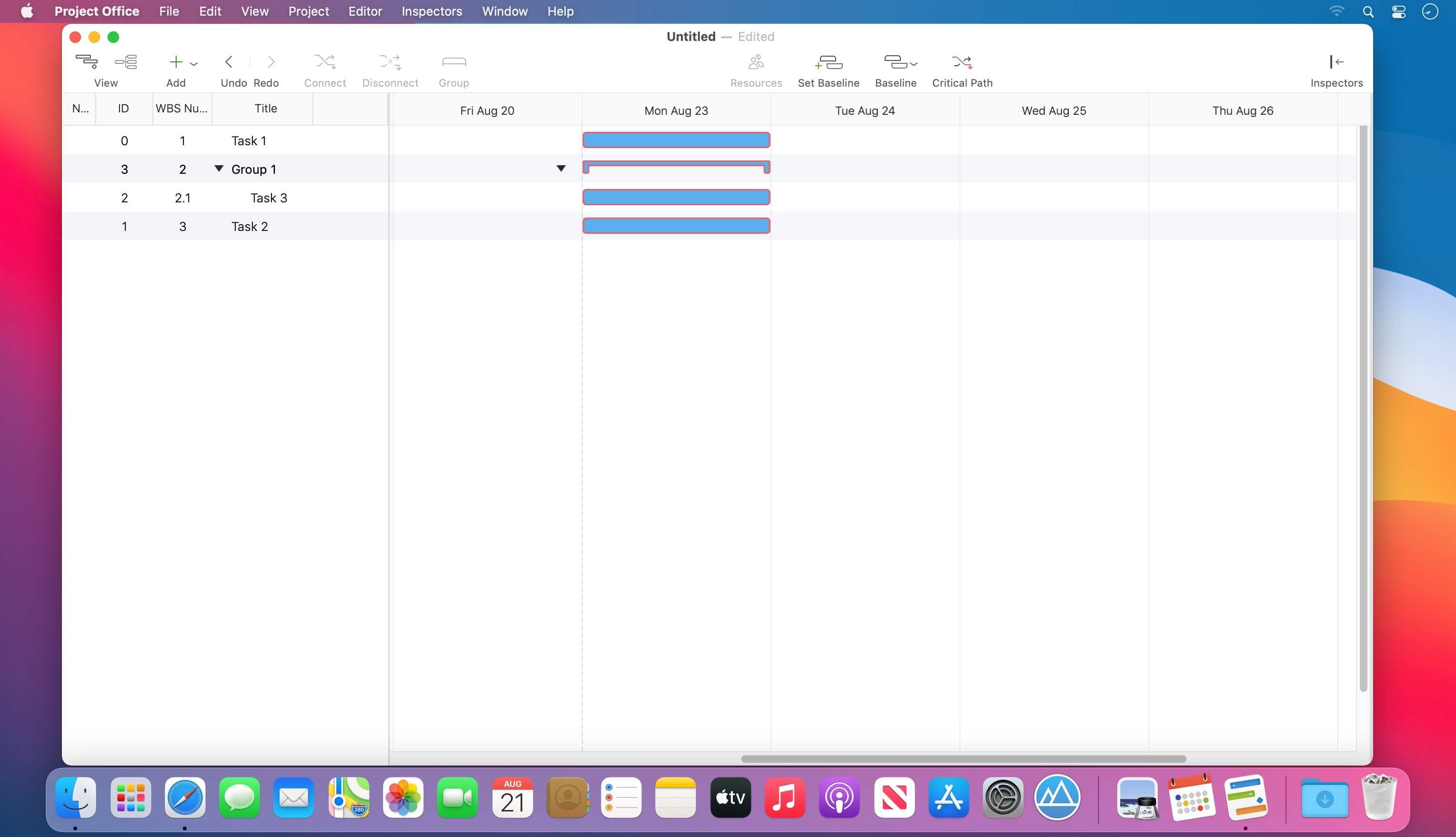
- Gantt chart allows monitoring your entire plan at a glance. Each task is shown graphically on a visual timeline by day, week, month or year. The visualized view helps you keep an eye on tasks durations, start and due dates, completion percentage, dependencies and resources assigned. Furthermore, you can easily edit tasks directly in the Gantt chart view.
- Friendly and intuitive interface helps you get things done fast and stays out of your way while doing so.
- Efficient resource management. Add resources to your project: people or materials, necessary to make this project done. Identify bottlenecks in your project and distribute workloads fairly.
- Tool for tracking changes. Set a baseline to track development by comparing the set baseline with actual plan and progress.
- Customized calendar. Modifying work hours for the entire project you can create a more realistic plan taking into account off-time and weekends into account.
- Smart filter. You can easily hide those tasks you don't need to think about at the moment. Simply use filter to focus on tasks you need to be done.
- Share your projects. Send an entire project to your colleagues or Email the Gantt chart to others as PDF. For more convenience, you can make task and resources report and send them as HTML.
- iCloud Backup. Backup your projects to keep all information you have added.
- Critical Path - Project Office displays your project’s critical path, which is the series of tasks that are necessary in order to finish your project on schedule.
We developed Project Office to help you manage your business and keep it growing.
Version 1.1.14
- Release notes were unavailable when this listing was updated.
Frequently asked questions
How do I install the app?
Mount the image, drag the app into the "Applications" folder and launch it. If the system blocks the launch, allow it in "System Settings → Privacy & Security".
The app is damaged or won't launch
Reinstalling from a fresh image usually helps. Make sure your macOS version matches the one listed in the compatibility specs.
How do I update?
Download the new version from the site and install it over the current one — your settings will be preserved.
The download link doesn't work
Try a mirror or a download manager. For large files the browser often drops the connection.
How do I completely remove the app?
Use an uninstaller utility — it cleans up the service files that remain after moving the app to the trash.





Choose a download source
Project Office X Pro 1.1.14 · 16.27 MB
Previous versions
Project Office X Pro 1.1.14
Previous versions are available to registered users.