CopyQueue 3.1
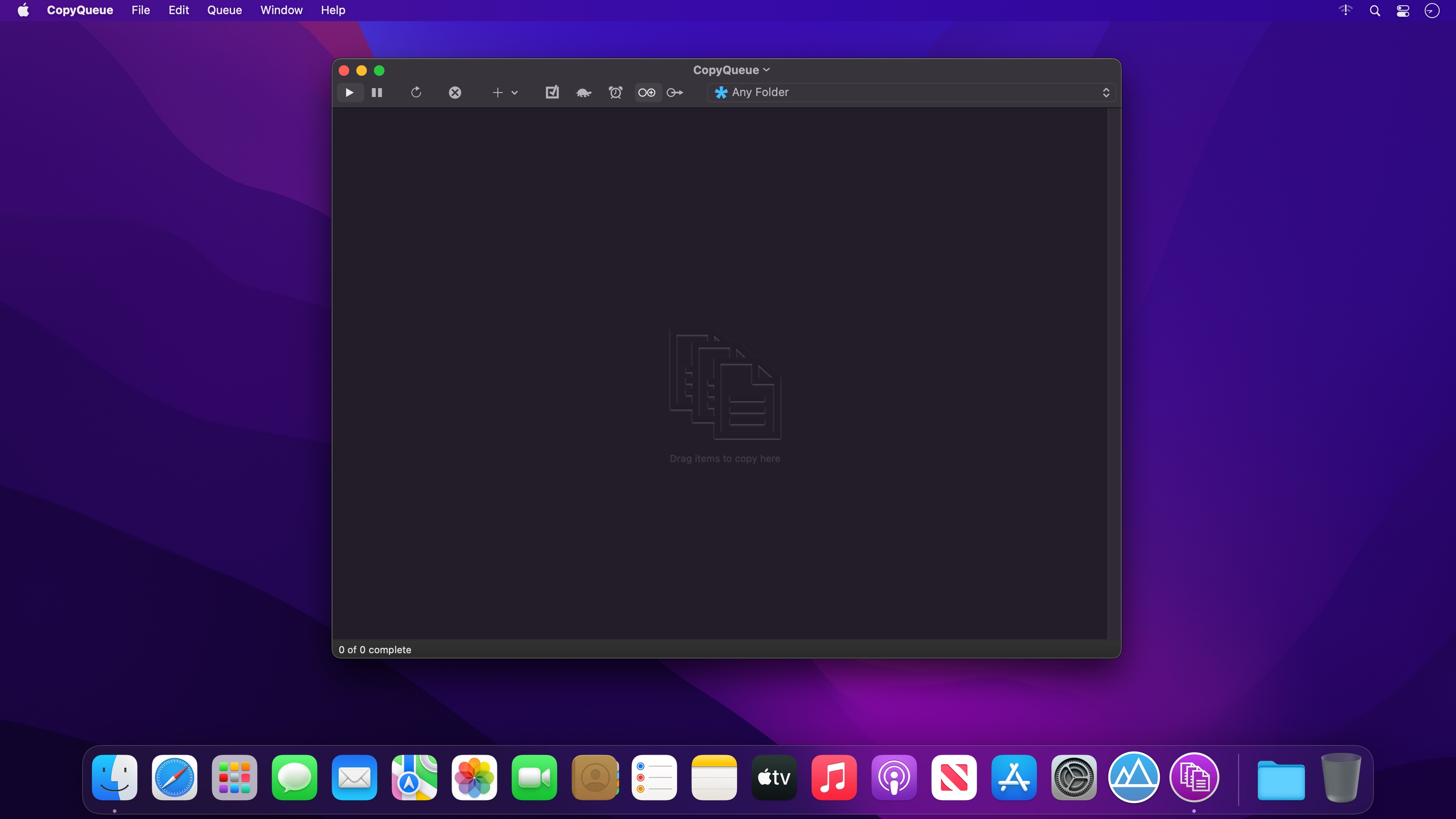
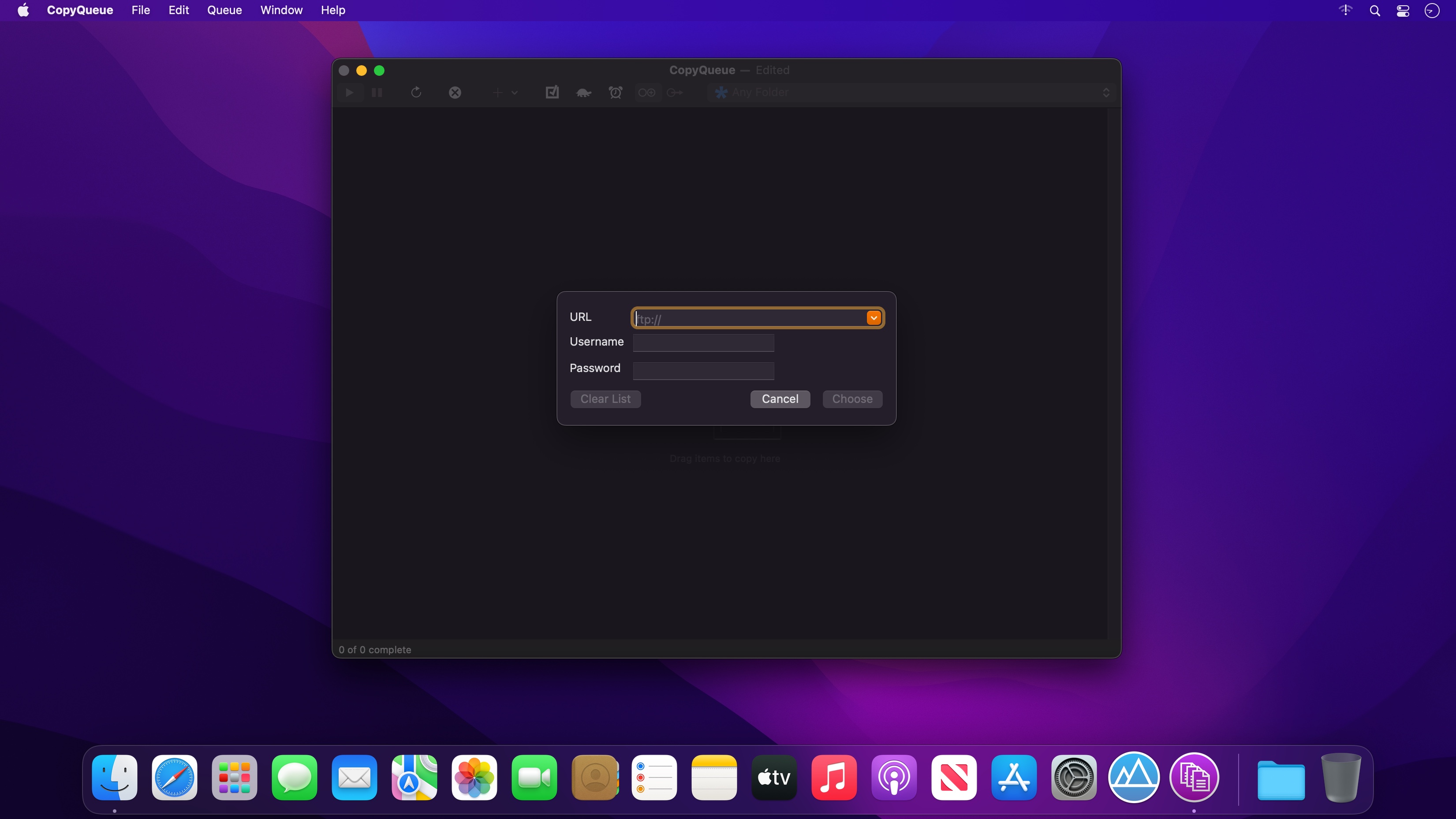
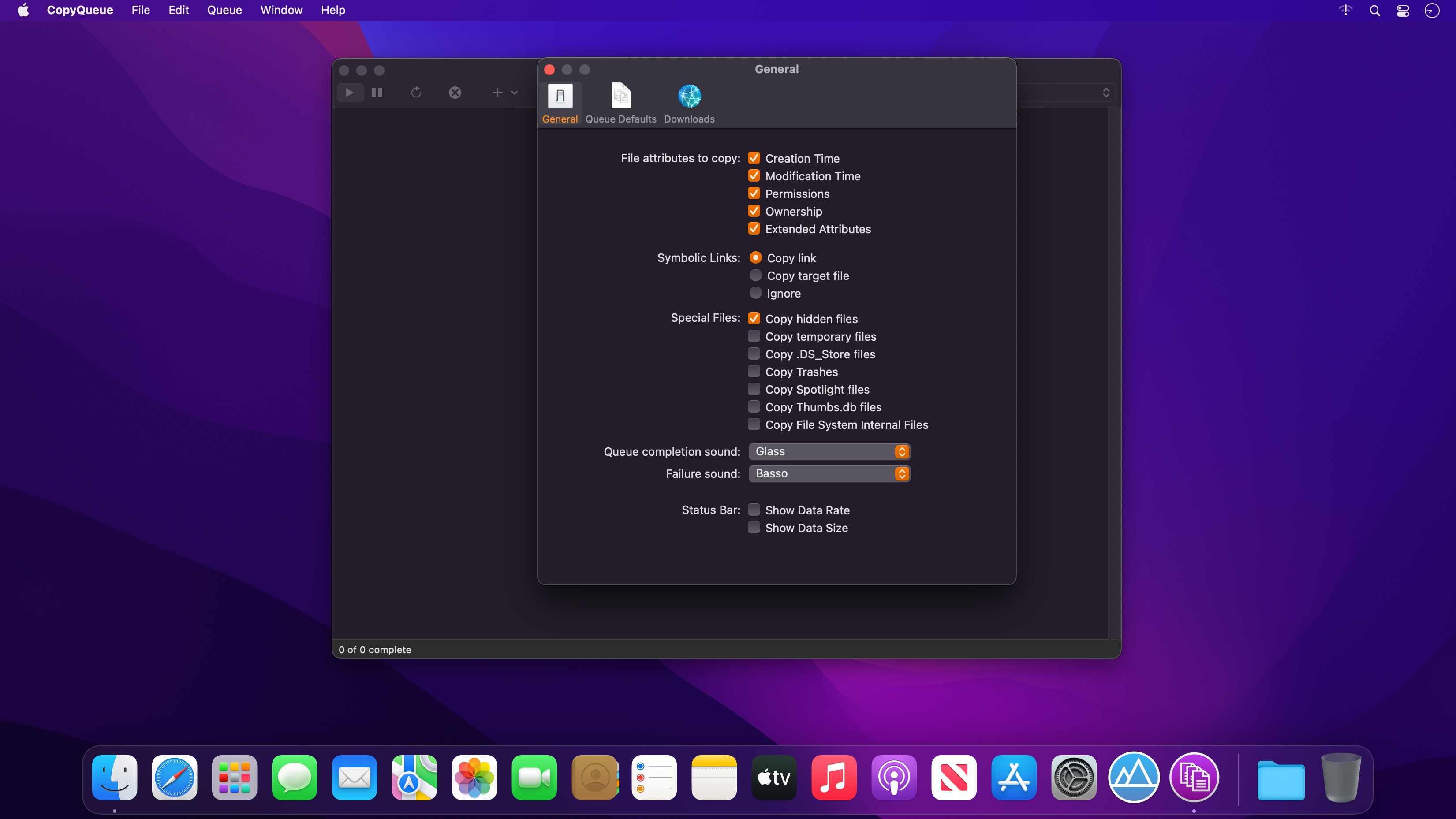
CopyQueue lets you take control of your file transfers, such as copying to and from USB drives, network shares, downloading from the internet and uploading to FTP sites.
Large files and slow connections are where CopyQueue really shines. Never worry about a file transfer being interrupted again, because with CopyQueue you can resume it. Never worry about how long a file transfer will take, because you can pause it at any time and resume it later. Use the built in bandwidth limits and schedule to reduce your network impact and complete unattended transfers overnight. If you regularly copy large files, you'll find CopyQueue invaluable.
With CopyQueue, you can
- Copy multiple files faster and more efficiently than macOS.
- Pause and resume file transfers, even after restarting or reconnecting to the network. You can resume a transfer weeks or even months later.
- Decide which files are transferred first, after you've started copying. You can even automatically sort them by size or time remaining so that the files you need first, are completed first.
- Retry and resume transfers that fail if the network is disconnected.
- Optionally verify that every byte is copied correctly, if you are using an unreliable connection.
- Control how much network bandwidth is used, to prevent blocking other network users or exceeding quotas.
- Schedule large transfers for off peak periods, such as overnight.
Version 2.6
- Supports dark mode.
- Extended file attributes are handled better, which improves copying some file types such as fcpxml.
- Drag a folder (or folders) onto the toolbar to set the destination.
- Drag folders into the multiple destination window.
- Right click a failed task to reveal the failed file in Finder.
- Customised toolbars are now preserved.
- Improved toolbar appearance.
Frequently asked questions
How do I install the app?
Mount the image, drag the app into the "Applications" folder and launch it. If the system blocks the launch, allow it in "System Settings → Privacy & Security".
The app is damaged or won't launch
Reinstalling from a fresh image usually helps. Make sure your macOS version matches the one listed in the compatibility specs.
How do I update?
Download the new version from the site and install it over the current one — your settings will be preserved.
The download link doesn't work
Try a mirror or a download manager. For large files the browser often drops the connection.
How do I completely remove the app?
Use an uninstaller utility — it cleans up the service files that remain after moving the app to the trash.





Choose a download source
CopyQueue 3.1 · 6.56 MB
Previous versions
CopyQueue 3.1
Previous versions are available to registered users.