
DropSync 3.2.6
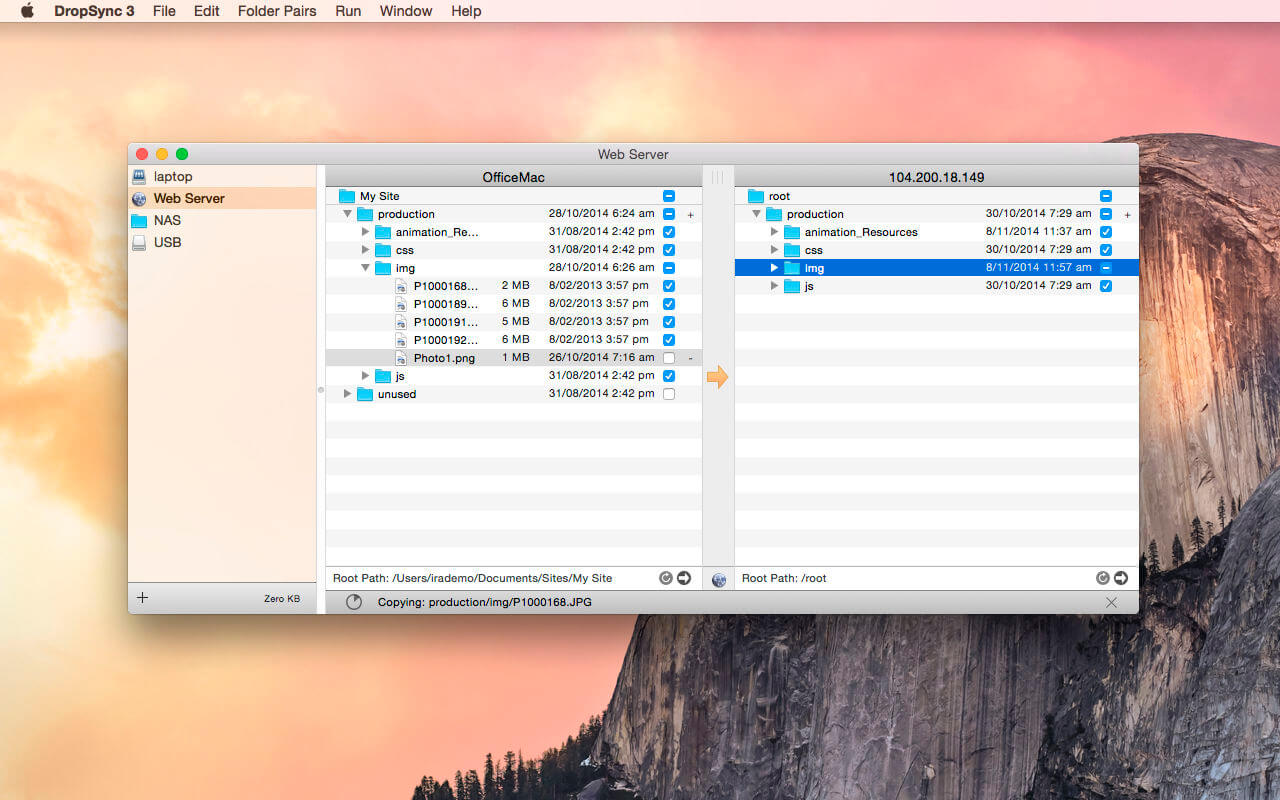
DropSync is for web developers, photo professionals, scientists or anyone in need of a fast, automated and highly customizable way to repeatedly copy files from one place to another. Works with removable hard drives, between computers on a local network and even between your mac and a remote server over SSH.
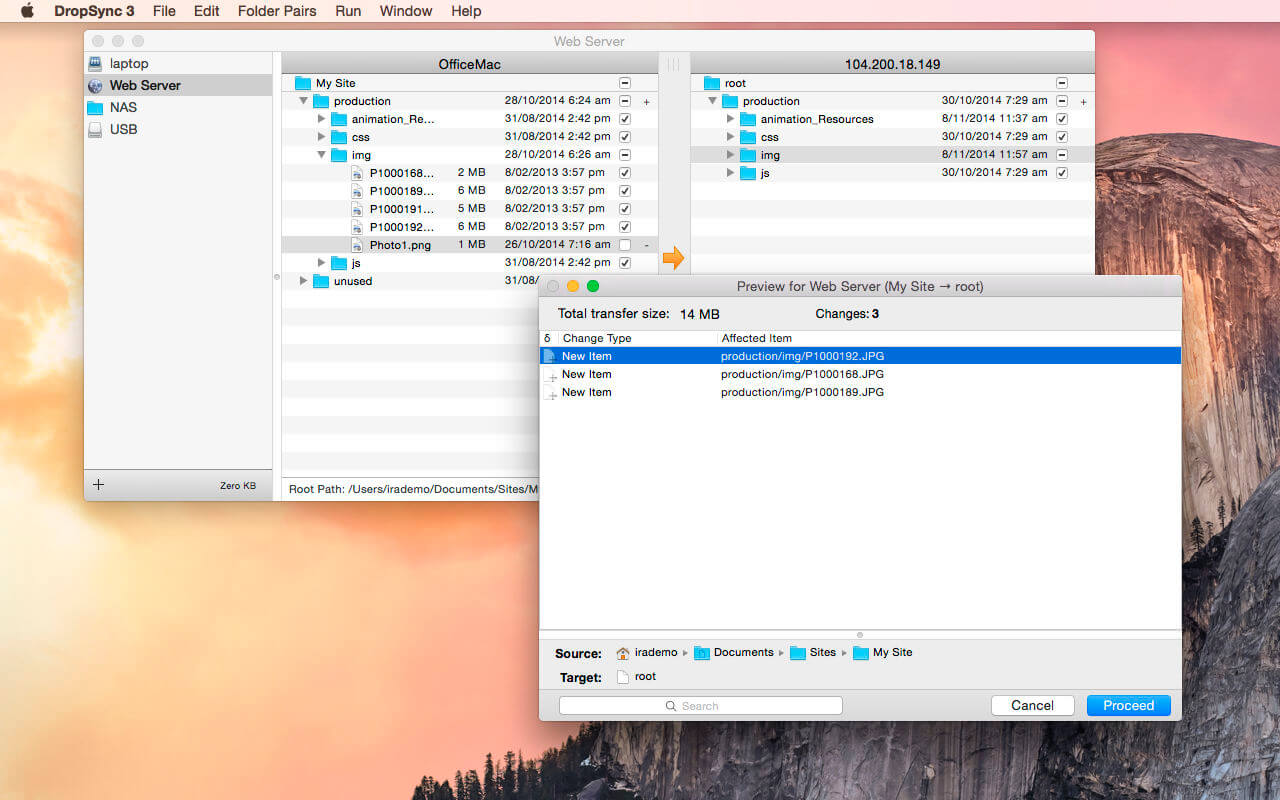
Setup a pair of folders and easily browse both sides even if one folder is on a remote server (via sftp). Then select items for include/exclude and click to perform an update in the desired direction. Previews show you exactly what will be changed and once you're satisfied that things are working, you can setup DropSync to automatically watch a source folder and update in the background.
Under the hood DropSync uses the amazing rsync tool to perform its changes. This means that its about as fast and memory efficient as a syncing engine can get, and we've worked hard to ensure that DropSync itself will stay responsive even when huge syncs are happening in the background.
Features:
- Easily include/exclude subfolders using the built-in browser
- Automated (one-way) syncing when a file changes in the source folder
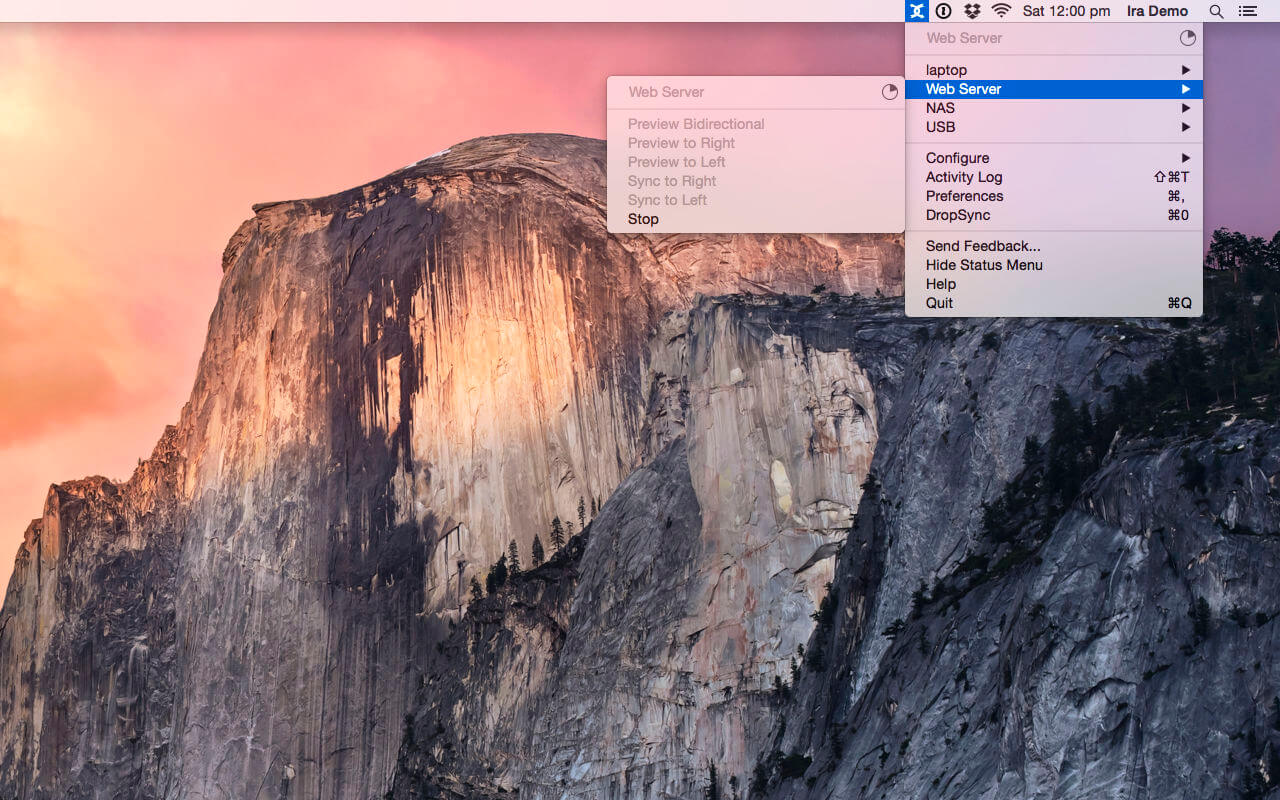
- Status bar only mode lets you monitor and initiate syncs without opening the main app
- Detailed searchable previews
- An sftp based browser that lets you see and select folders on remote computers
- Custom filters let you include or exclude files based on patterns in filenames
- Browsable history of syncing activity, including detailed logs of every change
- Only transfers the parts of files that have changed for maximum speed over a network
- AppleScript support lets you create custom syncing workflows
- Almost complete support for custom rsync options
New Features in DropSync 3:
- Completely redesigned all aspects of the user interface for simplicity and ease of use
- Most basic rsync options are now accessible via an easy to understand configuration pane
- The app is now fully sandboxed so it cannot touch your files unless you tell it to
It is ideal for:
- Updating on-the-go documents to a USB stick
- Mirroring a website from a remote host to your local computer or vice-versa
- Web development. Edit files locally and have them automatically and efficiently uploaded to a server
- Duplicating files like photos, music and websites to a second computer, external hard drive or remote server.
- Backing up files to a remote server. Works with any server that supports ssh, sftp and rsync.
- Scientific applications involving large amounts of frequently updated data.
Version 3.2.6
- Release notes were unavailable when this listing was updated.
Frequently asked questions
How do I install the app?
Mount the image, drag the app into the "Applications" folder and launch it. If the system blocks the launch, allow it in "System Settings → Privacy & Security".
The app is damaged or won't launch
Reinstalling from a fresh image usually helps. Make sure your macOS version matches the one listed in the compatibility specs.
How do I update?
Download the new version from the site and install it over the current one — your settings will be preserved.
The download link doesn't work
Try a mirror or a download manager. For large files the browser often drops the connection.
How do I completely remove the app?
Use an uninstaller utility — it cleans up the service files that remain after moving the app to the trash.

Choose a download source
DropSync 3.2.6 · 11.6 MB
Previous versions
DropSync 3.2.6
Previous versions are available to registered users.