
DataGenerator for Excel 3.2.0
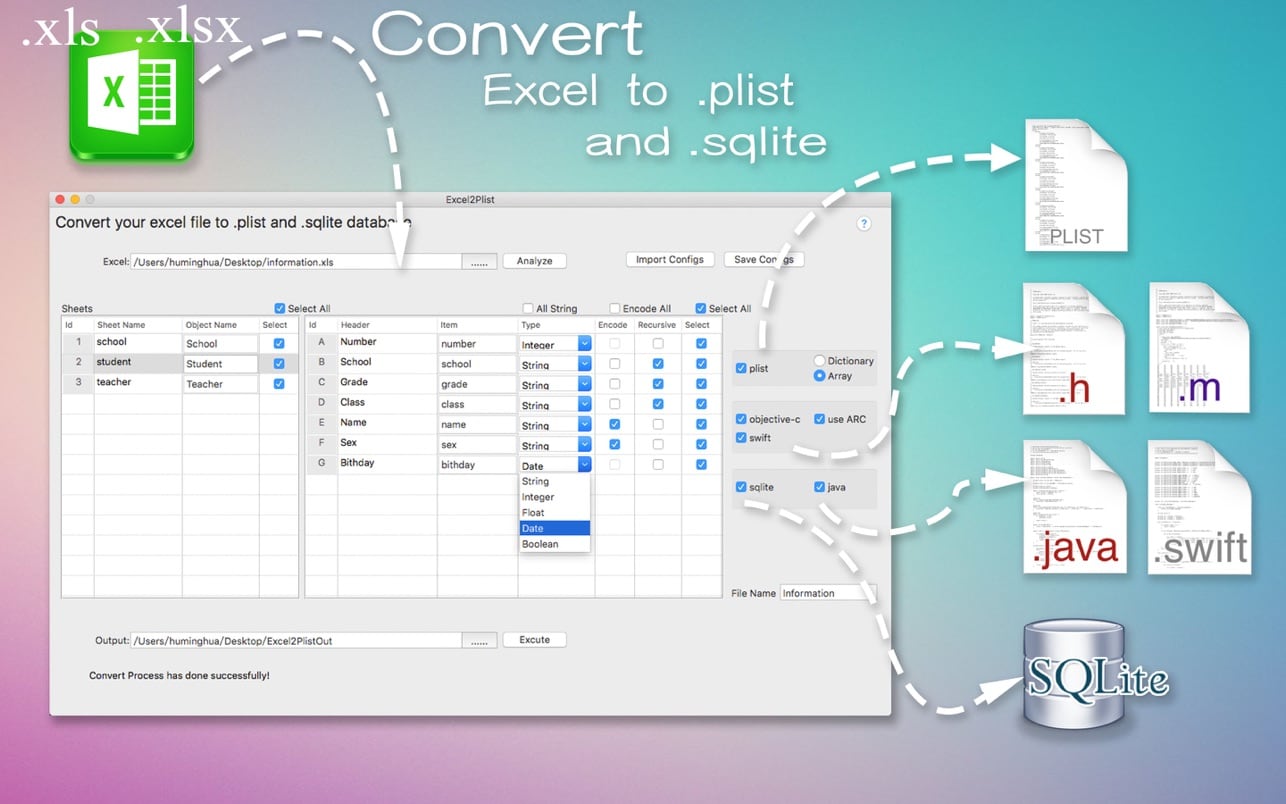
To help developers to improve development efficiency. You can convert your datas or configuration from excel(.xls and .xlsx) document into .plist file or .sqlite database
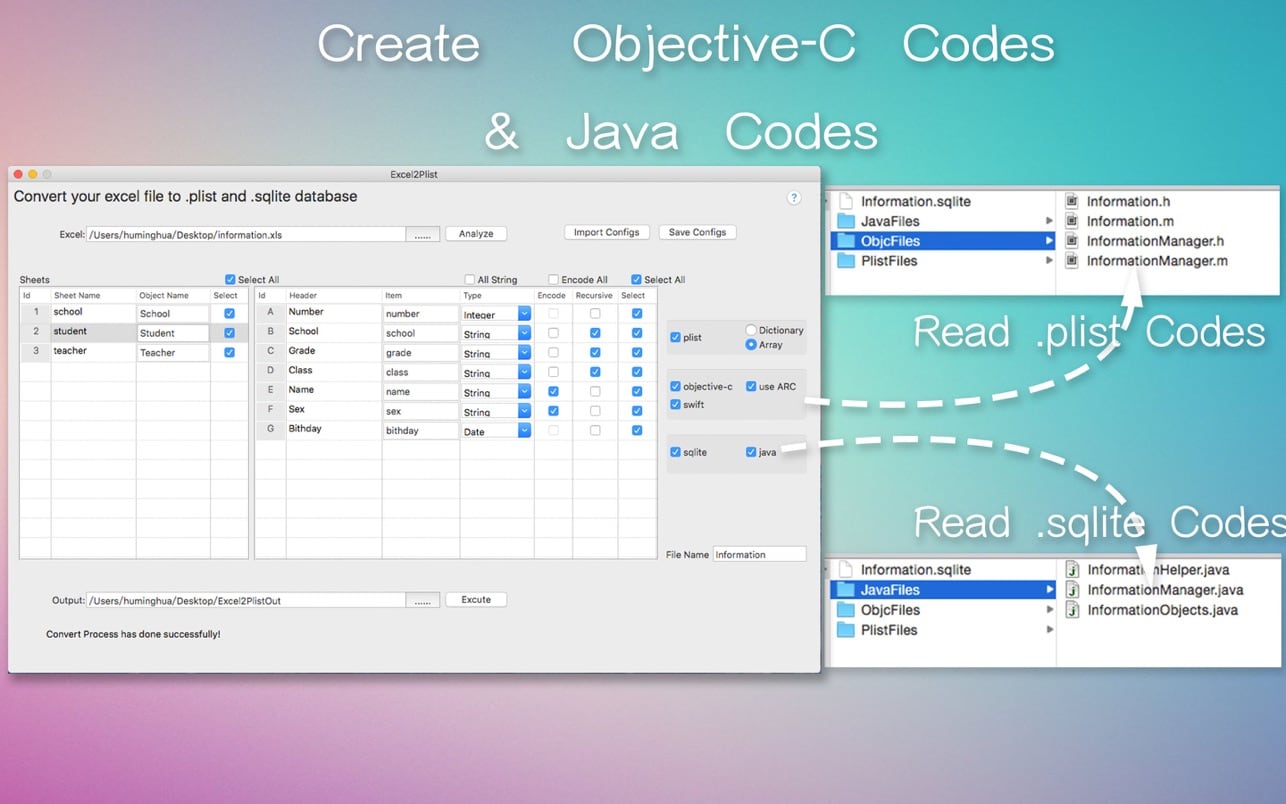
DataGenerator for Excel is a lightweight conversion tool to help developers to improve development efficiency. You can convert your datas or configuration from excel(.xls and .xlsx) document into .plist file or .sqlite database quickly when you develop iOS or Other Apps. And also it will generate corresponding access codes by Objective-C and Java. You just need to copy the generated files to your Xcode project or Eclipse project , then you can read your datas immediately.
Features:
- Convert Excel file(.xls and .xlsx) to .plist file;
- Convert Excel file(.xls and .xlsx) to .sqlite database;
- Generate Objective-C codes to access .plist file that has been converted;
- Generate Swift codes to access .plist file that has been converted;
- Generate Java codes to access .sqlite database that has been converted;
- Auto fill data from last line if the cell has the same data;
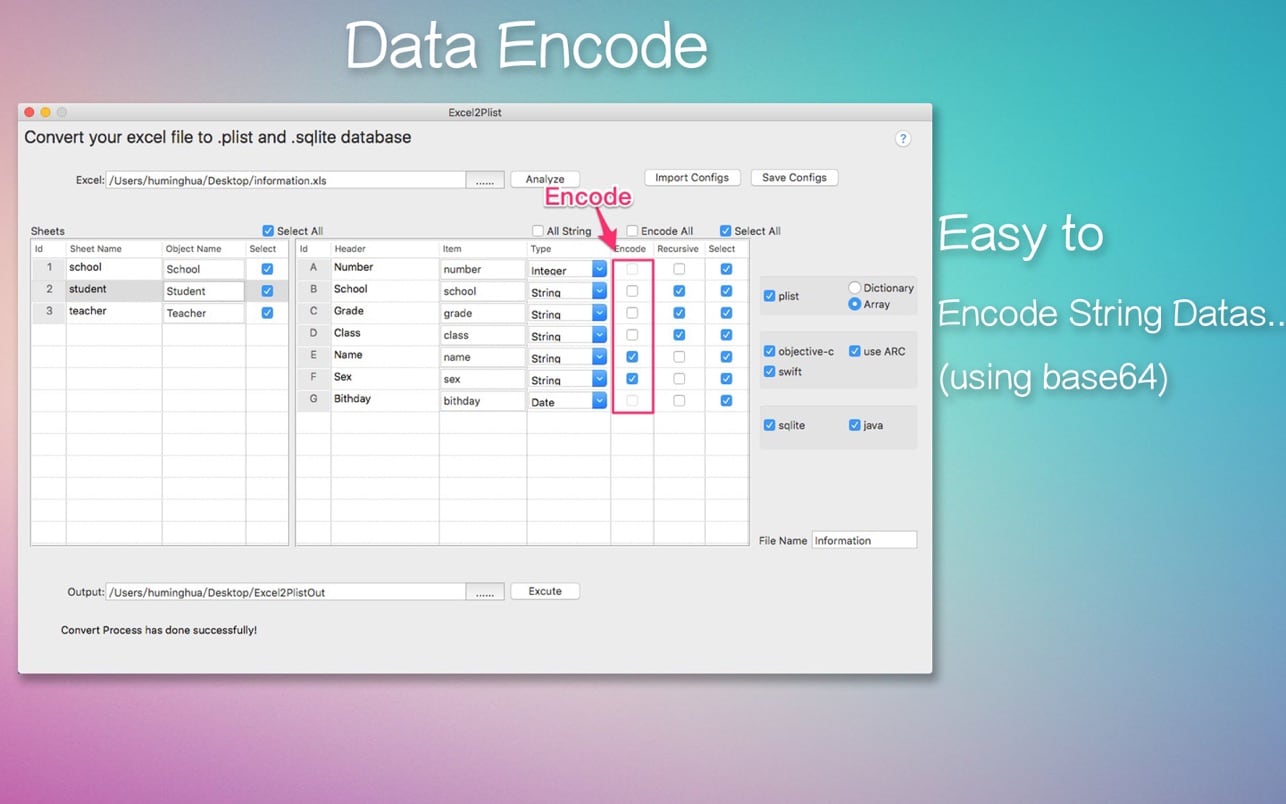
- Encode string datas if you need;
- Save your configs for all sheets, then you can import them at next time;
- Blank lines in the Excel file are ignored automatically!
Note: Excel's cell count of data can not be more than 65535 when your file's format is ( .xls). You can convert ( .xlsx ) file without this limitation.
Version 3.2.0
- update for supporting swift4
Frequently asked questions
How do I install the app?
Mount the image, drag the app into the "Applications" folder and launch it. If the system blocks the launch, allow it in "System Settings → Privacy & Security".
The app is damaged or won't launch
Reinstalling from a fresh image usually helps. Make sure your macOS version matches the one listed in the compatibility specs.
How do I update?
Download the new version from the site and install it over the current one — your settings will be preserved.
The download link doesn't work
Try a mirror or a download manager. For large files the browser often drops the connection.
How do I completely remove the app?
Use an uninstaller utility — it cleans up the service files that remain after moving the app to the trash.




Choose a download source
DataGenerator for Excel 3.2.0 · 18.64 MB