Clobbr - Test Endpoint Speed 1.5.1
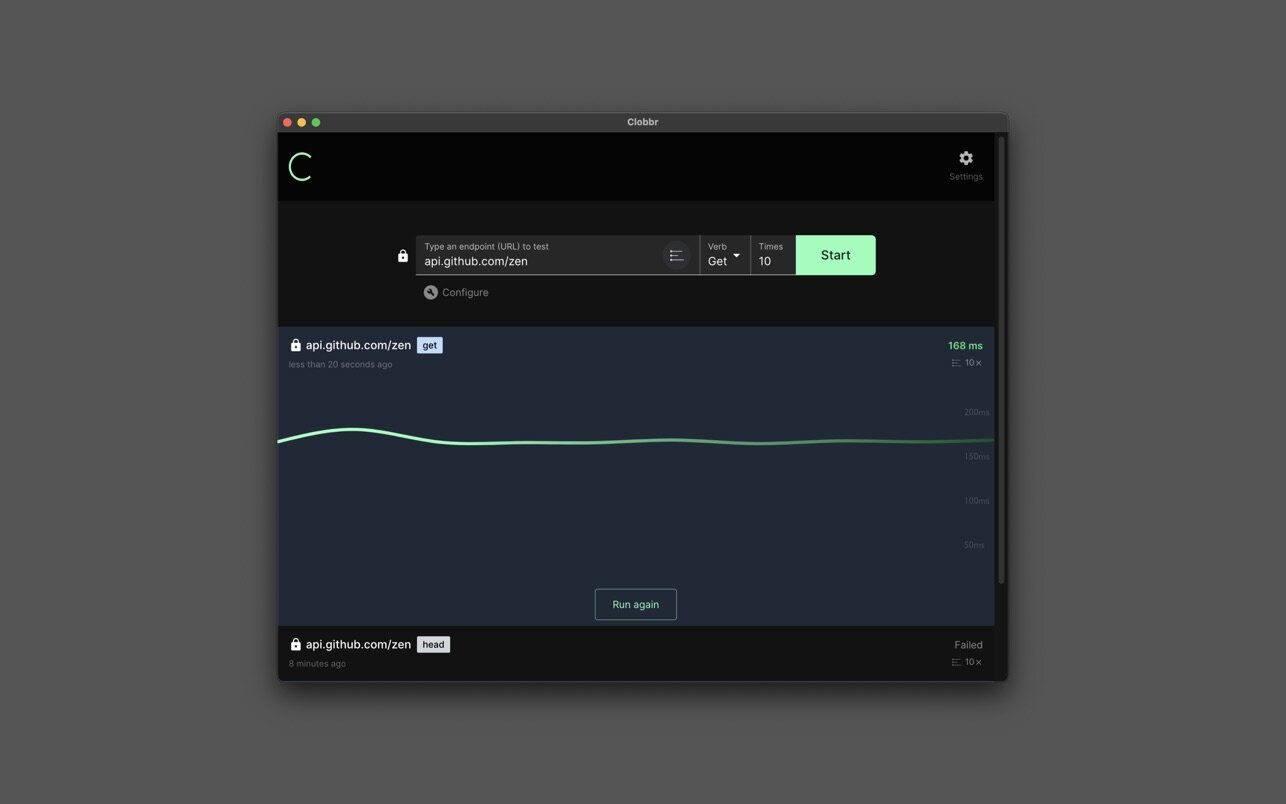
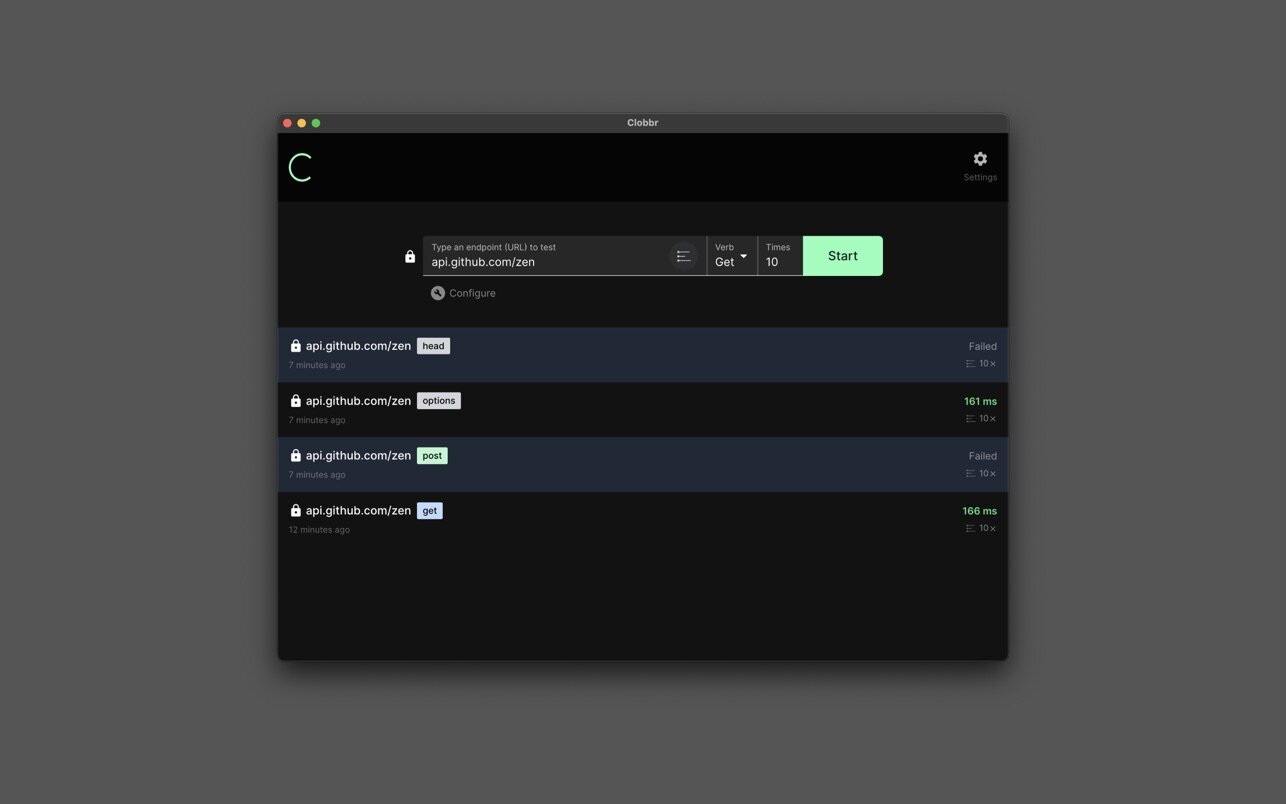
Clobbr is a developer tool that allows you to test your api endpoints to see how well they perform under multiple requests (clobber your apis!), in sequence or parallel.
Regardless if you're testing a REST, GraphQL or cloud function Clobbr has got you covered!
Powerful, yet simple and delightful user interface.
- Make requests to multiple endpoints with ease.
- Set up request timeouts, headers, payload and much more
- Explore results as a beautiful list, summarizing your settings
- Analyse charts with response times and easily re-run tests
- Delve into key stats such as standard deviation, percentiles and more
Configure requests.
- Easily configure verb (GET, PUT, POST etc.)
- Set number of iterations
- Toggle between http/s with ease
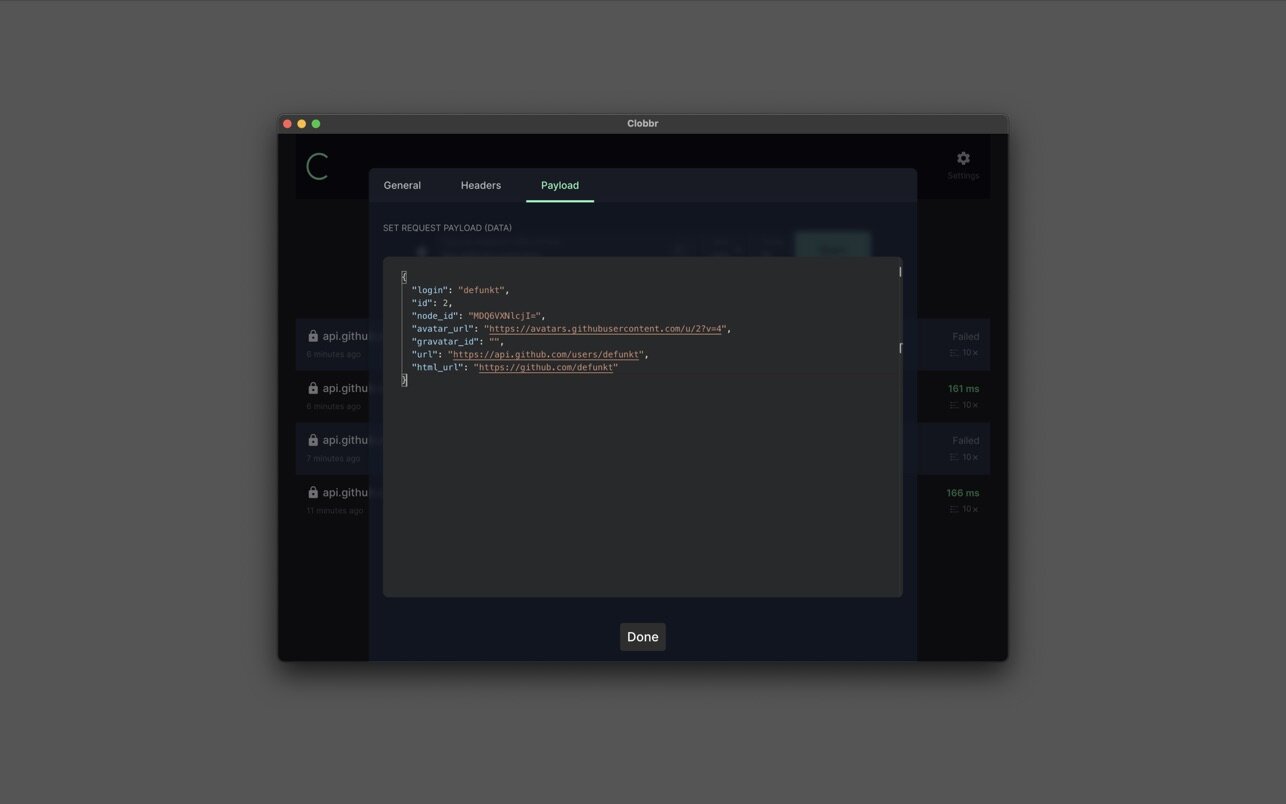
Send data with a request.
- Set data in the built-in JSON editor
- Include in POST, PUT etc requests
- Save data settings between runs
Set headers with ease.
- Configure headers for each request
- Use scripts to get/set dynamic headers
- Save header settings between runs
Take control of the UI.
- Toggle between light or dark modes
- Clear data with ease
- Customise app behaviour with advanced settings
All data stored locally. Your privacy comes first.
- None of the request or result data is stored on a server
- No account needed
- No tracking whatsoever
Version 1.5.0
- This release contains major improvements to data presentation in charts and improved handling for a large number of requests, as well as all-round improvements to the user interface.
Frequently asked questions
How do I install the app?
Mount the image, drag the app into the "Applications" folder and launch it. If the system blocks the launch, allow it in "System Settings → Privacy & Security".
The app is damaged or won't launch
Reinstalling from a fresh image usually helps. Make sure your macOS version matches the one listed in the compatibility specs.
How do I update?
Download the new version from the site and install it over the current one — your settings will be preserved.
The download link doesn't work
Try a mirror or a download manager. For large files the browser often drops the connection.
How do I completely remove the app?
Use an uninstaller utility — it cleans up the service files that remain after moving the app to the trash.





Choose a download source
Clobbr - Test Endpoint Speed 1.5.1 · 147.46 MB