
Debookee 8.2.0
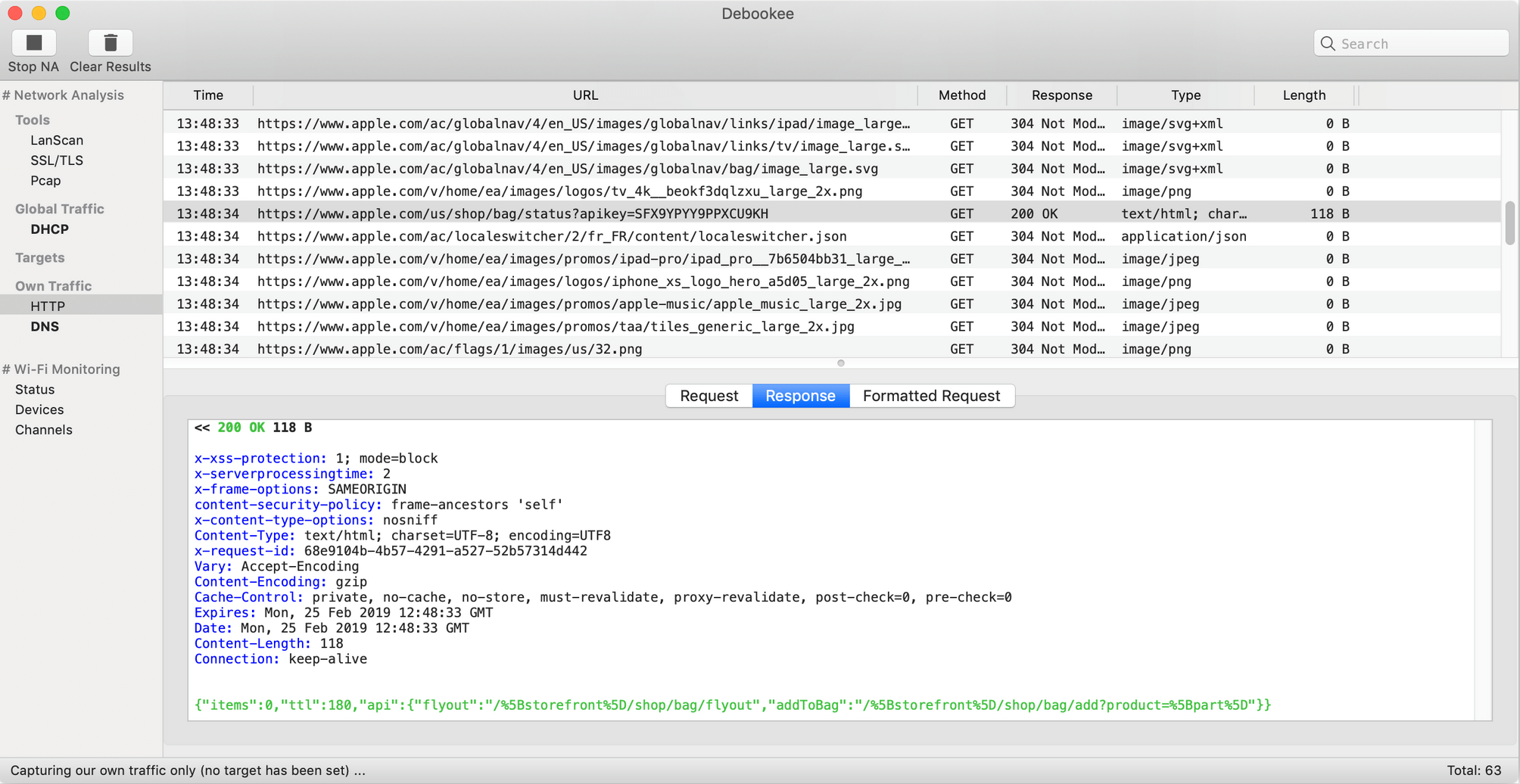
Debookee is a LAN and Wi-Fi packet-capture tool and network analyzer that allows you to see what your devices are sending over the network.
Features
- One click SSL/TLS decryption for your own and all targets traffic
- See full HTTPS URLs, HTTPS headers and HTTPS response codes (Full raw payload data is not shown)
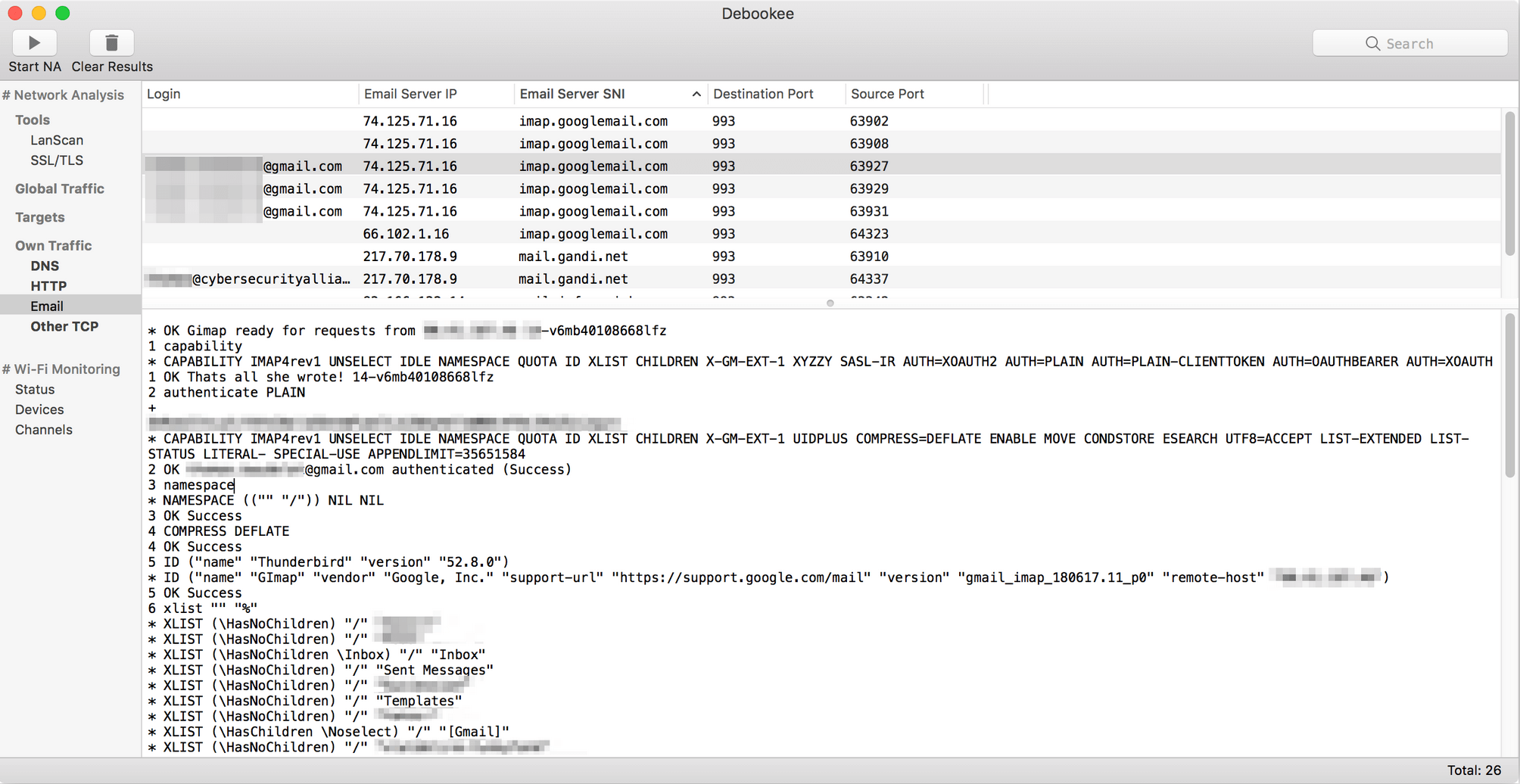
- Decrypt IMAPS email traffic (soon on POP3s/SMTPs/FTPS)
- Full raw data is shown, not only headers
- Intercept traffic from any device on your network: iPhone, iPad, Android, BlackBerry, PC, Mac, etc. Now you can analyze the traffic of devices that can't support packet capture, such as mobile, tablets, etc.
- Real-time packet capture analysis: extraction of requests details such as: HTTP, HTTPS, DNS, TCP, DHCP.
- LanScan Pro integrated: To perform an initial scan of your network, a version of LanScan Pro is integrated in Debookee.
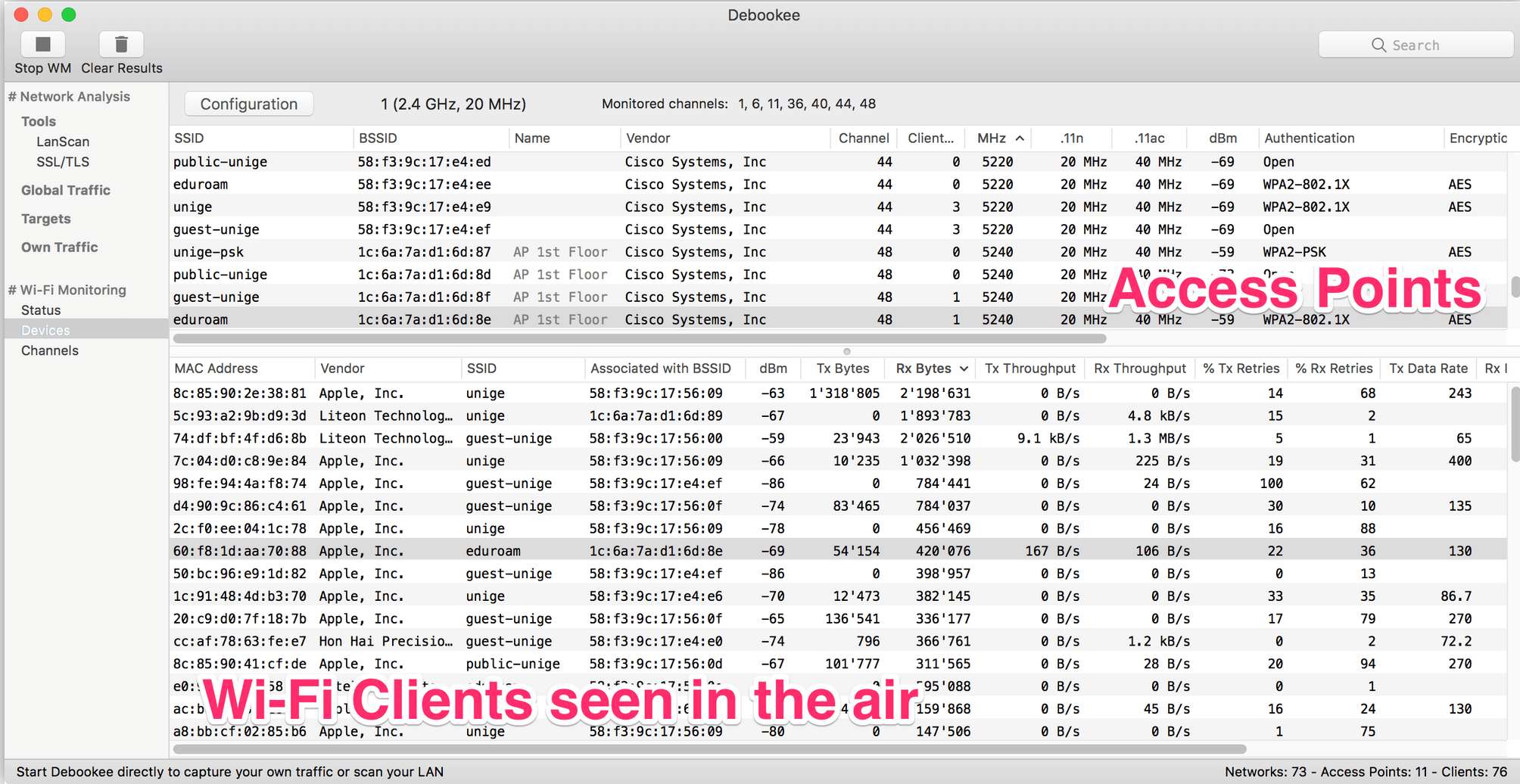
- Wifi connection details: Channel, Signal Strength, MAC address of the Access Point …
- Monitor activity of all Wi-Fi devices around you, access points, and clients
- Per Wi-Fi client, display data transmitted/received, %errors, data rates, %retries…
Version 8.2.0:
- Removed targets decryption feature as Apple won't fix the bug
- -> Own Traffic decryption is still available
- Fixed a crashing bug in IPv6 traffic parsing
- Updated MAC addresses vendors
Frequently asked questions
How do I install the app?
Mount the image, drag the app into the "Applications" folder and launch it. If the system blocks the launch, allow it in "System Settings → Privacy & Security".
The app is damaged or won't launch
Reinstalling from a fresh image usually helps. Make sure your macOS version matches the one listed in the compatibility specs.
How do I update?
Download the new version from the site and install it over the current one — your settings will be preserved.
The download link doesn't work
Try a mirror or a download manager. For large files the browser often drops the connection.
How do I completely remove the app?
Use an uninstaller utility — it cleans up the service files that remain after moving the app to the trash.



Choose a download source
Debookee 8.2.0 · 49.83 MB
Previous versions
Debookee 8.2.0
Previous versions are available to registered users.