Color Filters For Photos 1.8
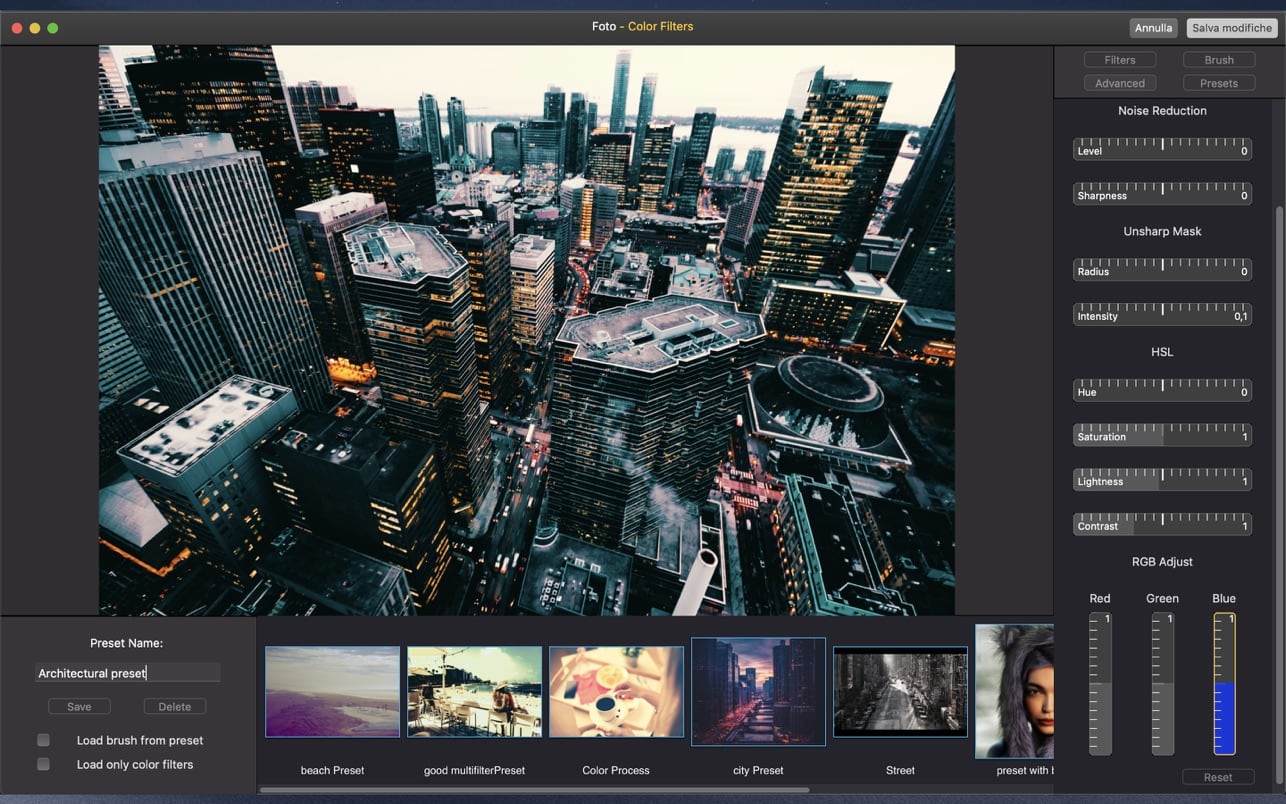
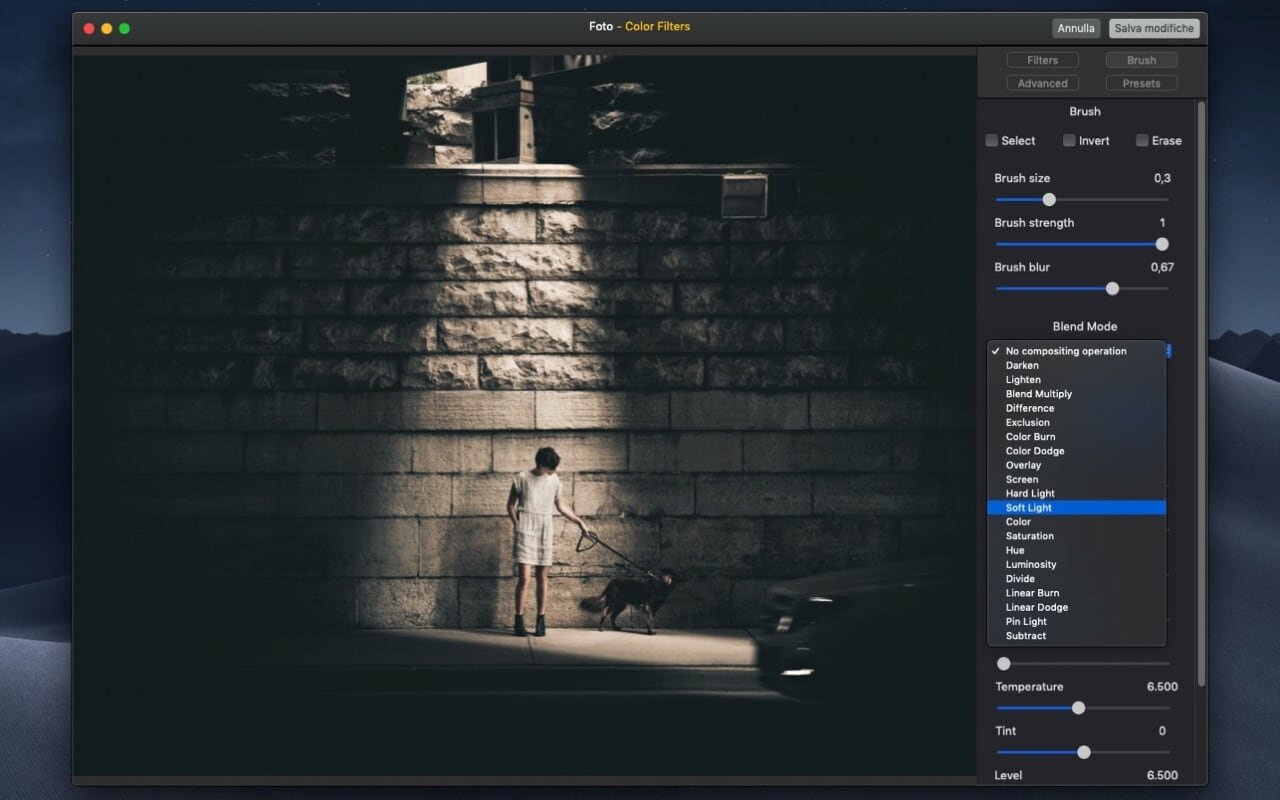
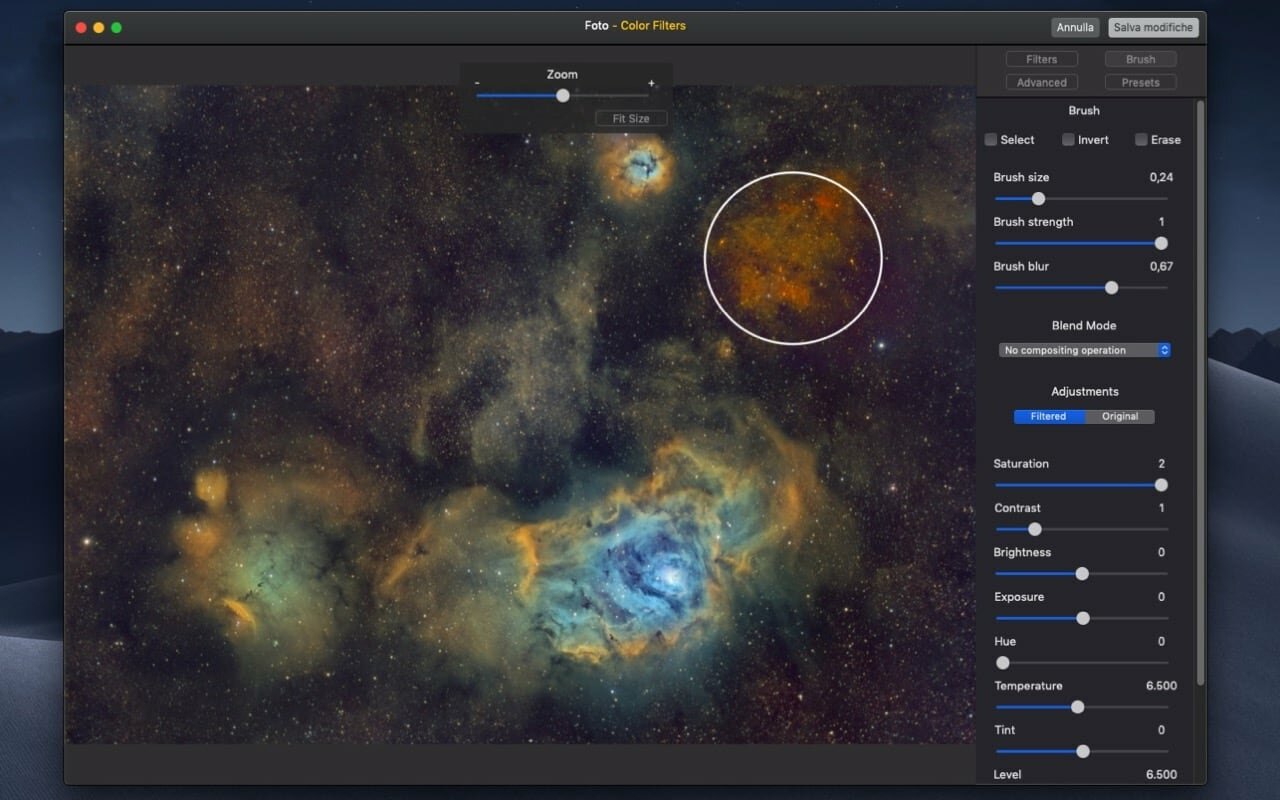
Color Filters For Photos adds an Extension to the Photos application that allows you to give a creative touch to all your pictures, using a huge variety of color filters and a brush to create color splashes: you can easily color, adjust, change exposure or gamma of selected areas. It also works as standalone application.
To use the extension, open Photos, select a picture, select Edit and click the Extensions button.
Features:
- Supports all the most common image formats, JPG, TIFF, PNG, HEIC, PSD... and all the RAW formats supported by macOS.
- More than 200 filters ready to use that you can combine and mix.
- Filters are subdivided in 6 categories: Color Filters, Cinema Filters, Color Variations, Color Effects, Light Filters and Black and White Filters.
- Pre-processing with shadows, highlights, gamma, vibrance, fade.
- Apply the brush and color the areas that you want.
- Use the selection tool to select the areas with maximum precision.
- You can adjust the original image and the filtered image separately.
- You can apply a filter and paint over a black and white or a vibrant background.
- Brush can modify saturation, exposure, hue, temperature, tint, blur...
- 20 Blend Modes: Color Dodge, Color Burn, Soft Light, Hard Light...
- You can save your own presets and have the settings and brush points always ready.
Version 1.8
- Added "Camera filters" package with 84 new color filters.
- Added "Layers": you can add brush layers and change parameters of the layers separately.
- Added some additional color controls.
- Added smoothing to selection.
- Bug fixes.
Frequently asked questions
How do I install the app?
Mount the image, drag the app into the "Applications" folder and launch it. If the system blocks the launch, allow it in "System Settings → Privacy & Security".
The app is damaged or won't launch
Reinstalling from a fresh image usually helps. Make sure your macOS version matches the one listed in the compatibility specs.
How do I update?
Download the new version from the site and install it over the current one — your settings will be preserved.
The download link doesn't work
Try a mirror or a download manager. For large files the browser often drops the connection.
How do I completely remove the app?
Use an uninstaller utility — it cleans up the service files that remain after moving the app to the trash.
Choose a download source
Color Filters For Photos 1.8 · 51.29 MB