
MesaExif 2.4.22
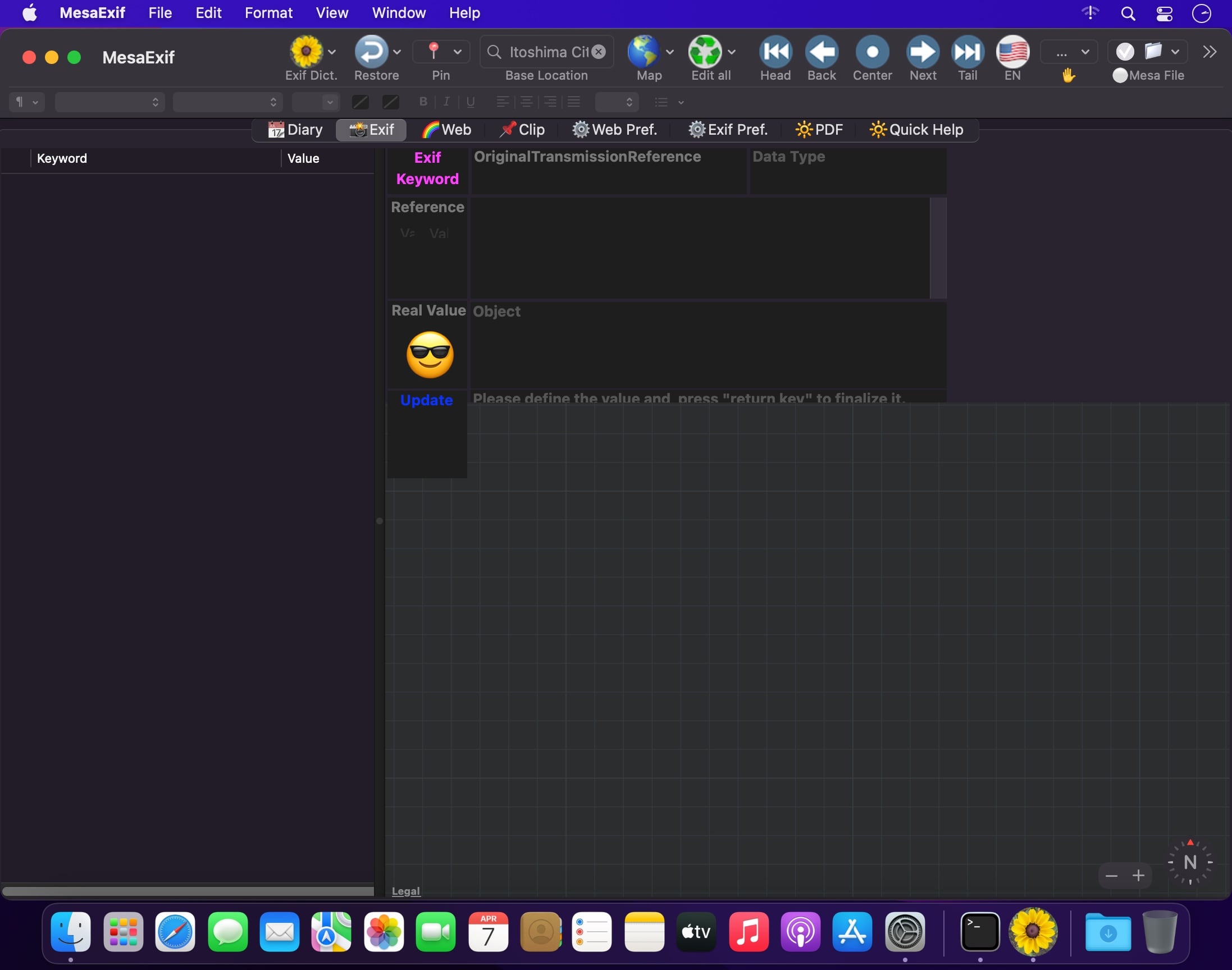
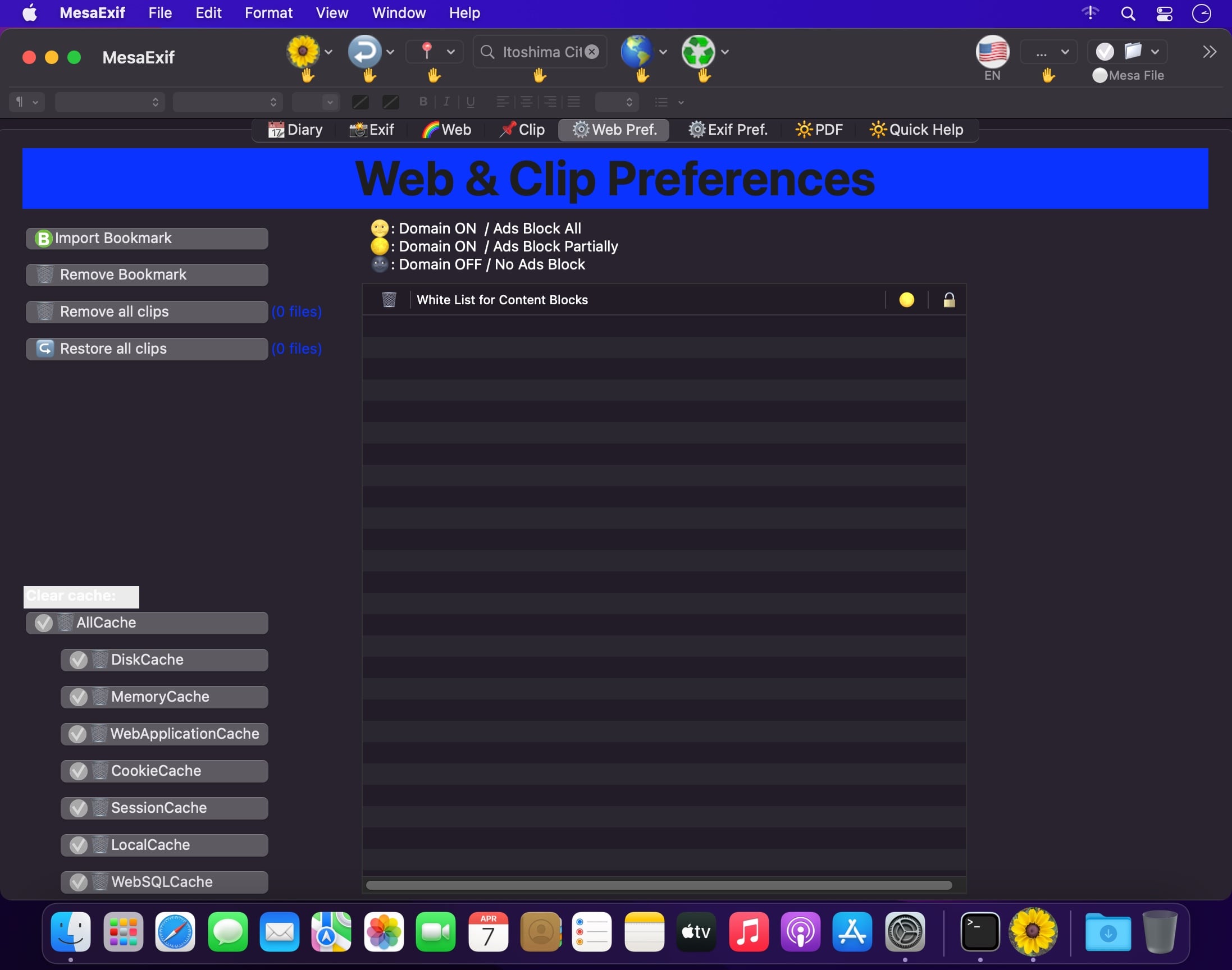
MesaExif is an easy-to-use and powerful Meta Data processor. Some users want to edit all photos based on an edited photo. The request makes sense in regard to the location, the title, date and time and so on.
- Choose your photos with jpg / tiff / png. MesaExif shows thumbnails and Meta Data. • View and edit Exif, ExifAUX, GPS, IPTC, JFIF, TIFF, Canon’s and Nikon’s. • Manage your Base Location by searching map, and tap to set the coordinates to GPS dictionary. • You can restore a photo and/or photos during staying in a same folder if you do not want to change the values.
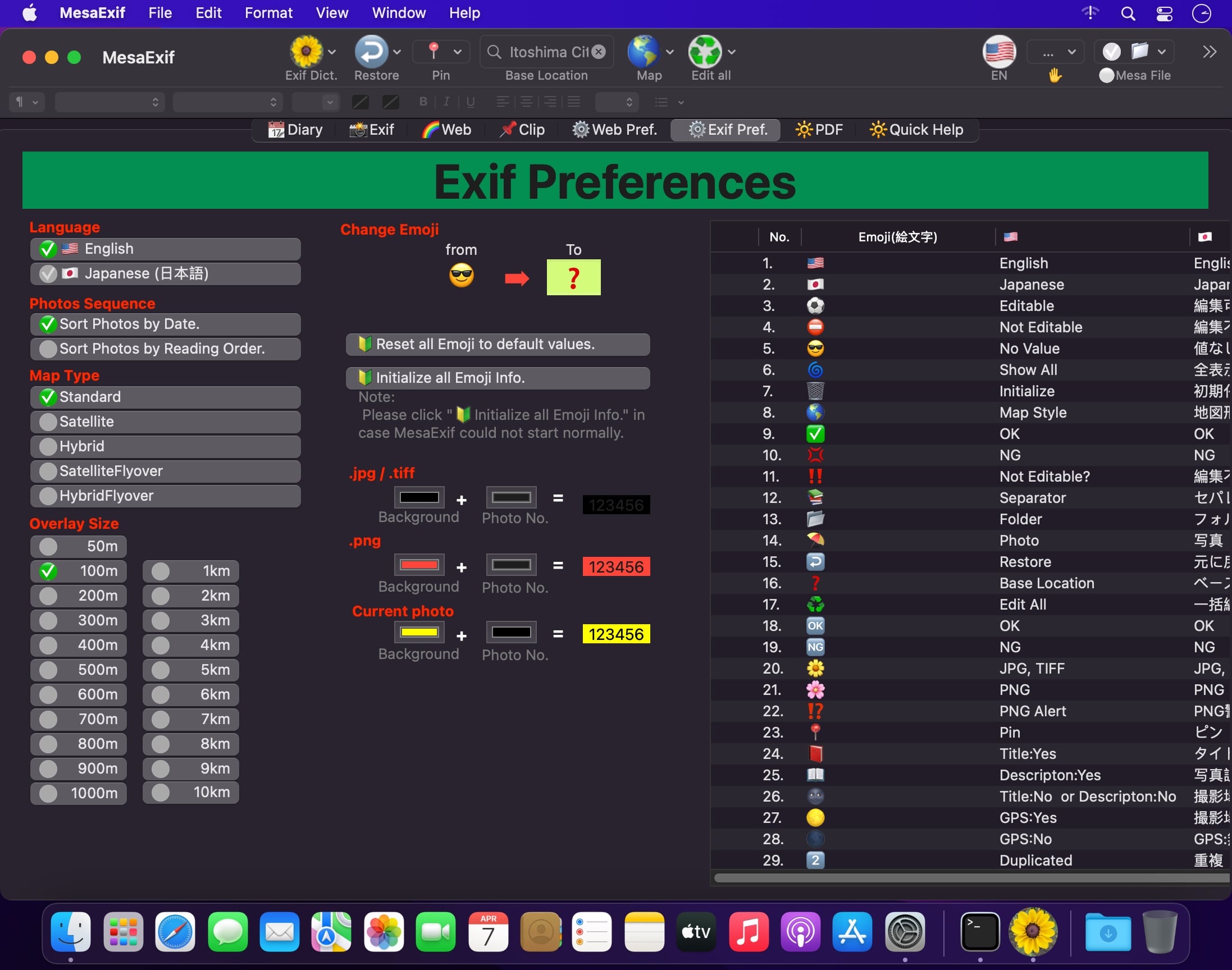
- You can change all EMoji that MesaExif uses as default icons. ※ The updated values are automatically saved to the original photo file.
Version 2.4.22
Spec. Change:
- MesaExif is available on macOS 14.6 and later.
Bug-fix:
- The screenshot position of MesaClip is updated.
Frequently asked questions
How do I install the app?
Mount the image, drag the app into the "Applications" folder and launch it. If the system blocks the launch, allow it in "System Settings → Privacy & Security".
The app is damaged or won't launch
Reinstalling from a fresh image usually helps. Make sure your macOS version matches the one listed in the compatibility specs.
How do I update?
Download the new version from the site and install it over the current one — your settings will be preserved.
The download link doesn't work
Try a mirror or a download manager. For large files the browser often drops the connection.
How do I completely remove the app?
Use an uninstaller utility — it cleans up the service files that remain after moving the app to the trash.




Choose a download source
MesaExif 2.4.22 · 157.41 MB
Previous versions
MesaExif 2.4.22
Previous versions are available to registered users.