
Movavi Photo Manager 2.0.0
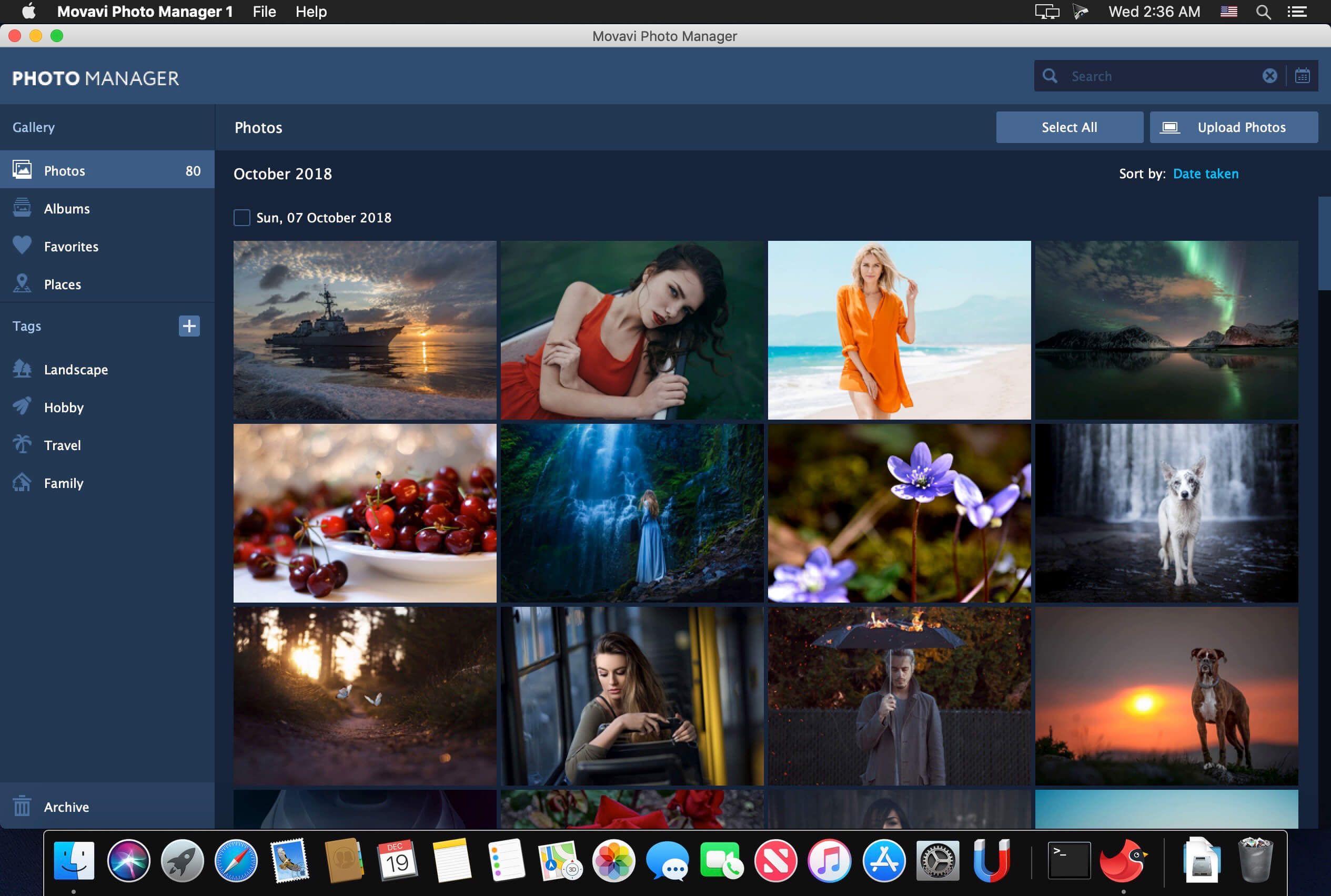
Focus on the memories, forget about managing photos. This program will help you manage your entire photo collection, including images in RAW, JPEG, PNG, and many other formats. Movavi’s photo organizer will be an essential tool for anyone who values their time as much as their photo collection.
Automatic Album Creation
Movavi’s photo organizer will automatically sort your images by date and GPS coordinates.
Photo Tagging
Add tags to image files using Movavi's picture organizer so you can easily navigate around your photo library.
Geolocation
Review the automatically created photo albums sorted by country. Filter images in these albums by city.
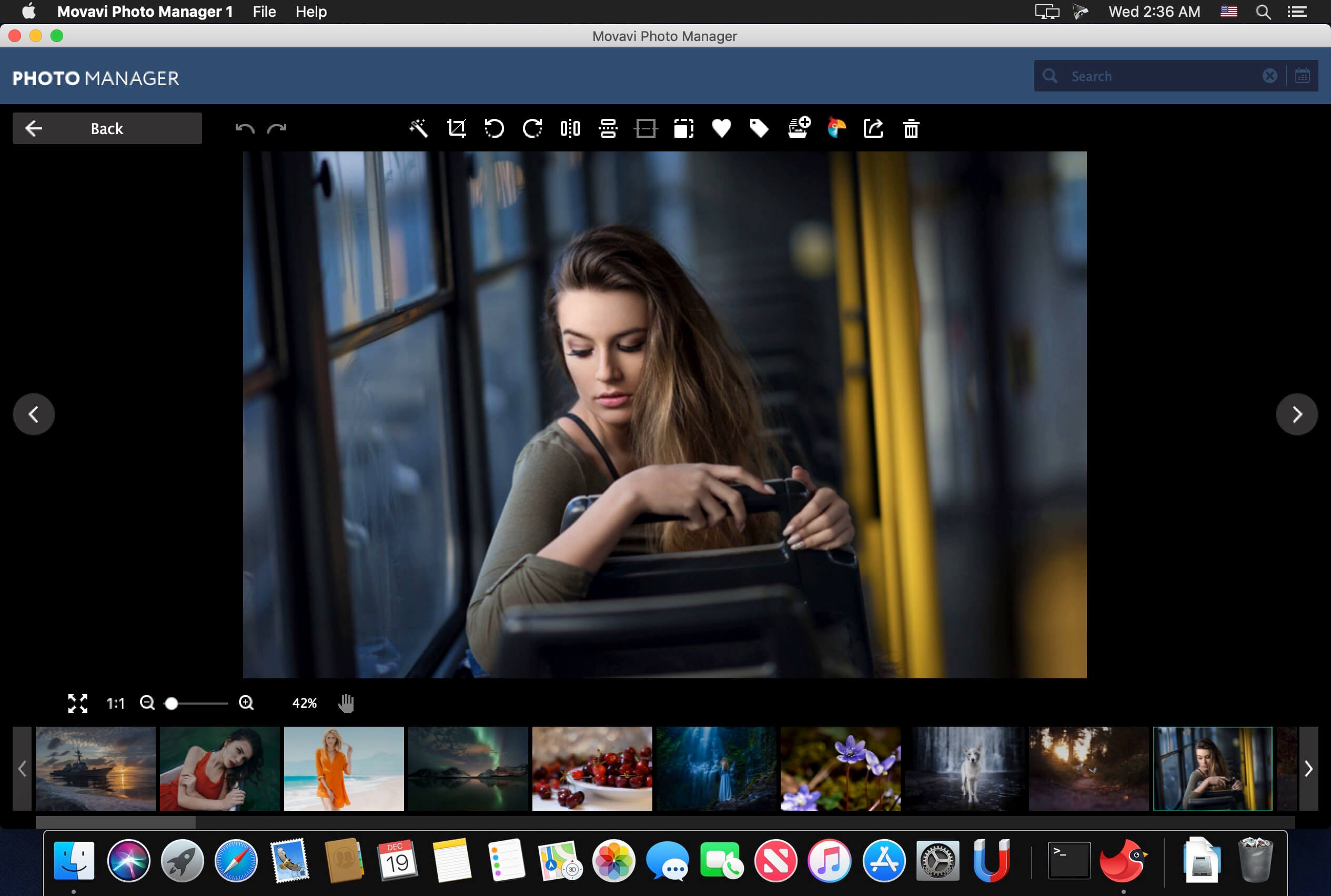
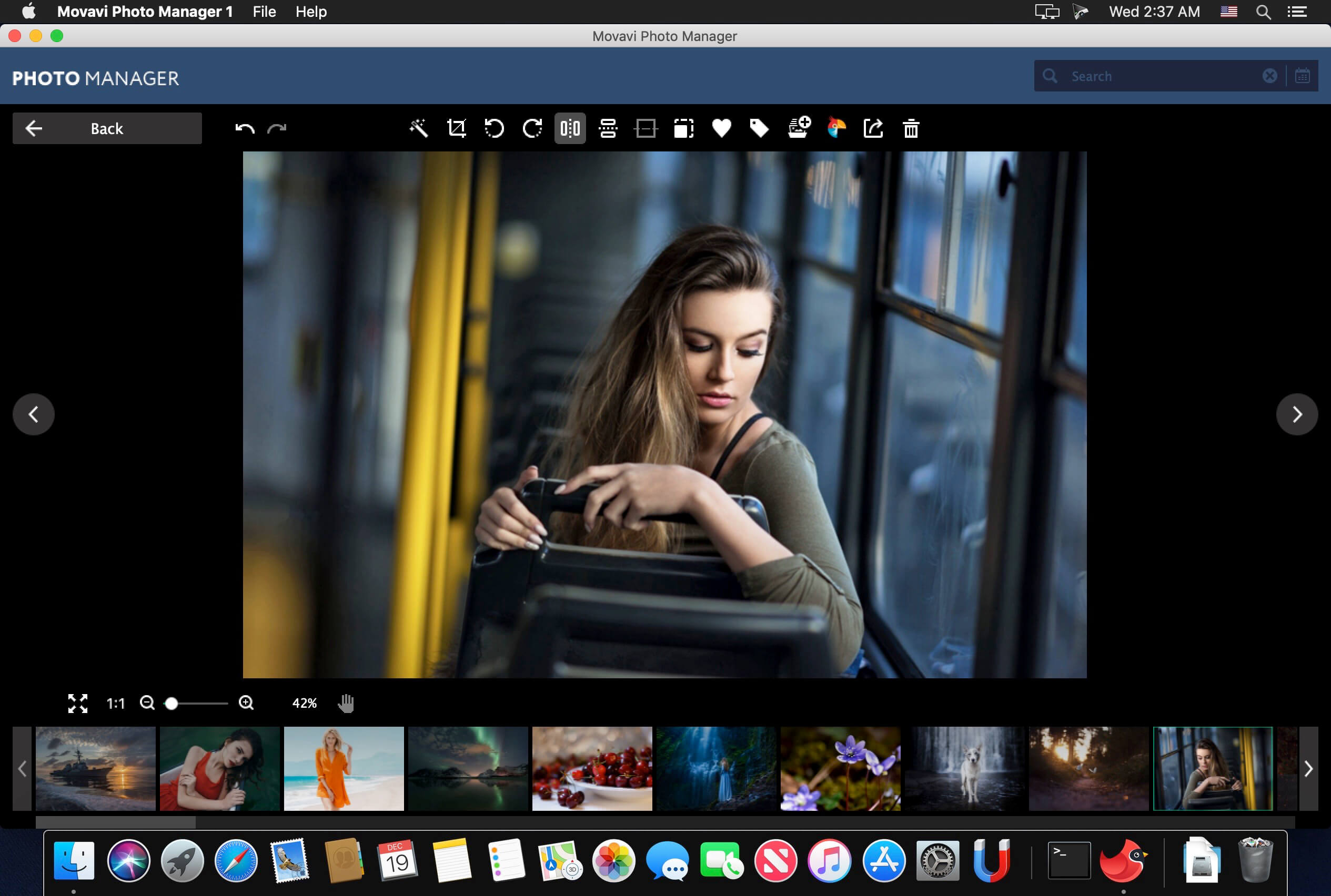
Edit images
Work with individual photos or edit multiple photos simultaneously: crop, flip, and rotate images, straighten horizons, and more.
View pictures
View photos in many popular image formats using Movavi’s fast and reliable picture organizer.
Version 2.0.0:
- Release notes were unavailable when this listing was updated.
Frequently asked questions
How do I install the app?
Mount the image, drag the app into the "Applications" folder and launch it. If the system blocks the launch, allow it in "System Settings → Privacy & Security".
The app is damaged or won't launch
Reinstalling from a fresh image usually helps. Make sure your macOS version matches the one listed in the compatibility specs.
How do I update?
Download the new version from the site and install it over the current one — your settings will be preserved.
The download link doesn't work
Try a mirror or a download manager. For large files the browser often drops the connection.
How do I completely remove the app?
Use an uninstaller utility — it cleans up the service files that remain after moving the app to the trash.
VersionMovavi Photo Manager 2.0.0
DeveloperMovavi
CompatibilitymacOS 10.10 or later, 64-bit processor
LanguageEnglish
IncludesK'ed by TNT





Information
Visitors in the group Guests cannot leave comments on this publication.
Choose a download source
Movavi Photo Manager 2.0.0 · 107.71 MB
Previous versions
Movavi Photo Manager 2.0.0
Previous versions are available to registered users.