Autodesk AutoCAD 2023.1.1
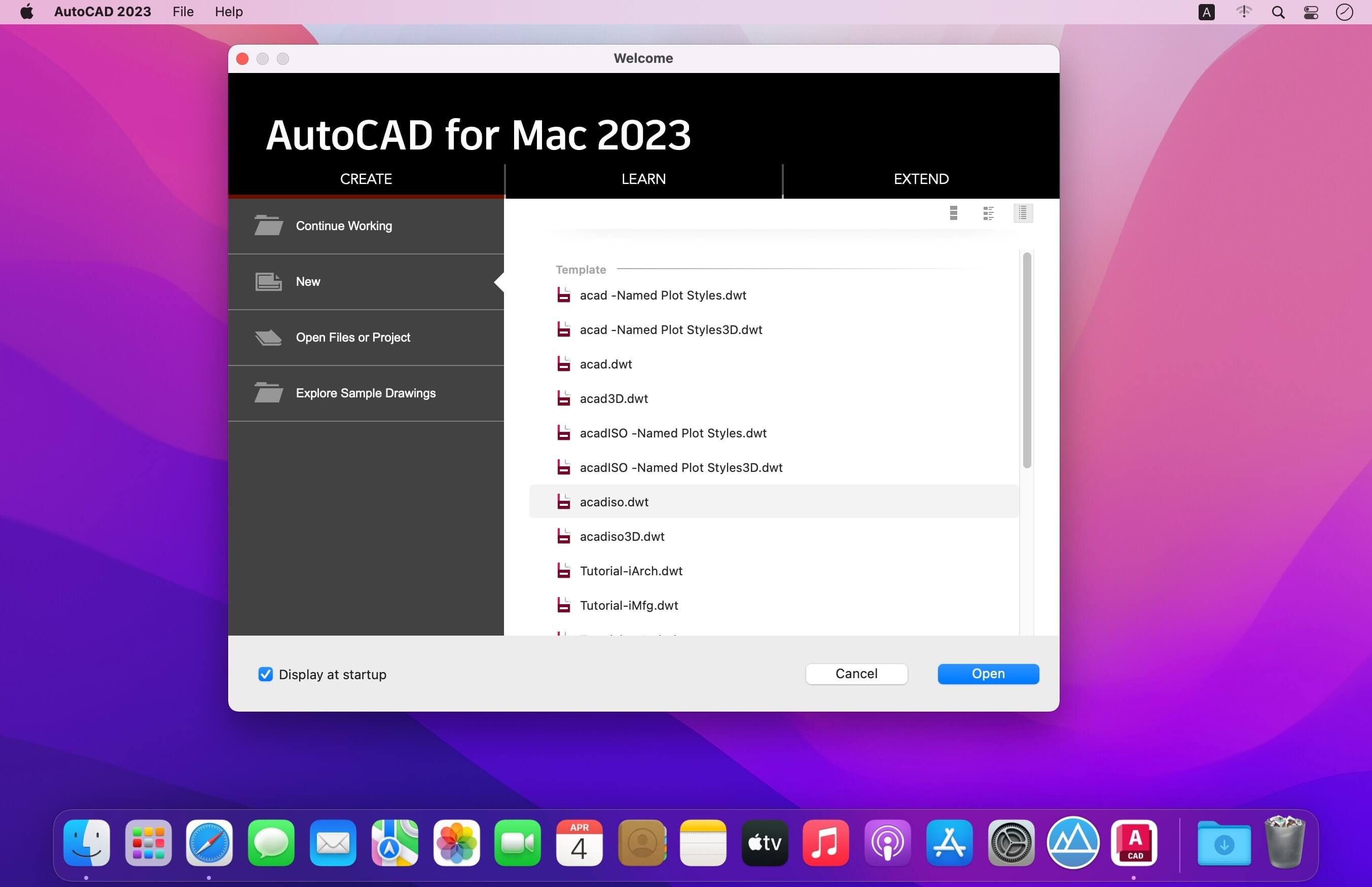
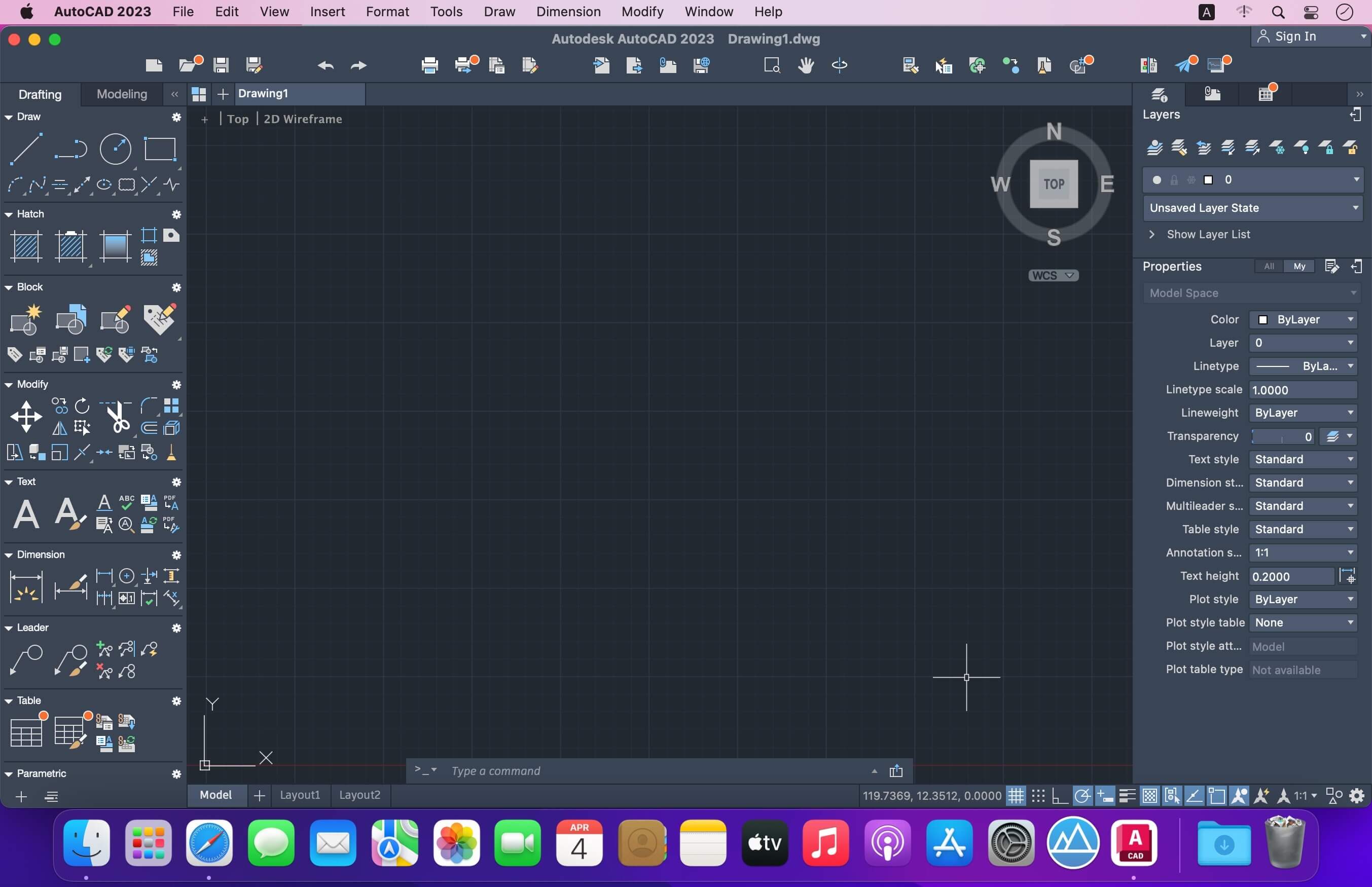
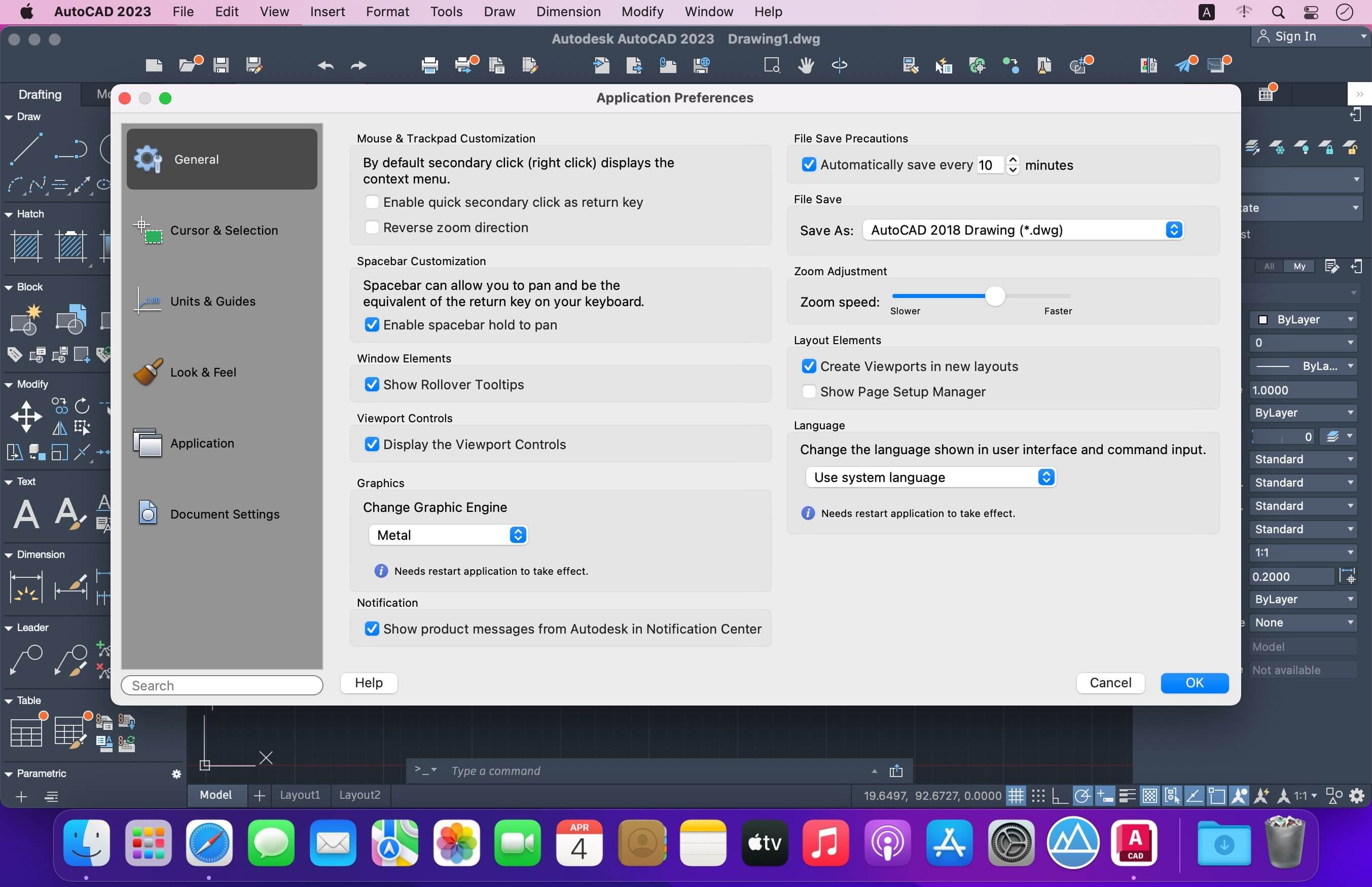
Autodesk AutoCAD 2023 design and documentation software, of the world’s leading 2D and 3D CAD tools. It will allow you to design and shape the world around you using its powerful and flexible features. Speed documentation, share ideas seamlessly, and explore ideas more intuitively in 3D. With thousands of available add-ons, AutoCAD software provides the ultimate in flexibility, customized for your specific needs. It’s time to take design further.
AutoCAD 2023 enables you to create and explore ideas like never before. It is all you need to create, visualize, document, and share your ideas. From conceptual design through drafting and detailing.
Import a wide variety of other formats including SolidWorks, Pro/ENGINEER, CATIA, Rhino, and NX. Drawing views, edge display, and location are instantly updated when an engineering change is made.
The drafting, detailing, and conceptual design leader is showing the way once again. AutoCAD 2019 propels day-to-day drafting forward with features that increase speed and accuracy while saving time. Annotation scaling and layer properties per viewport minimise workarounds, while text and table enhancements and multiple leaders help deliver an unmatched level of aesthetic precision and professionalism.
Document. Create your designs more intuitively, more efficiently, and faster than ever before.
- Communicate. Present and share your designs more seamlessly, more accurately, and more powerfully.
- Explore. Now you can turn ideas, regardless of shape or size, into a 3D CAD model to help take your designs further.
- Customize. Make AutoCAD software work for you in ways you never thought possible.
- Create stunning designs and improve collaboration
- Share your work with TrustedDWG technology.
- Work across connected desktop, cloud, and mobile solutions.
- Get the AutoCAD 360 Pro mobile app when you subscribe.
Version 2023:
Frequently asked questions
How do I install the app?
Mount the image, drag the app into the "Applications" folder and launch it. If the system blocks the launch, allow it in "System Settings → Privacy & Security".
The app is damaged or won't launch
Reinstalling from a fresh image usually helps. Make sure your macOS version matches the one listed in the compatibility specs.
How do I update?
Download the new version from the site and install it over the current one — your settings will be preserved.
The download link doesn't work
Try a mirror or a download manager. For large files the browser often drops the connection.
How do I completely remove the app?
Use an uninstaller utility — it cleans up the service files that remain after moving the app to the trash.




Choose a download source
Autodesk AutoCAD 2023.1.1 · 2.14 GB
Previous versions
Autodesk AutoCAD 2023.1.1
Previous versions are available to registered users.