
Autodesk AutoCAD / AutoCAD LT 2021
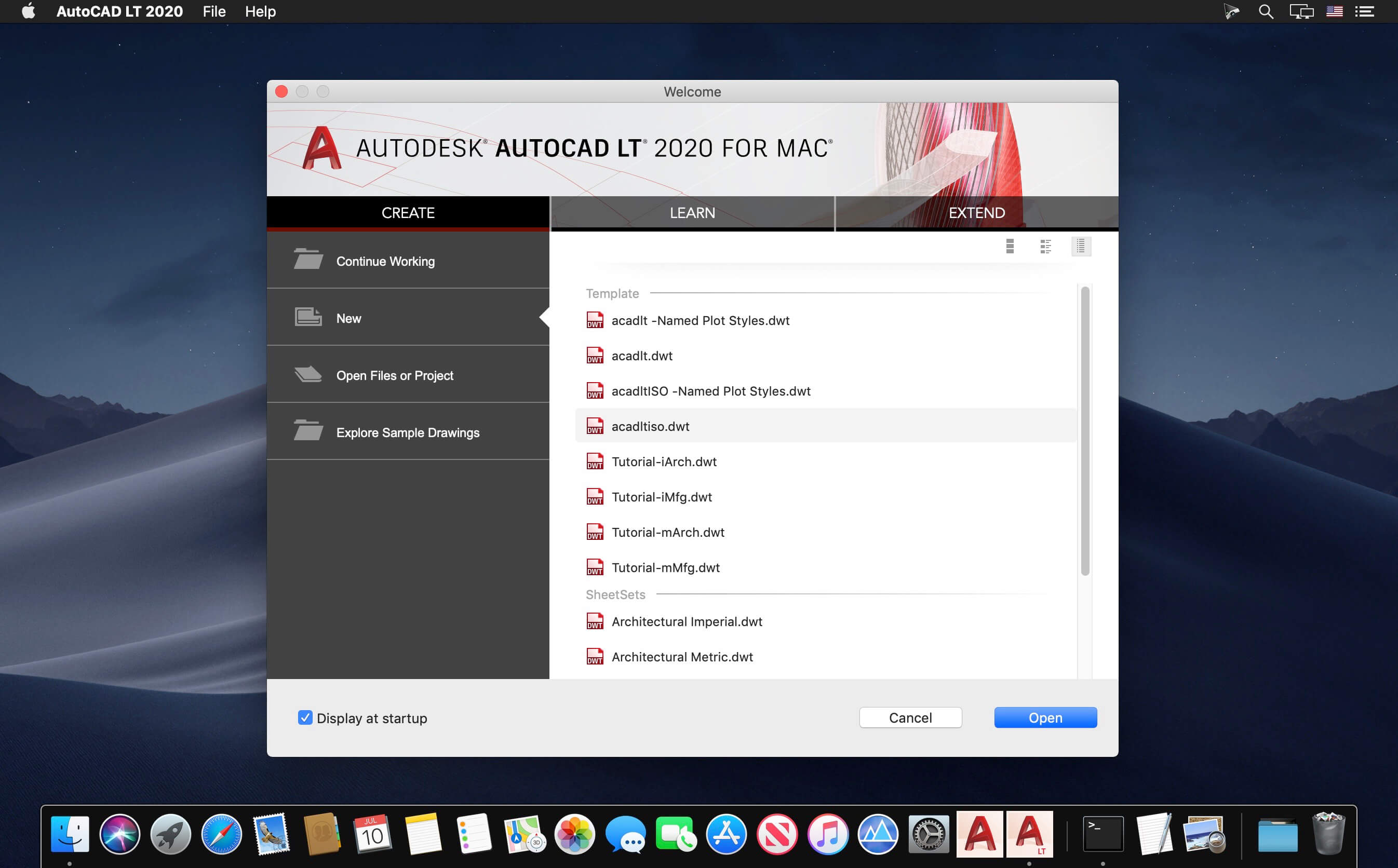
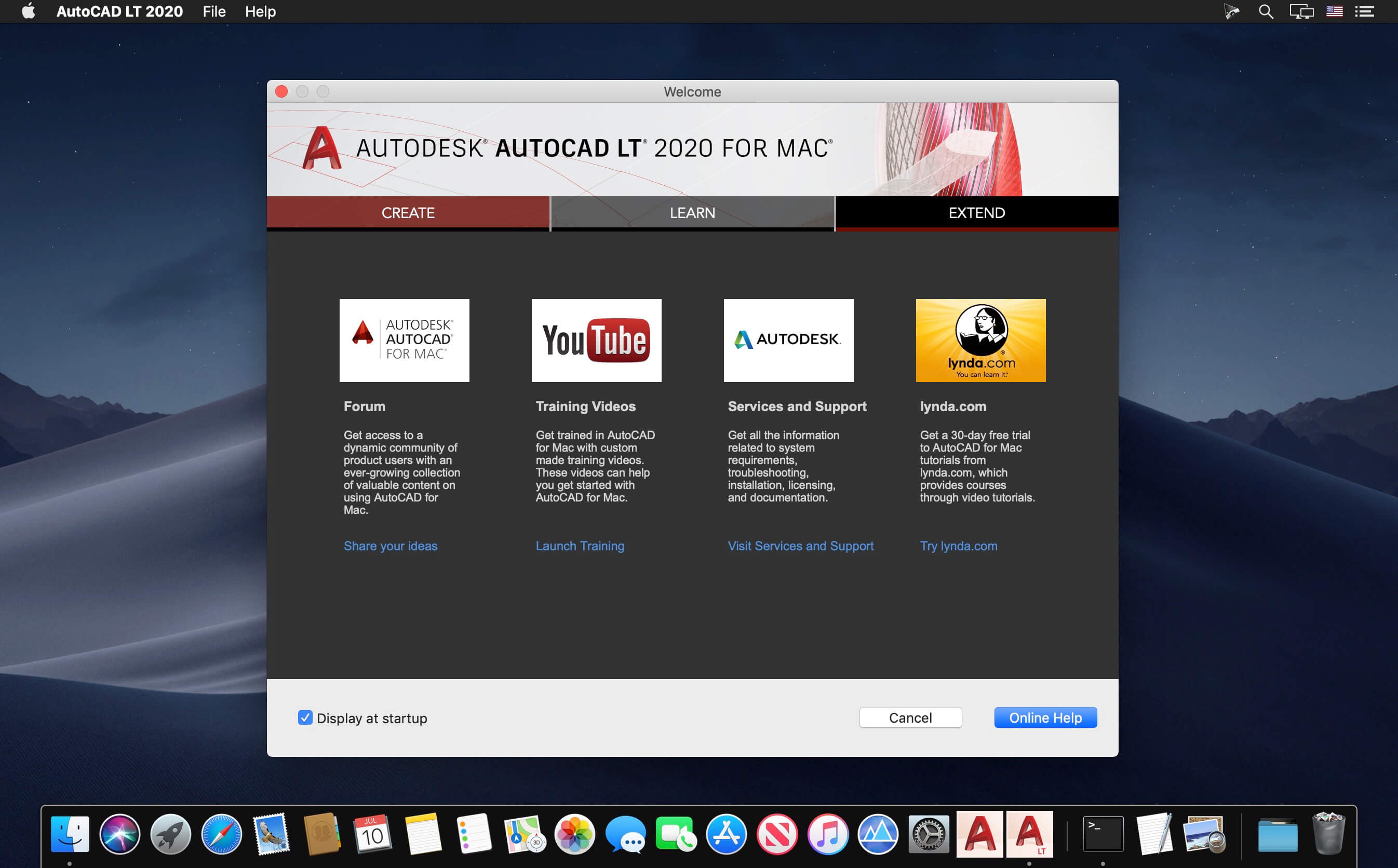
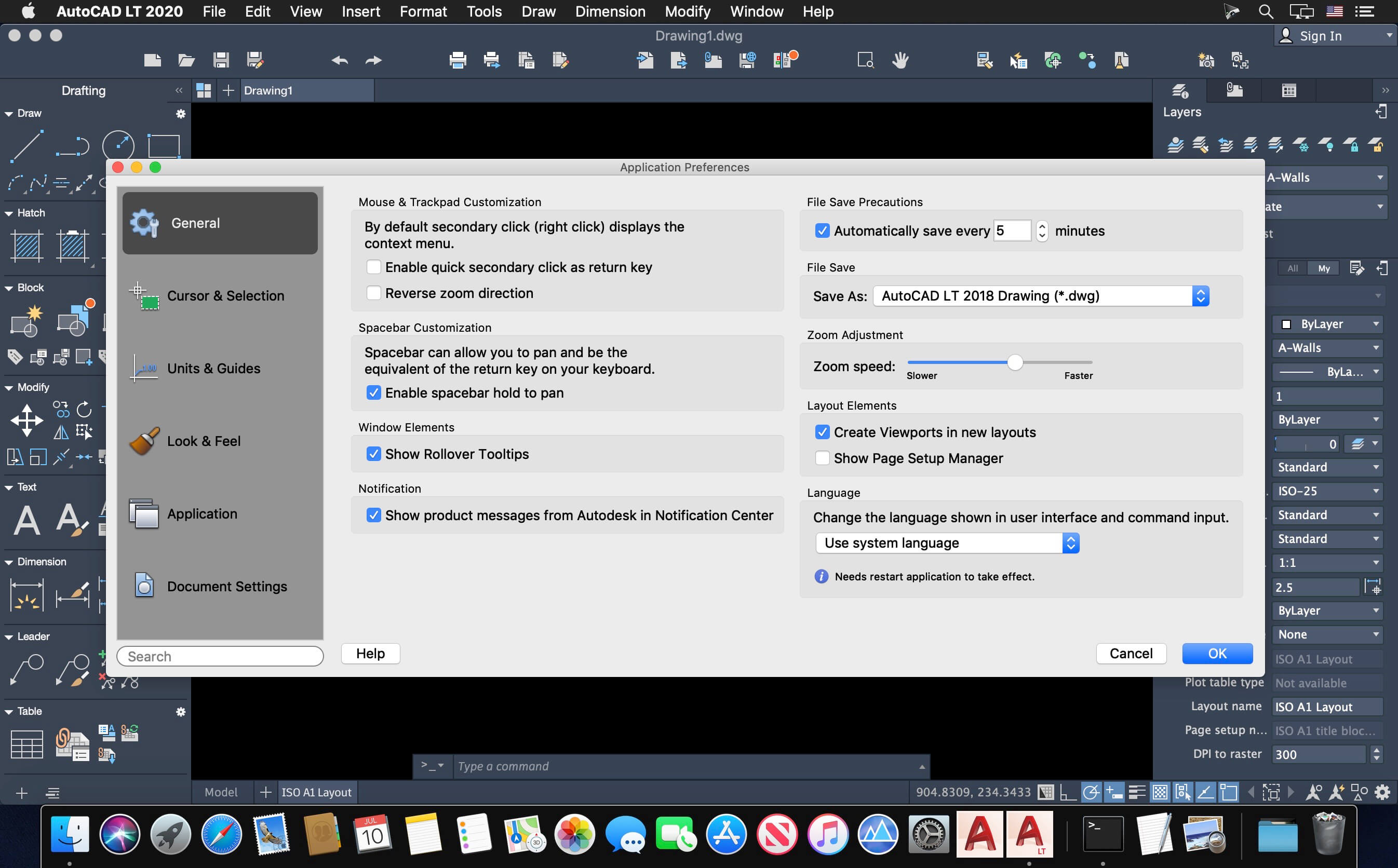
Autodesk AutoCAD 2021 design and documentation software, of the world’s leading 2D and 3D CAD tools. It will allow you to design and shape the world around you using its powerful and flexible features. Speed documentation, share ideas seamlessly, and explore ideas more intuitively in 3D. With thousands of available add-ons, AutoCAD software provides the ultimate in flexibility, customized for your specific needs. It’s time to take design further.
AutoCAD 2021 enables you to create and explore ideas like never before. It is all you need to create, visualize, document, and share your ideas. From conceptual design through drafting and detailing.
Import a wide variety of other formats including SolidWorks, Pro/ENGINEER, CATIA, Rhino, and NX. Drawing views, edge display, and location are instantly updated when an engineering change is made.
Frequently asked questions
How do I install the app?
Mount the image, drag the app into the "Applications" folder and launch it. If the system blocks the launch, allow it in "System Settings → Privacy & Security".
The app is damaged or won't launch
Reinstalling from a fresh image usually helps. Make sure your macOS version matches the one listed in the compatibility specs.
How do I update?
Download the new version from the site and install it over the current one — your settings will be preserved.
The download link doesn't work
Try a mirror or a download manager. For large files the browser often drops the connection.
How do I completely remove the app?
Use an uninstaller utility — it cleans up the service files that remain after moving the app to the trash.
VersionAutodesk AutoCAD / AutoCAD LT 2021
DeveloperAutodesk Inc.
CompatibilitymacOS 10.13 or later, 64-bit processor
LanguageMultilingual
IncludesK




Information
Visitors in the group Guests cannot leave comments on this publication.
Choose a download source
Autodesk AutoCAD / AutoCAD LT 2021 · 1.74 GB
Previous versions
Autodesk AutoCAD / AutoCAD LT 2021
Previous versions are available to registered users.