
Movavi Picverse 1.11.0
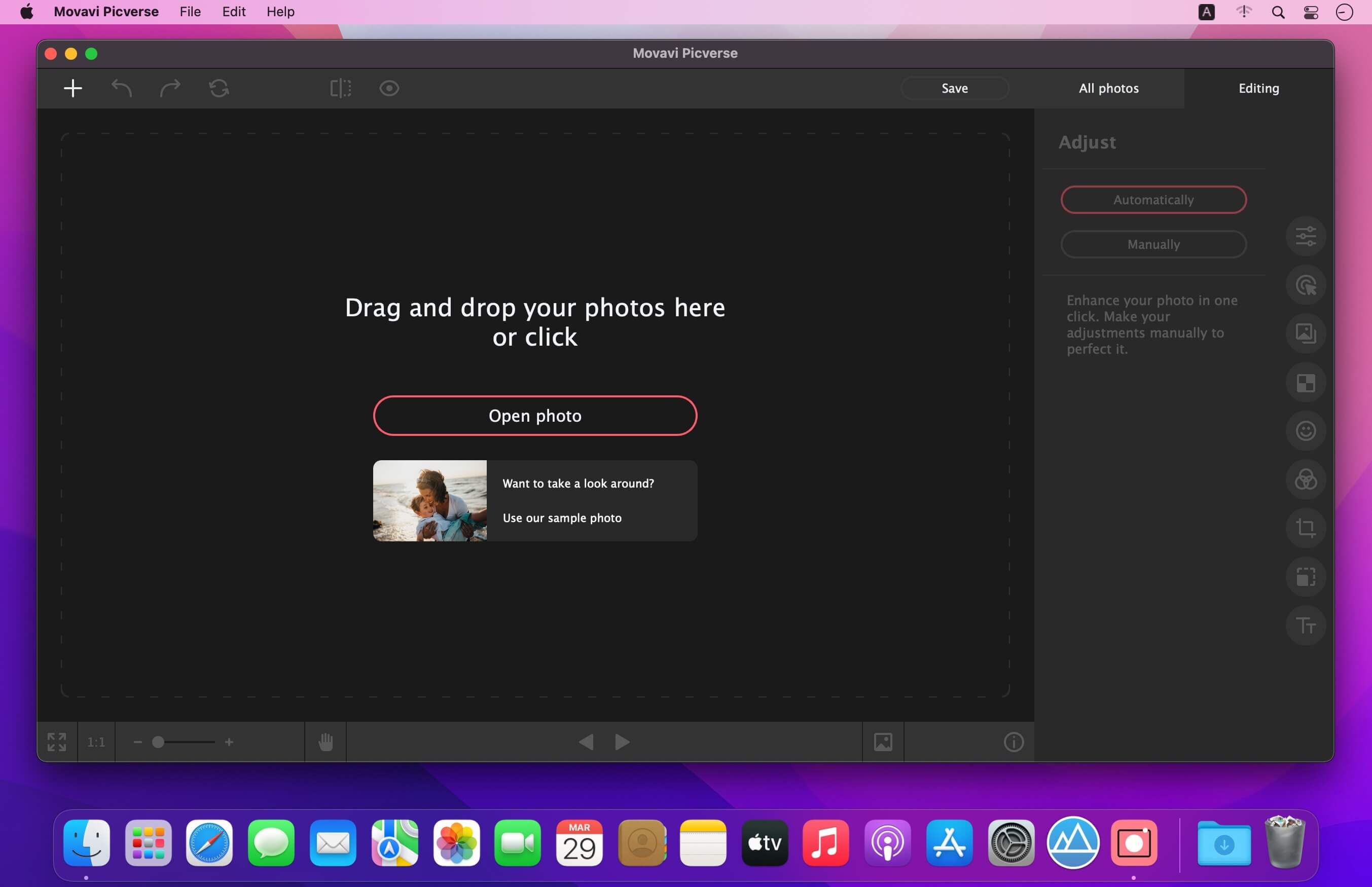
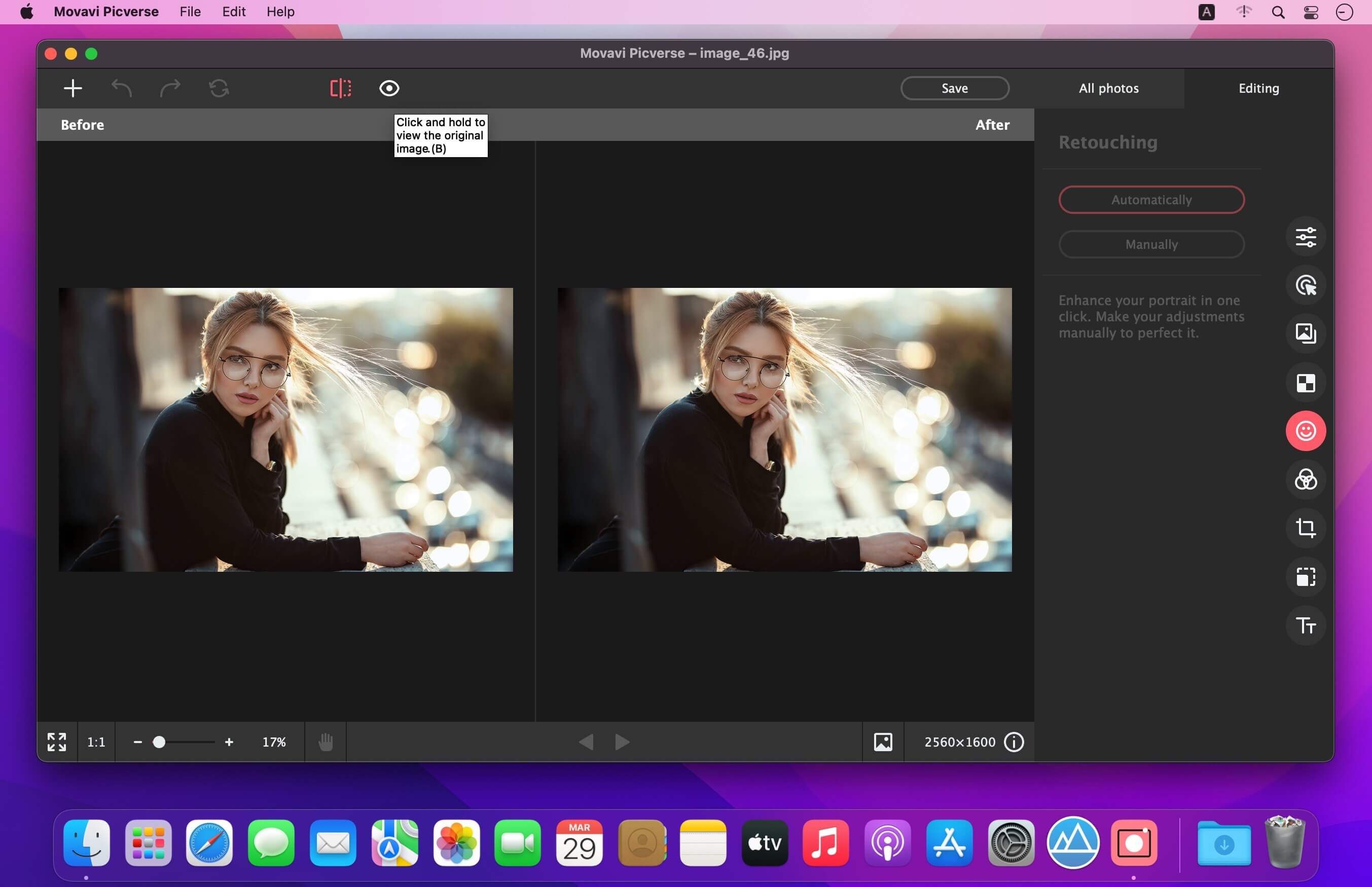
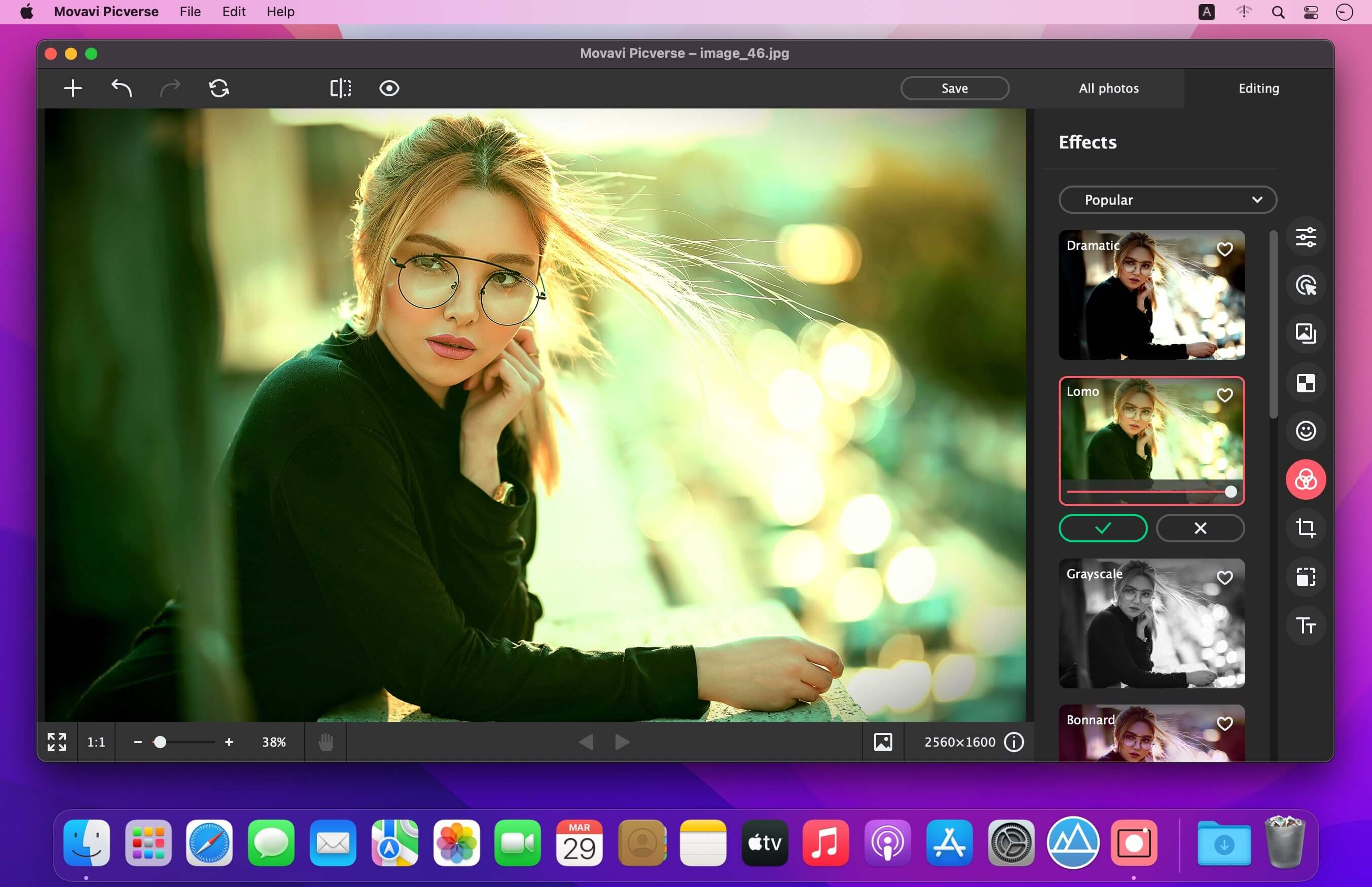
Movavi Picverse Photo Editor for Mac is designed to match the needs of both beginning and professional photographers. The application gives you AI-based tools that will enable you to experiment with images and achieve stunning results in a snap. Picverse is your go-to photo-editing software for Mac if you want to spend more time shooting and less time retouching.
Features:
- AI auto adjust - Instantly refine the colors and contrast in an image thanks to artificial intelligence technology.
- Easy photo background removal - Replace or remove image backgrounds in just a few clicks.
- AI old photo repair - Restore photos taken decades ago. Get rid of fold lines, stains, and other small defects. Remove image noise from scans. Automatically colorize black-and-white photos.
- 100+ inspiring filters - Apply filters as a creative touch to set the right mood.
- Quality sharpness adjustment - Recover details to make a whole picture ready to pop out of the screen. Add sharpness to remove blur. Get precise control over the image with our Mac photo editor.
- Robust object removal - Erase unwanted objects and get flawless photographs, no matter the state of the original. Picverse takes great care to cover any imperfections in just a couple of clicks.
- Advanced photo retouching - Improve portraits in an instant. Remove skin blemishes, apply cool makeup, create a picture-perfect smile. Unleash your inner artist with the Picverse photo software for Mac.
- Automatic image management - Create photo albums automatically or by hand. Sort images by name, date, and GPS coordinates to find exactly what you need in seconds.
- Light and color correction - Highlight what’s important and hide distractions with HDR lighting, white balance, and other tools.
- Image denoise - Smart-fix grainy photographs and crisp up low-light images. Our picture editor for Mac will leave you amazed.
- Text insertion - Choose a font, size, and color. Twist captions. Set a background color and add decorations.
- RAW support - Work with RAW images: our Mac image editor will automatically convert them to JPEG after uploading.
- Basic adjustment tools - Rotate, crop, flip, and resize photos.
- Export settings - Set the desired file format and size when saving a photo. Delete the metadata and add comments to images.
Version 1.11
- Release notes were unavailable when this listing was updated.
Frequently asked questions
How do I install the app?
Mount the image, drag the app into the "Applications" folder and launch it. If the system blocks the launch, allow it in "System Settings → Privacy & Security".
The app is damaged or won't launch
Reinstalling from a fresh image usually helps. Make sure your macOS version matches the one listed in the compatibility specs.
How do I update?
Download the new version from the site and install it over the current one — your settings will be preserved.
The download link doesn't work
Try a mirror or a download manager. For large files the browser often drops the connection.
How do I completely remove the app?
Use an uninstaller utility — it cleans up the service files that remain after moving the app to the trash.





Choose a download source
Movavi Picverse 1.11.0 · 112.58 MB
Previous versions
Movavi Picverse 1.11.0
Previous versions are available to registered users.