
Metadata Converter 1.6
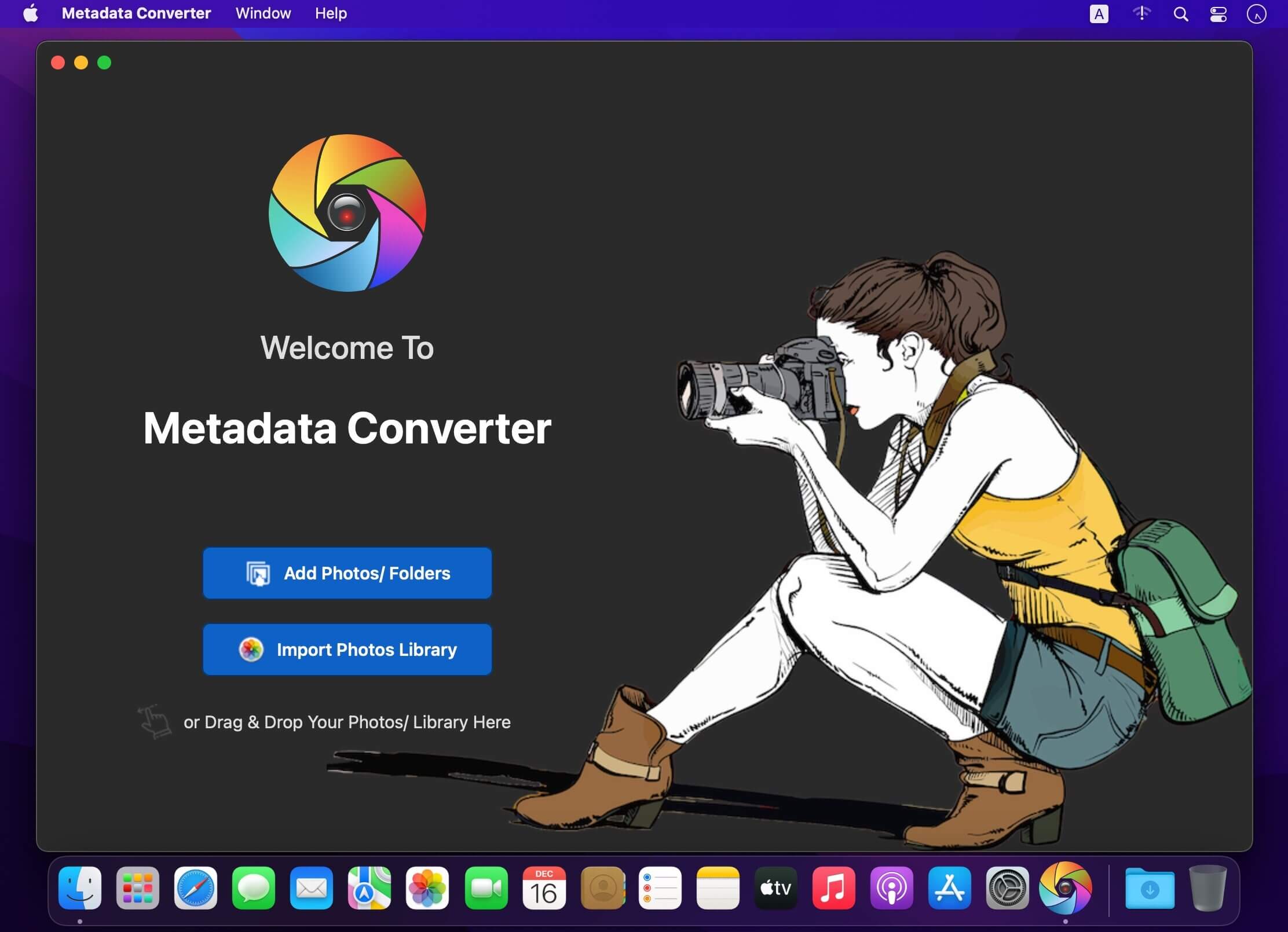
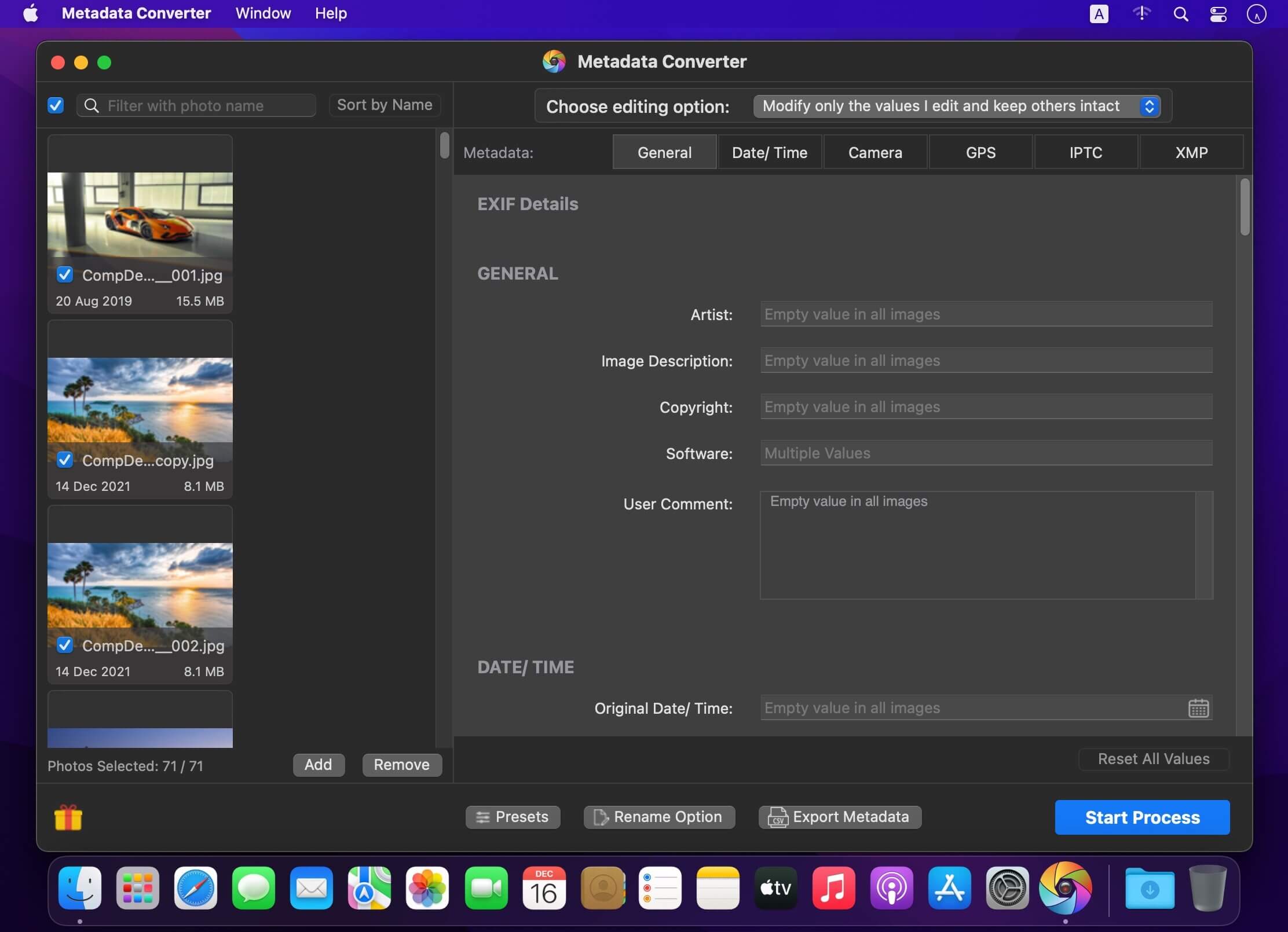
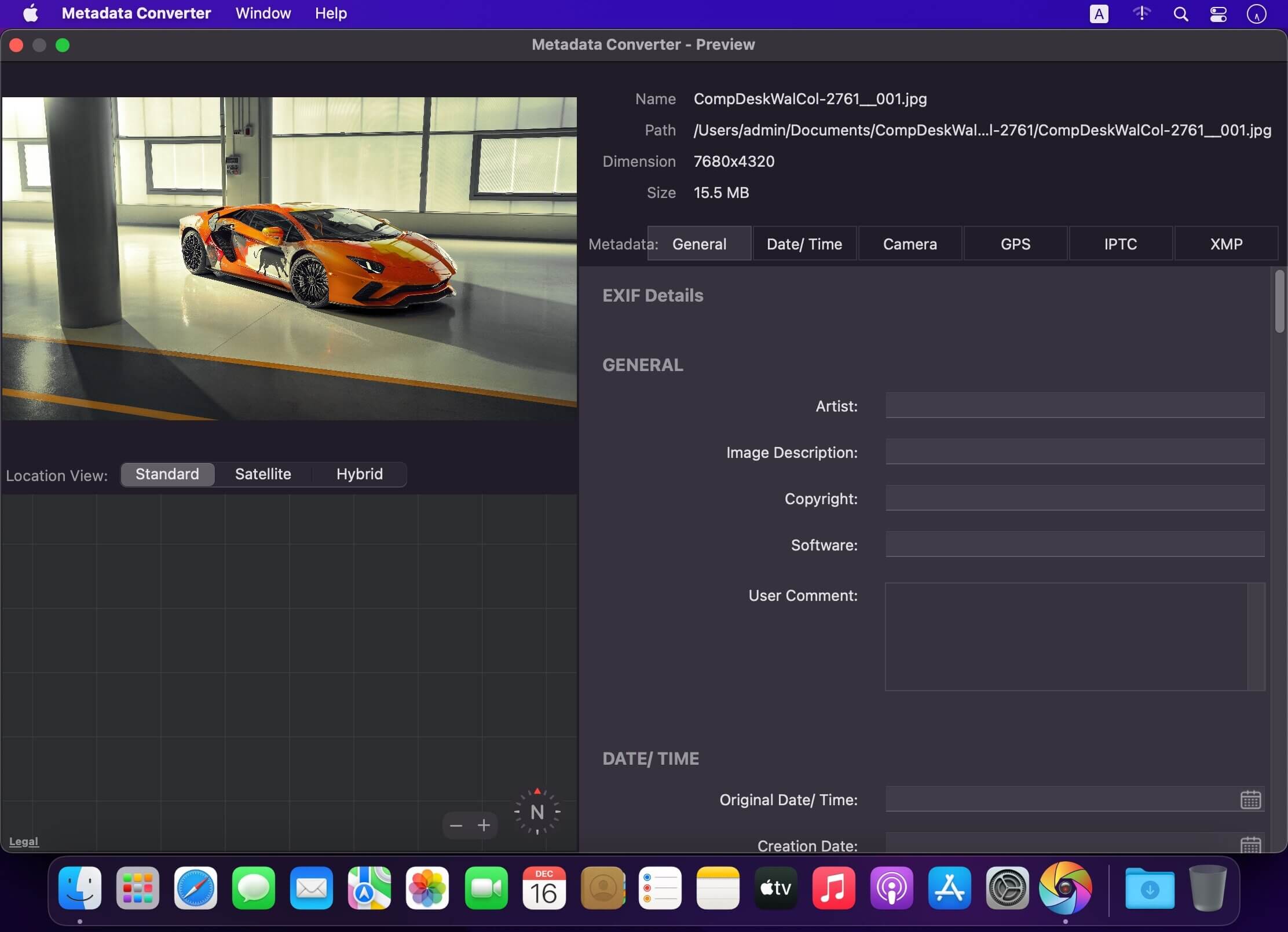
Metadata Converter is an intuitive batch photos metadata editor, viewer and renamer.
Correct EXIF/IPTC/XMP metadata tags in your photos: place GPS coordinates, remove private information from your photos, correct or set capture dates, add your own copyright and more.
FEATURES:
- Easiest way to reads & writes GENERAL, EXIF, GPS, IPTC, XMP, DATE metadata and more...
- Supports batch photos metadata editing and delete.
- Supports various common image formats including RAW formats.
- Save your settings that you may reuse by creating “Preset”.
- Batch Rename Option
- Batch Photos Metadata Export Option
- Clear Metadata Information individually or selected batch photos.
- Edited fields are Highlighted for reference.
- GPS Location Manager to find location by name, coordinates and drag & drop in Map.
- Smart Date Editor to Keep Original, Empty Value, Select Date, Update Date, Inc/Dec Original Date and Inc/Dec Original Time.
- User perspective easy interface with light and dark mode.
Supports full READ/ WRITE image formats:
- EXV
- CR2
- TIF/ TIFF
- WEBP
- DNG
- NEF
- PEF
- SRW
- ORF
- PNG
- PGF
- PSD
- JP2
- JPEG
- JPG
- MOS
- FFF
- NRW
- SR2
- SRF and more
Supported Tags:
- GENERAL: Artist, Image Description, Copyright, Software, User Comment
- DATE/ TIME: Original Date/ Time, Creation Date, Modify Date
- CAMERA: Make, Camera Model Name, Owner Name, Serial Number, ISO, F Number, Focal Length, Focal Length in 35mm Format, Flash, Orientation, Exposure Mode, Exposure Program, Exposure Time, Metering Mode, Scene Capture Type, White Balance, Saturation, Sensing Method, Sharpness, Subject Distance Range, Lens Make, Lens Model, Lens Serial Number
- GPS: GPS Latitude, GPS Latitude Ref, GPS Longitude, GPS Longitude Ref, GPS Altitude, GPS Altitude Ref
- IPTC: By Line, By Line Title, Copyright Notice, Headline, Caption Abstract, Writer Editor, Object Name, Category, Supplemental Categories, Keywords, Sub Location, City, Province State, Country Primary Location Name, Country Primary Location Code, Original Transmission Ref, Special Instructions, Credit, Source
- XMP: Serial Number, Lens, Create Date, Modify Date, Photoshop Create Date
- Others: Compression, Document Name, FX Resolution, FY Resolution, Host Computer, Primary Chromaticities, Spectral Sensitivity, Sensitivity Type, Standard Output Sensitivity, Compressed Bits Per Pixel, Max Aperture Value, Color Space, Light Source, Digital Zoom Ratio
Version 1.6
- Bug fixes and improvements.
- Resolved copy/past issue in textfields
Frequently asked questions
How do I install the app?
Mount the image, drag the app into the "Applications" folder and launch it. If the system blocks the launch, allow it in "System Settings → Privacy & Security".
The app is damaged or won't launch
Reinstalling from a fresh image usually helps. Make sure your macOS version matches the one listed in the compatibility specs.
How do I update?
Download the new version from the site and install it over the current one — your settings will be preserved.
The download link doesn't work
Try a mirror or a download manager. For large files the browser often drops the connection.
How do I completely remove the app?
Use an uninstaller utility — it cleans up the service files that remain after moving the app to the trash.



Choose a download source
Metadata Converter 1.6 · 14.45 MB