
System Dashboard 5.1.3
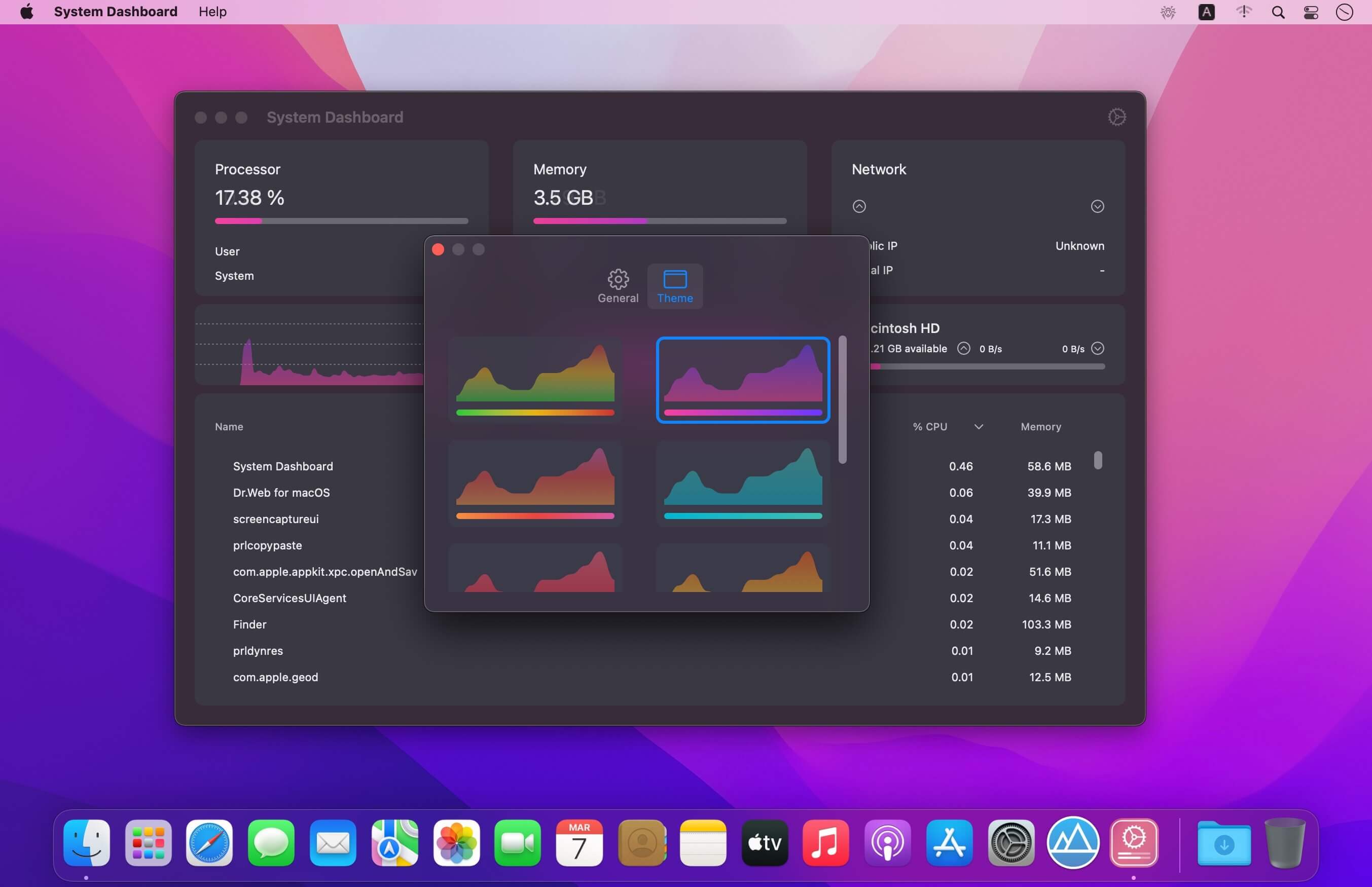
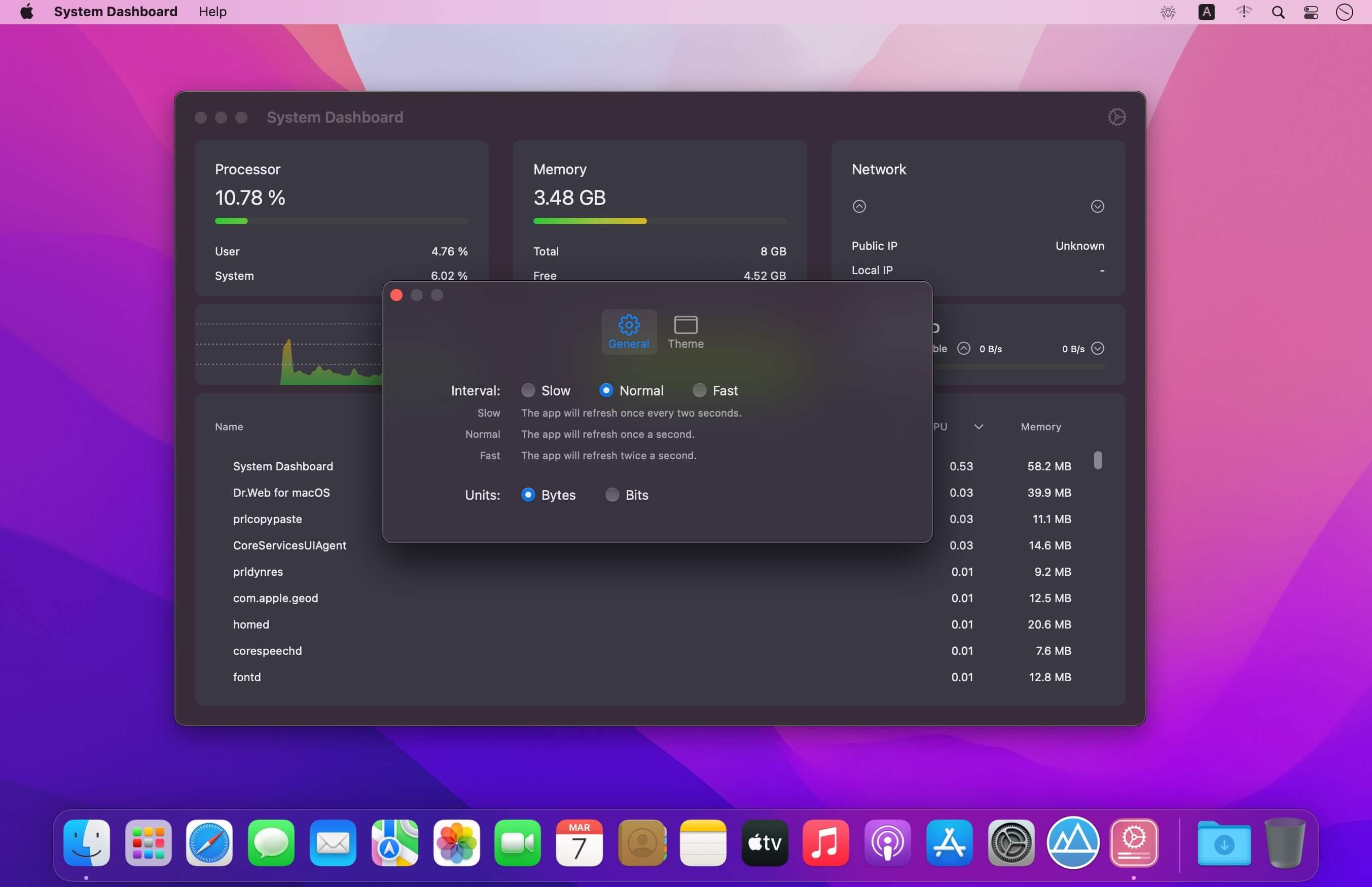
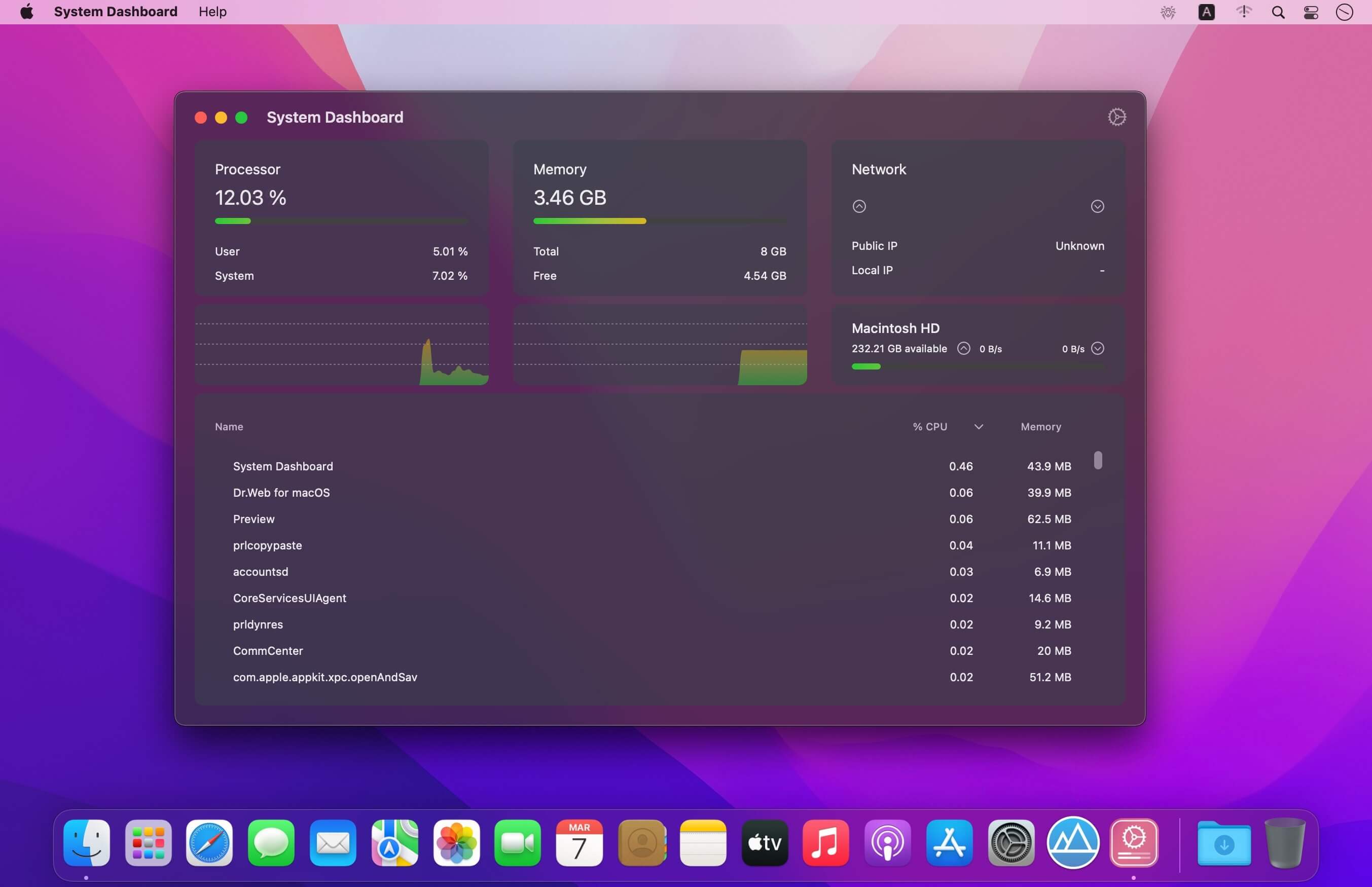
System Dashboard shows the processor, memory, network and disk usages in a small and lightweight window.
The System Dashboard shows all the important characteristics of your system on a single page.
Features:
System Overview
The main window of this app will show the most important and interesting parameters of your system on a single window.
Processor
This category shows the total, user and system CPU usage. The number of threads and tasks is also shown.
Memory
This category shows the used, wired, compressed and free memory of your system.
Network
The network category shows the current download- and upload speed but also the number of open connections and your internet IP address.
Batteries
The app also checks the battery status of connected Bluetooth devices. All Apple peripherals are supported.
Version 5.1.2
- This update contains bug fixes and improves the stability of the app
Frequently asked questions
How do I install the app?
Mount the image, drag the app into the "Applications" folder and launch it. If the system blocks the launch, allow it in "System Settings → Privacy & Security".
The app is damaged or won't launch
Reinstalling from a fresh image usually helps. Make sure your macOS version matches the one listed in the compatibility specs.
How do I update?
Download the new version from the site and install it over the current one — your settings will be preserved.
The download link doesn't work
Try a mirror or a download manager. For large files the browser often drops the connection.
How do I completely remove the app?
Use an uninstaller utility — it cleans up the service files that remain after moving the app to the trash.



Choose a download source
System Dashboard 5.1.3 · 6.46 MB
Previous versions
System Dashboard 5.1.3
Previous versions are available to registered users.