UctoX 2.9.9 U2B
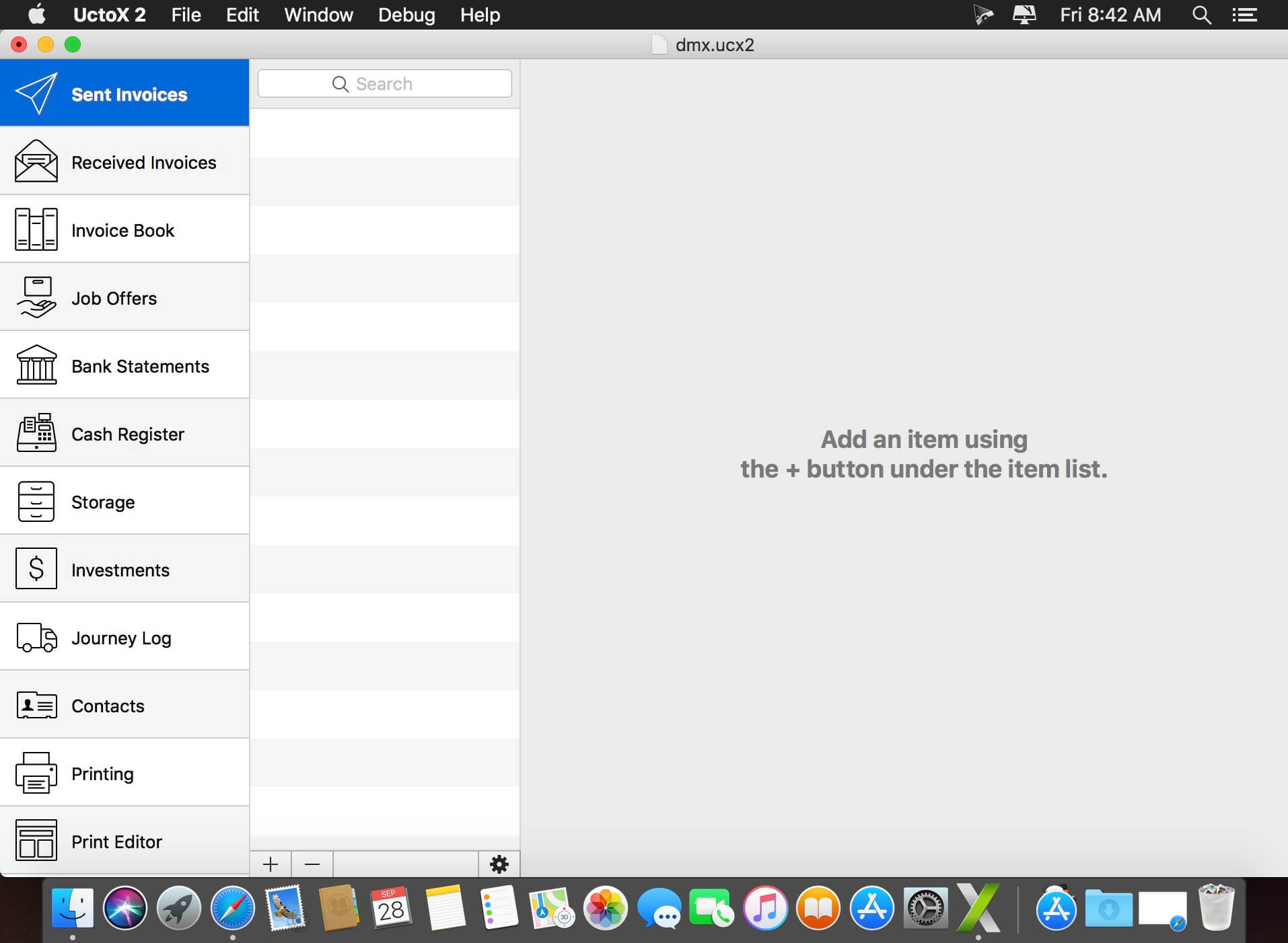

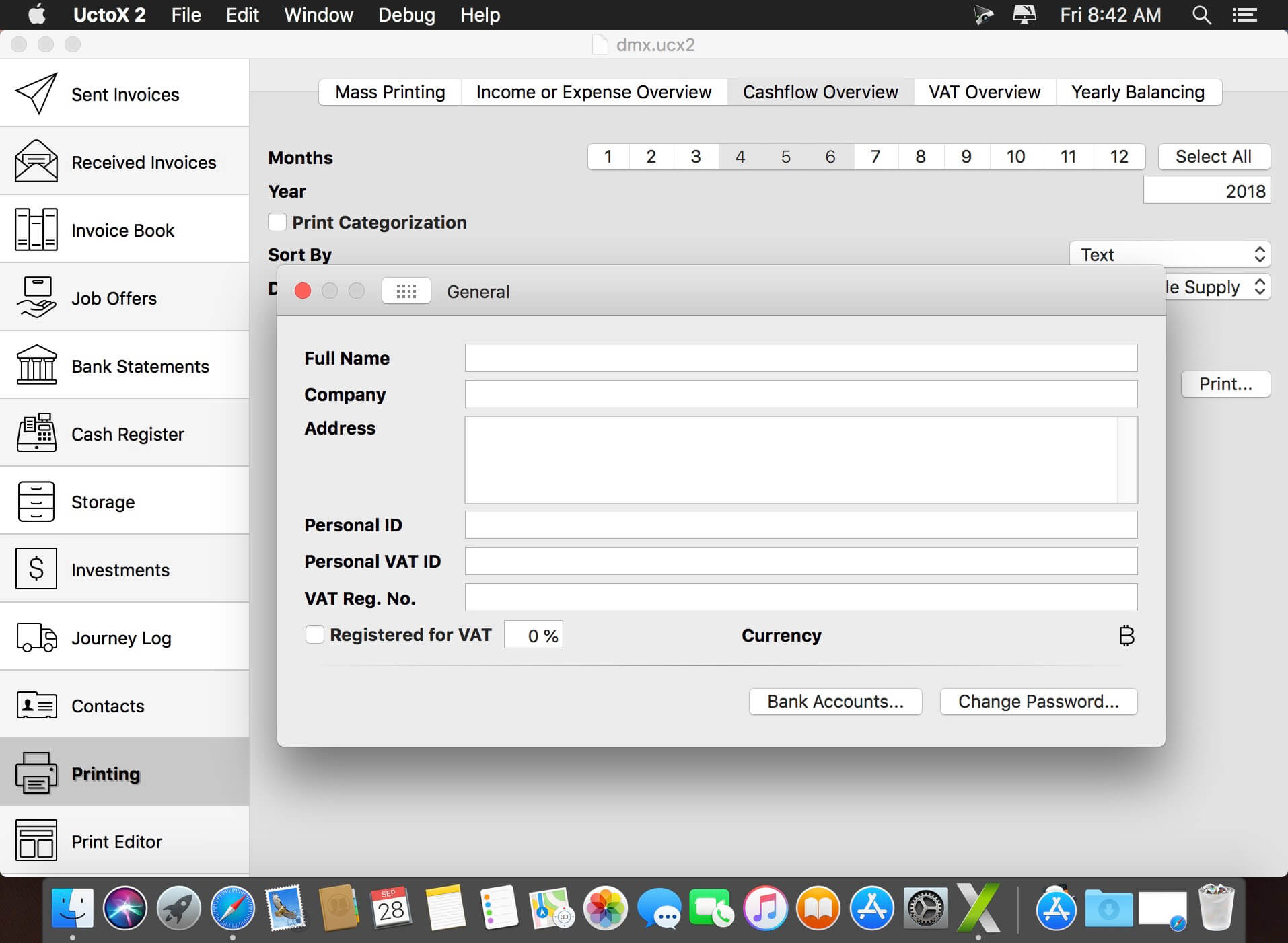
UctoX 2 is a powerful, yet simple-to-use invoicing app - and much more! Unlike other invoicing apps, it also includes features of an accounting app: you can manage your bank statements, cash register, storage, journey log and much more! It comes with 3 built-in print templates, but using the print editor, you can create your own just in a jiffy!
Key Features
- Simplicity - UctoX 2 is designed to be used by the user without too much learning. But if you need any help, there's always a user guide available from the Help menu (macOS) or using the question mark button on main screen (iOS).
- iCloud - sync your accounts via iCloud - between all your devices (iOS and macOS).
- Customizable - customize the template for printing invoices, bills and other documents just like you'd like.
- Give it a whirl! - download a trial version above and try for yourself!
Version 2.9.9:
- New: UctoX now shows a warning when trying to print and invoice with missing contact information, no items or text.
- New: Support for printing under Printing > Mass Printing via File > Print in the menu bar.
Frequently asked questions
How do I install the app?
Mount the image, drag the app into the "Applications" folder and launch it. If the system blocks the launch, allow it in "System Settings → Privacy & Security".
The app is damaged or won't launch
Reinstalling from a fresh image usually helps. Make sure your macOS version matches the one listed in the compatibility specs.
How do I update?
Download the new version from the site and install it over the current one — your settings will be preserved.
The download link doesn't work
Try a mirror or a download manager. For large files the browser often drops the connection.
How do I completely remove the app?
Use an uninstaller utility — it cleans up the service files that remain after moving the app to the trash.




Choose a download source
UctoX 2.9.9 U2B · 26.81 MB
Previous versions
UctoX 2.9.9 U2B
Previous versions are available to registered users.